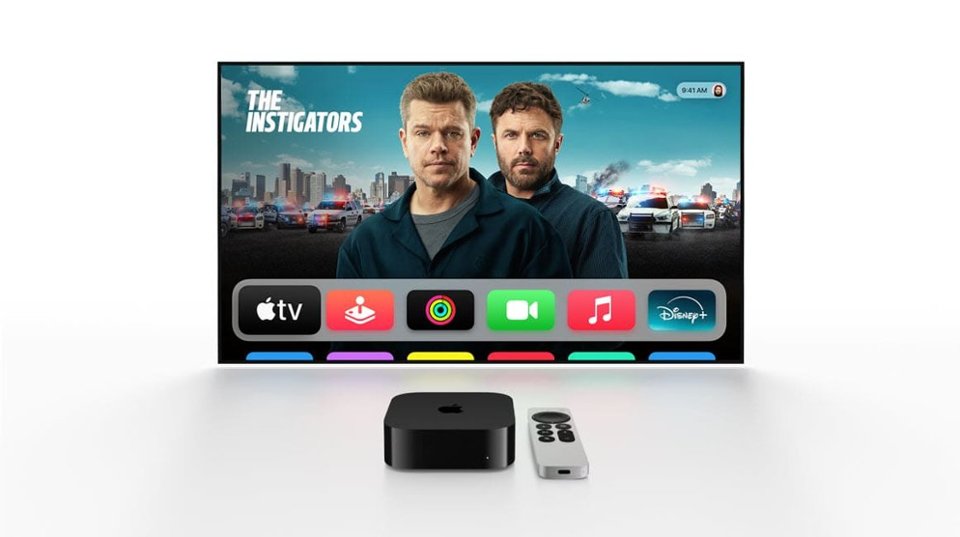
A:AnswerYes, you can download the Xfinity Stream app from the App Store on Apple TV. Once you log in with your Xfinity credentials, you’ll be able to watch live TV and On Demand content included with your subscription.
A:AnswerNo, Apple TV does not support Android emulators. It only runs tvOS apps from the Apple App Store. If you want Android apps, you’d need an Android-based streaming device.
A:AnswerYou might not be able to use all of the smaller features like screen mirroring or the built in remote app, but you can create and apple ID and use the Apple TV just fine without an apple phone.
A:AnswerCaroline,
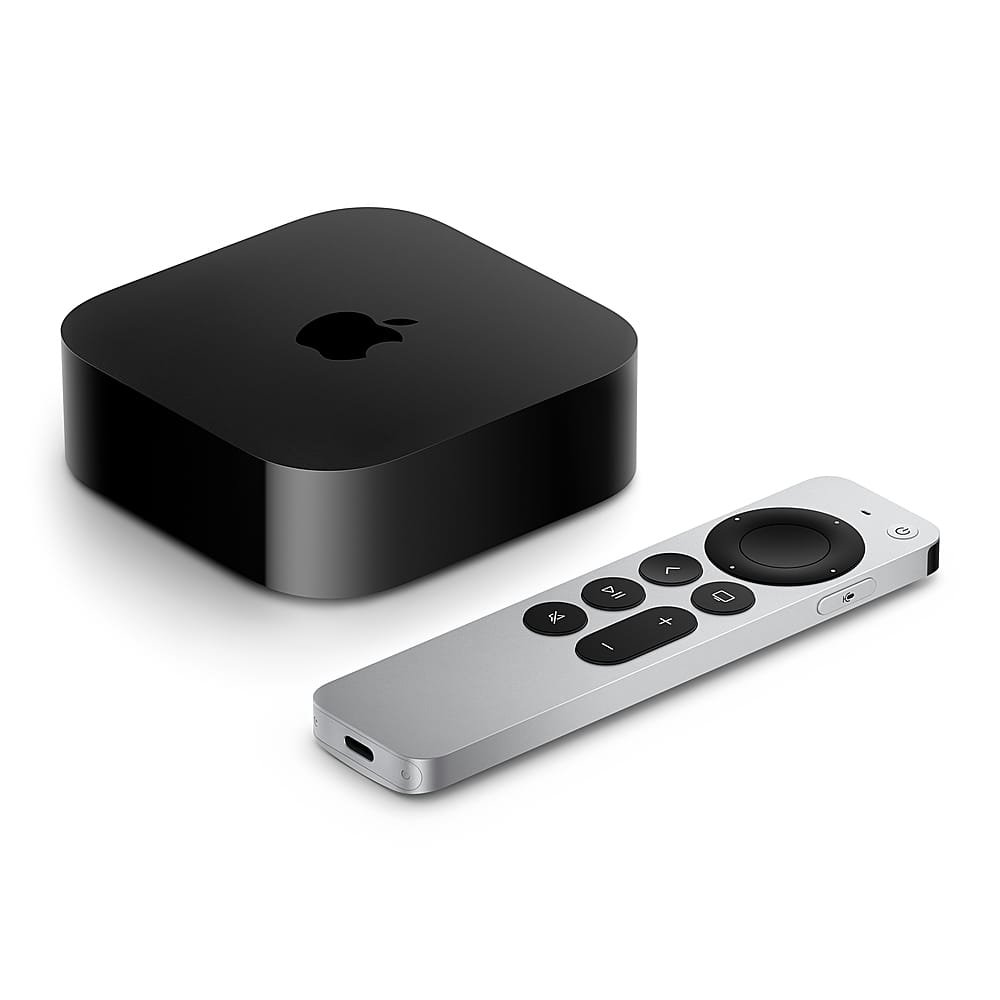
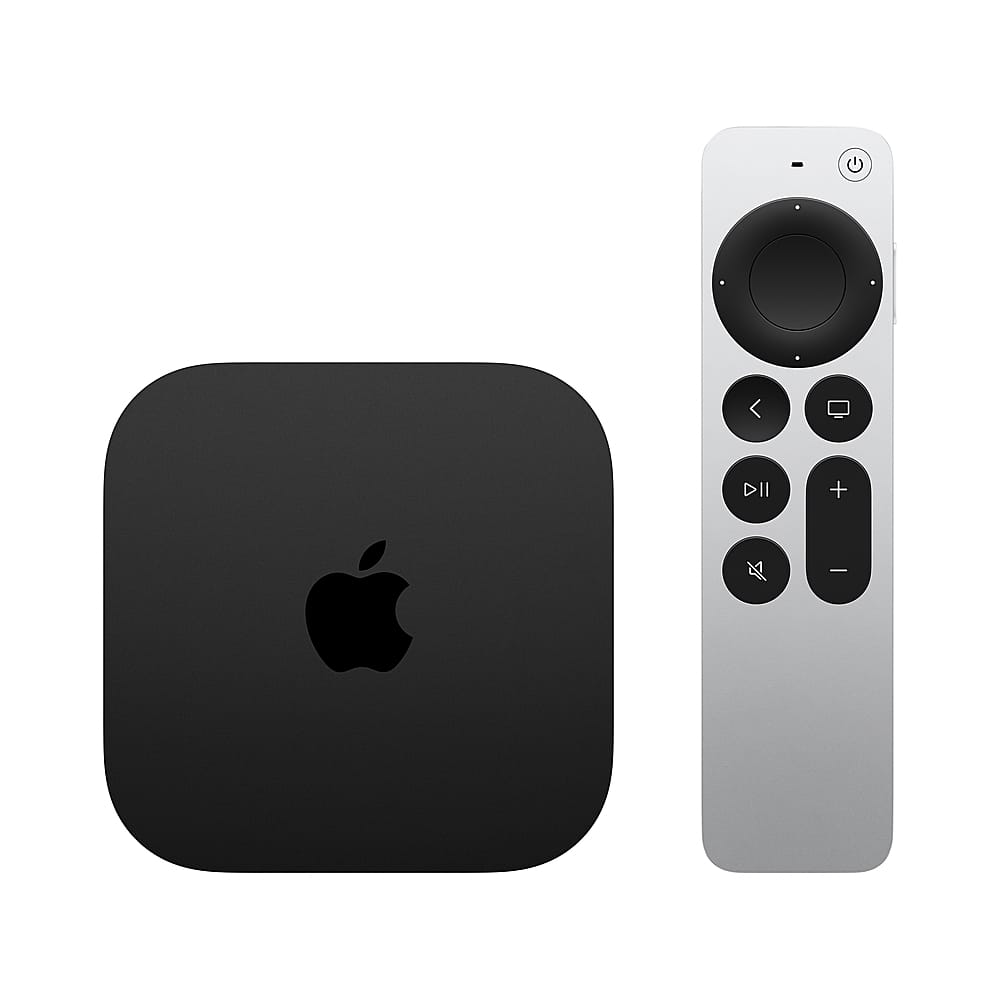
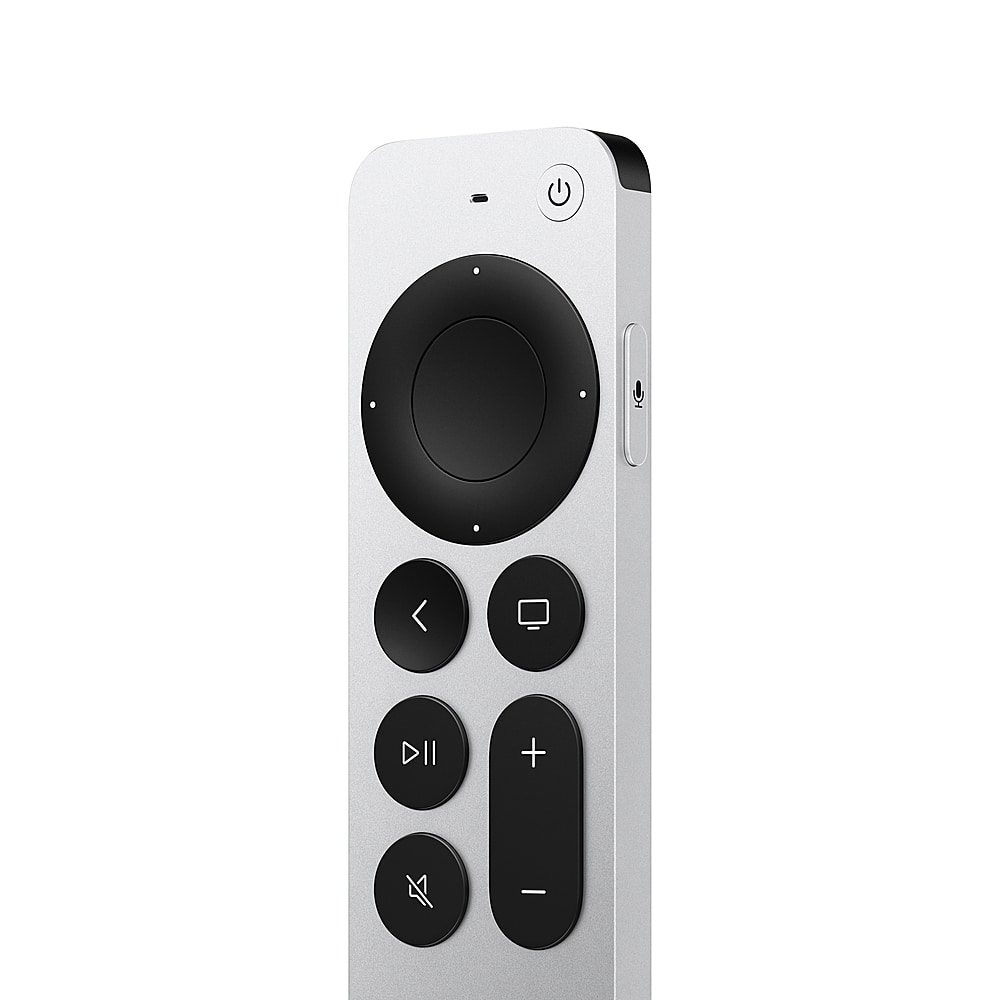
The remote has a microphone built into it that you can utilize for text-to-speech, or searching for content via Siri. I.e. “show me Adam Sandler movies.” You don’t need to utilize voice features at all to operate the tv and use the remote- they are an added bonus
A:AnswerYou would use the Apple TV instead of, or in addition to, the Roku streaming device (they basically do the same things). Not sure what you do with the pixel phone in your setup but it’s not necessary for using either the Roku or the Apple TV.
A:AnswerThe do sell them but kinda of pricey. If able would recommend to just get a new apple tv...believe it is $40 more than the price of the remote.
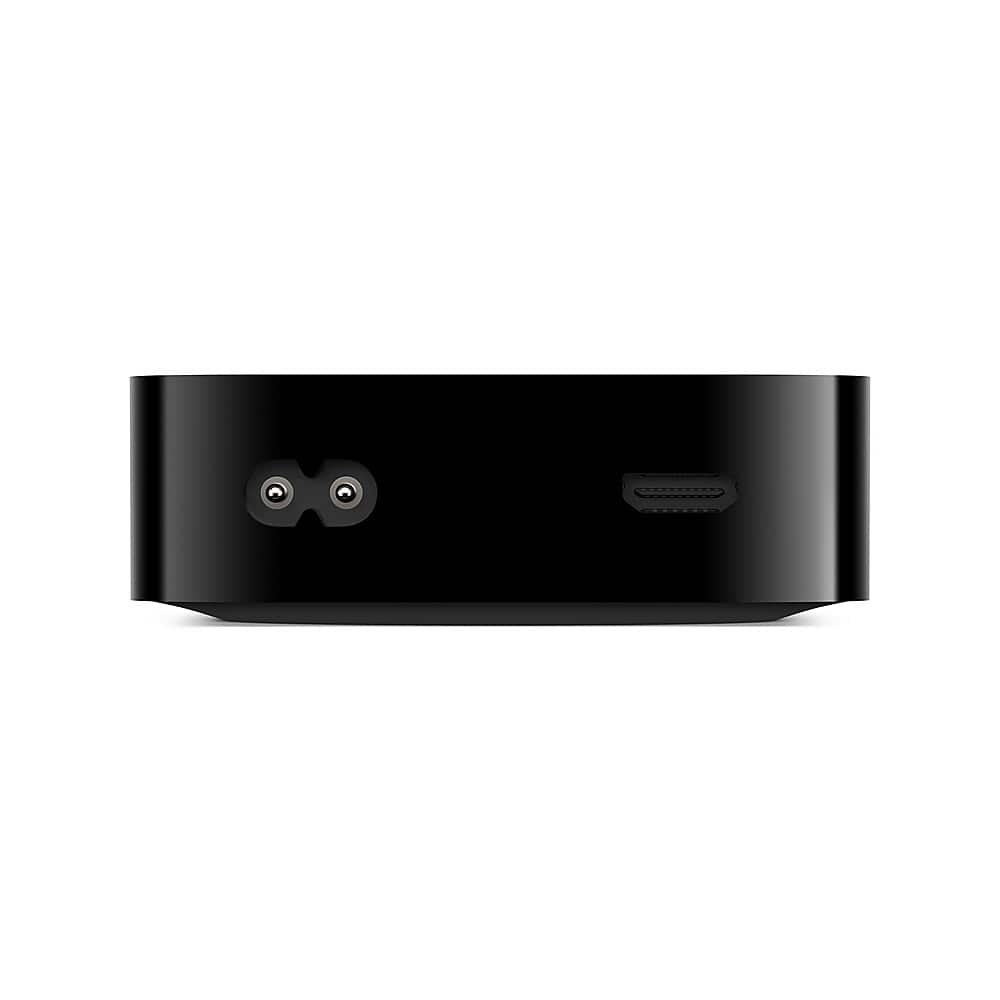
A:AnswerIf it connects to WiFi, Yes. You can also get the Ethernet version and connect it through there. Use the Speedtest app in the Apple TV App Store to test speeds from your router.