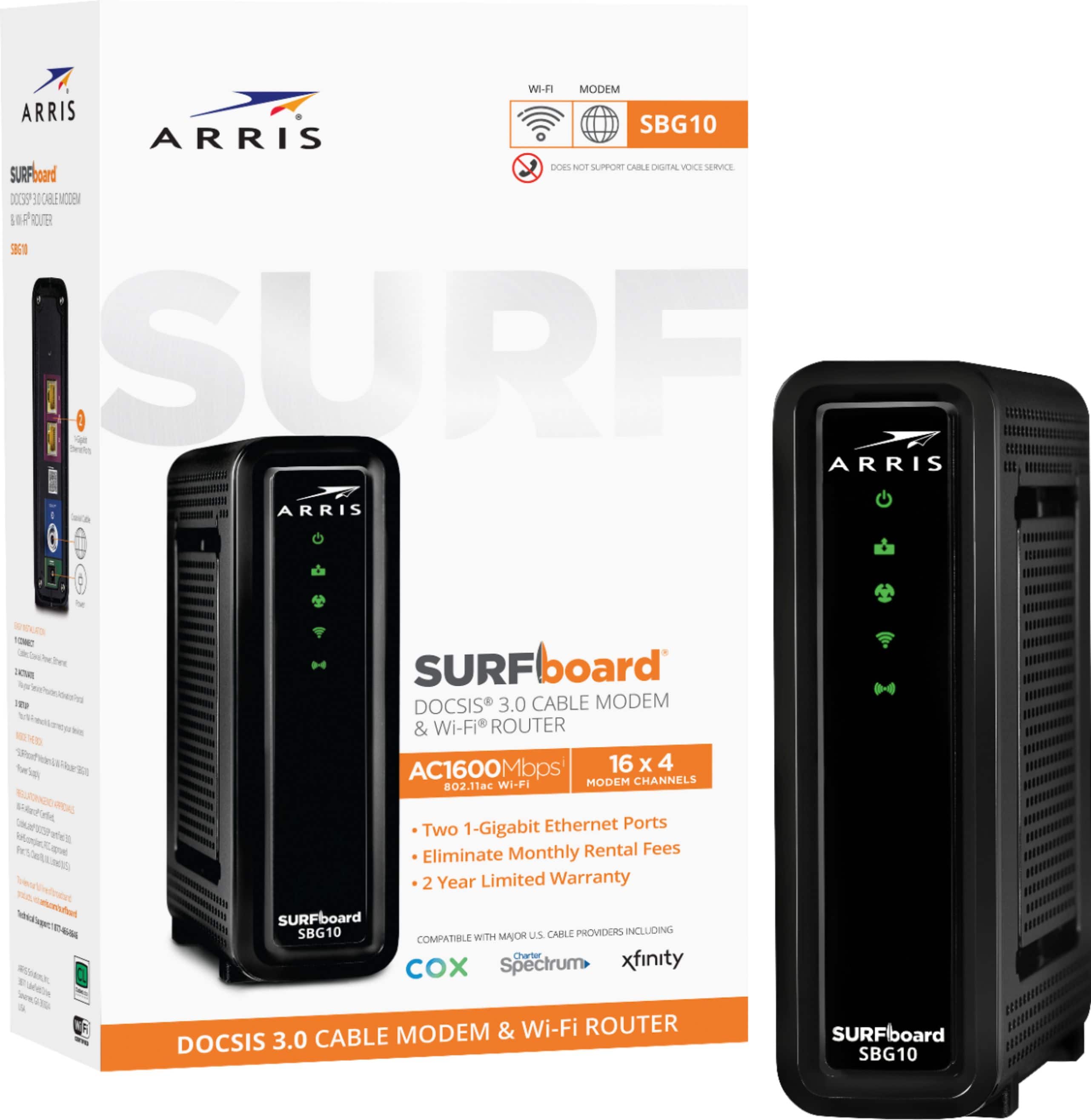
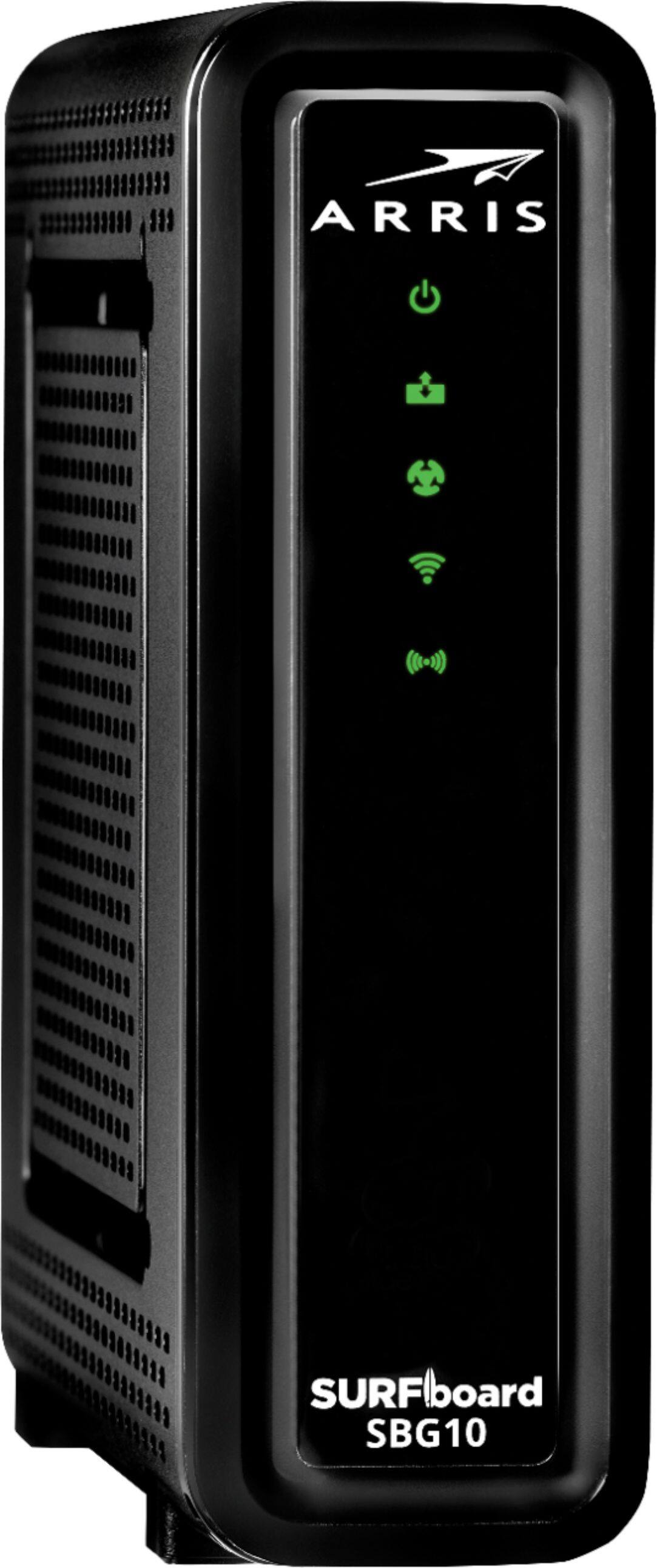
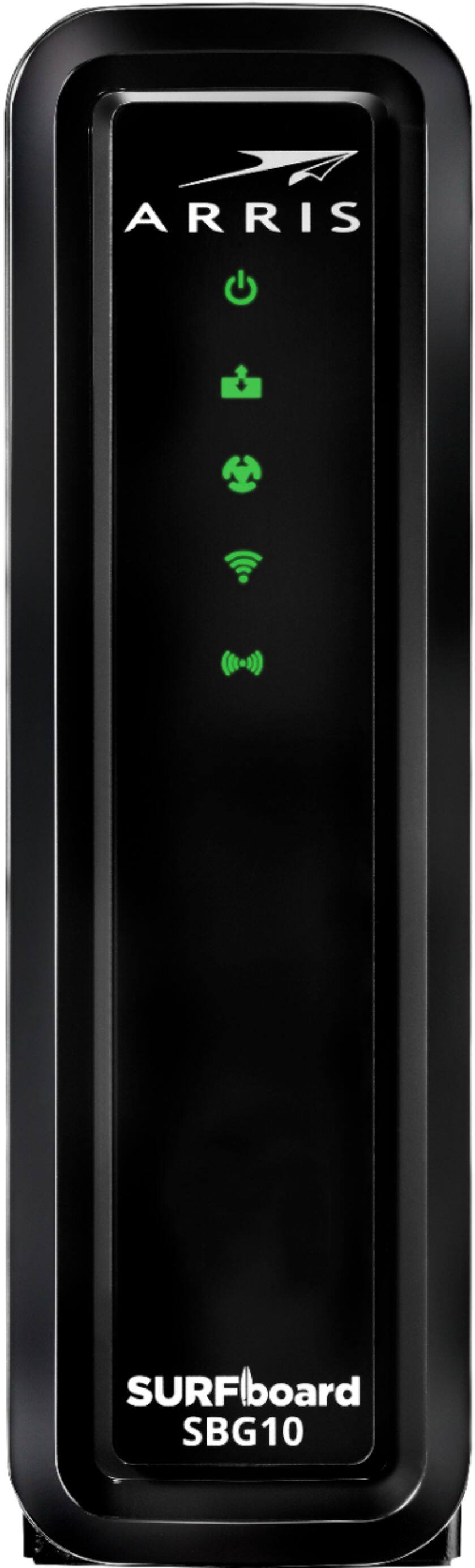
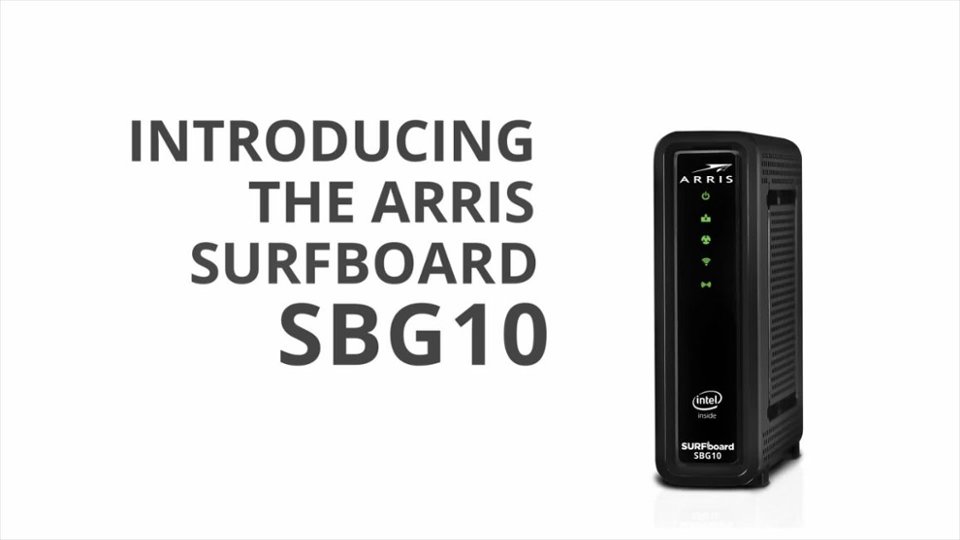
A:AnswerYes, you can enable band steering on the SBG10 device (which will essentially merge the 2.4GHz and 5GHz bands into a single SSID). This feature can be enabled from the web interface of the device
A:AnswerYou would need to have an active cable internet subscription from your internet service provider (Dish) and then activate the SBG10 device on their network. Once the device has been activated, you can use the Wi-Fi from this device to connect your devices, you can connect connect your wired devices as well to the device
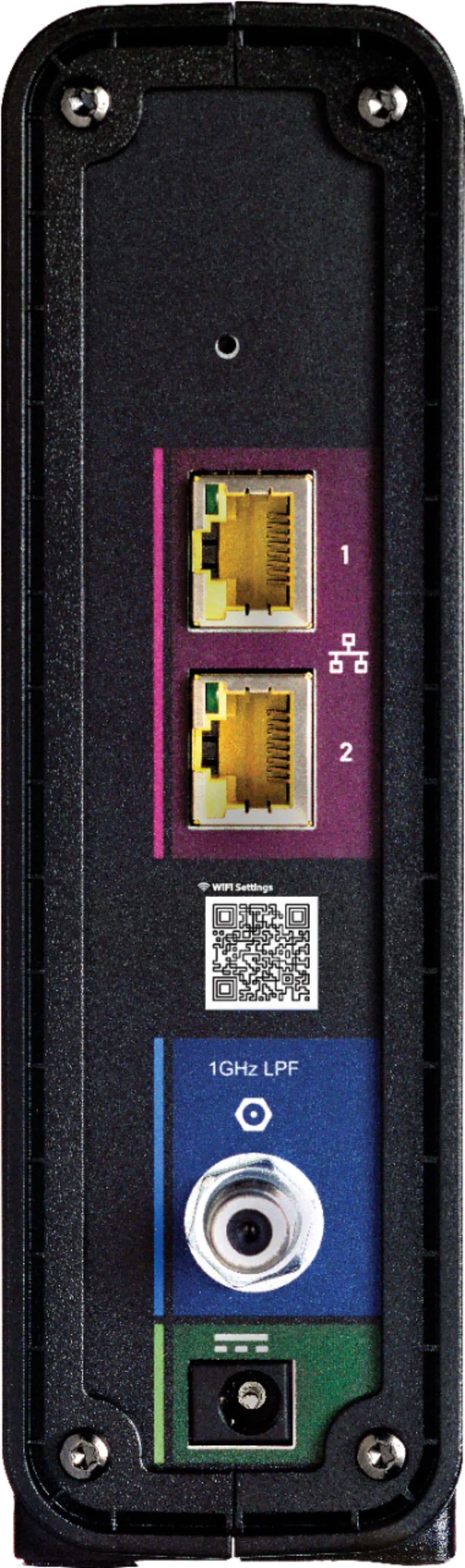
A:Answeryou have to connect the coax cable from the wall to the SBG10 and then connect your TV (via the mini-box) to the SBG10 device using an ethernet cable
A:AnswerThis device is not listed on Atlantic Broadband's website as an approved device with their service. Please call them to verify the compatibility
A:AnswerHello,
I see you asked this question 2 years and 3 months ago. Did you end up buying this router for Ziply? I just got the new Ziply Fiber and FIOS..... internet and phone. I do not want to rent from Ziply and had the same question you had. So I'm wondering if you ever got an answer to this question??
Clearly I do not have the answer, because I have the same quesiton.
Thank you so much.
Sandra
A:AnswerYes, you can use your Orbi mesh router with the SBG10 device. In order to avoid wireless interference, we suggest you put the SBG10 in bridge mode when you are using the Wi-Fi of your Orbi Wi-Fi system