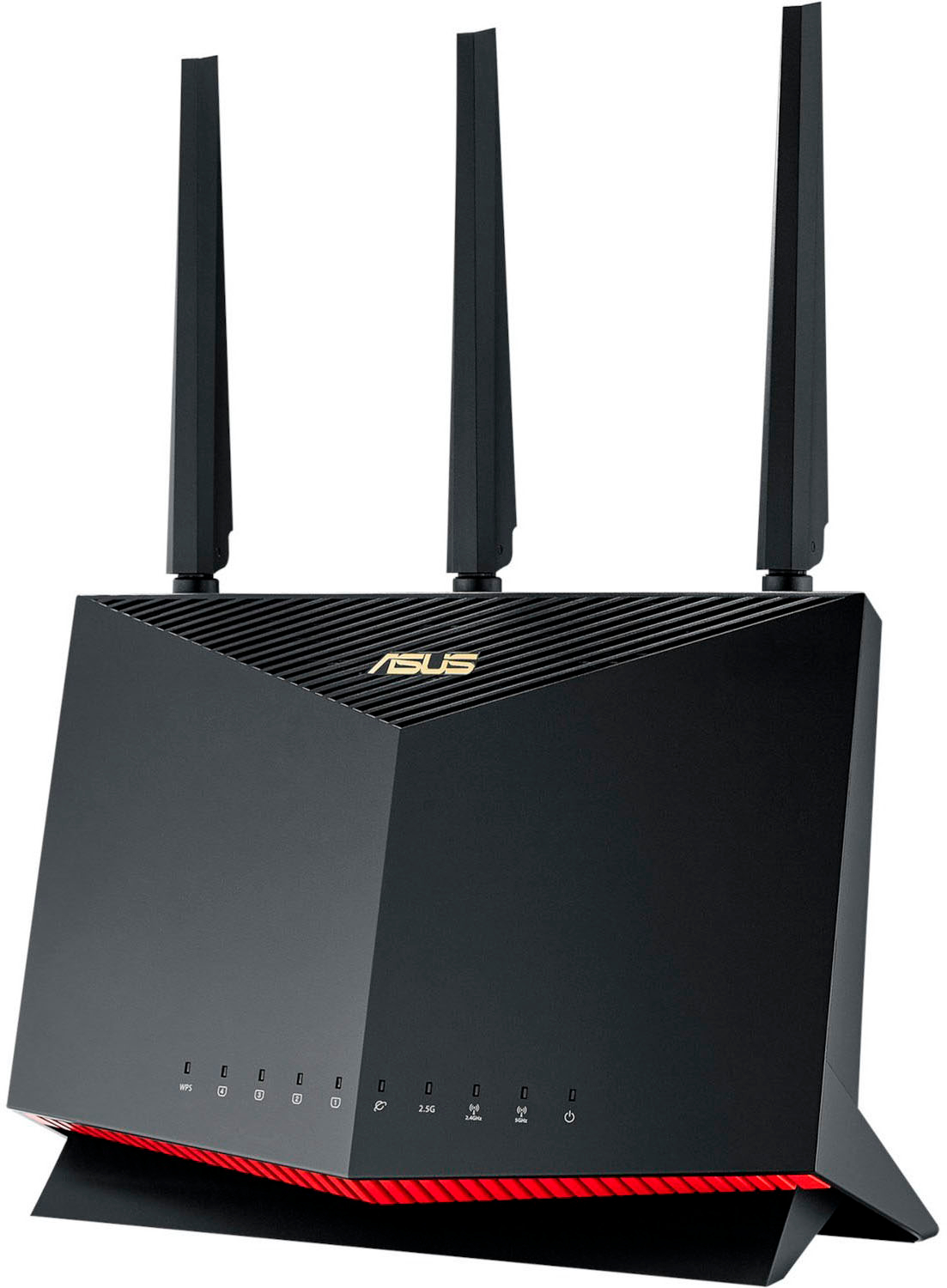
A:AnswerIf you mean modem then yes. This is a router. So the modem is used to translate the internet signal coming in to your house and it connect to this router which manages that connection through WiFi or hard wire.
A:AnswerYou can select 2.4 and 5g channels. I had to change the channels from auto to a fixed channel on 5G as my Astro headset would cut out on when the frequencies matched. I selected a channel range outside the one of the headset and now it works great.
A:AnswerYes. Easily. My house is two floors with a brick chimney in the middle and I get 95% 4-5 bar. The router also supports AI mesh so you can buy another compatible ASUS router and use it as a network access point (AP) with the same SSID as the router if you needed it (but you most likely will not).
A:AnswerAbsolutely, my wife and I have the same differences and we have 2 of these in an imesh config and it works perfectly to satisfy 1500 sq feet wireless saturation and vpn . Make sure you get the mobile phone app, it makes setup and management a breeze.
A:AnswerThis is a wireless router only. No modem. So I imagine if your DSL modem has the ethernet out to connect to this router, then you should be good.
A:AnswerI would recommend the Asus RT-AX86U router. It supports Dynamic IP for your local network (uses DHCP built in).
Easy to setup and is the new WiFi 6 router so you are future proofing.
A:Answerin stock now. and totally agree I have been waiting for this item forever and I check everyday. Totally worth the buy for the price and performance. Be aware that Best Buy has two listings.
A:AnswerYes, with a caveat. I would use your Century Link combo as a modem only (turn off the router and wireless router features) and use this router as your internal network router and Wi-Fi network gateway. You will probably need to download the manual for the Century Link and see how to set it up as a modem only and probably in Bridge Mode.