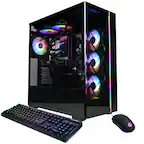
Questions & Answers
- Model:
- G35CA-XB989
- |
- SKU:
- 6557033
$3,699.99Your price for this item is $3,699.99
Page Showing 1-10 of 10 questions
Q: QuestionGreetings. Two questions; There is using all in one cooling ? Are that Gaming Desktop compatible with RAM DDR5 ? Thanks in advance.
Asked by JavierSicerini.
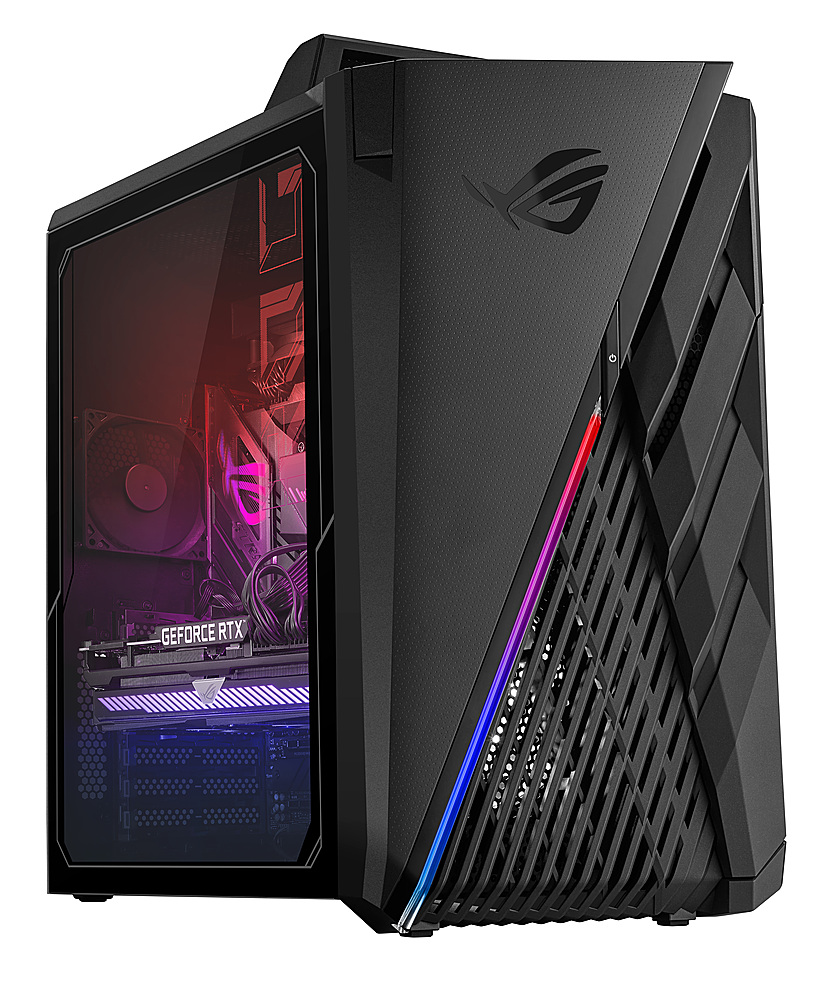
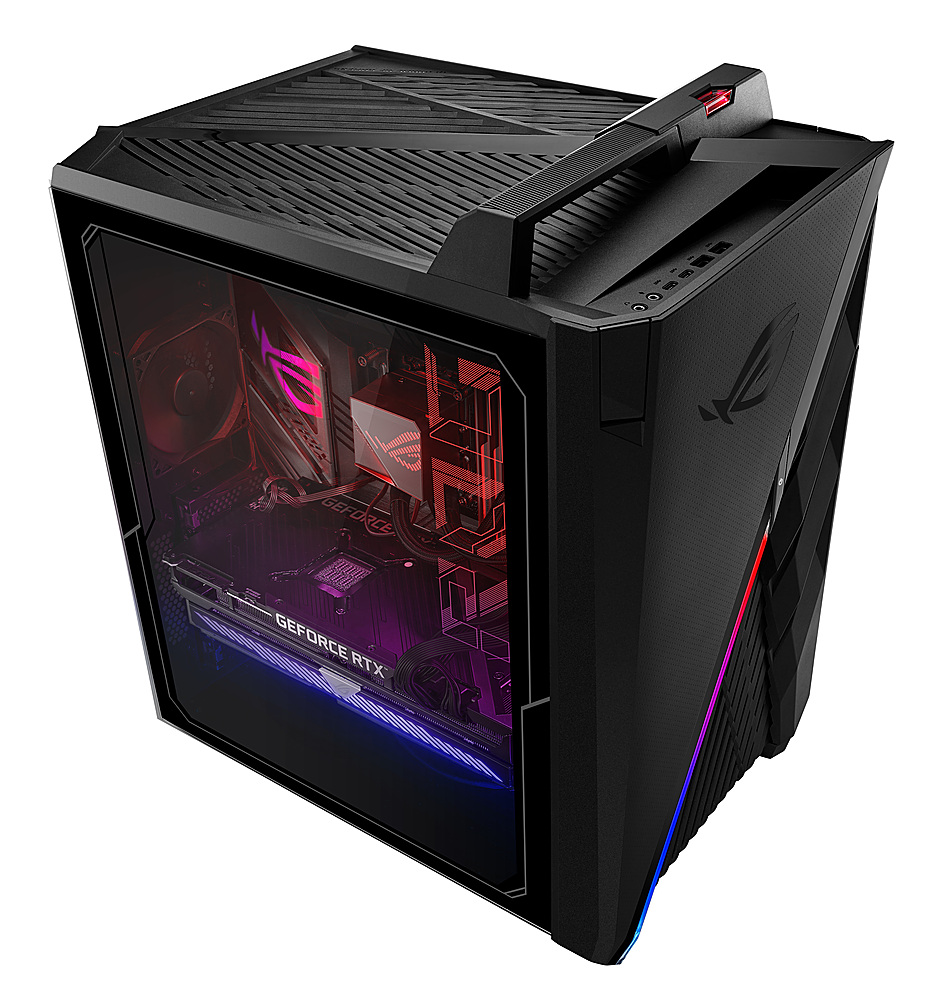
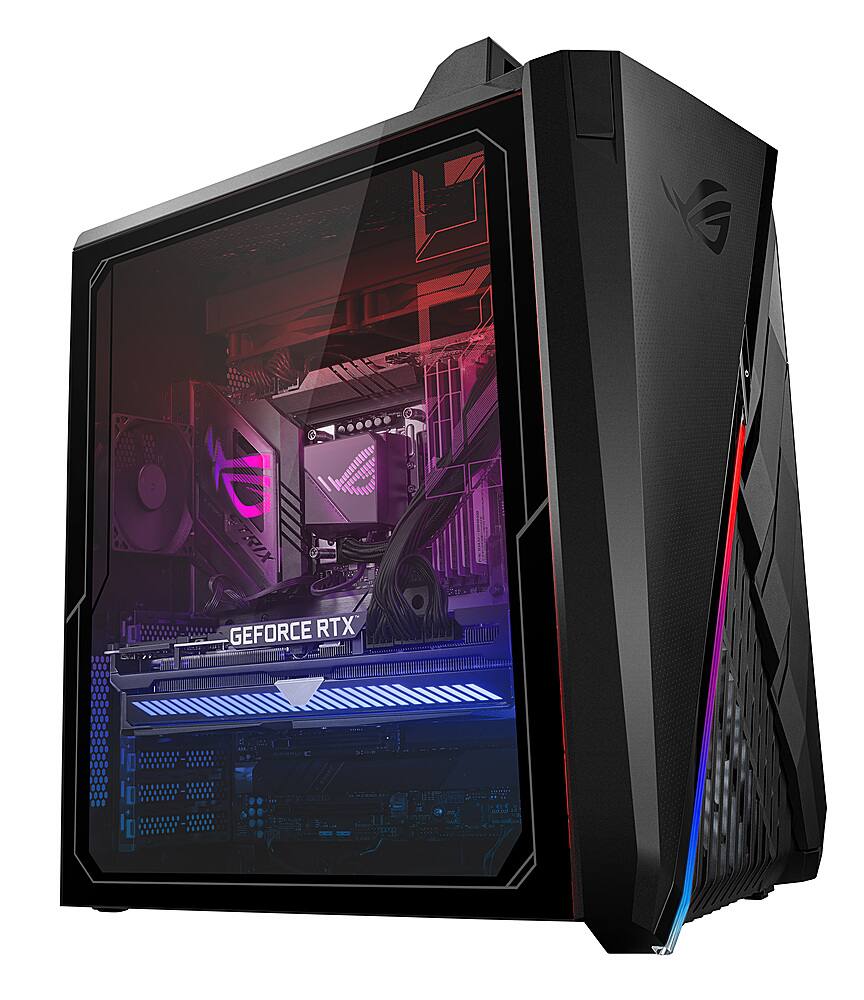
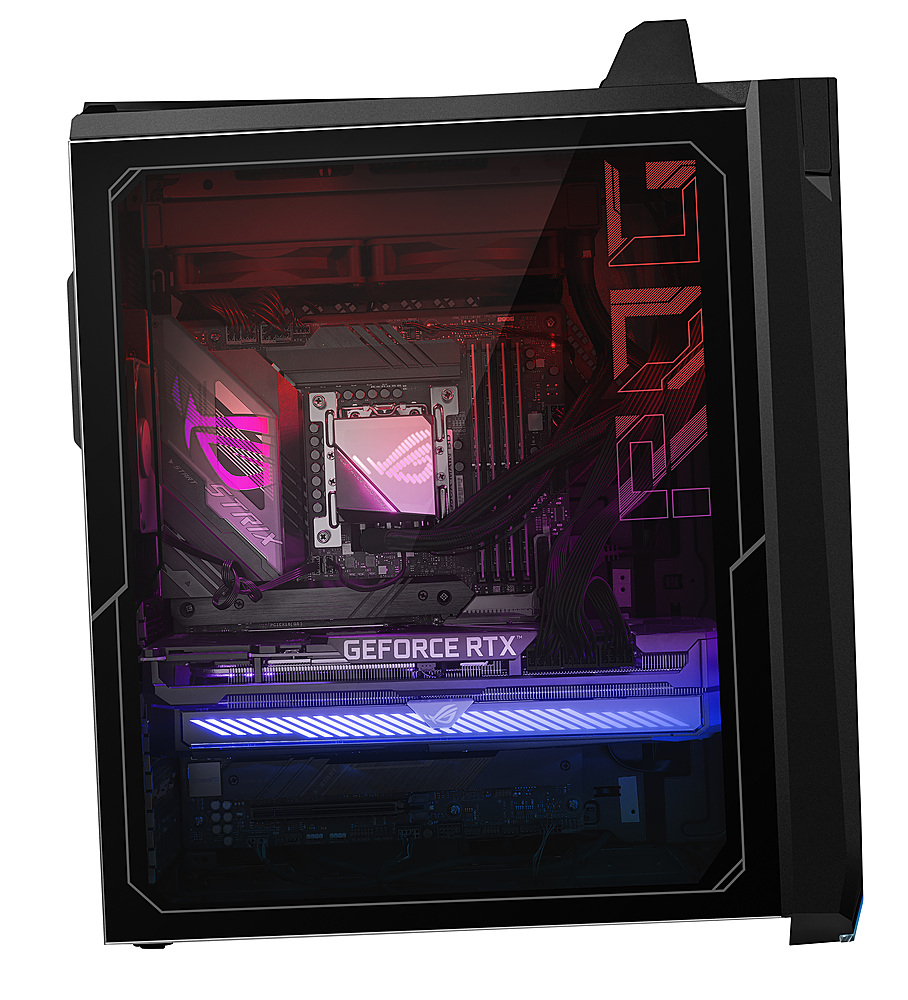
- A:Answer Yes, this desktop PC is using a All-In-One cooling system and it is compatible with DDR5 4800MHZ U-DIMM RAM.
Answered by ASUS Answers

Q: QuestionDoes it have a reset button?
Asked by Tomm.
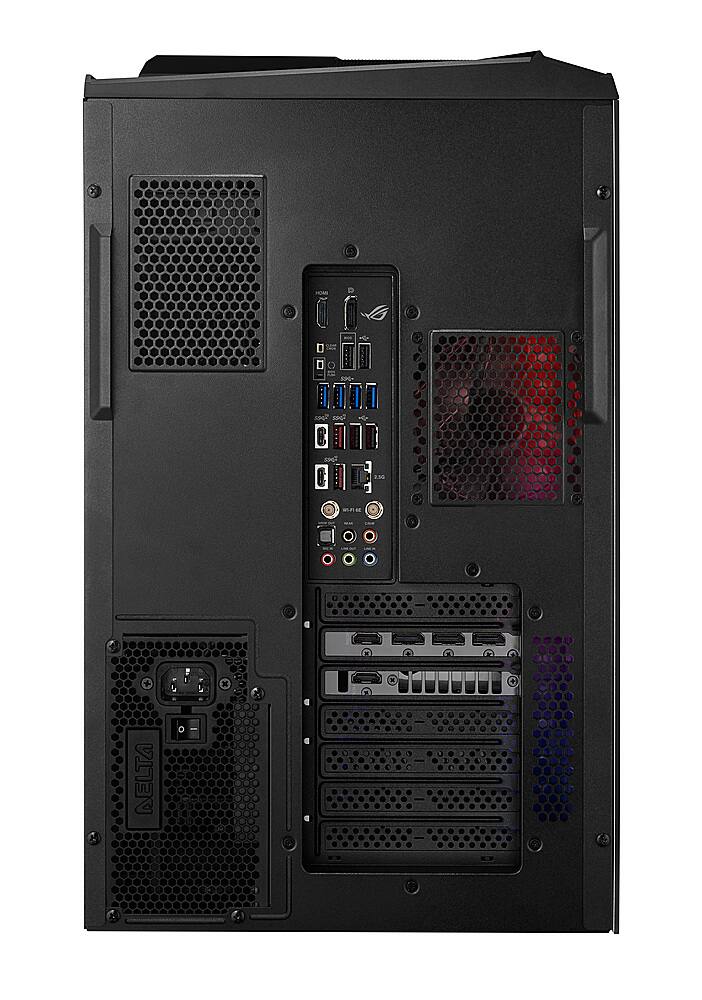
- A:Answer The ASUS G35CA desktop PC does not have a reset button.
Answered by ASUS Answers

Q: QuestionIs the ram DDR5 or DDR4 Please tell me i want to know.
Asked by Asus.
- A:Answer DDR5 only
Answered by sri0707
Q: QuestionWill this computer run linux os in no secure boot as well as in secure boot?
Asked by dave.
- A:Answer No, ASUS doesn't provide Linux and drivers support.
Answered by ASUS Answers

Q: QuestionI know this has DDR5 RAM - but what size, brand and speed are the RAM chips? I'm honestly shocked this isn't included in the "full specs" section...
Asked by xBetty.
- A:Answer This desktop PC has 23GB DDR5-4800MHz RAM preinstalled. We need a serial number in order to determine the brand name of the RAM since ASUS uses a couple of brand.
Answered by ASUS Answers

Q: Questiondoes this PC have a liquid cooler? or is it fan/air cooled?
Asked by John.
- A:Answer It is liquid cooled
Answered by sri0707
Q: QuestionIs this unit liquid cooled?
Asked by DGLG.
- A:Answer Yes, this desktop PC is liquid cooled.
Answered by ASUS Answers

Q: QuestionDoes this come with hot swap bays? Whats max size hard drive that can be used and does it have to be a certain type?
Asked by canni.
- A:Answer Yes, it does come with a SSD hot swappable bays. The maximum size hardrive that can be used is a 4TB PCIe NVMe Gen 4 M.2 SSD.
Answered by ASUS Answers

Q: QuestionWhat is the maximum amount of RAM this gaming desktop can be upgraded to?
Asked by Justin.
- A:Answer The memory can be upgraded to a maximum size of 128GB on four RAM slots.
Answered by ASUS Answers

Q: QuestionHow do you remove the glass to be able to add more ram? Is there a link for a video to show in detail?
Asked by Glass.
- A:Answer ASUS doesn't provide hardware modification/customization support, please do it at your own discretion.
Answered by ASUS Answers

Page 1, Showing 1-10 of 10 questions
Best-selling gaming desktops
- Black Friday Deal$599.99Your price for this item is $599.99
- Black Friday Deal$879.99Your price for this item is $879.99
- Black Friday Deal$1,149.99Your price for this item is $1,149.99
- Black Friday Deal$779.99Your price for this item is $779.99
- Black Friday Deal$1,399.99Your price for this item is $1,399.99
- Black Friday Deal$979.99Your price for this item is $979.99
- Black Friday Deal$1,124.99Your price for this item is $1,124.99
- Black Friday Deal$829.99Your price for this item is $829.99
- Black Friday Deal$1,499.99Your price for this item is $1,499.99
- Black Friday Deal$1,649.99Your price for this item is $1,649.99
- Black Friday Deal$1,679.99Your price for this item is $1,679.99
- Black Friday Deal$1,699.99Your price for this item is $1,699.99
- Black Friday Deal$1,249.99Your price for this item is $1,249.99
- Black Friday Deal$1,549.99Your price for this item is $1,549.99
- Black Friday Deal$1,119.99Your price for this item is $1,119.99
- Black Friday Deal$1,299.99Your price for this item is $1,299.99
- Black Friday Deal$2,149.99Your price for this item is $2,149.99
- Black Friday Deal$1,449.99Your price for this item is $1,449.99
- Black Friday Deal$1,199.99Your price for this item is $1,199.99
- Black Friday Deal$1,224.99Your price for this item is $1,224.99