A:AnswerNVME is a type of SSD. M.2 is the interface used by a NVME SSD drive. This is actually quite a deal for the hardware included. The drive is a very small part of this cost. This is a VERY capable laptop and well worth the price.
A:AnswerIt will still use the 6800M while using the laptop's screen but the signal is routed through the integrated graphics as well which is where the performance hit comes from. When you connect an external display the IGP is bypassed altogether(what a dedicated MUX would accomplish). The memory timings of the stock RAM are loose so there is a performance hit from that as well. RAM is fixable, lack of MUX is not.
A:AnswerRam speeds have two standards, jedec and XMP. AFAIK, sodimm ram(laptop ram basically) only goes up to 3200 naturally(JEDEC specs). Speed can further be boosted to 3600mhz with a software called xmp. If you have watched Jarrod techs video, he uses a standard 3200mhz ram, which goes for around $80 for 16gb model. If you are going to buy an xmp enabled ram, you should check if asus bios enables xmp, otherwise youre going to use your 3600mhz card at 1800mhz in this laptop. For the m.2, you get a 512gb included. I dont know the speed, but it should be fine. You can get a samsung 980 gen3 for a $100 for the 1 tb version, which is one of the top models. I dont know what is the cooling solution asus has for their ssds, but if they have a good one, you can go for the western digital black, which is a bit faster, but heats a lot. Both of these upgrades should cost you around $200, which should bring the total at a $1850 for a laptop with good ram and 1.5tb gen 3 ssd. That is insane value for performance, Basically smoking every 3070 laptop in the market.
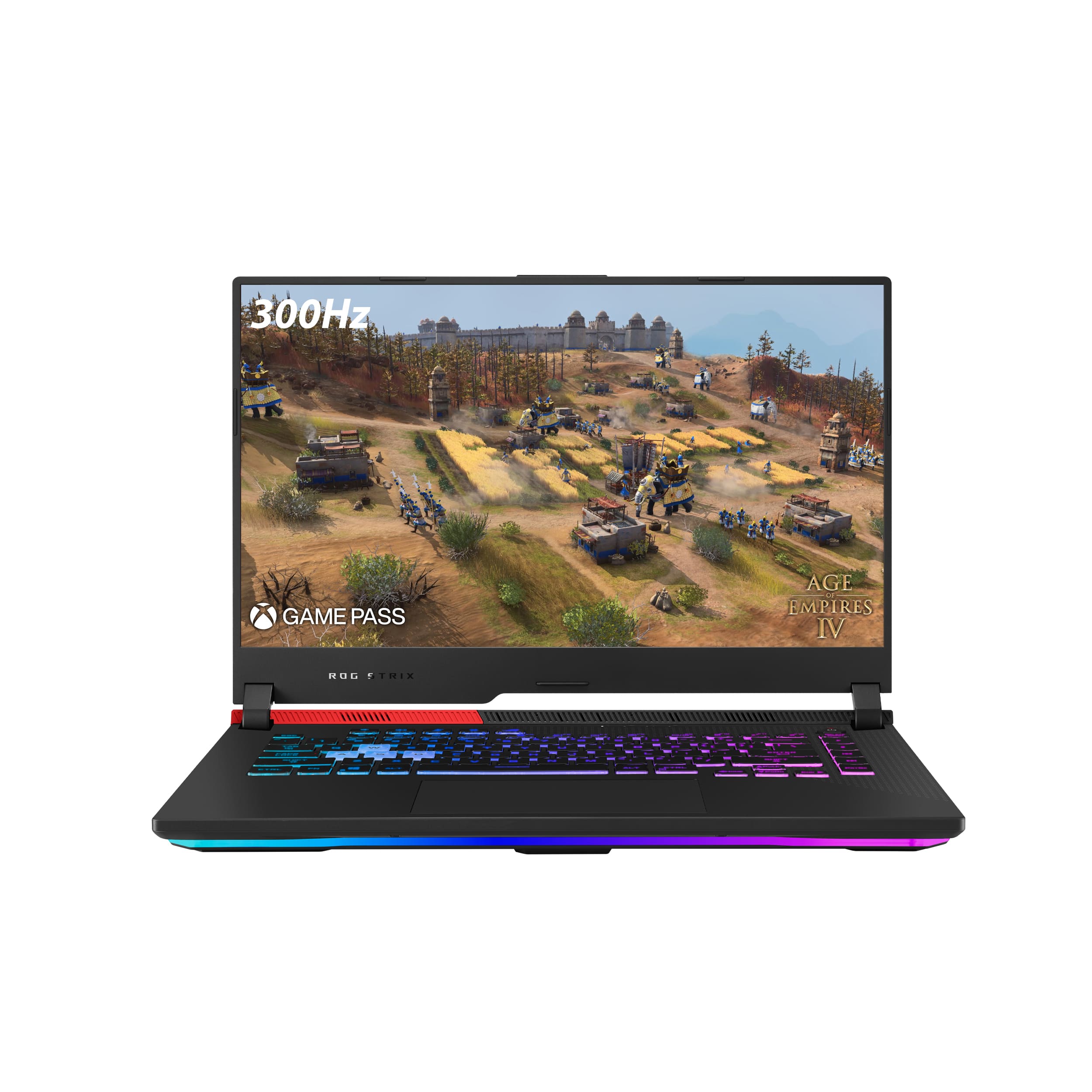
A:AnswerI am not sure the TDP on the HP 3070 so I can’t say it will beat it but the 6800M will beat 3070. In most cases and have most games play close to 3080 levels. I have ran 3D mark several times on this laptop and the GPU was hitting over 10000. I also had the G15 with the R9 3070 and this laptop out performed that one easily. Games was buttery smooth.
A:AnswerThe asus website says 32GB however I think that is only the max that you can buy preconfigured so maybe you can fit 64GB. In any case 32GB 3200Mhz is the most ideal amount of ram to have in this laptop and there are 2 ram slots.
A:AnswerAsus, like any other manufacturer will make mistakes. That doesn't make them "scammy". A plausible reason for adding an FHD screen and no MUX switch is due to cost savings. Not everyone is willing to drop $1.6k on a laptop much less a +$2k one with mux and 1440p resolution.
You'll come to realize that there is no perfect laptop, just one that is "close enough". If money's no object, check out other laptops like the zephyrus line or the new razr laptop. You'll be looking at a $3k price tag though.
A:AnswerThis laptop will have plenty of performance for what you need without a monitor. However, you will get additional FPS with a monitor installed.
I have attached to TimeSpy benchmark runs showing the difference.
A:AnswerEven with the compromised RAM, this laptop is still a beast at this price point. You can always upgrade the RAM later if it's deemed necessary!
A:AnswerDon't know what happen to my first reply and the other ones are jacked up.
I tested this laptop with a USB-C to HDMI adapter. I set the laptop to Turbo mode. I then compared it to my desktop PC.
https://www.3dmark.com/compare/spy/21103540/spy/18288990
On that page it will list the 6800m as a 6700xt. They have the exact same specs.
I have also attached the result screen after the bench mark. One is the standard mode the other is with the adapter.