A:AnswerDear Sid,
I do understand your concern about thermal issues. Usually, this will occur while the laptop is under heavy load like, WINDOWS Update and antivirus scan running in the background. When system resource utilization is high, this will generate more heat than normal. It does decreases or normalizes once utilization goes down. Please try to update WINDOWS and do a virus scan in order to get rid of malware. If laptop was compromised, system utilization will be high since malware usually run continuously in the background generating excessive heat. Should you need further assistance with the product, please email me at [email protected] and I would be more than happy to help.
Thank you for choosing an ASUS product.
Regards,
Rodel
ASUS Customer Loyalty
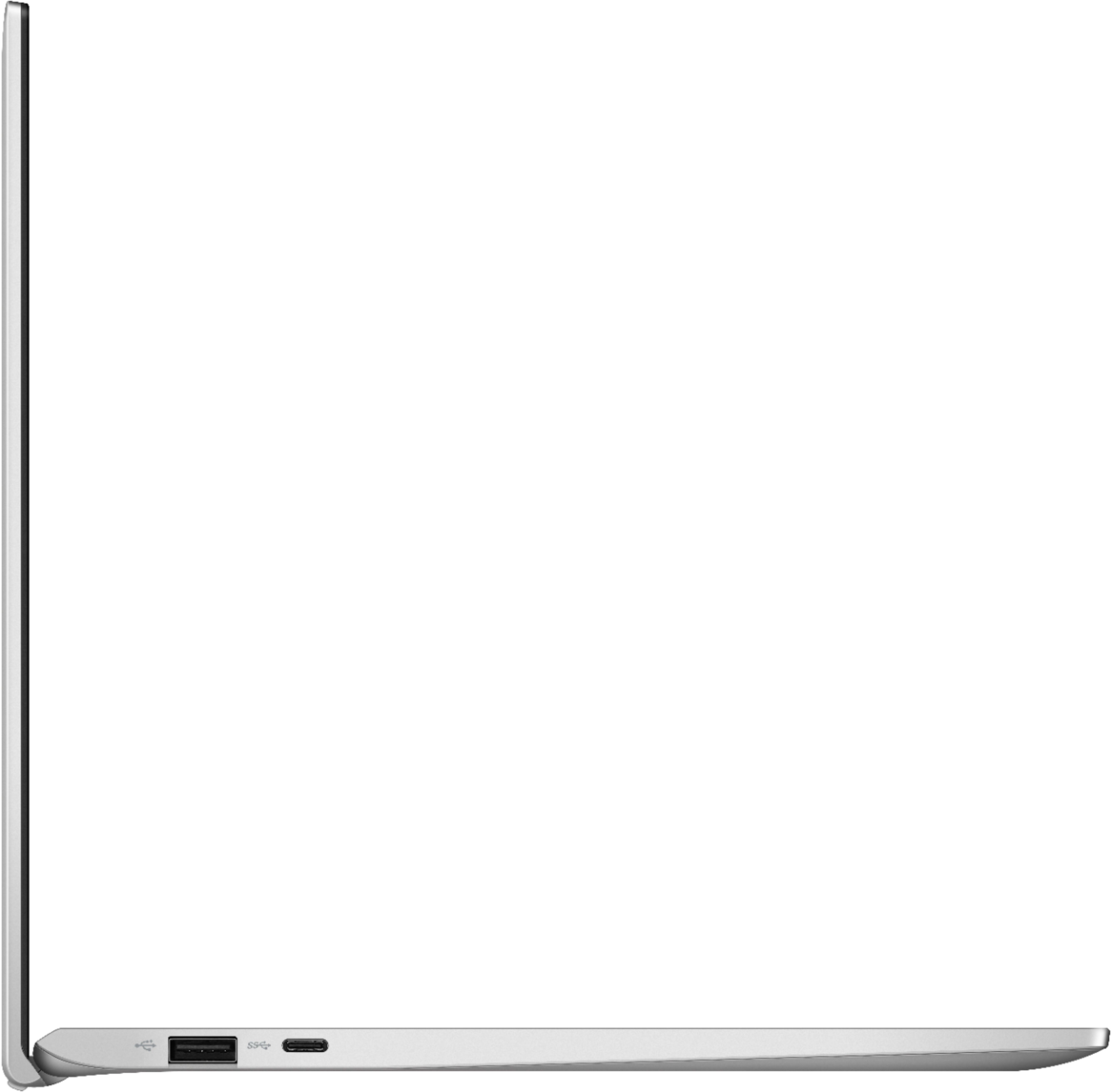
A:AnswerFrom what I have read. You should be able to through the USB-C port. You would need just need the adapters, GPU and Power supply to hook it up.
A:AnswerPurport compatibility with Micro SDXC cards, which start at 64GB and currently top out at 256GB with a theoretical maximum of 2TB. As a general rule when it comes to SD cards, the capacity of the card doesn't matter as long as your card reader supports the standard, in this case, Micro SDXC. I'm using a 256gb card in mine and it's pretty happy. Note that the reader is very slow, regardless of the speed of the card!