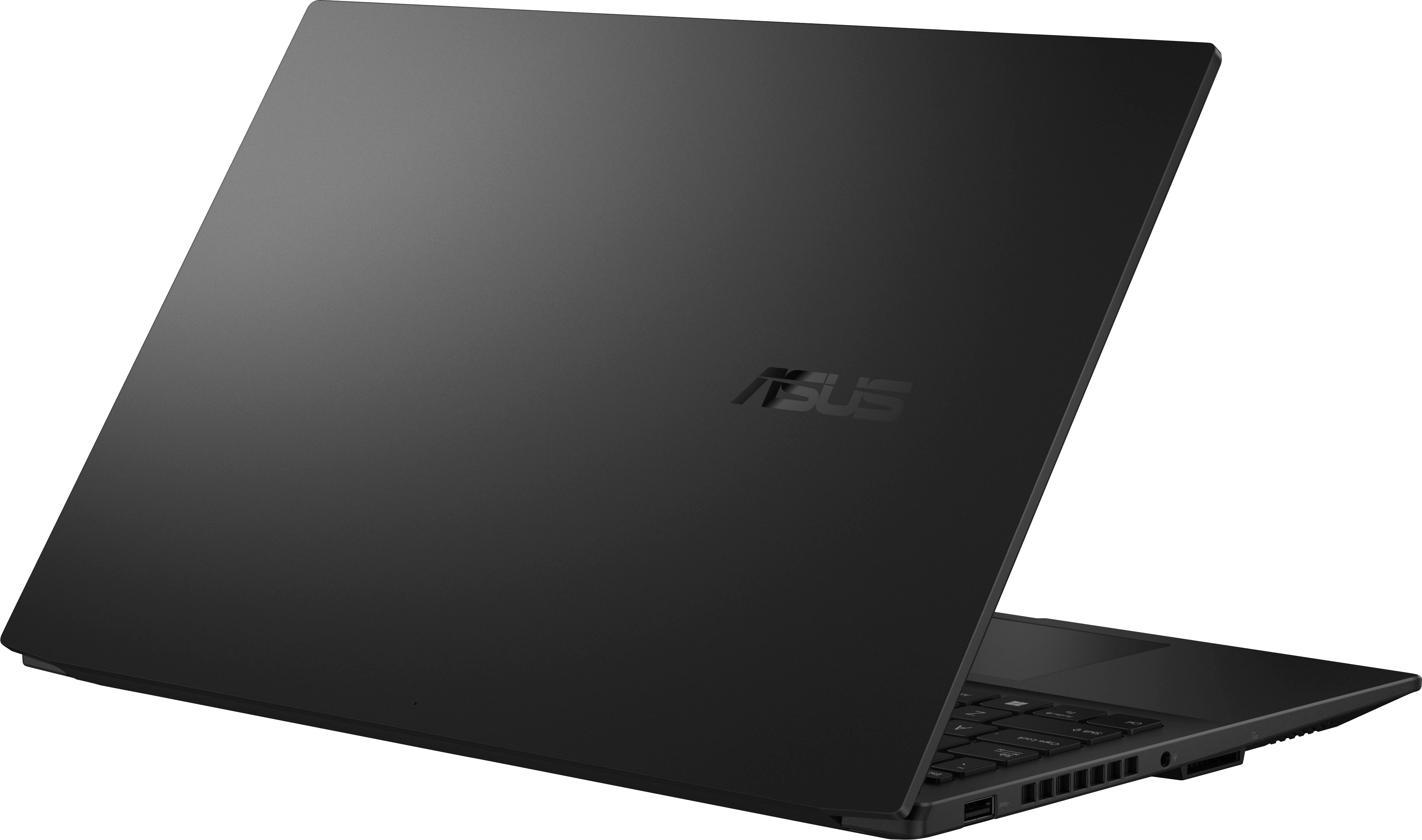
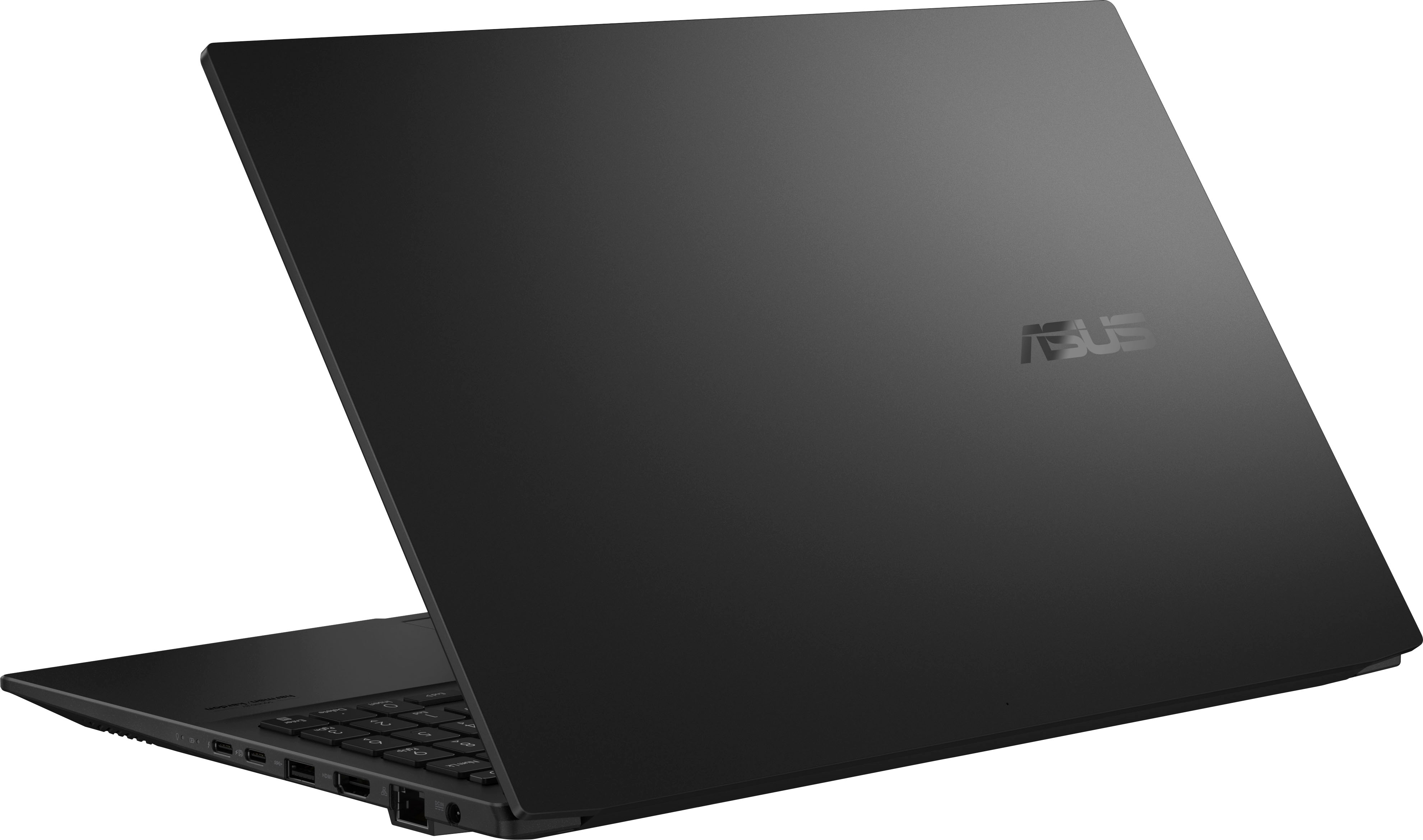
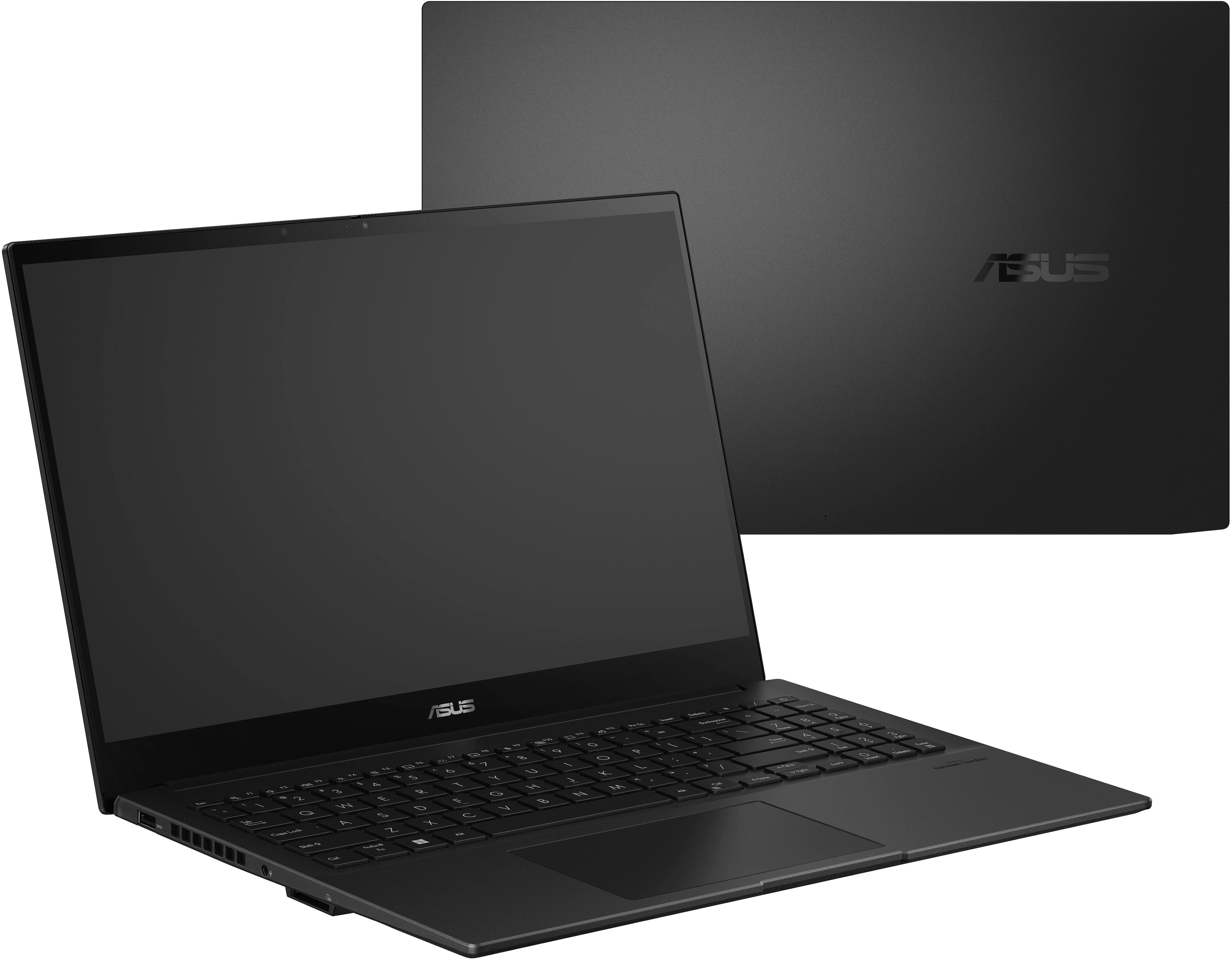
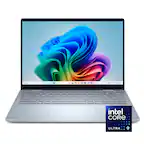
A:AnswerI am typing from this laptop now. This is a rebranded Vivobook Pro 15 (K6502VJ to be specific) for Best Buy.
I am using those specs for the answers here:
Good:
Upgradeable RAM (8gb DDR5 on-board, + 1x SO-DIMM slot populated w/ 8GB module)
I9 13900H
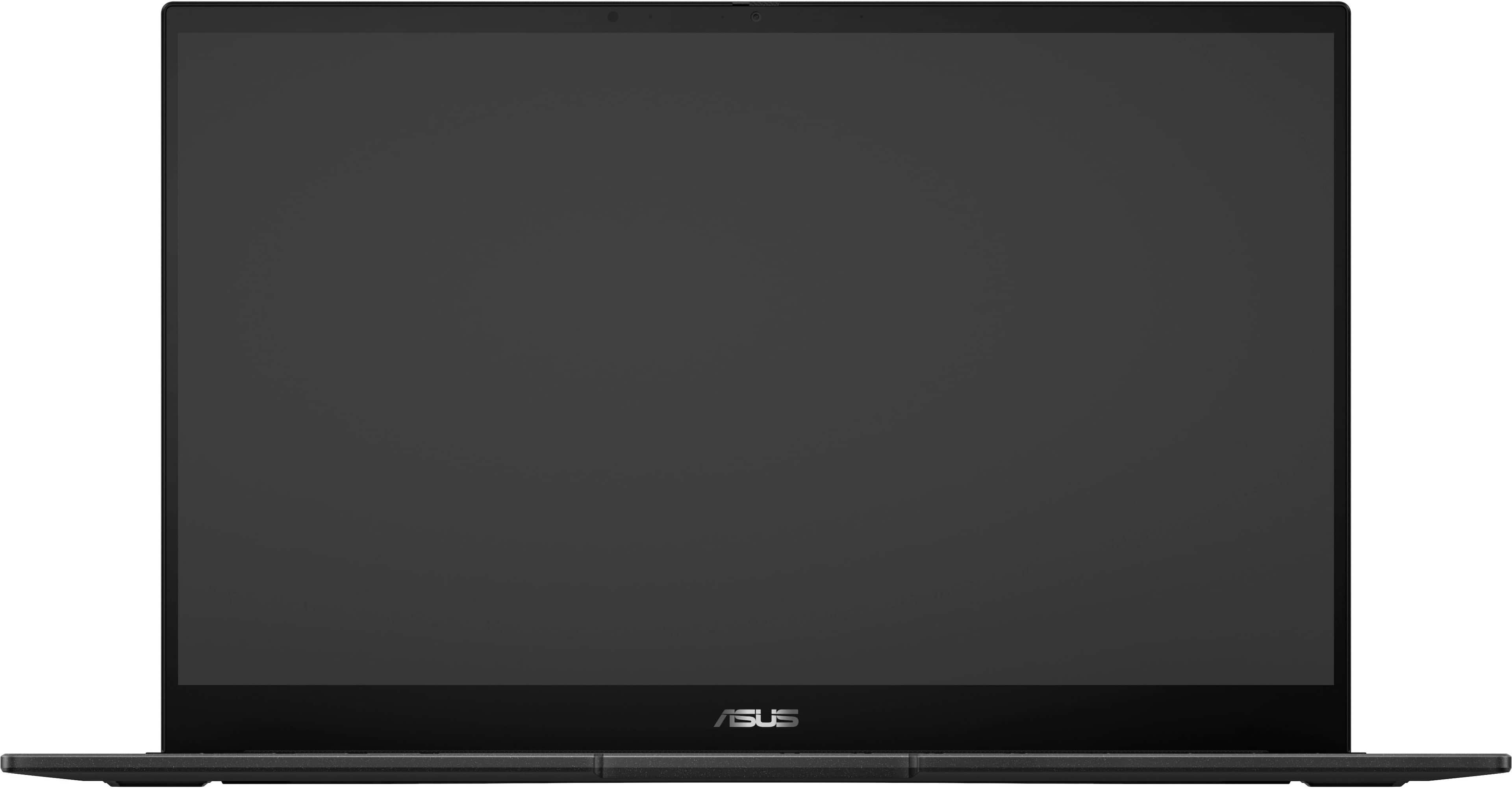
OLED 2.8k 120hz screen
Ethernet jack
2x USB A 3.1
2x USB C 3.2 (will charge on USB C, though slowly)
1080p webcam w/ manual privacy shutter
Nvidia 3050 w/ 6GB GDDR6 memory
Not so good:
Apart from the lid, its all plastic
Not a touchscreen
Not a 2-in-1
Odd:
Full size SD card slot
Fingerprint reader
It feels like a Vivobook, not a Zenbook, no premium materials other than the lid, just the anti-bacterial guard.
Screen is gorgeous, but it feels like a missed opportunity to get a touchscreen and flip on a laptop marketed toward artists and designers. Also not sure why they put a fingerprint reader on a non business laptop? A nice to have feature, for sure, but it feels out of place here.
Performance is yet to be seen, but I expect it to be above average.
For the price I paid, I expected quite a bit more on the materials side, but I guess to keep costs down its better to skimp there than on performance.
I am still debating if I want to keep this or return it for last years Q539 Flip. Part of me feels like I got scammed into buying a midrange unit and the other part is telling me that a 13900H, OLED screen, upgradeable memory, ethernet, and an RTX 3050 are nothing to scoff at this price point.
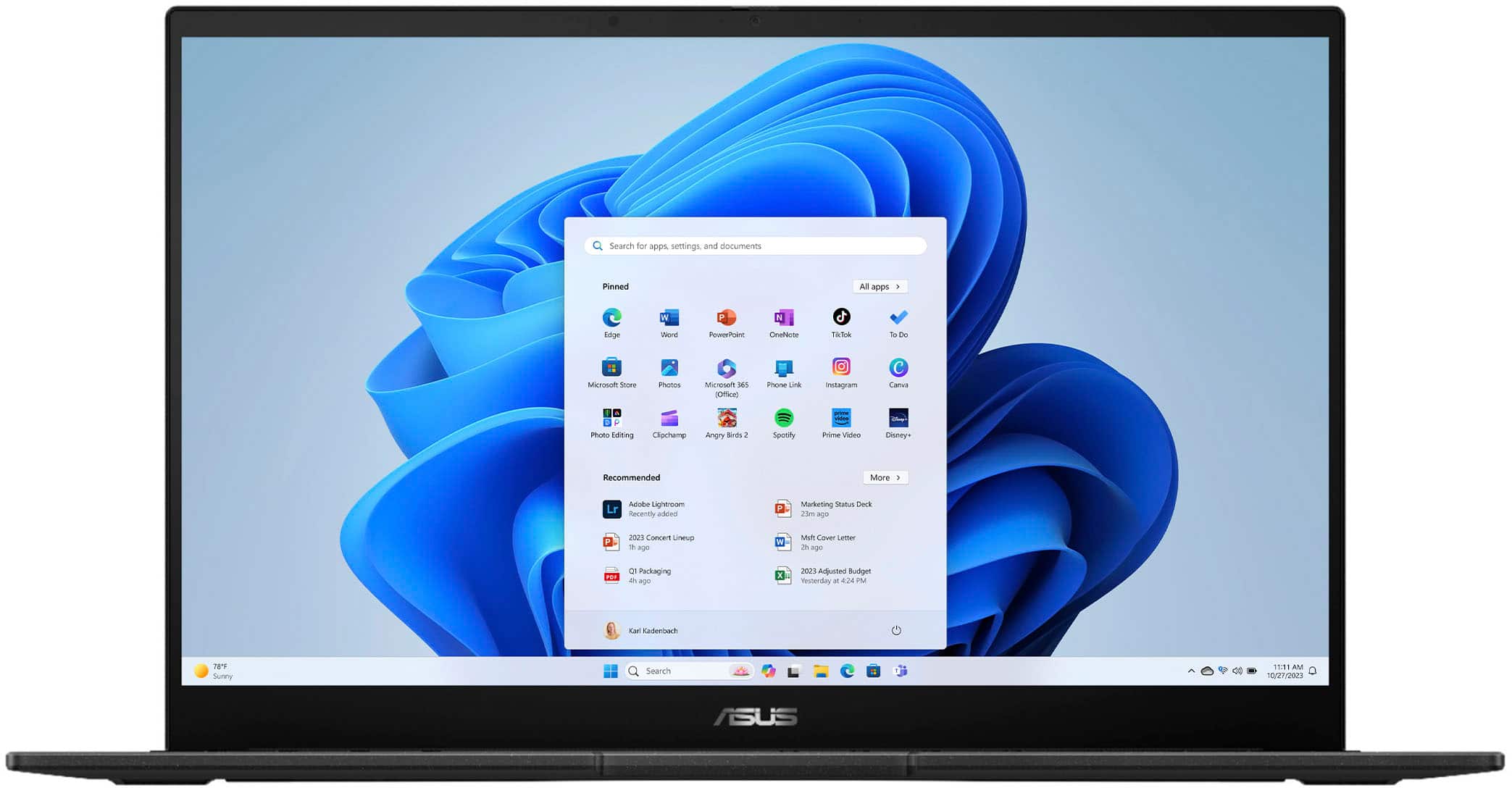
A:AnswerI just picked this up and can confirm it exists as described. The label inside says ASUS Creator Laptop Q OLED and there isn't a zenbook label.. I originally purchased the ASUS Zenbook 2 in 1 OLED but it couldn't run blender for large projects. Initial impressions are this thing rocks... opened a very large blender project.. opened a few games.. ran some amazing benchmarks.
A:AnswerYou can install a M.2 SSD to this unit. I have added a Samsung 980 Pro to mine. There are screws on the bottom of the device that will let you into the unit.
Once you're in, the extra M.2 slot will be on the right side of the laptop.
A:AnswerYou can. I did. Shows the full 40GB after the install. I looked all over about this and found no reason it wouldn't work. Don't know why others say 16GB is the max. Just get a 32GB DDR5 - 4800 card and install. Not a problem.
A:AnswerThe battery life is approximately 7 hours of light to medium workload. This may vary depending on what applications, processes and services are running in the background.
A:AnswerI just bought this laptop and there is a second M2 slot on the right side partially hidden under the metal shroud. I installed a 2TB Crucial drive. See picture.
A:AnswerThe laptop's Intel 13th generation i9 13900H processor has 14 cores consisting of six "Performance" and eight "Efficient" cores which support 20 threads running at 5.40 GHz. The 13900H supports up to 64 GB of DDR5 @ 5200 MT/s main memory. NOTE: ASUS indicates within this Q&A that the laptop supports up to 24 GB
max of DDR5 4800 MT/s memory in an 8 GB (soldered) and 16 GB (SODIMM) configuration due to hardware wiring -- i.e., the laptop's motherboard -- else the laptop becomes unstable. Some buyer's answers herein indicate that a 32 GB SODIMM for 40 GB total memory works fine. I have not yet tried either, but suspect WIN11 or WIN11PRO's memory partioning could account for the random success results reported -- this would answer why ASUS says up to 24 GB -- to assure addressing across the entire range of installed memory.
A:AnswerI upgraded mine, just one slot with an 8GB stick. Unfortunately can only replace with a 16Gb so maxes the system out at 24Gb. But still worth the upgrade. Good luck
A:AnswerYes it does. I just bought this laptop and also bought the Corsair 32GB DDR5-4800 SODIMM that is sold here on BestBuy and installed it. System shows full 40GB. There is also a 48GB single SODIMM DDR5-4800 by Crucial if you wanted maximum RAM. It's pricey though.