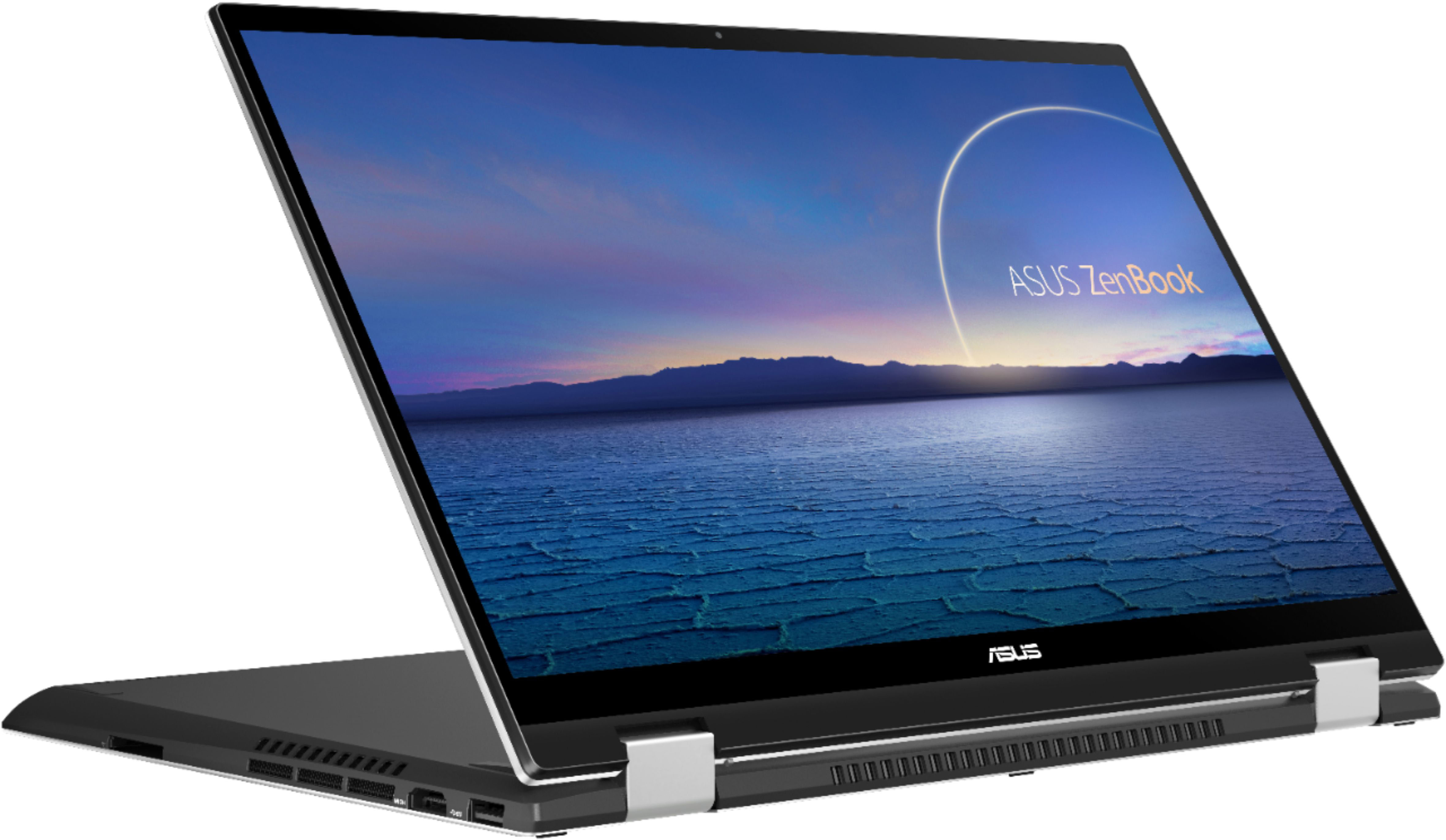
A:Answer The Asus webcam has a known color management problem that shows up on nighttime use. If you use your webcam at night, Zoom or something similar, your face will show a sickening yellow color on the screen. I've worked with Asus support and Best Buy support about this, and they have no answers and no solution. I've tinkered with Color Management, every kind of color adjustment I could make. Nothing works; the odd yellow tinting remains. An internet search reveals that many people have this problem with nighttime color management on Asus computers. Webcam is fine in daylight, but any kind of artificial light source at night creates a bad, uncorrectable yellow color issue. Note: my old (2013) Asus laptop did not have this color problem with the webcam.
I teach online and have meetings at night. Because of the yellowing issue, I started to use my iPhone camera hooked into my Asus with a tripod (using an app), but that was too cumbersome (plus I needed my phone during meetings). I ended up having to buy a separate webcam and a tripod to hold it for this laptop. The webcam (and using my phone camera) give me a clear and correct color, so it is definitely an Asus problem. I would not have bought this Asus if I had known about this.
Be warned about the camera color management problem.