A:Answer The closest thing to what you want is Quiet Mode.
When QUIET mode is turned on, the telephone silences all sounds during the set period of time (1-12 hours). However, the handset locator paging tone and any sound-generating operations initiated by users, such as making calls using the speakerphone or setting ringer volume, will sound as normal. After you turn on QUIET mode, this feature activates immediately and the answering system turns on automatically.
When QUIET mode is on, the answering system takes calls and records messages without broadcasting them.
To turn QUIET mode on:
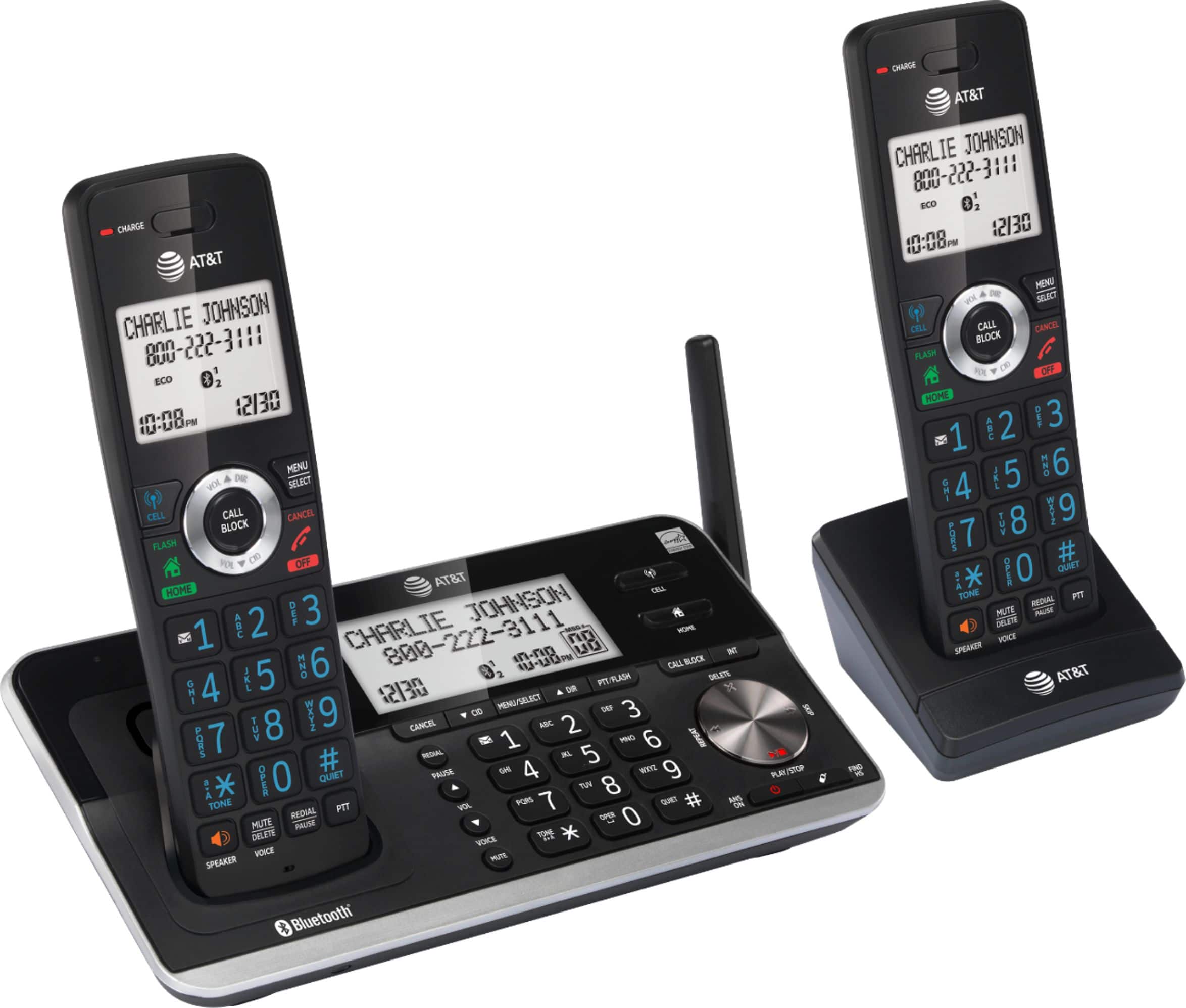
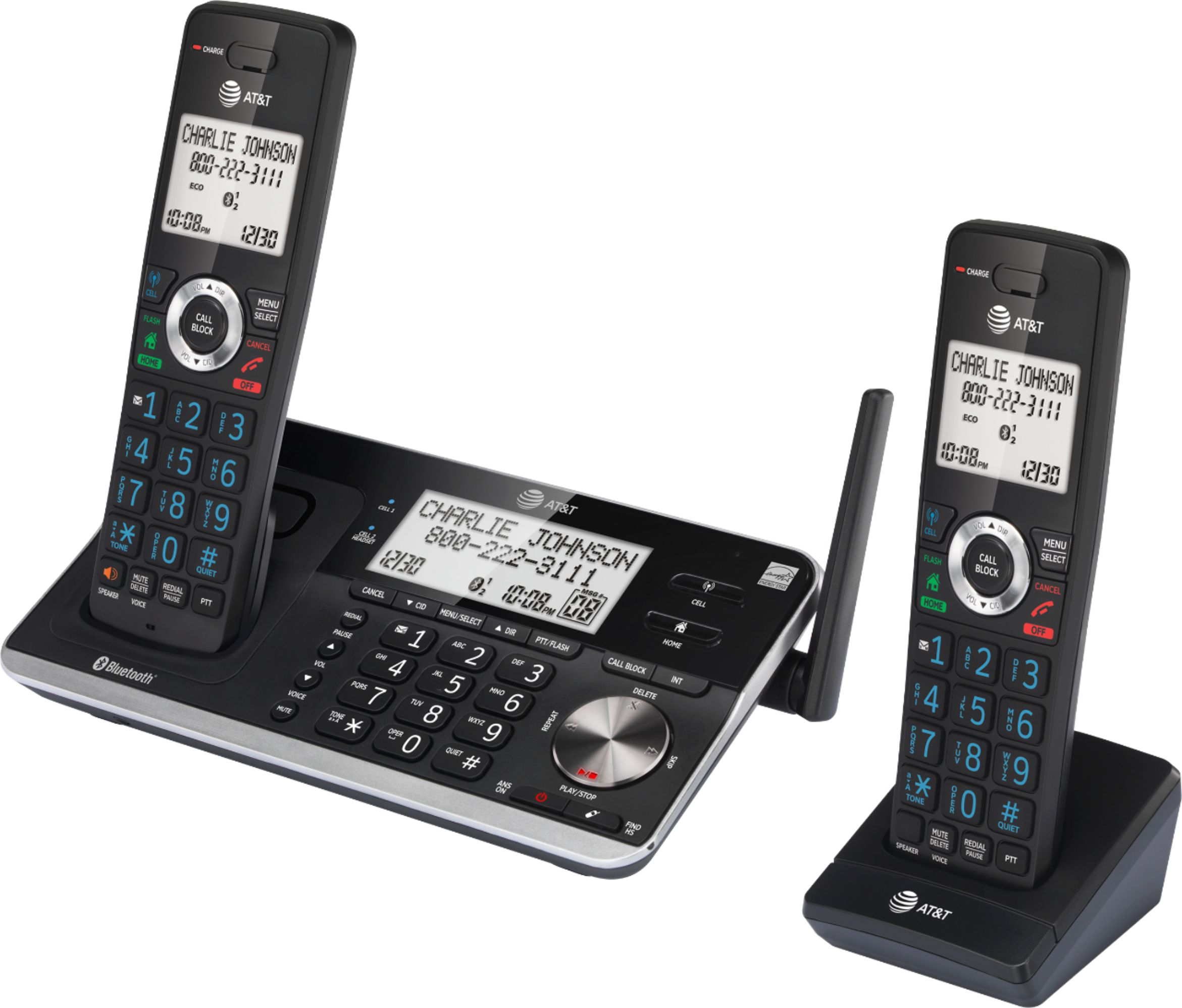
1. Press and hold QUIET # in idle mode to enter the QUIET mode setting screen. The screen shows Quiet: _ _ hours [1-12].
2. Use the dialing keys to enter the desired number of hours (1-12) you would like to turn on QUIET mode, then press MENU/SELECT. Your screen shows Quiet mode on
To turn QUIET mode off:
Press and hold QUIET # in idle mode.
Notes:
If you change the base ringer, handset ringer, ringer volume, or key tone when QUIET mode is on, the sample plays but the feature is still muted after saving the setting.
After QUIET mode is turned off or the set period of time has expired, all muted features will be activated again.
If Smart call blocker is on and in screening mode, all screened home calls in QUIET mode will be sent to the answering system after screening.