A:AnswerIf the number is in your directory, you can reach it usually with the first letter of how you input the name associated with the number and then click on the number to have the phone dial that number.
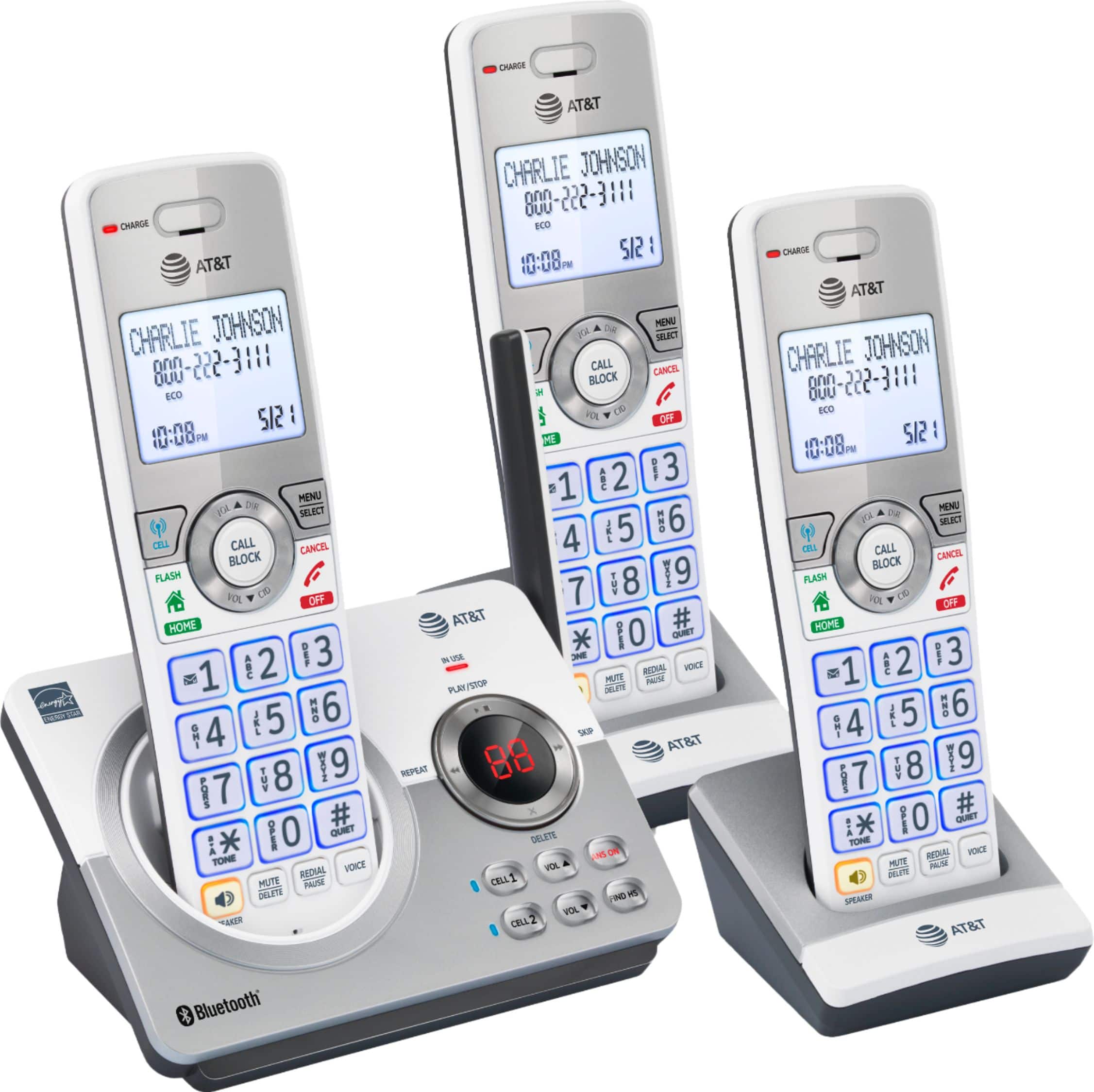
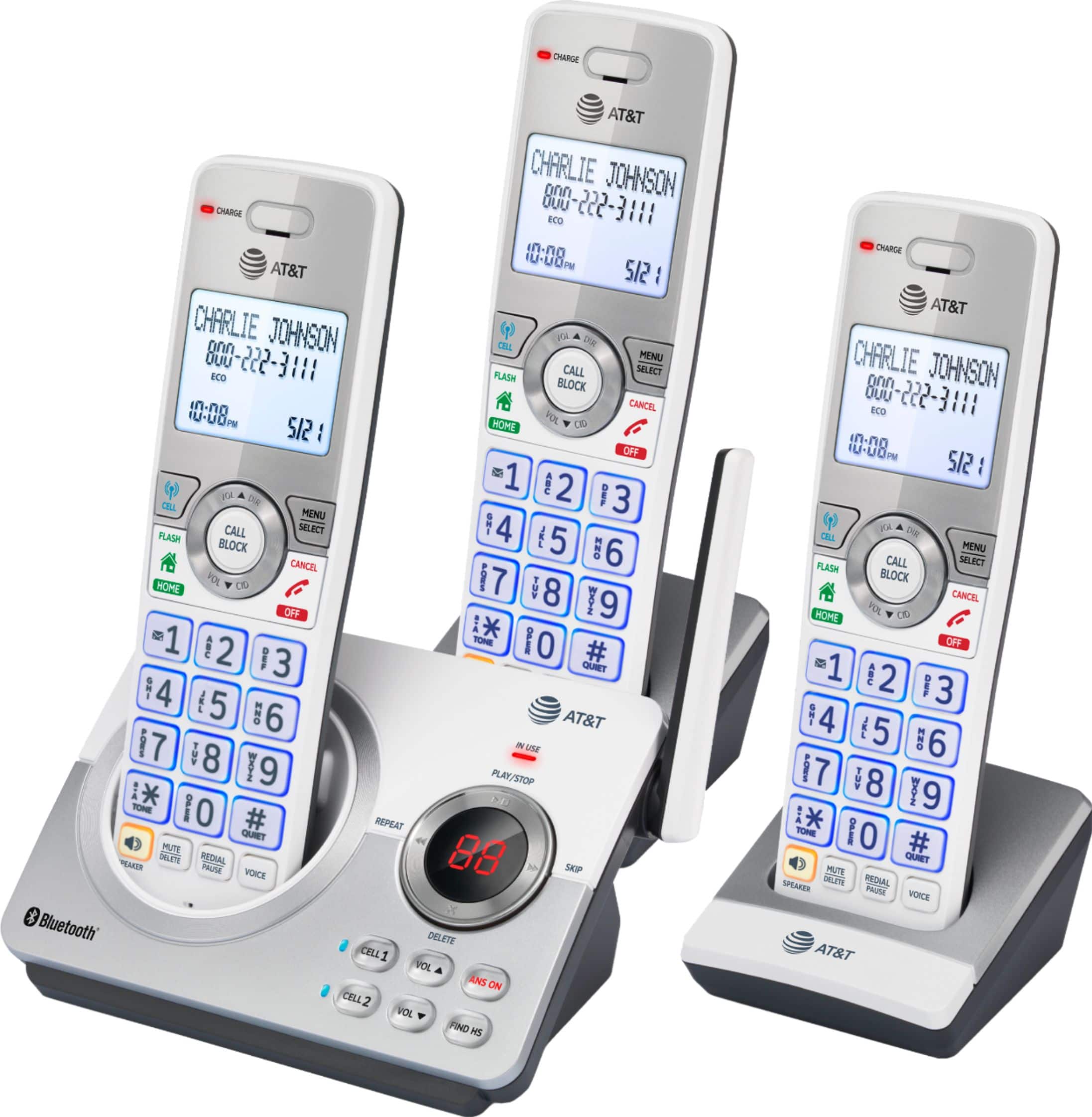
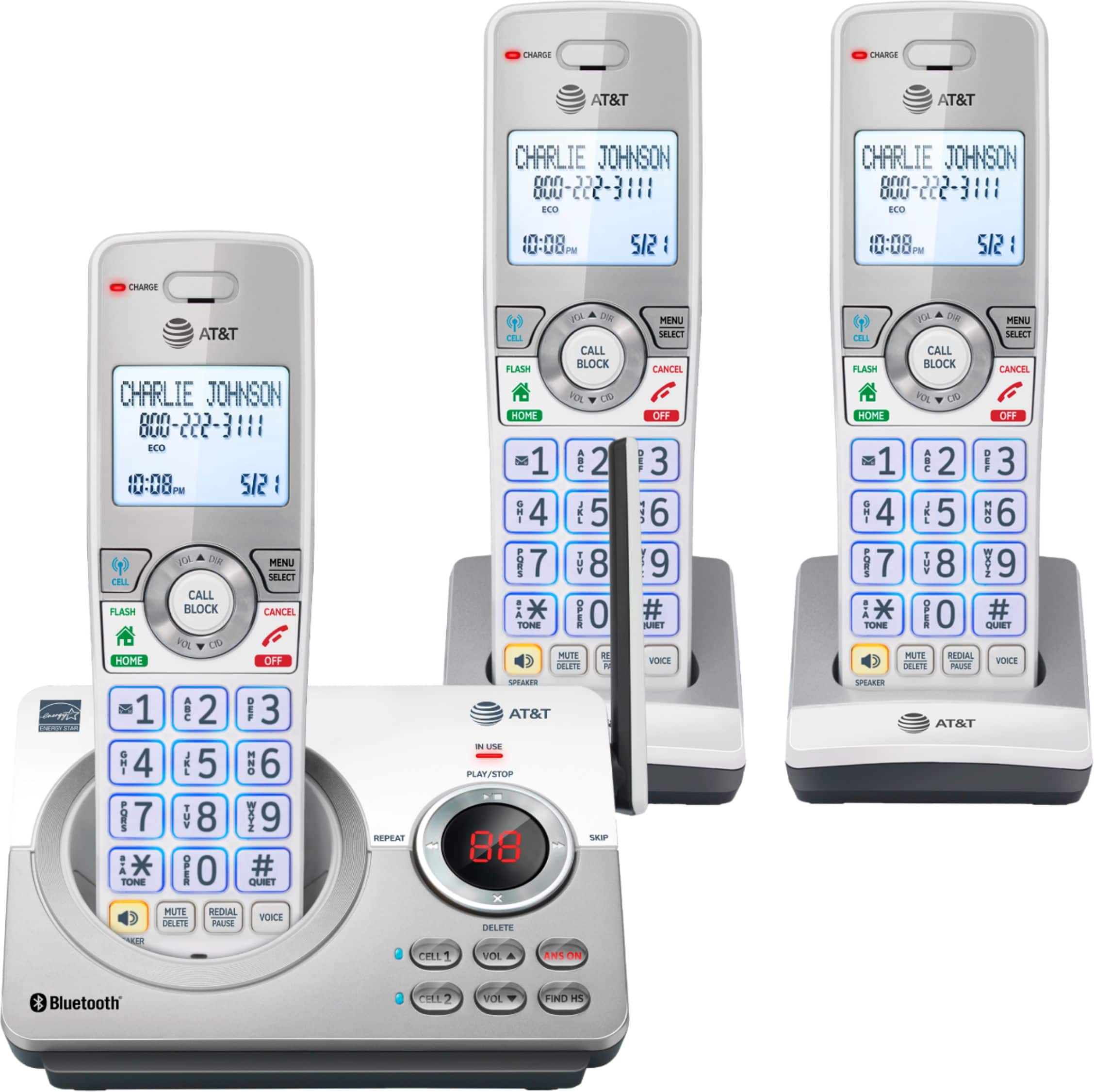
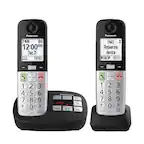
A:AnswerYes. There is a simple "ANS ON" button on main base that you can use to turn off the answering machine component. This button is upper right of six buttons there.
A:AnswerAs far as I can tell, the phone blocks any and all numbers NOT in the directory. This is a good AND bad feature. My nuisance calls are down 100%; however, if someone calls me that I may want to hear from but don't have in my directory, I'll see it listed as a missed call. For example, I doubt I'll want to put in all my potential doctors' numbers, so I may miss a call from them. I'm generally checking my missed call list at least once daily.
A:AnswerYes, but only 1 base unit can be used, so the second base can't be used. You'll need to get an accessory charger for the sixth phone. To pair the phones from different sets look in the contents for Add to pair instructions & follow along.
A:AnswerWe entered 77 contacts into our phone’s directory. Those automatically went onto the other two phones regardless of which phone was used to enter those.
For the list of incoming calls (missed ones as well as those answered) we periodically check the list and delete ones we don’t want on there - but any or all can be deleted or saved as you want.