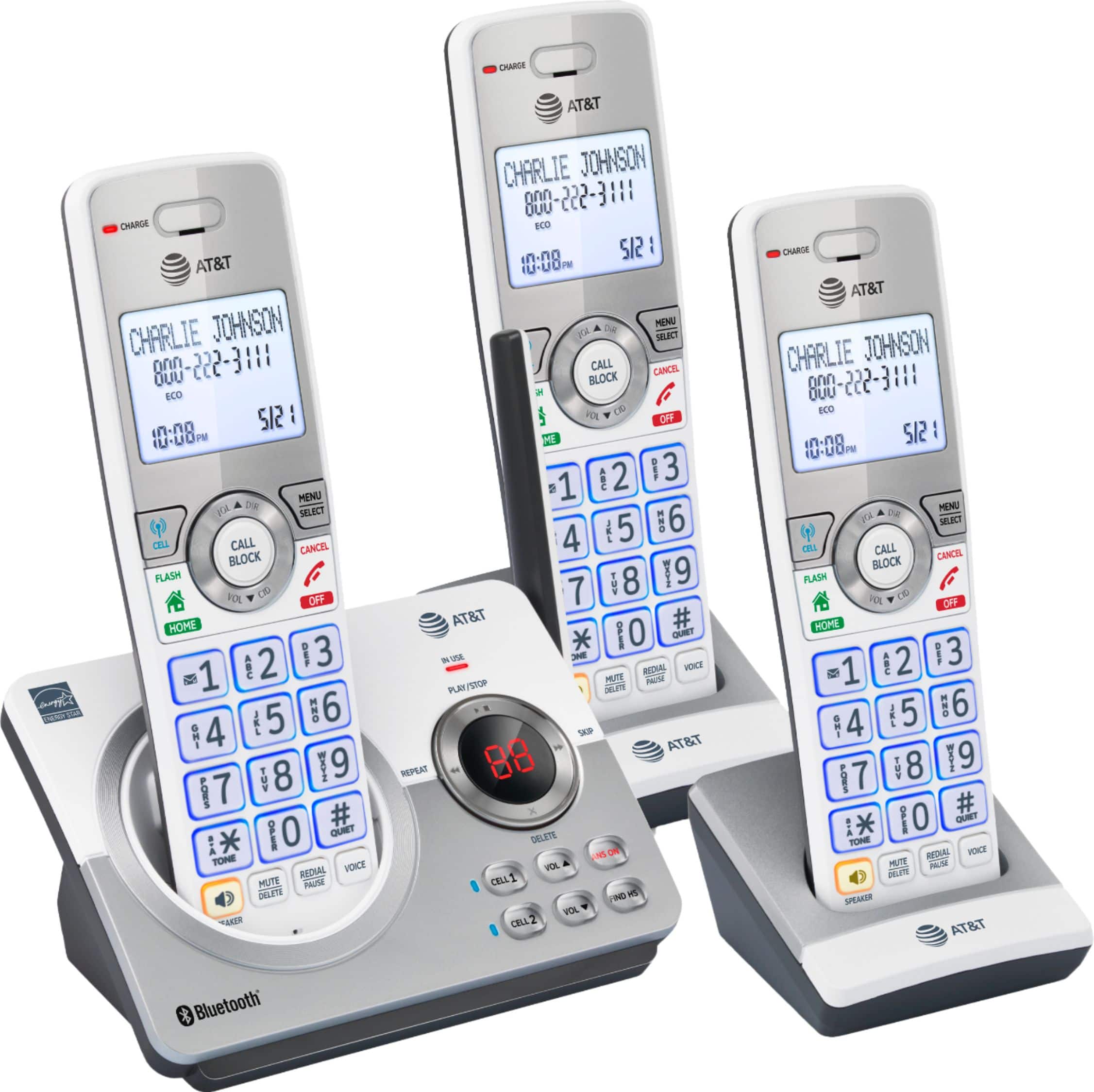
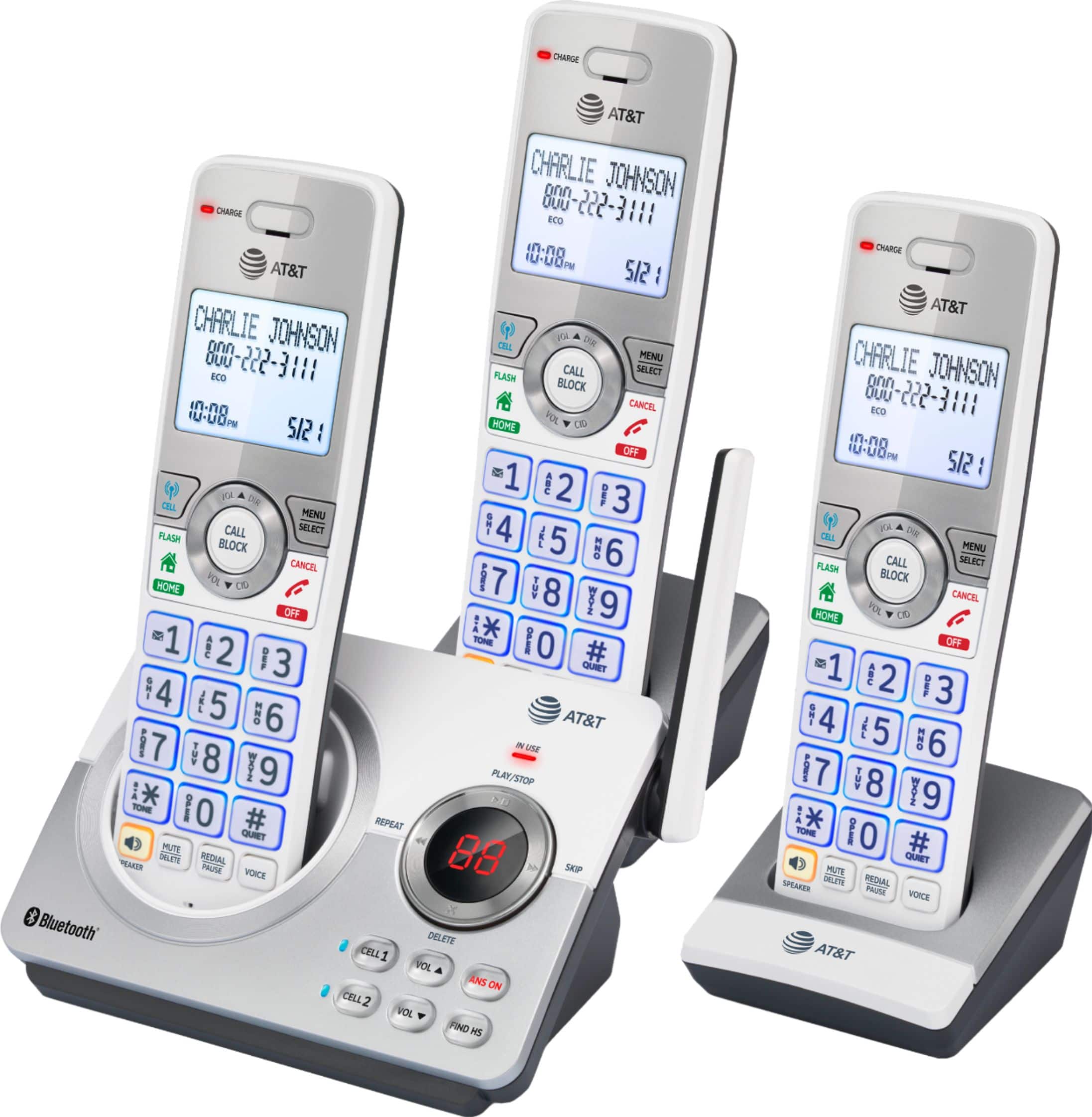
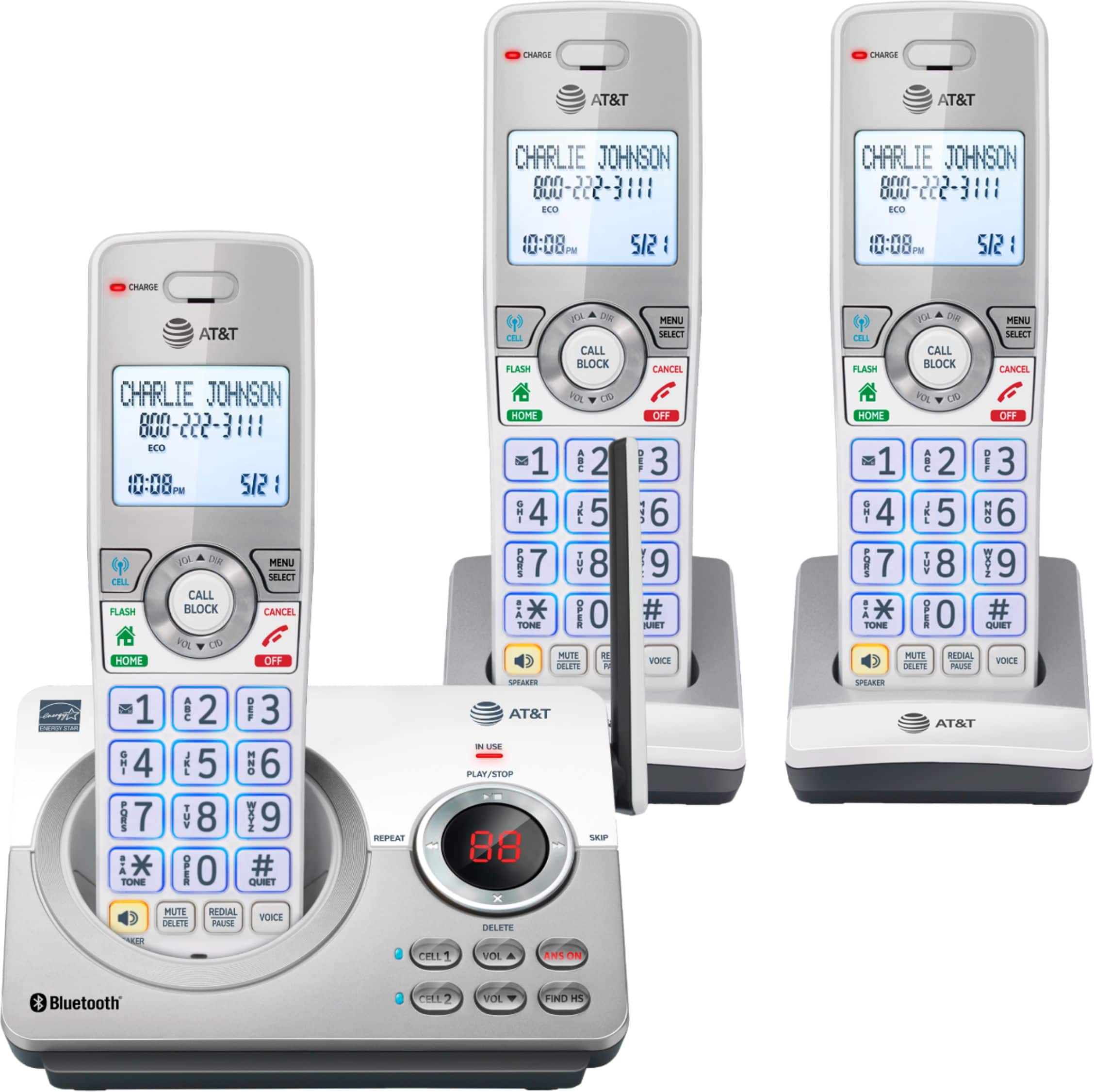
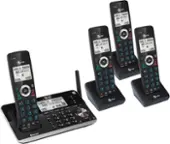
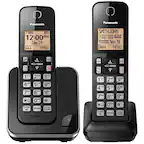
A:AnswerThere are rechargeable batteries provided with the phones. The bases will charge them. I would expect they will function well for a decade or more at which time you could put in new replacements.
A:AnswerHi, I'm also a senior. If your cable provider has set up their system right you should be able to plug the base into one of the regular phone outlets in your home. If this doesnt work then it will work by plugging into the telephone slot on the modem as long as you are signed up for telephone service thru your cable provider. Each opening on the modem should be labeled, some even have 2 telephone line slots
A:AnswerYou can turn off the answering machine on the main console. I don’t know how it works with voicemail if you are linking it to your cell phone though. (I’d assume if the phone forwards your call to your cell, your cell would activate its voicemail as usual. But I don’t use this feature so I can’t say for sure.)
A:AnswerThis phone system works perfectly well with a traditional landline.
It also works perfectly well with an internet phone service. HOWEVER, the box does not contain a DSL line filter that you will need to enable this phone system to work via an internet modem. Please bear in mind Best Buy do not tend to stock DSL line filters in their store.
A:AnswerYou can block all unknown numbers with a setting however that number will not be saved to the block list. You can retrieve the number from the caller ID log thgen either add it to the call block list or save to the allow list.