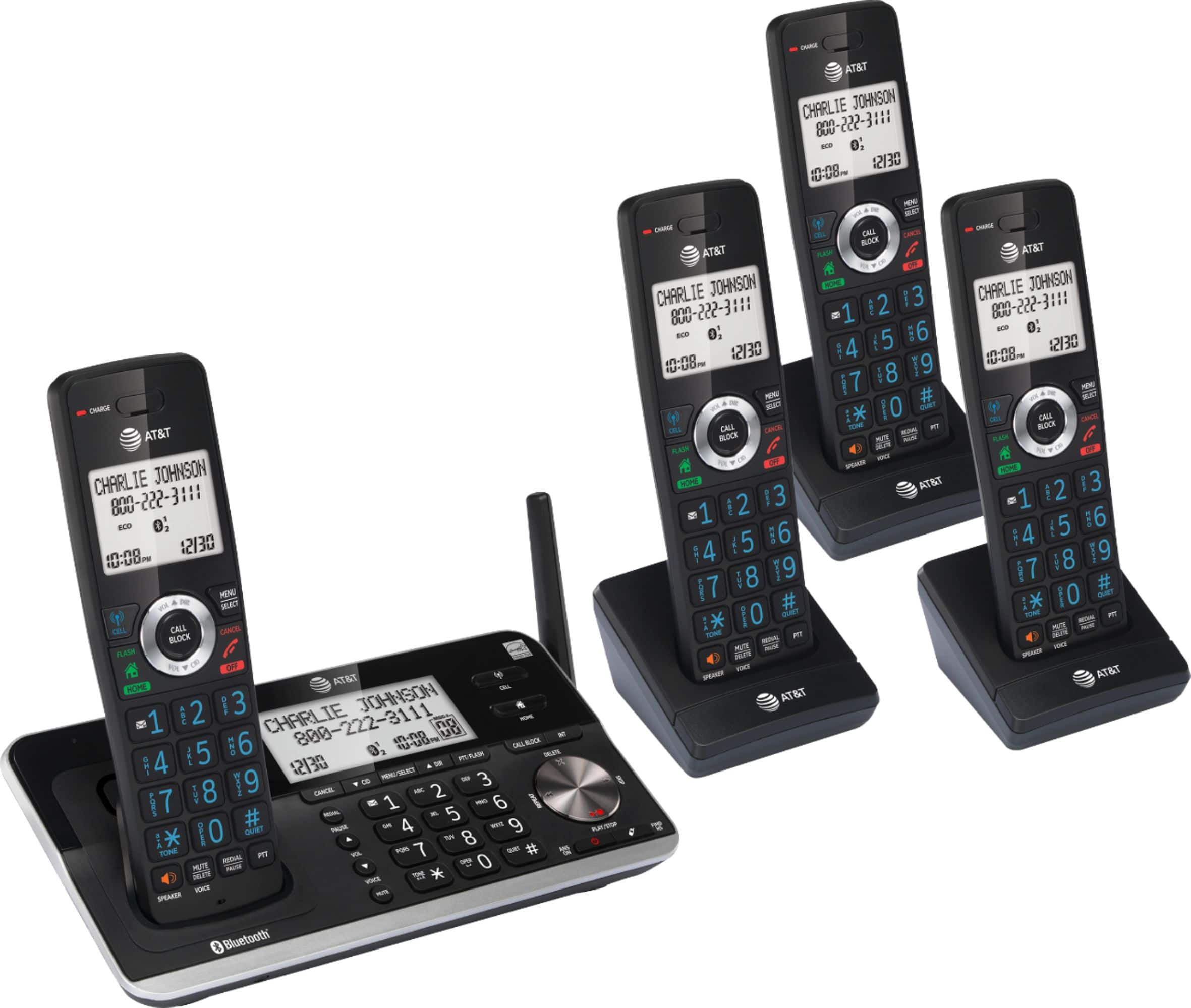
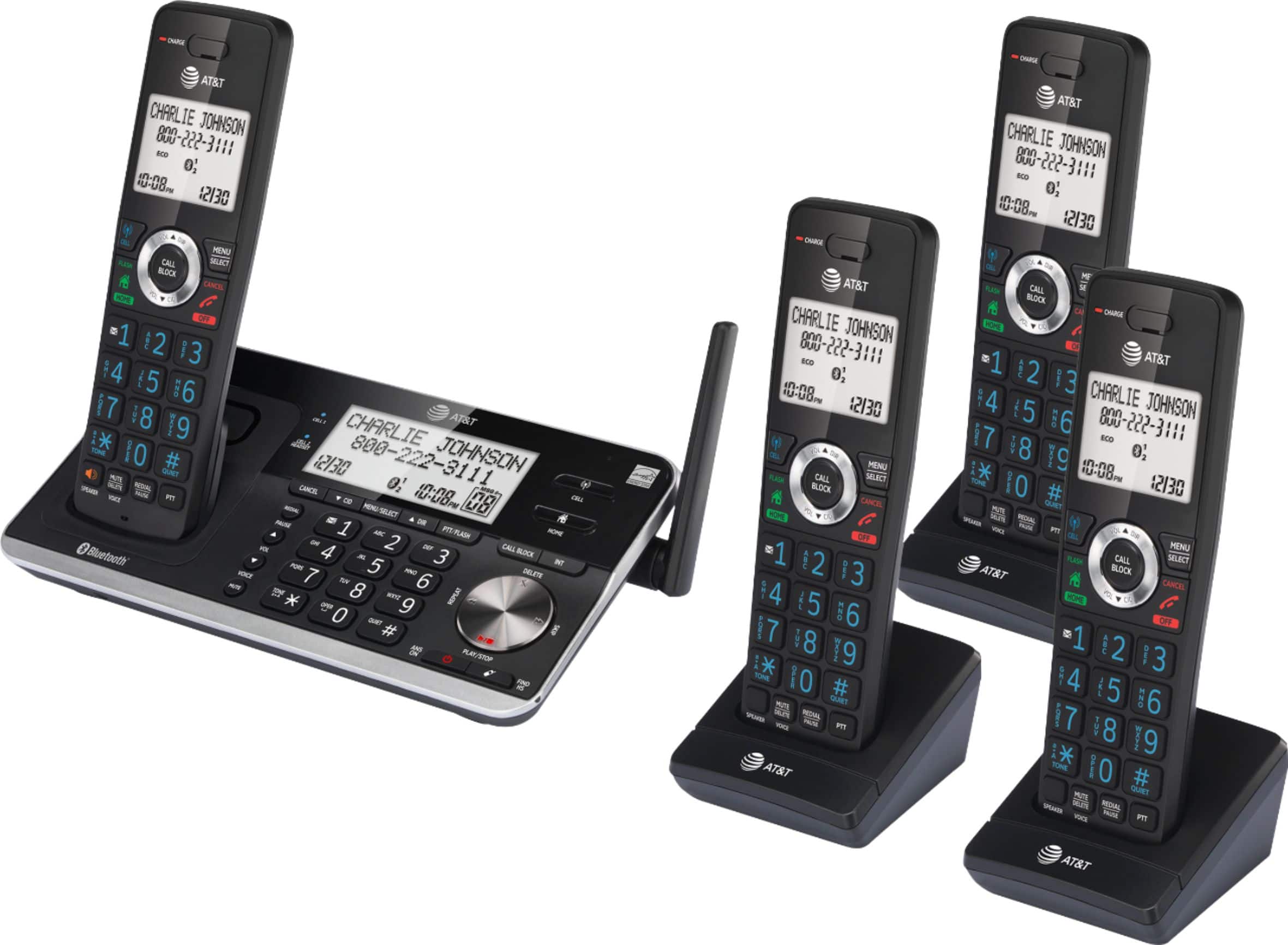
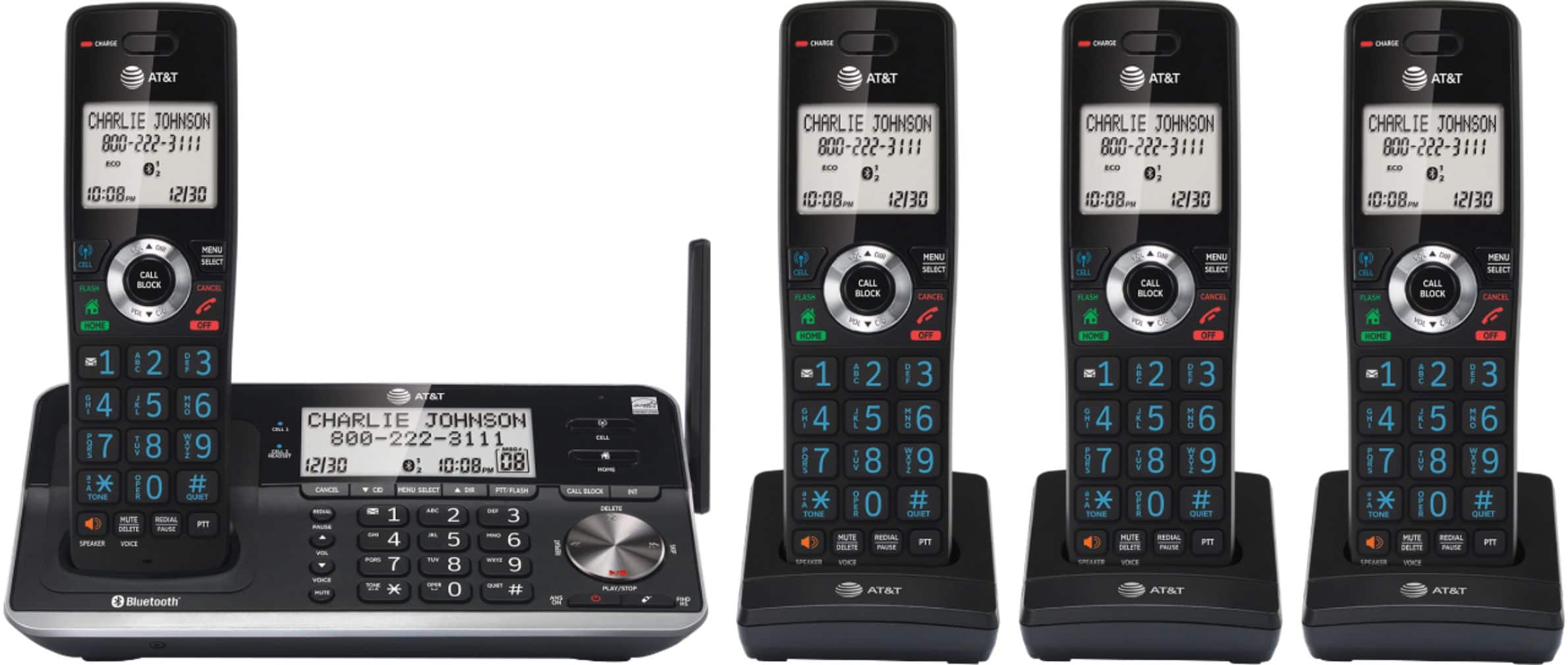
A:AnswerGood question. You want to spoof the outgoing Caller ID. I don't believe you can. The Caller ID information is generated by the phone company. The spoofers can do it but I believe they are using some kind of unauthorized hardware. This is a good question for AT&T Tech Support at their website (https://telephones.att.com) or call 1 (800) 222-3111 (in Canada, dial 1 (866) 288-4268).
A:AnswerThere is a "flash" button but I have no experience with it. Check out the manual (page 4):
https://att.vtp-media.com/products/DL/DL72XX0/DL72XX0_WEBCIB_i4.0_20210915.pdf
A:AnswerLooking at the manual, iOS is only supported for remote voice control (i.e., Siri). The Bluetooth section (page 17) on connection via Bluetooth only mentions Android phones. Seems odd to me also. Here is the manual link for reference.
https://att.vtp-media.com/products/DL/DL72XX0/DL72XX0_WEBCIB_i4.0_20210915.pdf
A:AnswerA call may be answered by any number of handsets without the need to transfer the call; e.g., you find one hand set works better than another after answering a call whether because of location or any other reason.
A:AnswerAssuming the equipment is working properly, she is likely pressing the Volume Down key for some reason. My mother-in-law used to do that accidentally because she leaned on the Volume Down part of the ring while talking.
If you are referring to the Speakerphone feature, it resets to off after every call.
A:AnswerI did not know this phone does not have talking caller ID so I had to return it. What a shame with this missing feature or it would of been a great phone system to block all sorts of unwanted callers!