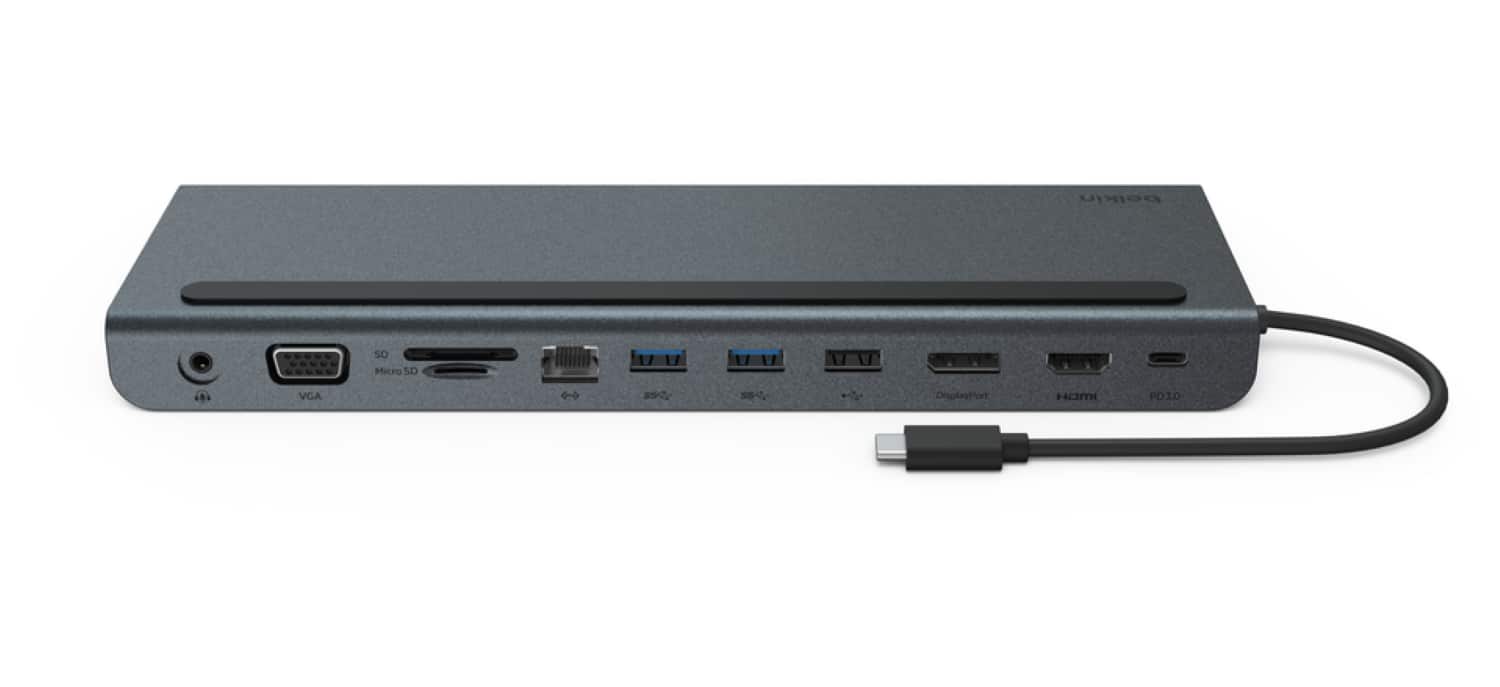
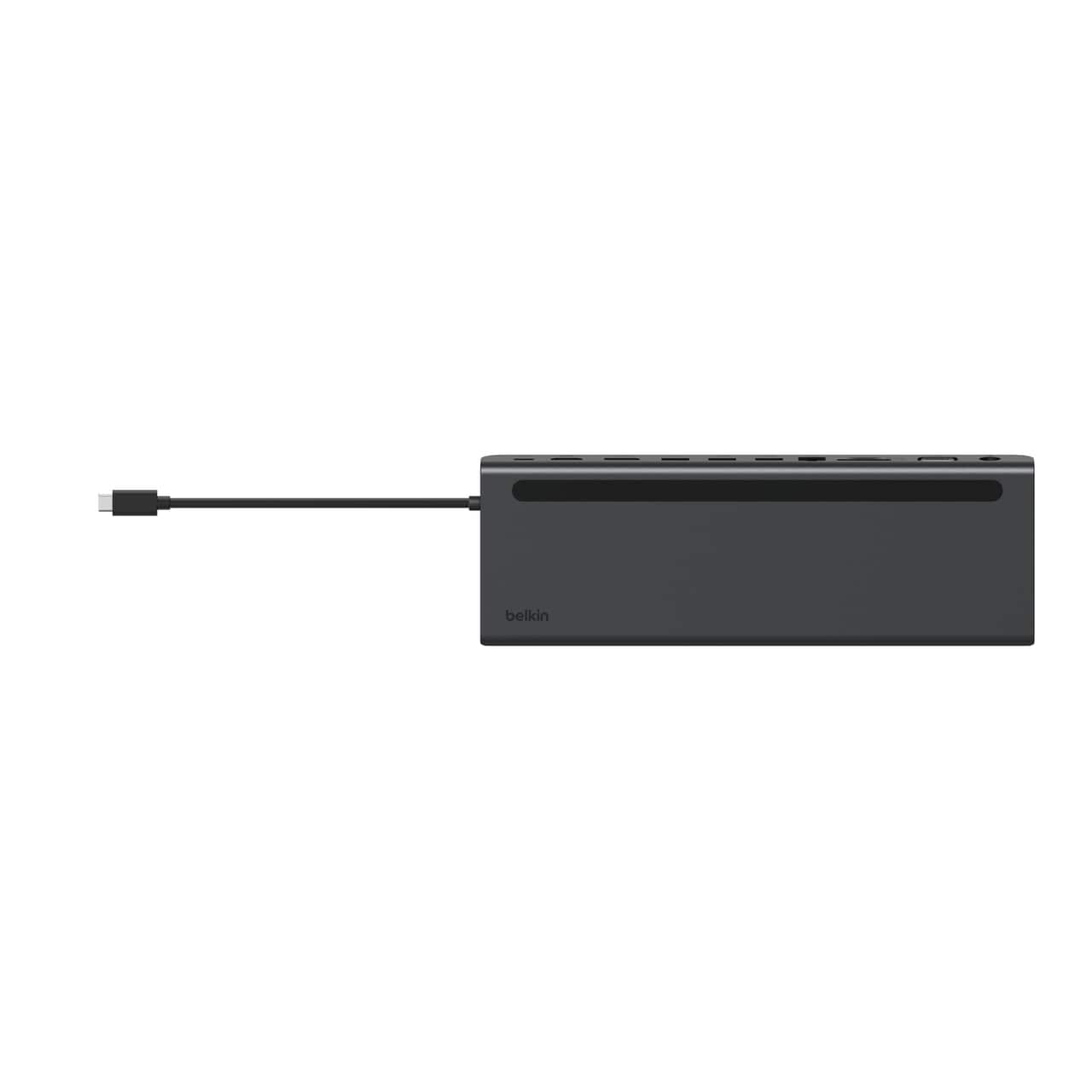
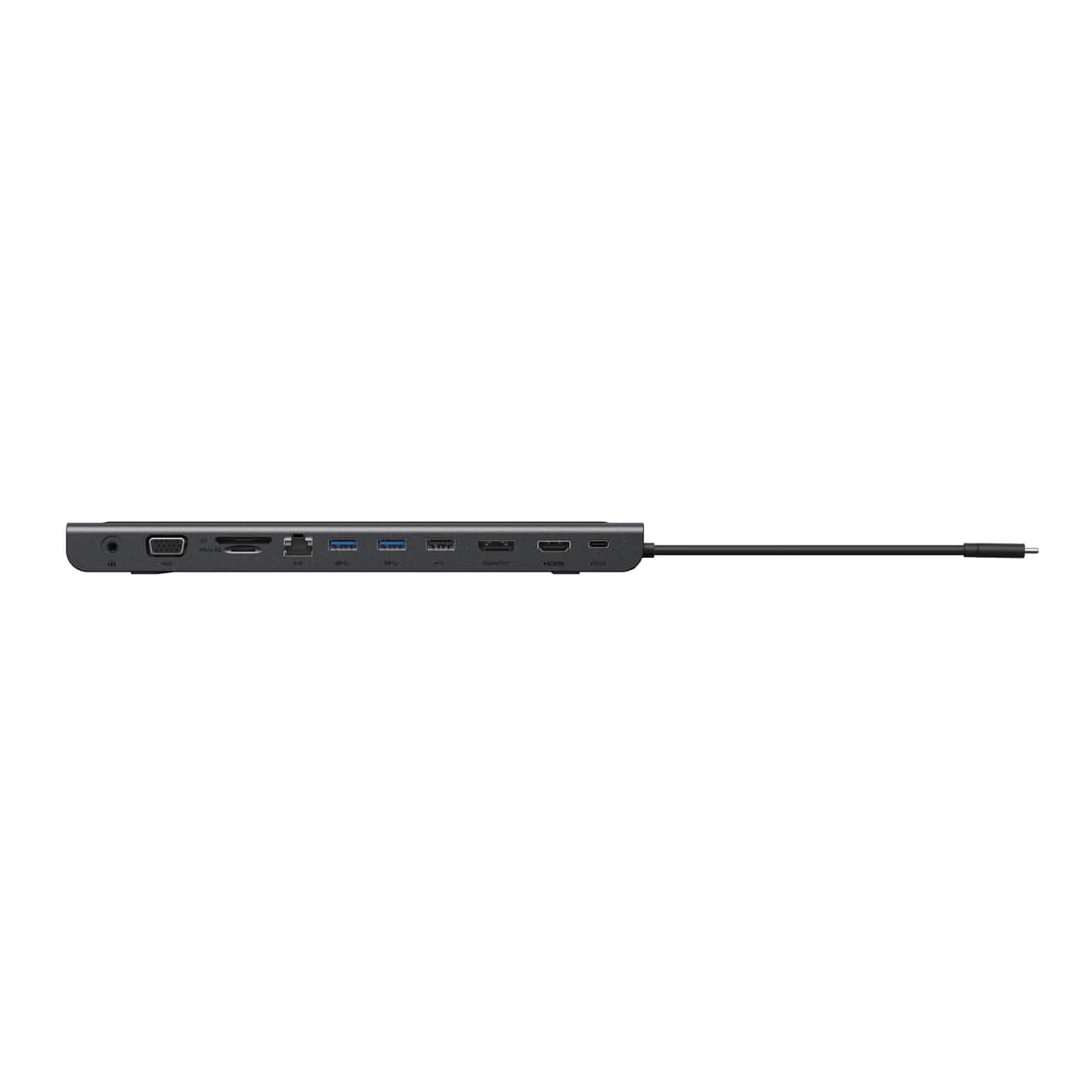
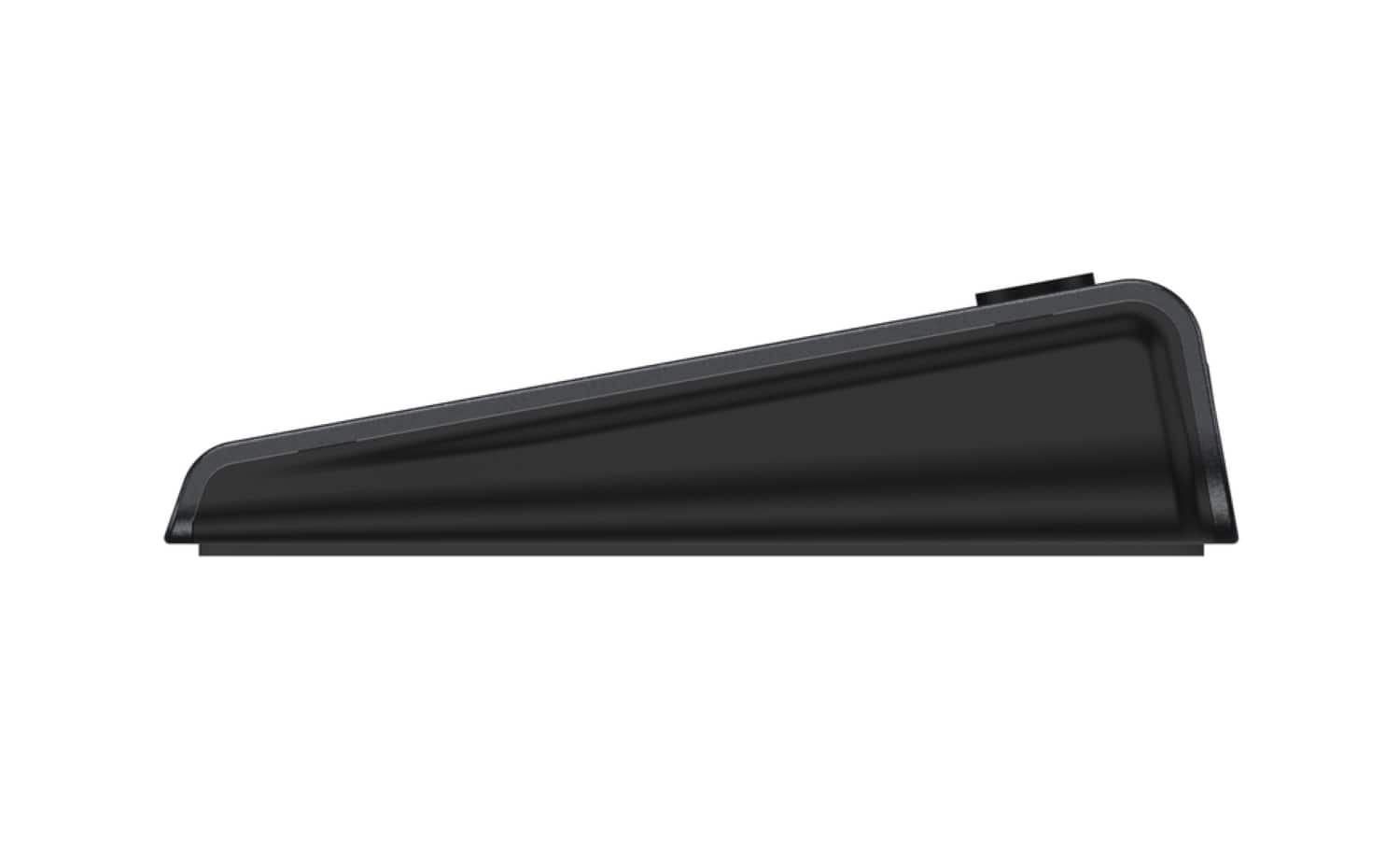
A:AnswerHi! Please reach out to us on our support hotline so our team can assist you accordingly: https://www.belkin.com/us/support-article/?articleNum=55022
A:AnswerHi Kat. The Belkin INC004 has not been tested to be compatible with the Yoga C940-15IRH. However, this dock was designed to work with computers and devices that can connect over USB-C. For charging, the device connected to the dock must support charging over USB-C.
A:AnswerHi! It's not tested with Surface 3 yet. However, the INC004 has been designed to work with computers and devices that can connect over USB-C so it should work.
A:AnswerHi Jimbo. The Belkin INC004 has not been tested to be compatible with an iPad Air 4. Please check out this link to see the tested compatible devices: https://www.belkin.com/us/support-article?articleNum=317818#c1.
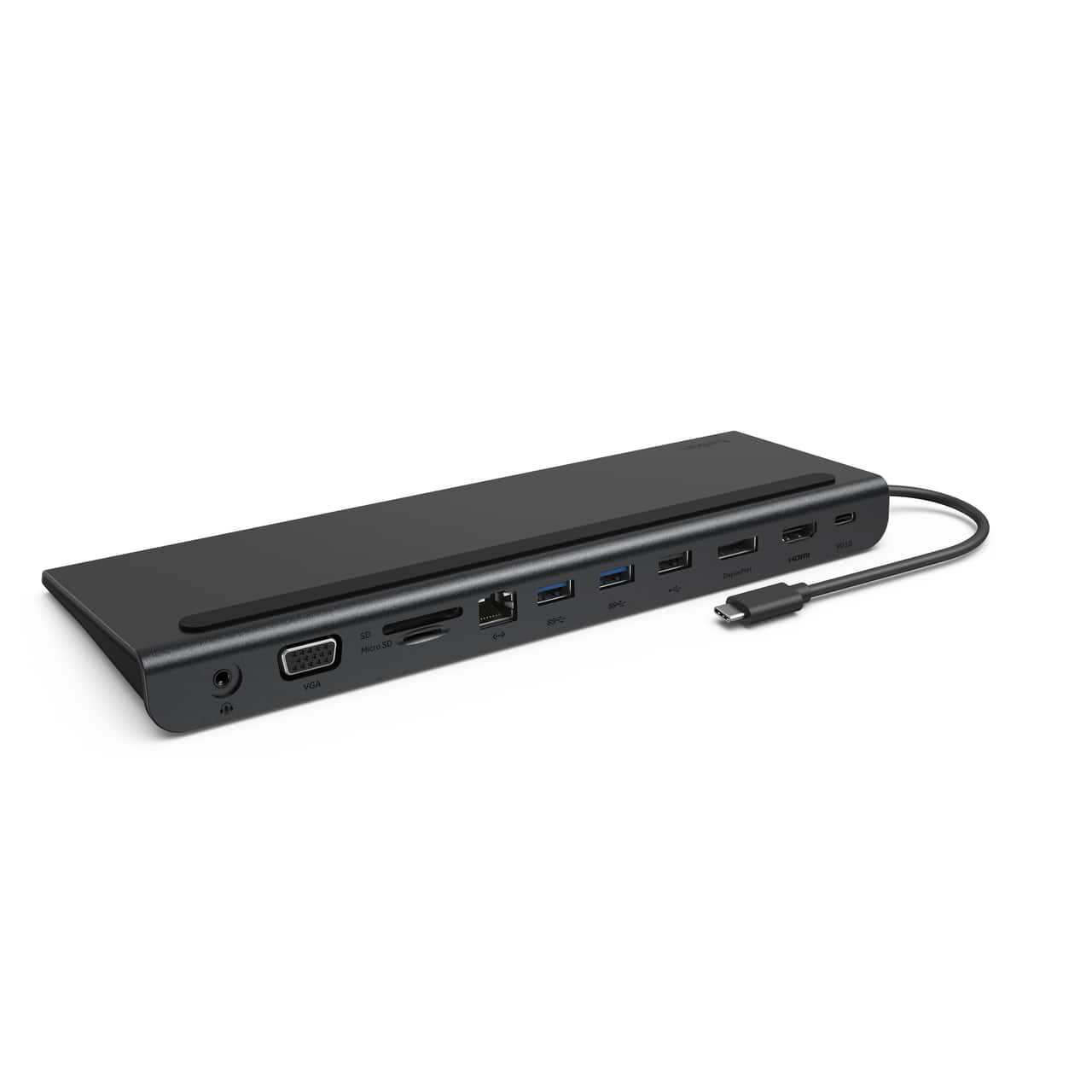
A:AnswerHi, Mohammed. The supported maximum monitor resolutions depend upon the number of monitors being connected and used at the same time as well as the power of the computer. You can utilize the display feature using the HDMI, DisplayPort, and VGA ports. For better assistance on this matter, please reach out to us at BelkinCares@belkin.com. Let's take it from there.
A:AnswerHi. We apologize for the delayed response. Your hard drive may work with the Belkin INC004, however the hard drive has not been tested yet with this Belkin dock.
A:AnswerHi, Xavier. The Belkin INC004 has been designed to work with computers and devices that can connect over USB-C. For charging, the device connected to the dock must support charging over USB-C. Please click here to learn more: https://www.belkin.com/us/support-article?articleNum=317818.
A:AnswerHi, DeAnn. Let us know the make/model of your computer so we can check the compatibility. Feel free to email us at BelkinCares@belkin.com so we can assist you properly.
A:AnswerHello. Both models are not yet tested with the dock. However, it should work with computers and devices that can connect over USB-C. For charging, the devices must support charging over USB-C as well.
A:AnswerSadly no it does not and the 4k only handles 30hz and it cuts in and out on the picture if your trying to run power point and we even tried to play COD. That was sad on two monitors and then our drives had issues with the usb 3 ports.
A:AnswerHi. The maximum resolutions depend on the number of monitors being connected at the same time and the computer's power.
You can refer to the table on this link for reference.
https://www.belkin.com/us/support-article?articleNum=317818#f1
A:AnswerHi, Katnip. It was not yet tested with Yoga 7i. Nonetheless, the dock is designed to work with computers and devices that can connect over USB-C.
A:AnswerHi, Billyvig. It was not yet tested on this kind of setup. Nonetheless, the Belkin INC004 has been designed to work with computers and devices that can connect over USB-C
A:AnswerHi, Lanne. The Belkin INC004 has been designed to work with computers and devices that can connect over USB-C. However, it is not tested to work with your HP Laptop 17-cn0013dx. And, this device can support up to three simultaneous monitor connections while using the dock. The number that can be used with your laptop depends upon the power of your computer and its graphics card capabilities. Not all computers have the graphics capabilities to support multiple monitors and may run into display issues when attempting to use multiple displays.
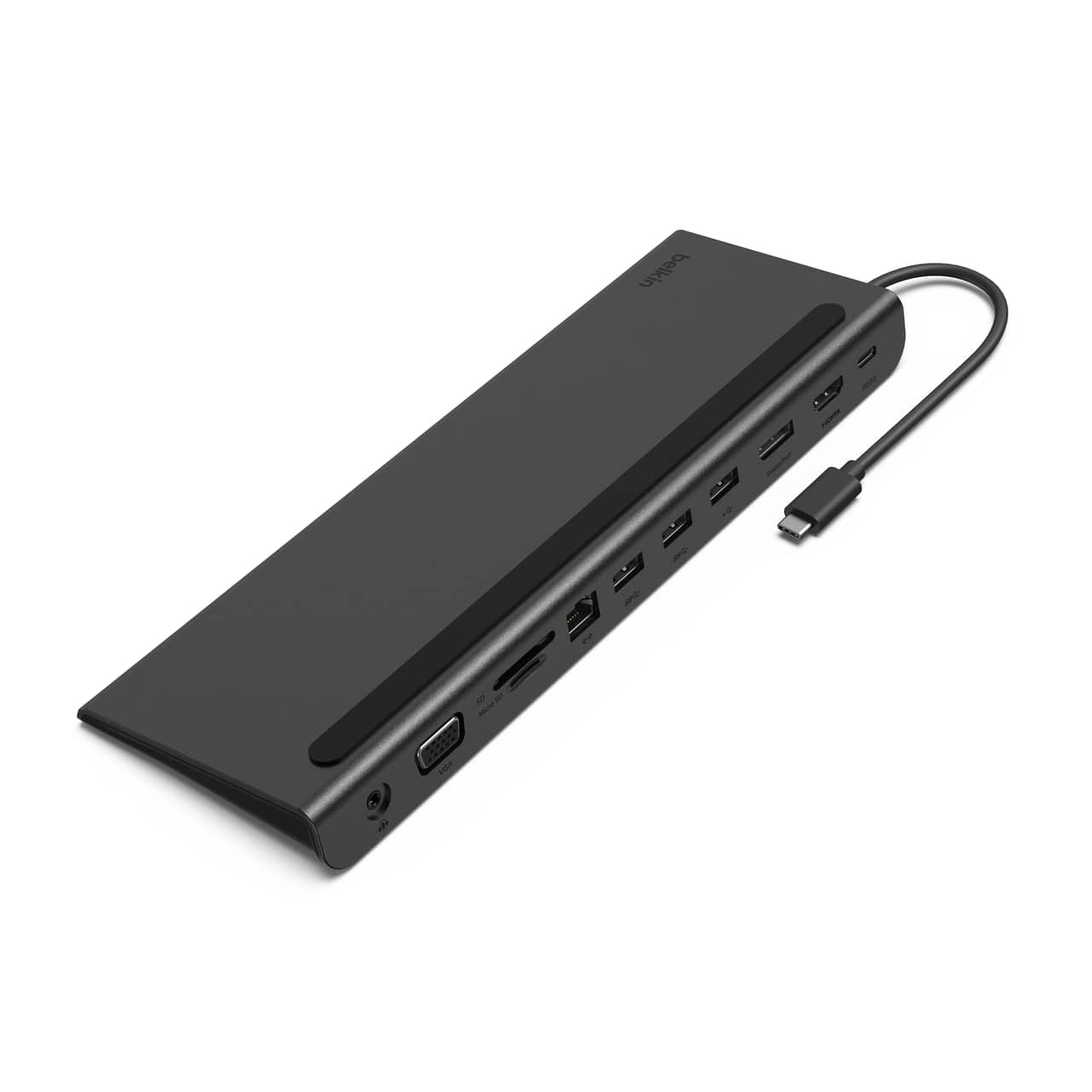
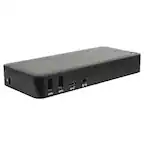
A:AnswerHi DG. Here are the dimensions and weight of the Belkin INC004:
Length: 260 mm / 10.2 in
Width: 90 mm / 3.5 in
Height: 23 mm / 0.9 in
Cable Length: 162 mm / 6.4 in
Weight: 348.8 g / 0.8 lb
A:AnswerHi Lauren. The Belkin INC004 Multiport Dock has not been tested yet to work with the MacBook Pro (2021). It can support two 4K monitors via its HDMI 1.4 port and DisplayPort 1.2 port.
Additionally, this dock requires 15W of power to operate, which can be drawn from your computer’s power supply.
For more details, you can check the FAQs: https://www.belkin.com/us/support-article?articleNum=317818.
A:AnswerI use this dock station every day and while it works fine I am not impressed with the display. While it does allow 3 monitors (I have 3, 32' monitors), i could only get 1920x1080 resolution. It does not require a power cable. The power comes from the USB-C connector.