A:AnswerHi Marcus. The Belkin INC004 has not been tested to be compatible with a Lenovo T470S. However, this dock supports most computers with USB-C connection.
As for it being used with multiple computers, yes, that will work just fine, as long as it is supported by the Belkin INC004. For more details, check out this link: https://www.belkin.com/us/support-article?articleNum=317818.
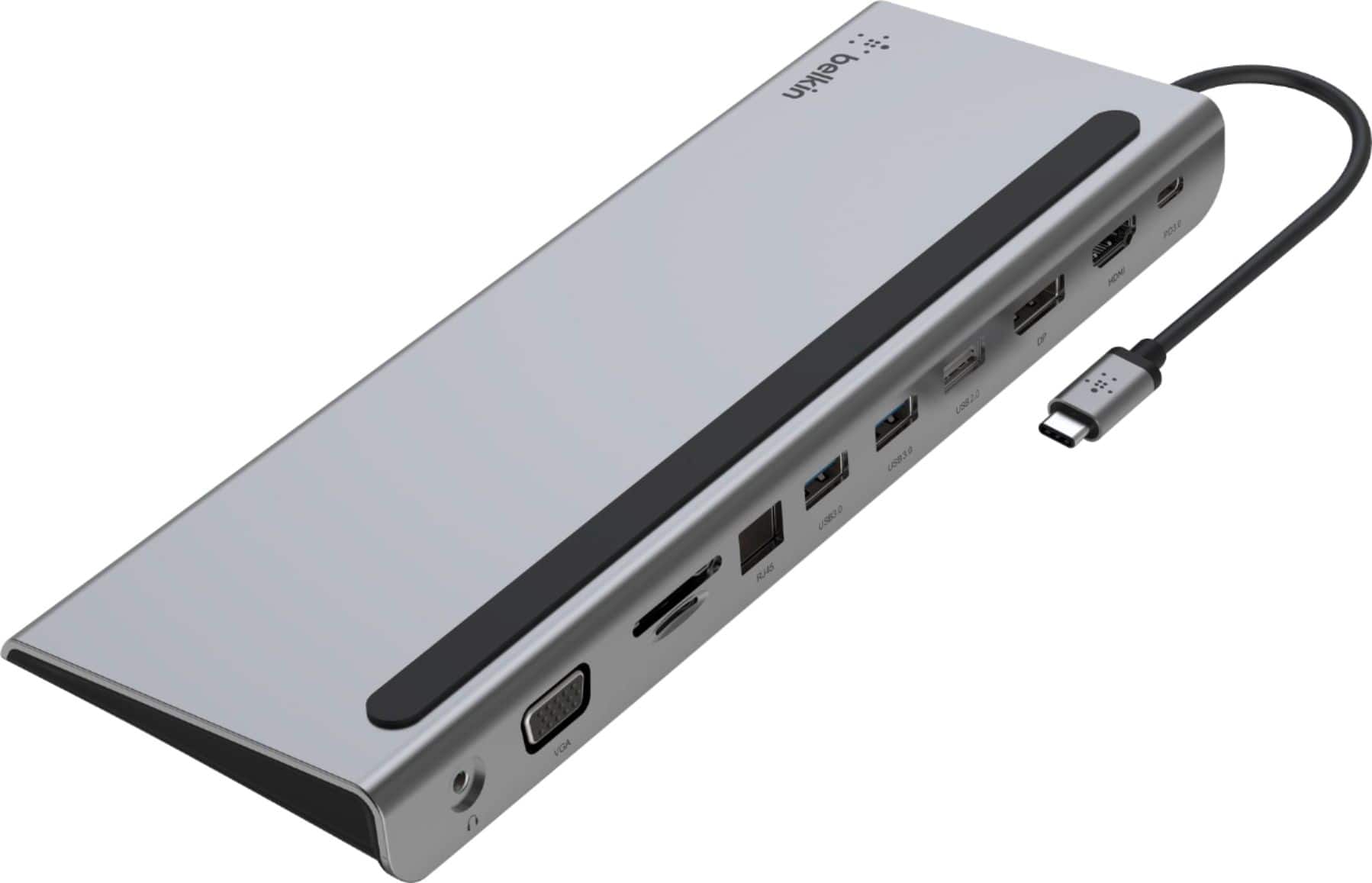
A:AnswerIt should work fine, Kay. Although the Belkin INC004 has not been tested with the MacBook Pro 13, this dock is designed to work with computers and devices that can connect over USB-C.
A:AnswerHi BJ. The Belkin INC004 has not been tested to work with an HP Laptop model 15-da0071ms but it is designed to work with devices that can connect over USB-C.
A:AnswerHi, TAM,
Yes, the dock will still work even your laptop is closed since this is a setting in the laptop, not the dock. You just need to look for the documentation from your laptop's operating system from the manufacturer. MacOS refers to it as clamshell mode. Windows 10 requires you to change power settings to “Do nothing if lid closed”.
A:AnswerHi there! You can use your laptop’s USB‑C charging cable with the Belkin 11‑in‑1 USB‑C Hub. The hub supports pass‑through charging up to 60W, so as long as your laptop’s charger is USB‑C and provides sufficient wattage, it will work properly.
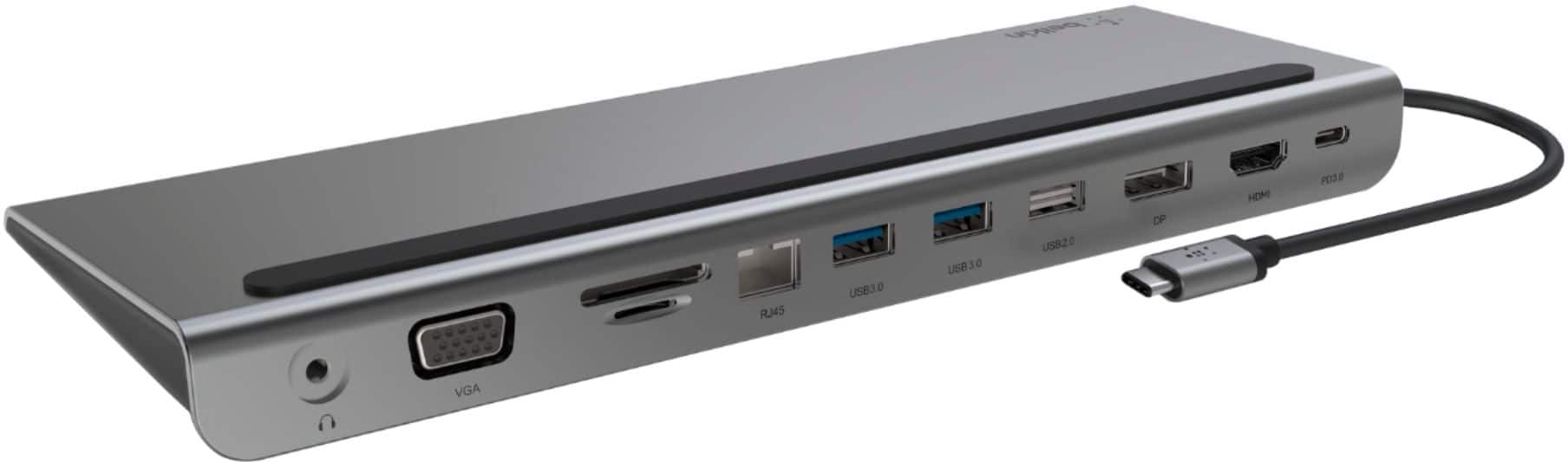
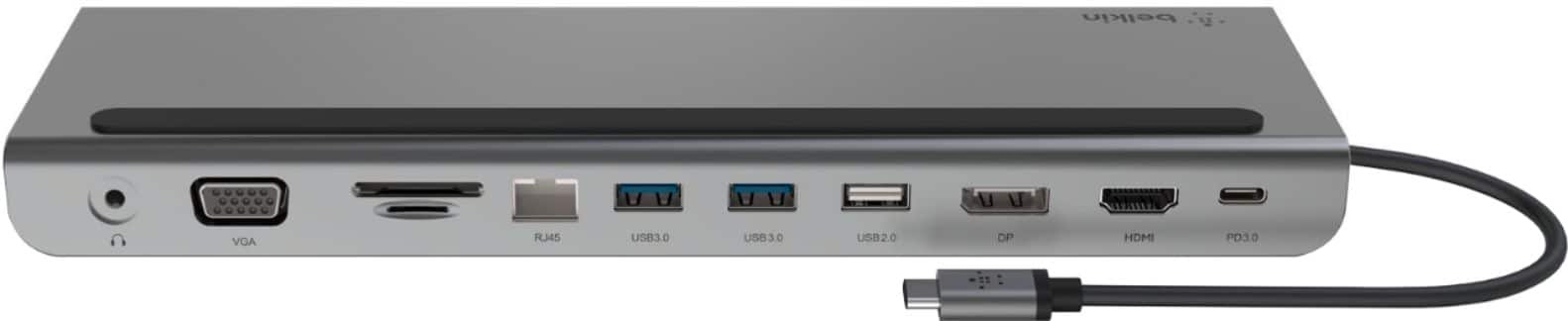
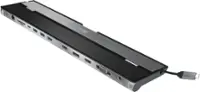
A:AnswerHi, Paige. The Belkin USB-C 11-in-1 Multiport Dock (INC022ttDG-RL / INC004btSGY) transforms a USB-C laptop or tablet into a complete workstation by adding multiple expansion ports with pass-through charging support. It also doubles as a laptop stand, helping you neatly organize cables and rear-facing connections. With USB-C Power Delivery pass-through charging of up to 100W, you can expand your setup and keep your laptop powered at the same time.
A:AnswerHi! It may. The Belkin INC020 has been tested for compatibility with the following:
-Windows and Chromebook, Mac, and other USB-C enabled devices, peripherals, accessories, and more
-Belkin Dock Utility software
-Thunderbolt 3 and Thunderbolt 4 ports
A:AnswerHi! Please know that the Belkin INC022ttDG-RL has been tested for compatibility with the following:
-Windows and Chromebook, Mac, and other USB-C enabled devices, peripherals, accessories, and more
-Belkin Dock Utility software
-Thunderbolt 3 and Thunderbolt 4 ports
A:AnswerHi, Luigy. The dock is only tested to work with MacBook Pro 15-inch (2017). Please check this link to know more about the device: https://www.belkin.com/usb-c-11-in-1-multiport-dock/P-INC004.html.
A:AnswerHi! It may work. The Belkin INC004 has been designed to work with computers and devices that can connect over USB-C. For charging, the device connected to the dock must support charging over USB-C.
A:AnswerHi! The Belkin INC004 is tested with Acer Chromebook. Also, the device has been designed to work with computers and devices that can connect over USB-C.