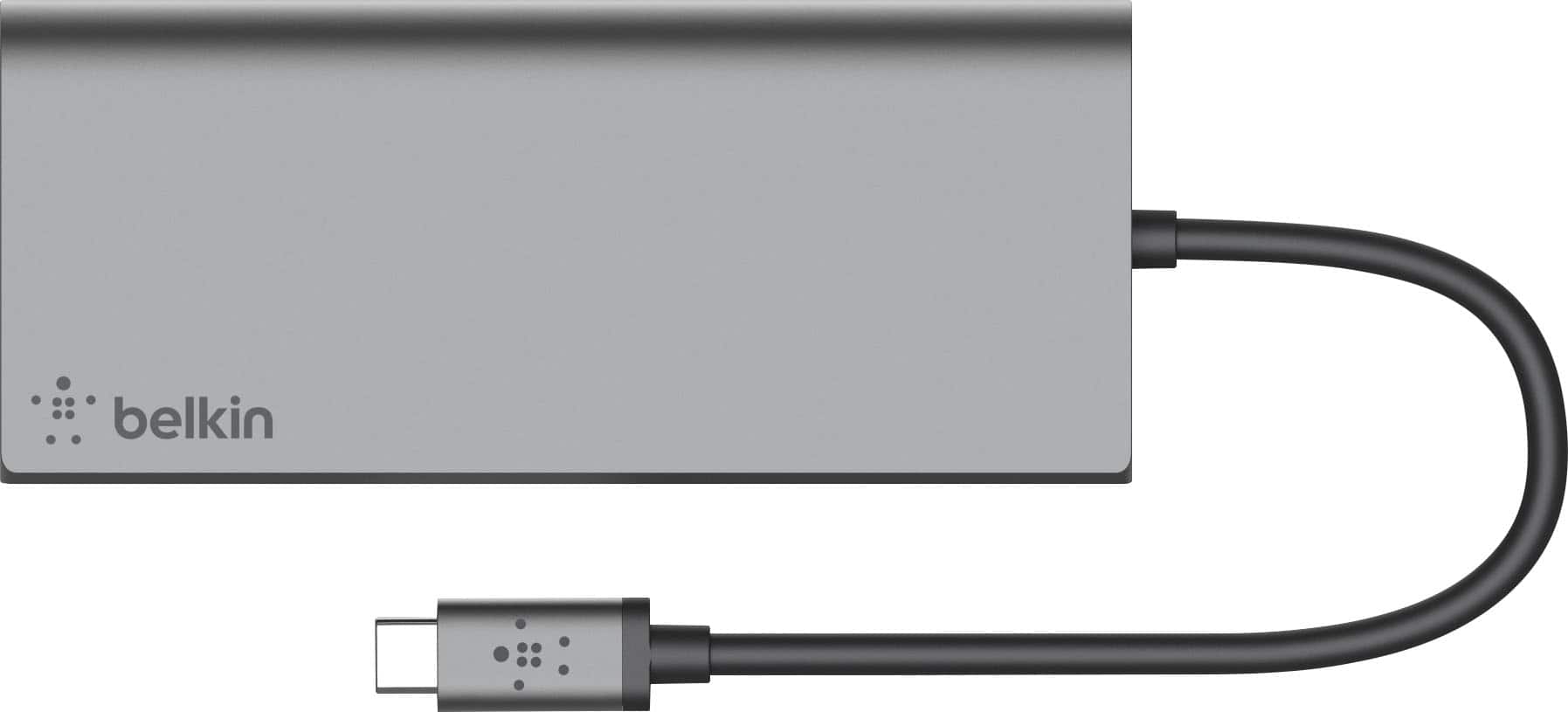



A:AnswerSo I just bought a new 13 inch macbook pro with Big Sur and an Arm M1 chip. Nothing works using this adapter. I have been on the phone for multiple hours with Apple care and have gone so far as to trade in the macbook for another one. The issues happened on both. I have tried 2 of these belkins as well and nothing fixes it so I can use usb peripherals. Basically, I cannot use my USB dongled wireless mouse, or my scanner or any label printers that are usb. In short, this does not appear to be compatible and Apple blames belkin. Further, they refused to say if any docking station would work.
A:AnswerThis will not work with Microsoft Windows XP Pro, DRMOJAR.
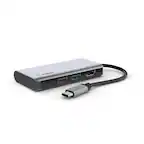
The Belkin F4U092 has been tested for compatibility with the following operating systems:
OS X® 10.8.X
OS X 10.9.X
OS X 10.10.X
OS X 10.11.X
macOS® 10.12.X
macOS 10.13.X
macOS 10.14.X
Windows® 10
Chrome OS™
A:AnswerHi, Ben,
The USB-C port of the hub only supports either data or USB PD pass-through charging, but not at the same time. If you are using the USB-C port to charge your laptop, you will not be able to use it as a data port.
A:AnswerNo, makamwalker. The hub only supports the following resolutions:
640 x 480 (VGA) at 50/60 Hz
800 x 600 (VGA) at 50/60 Hz
1024 x 768 (XGA) at 50/60 Hz
1280 x 1024 (SXGA) at 50/60 Hz
1600 x 1200 (UXGA) at 50/60 Hz
1920 x 1080 (FHD 1080 p) at 50/60 Hz
1920 x 1200 (WUXGA) at 50/60 Hz
2048 x 1152 (QWXGA) at 50/60 Hz
2560 x 1440 (QHD) at 30/60 Hz
3840 x 2160 (UHD 4K) at 24/25/40 Hz
A:AnswerHi, Cbandit97,
This multiple hub (F4U092) has not been tested with the iPad Pro (12.9") 5th Generation, but it is compatible with the iPad Pro (12.9") 4th Generation.
A:AnswerHi, PonyMa. Belkin F4U092 can charge devices from the USB-A ports only. However, please get in touch at [email protected] so our Product Experts can check the unit and assist your forward. Indicate the link to this post and your contact details when you reach out.
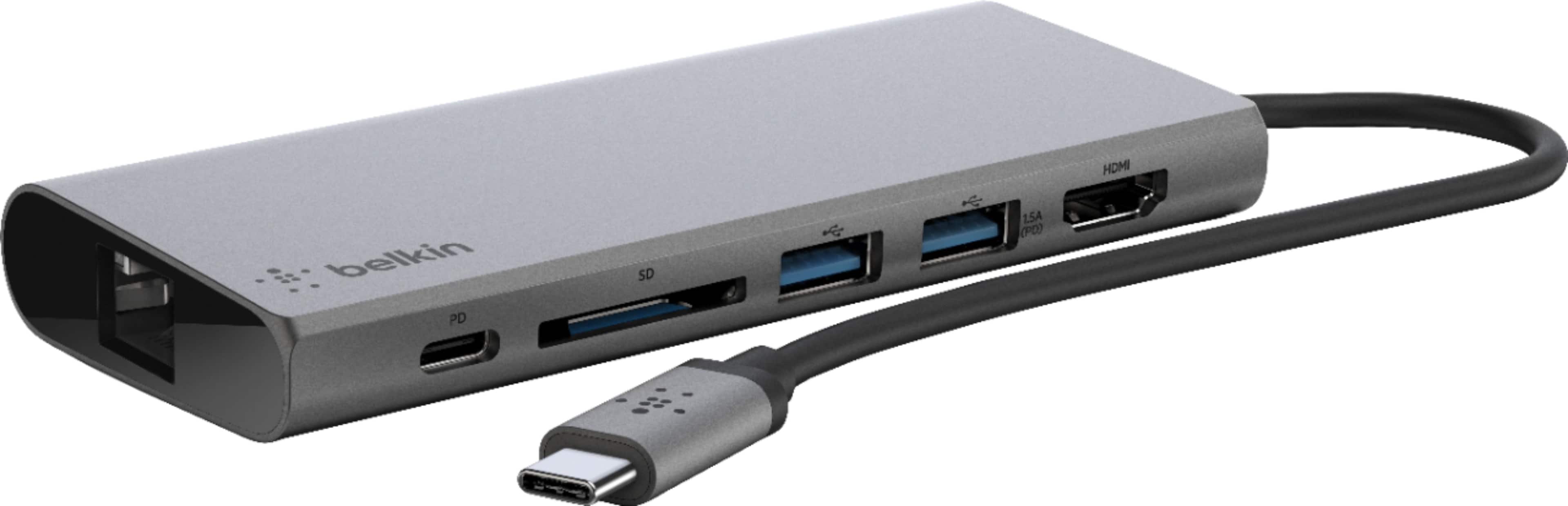
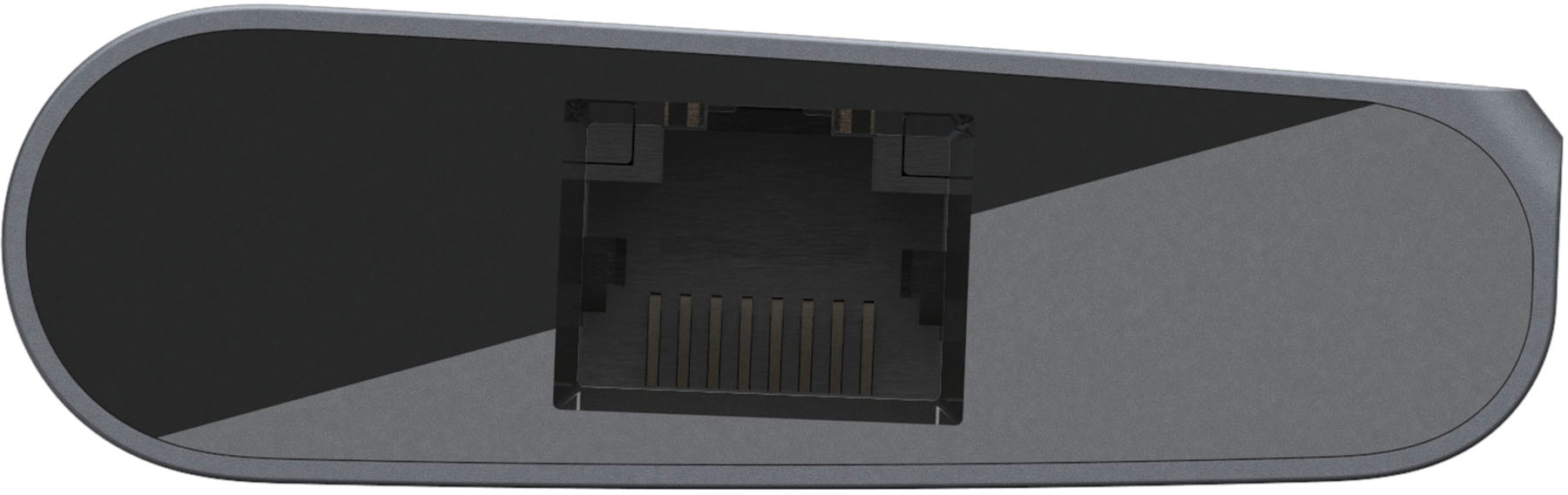
A:AnswerYes.The Belkin F4U092 with up to 5 Gbps of bandwidth is the perfect all-in-one solution to connect your USB-C laptop to multiple devices. Lead a seamless presentation or create your ultimate workstation. With this USB-C multiport hub, you can connect projectors, monitors, SD cards, and thumb drives to your laptop.
A:AnswerHi, PJF68. The Belkin USB-C Multimedia Hub does not support audio output. The hub is only compatible with Mac OS X 10.8 or later, Windows 10 or later, Chrome OS, while the USB-A ports only support data/charging.
A:AnswerHi, Sondie. The Belkin F4U092 was designed to work with USB-C capable laptops. To learn more about the device, please refer to this link, https://www.belkin.com/us/support-article?articleNum=315197.