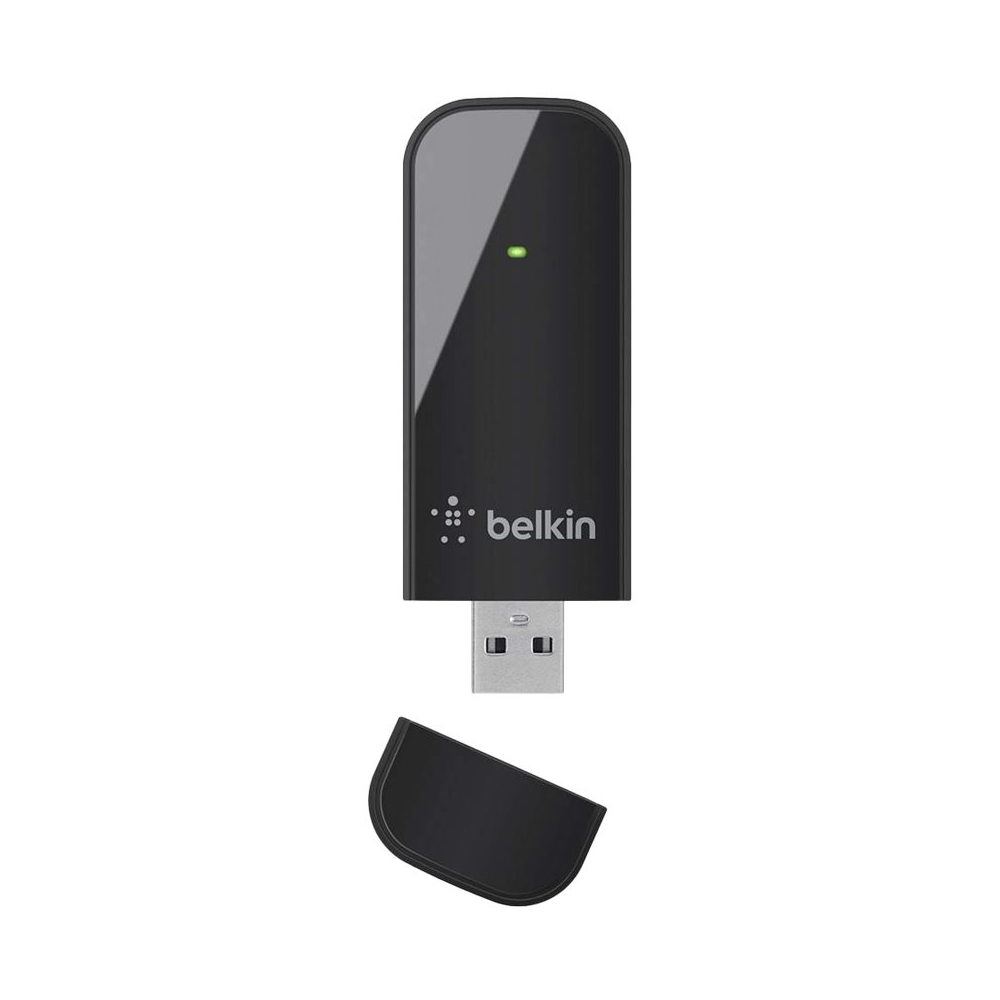
A:Answer The browser thing is totally weird. Normally the browser will open and if there is an issue it will forward you to an error page. This device should help you become wireless on your desktop, HP's are just a different name with relatively the same hardware as the others. Just pop the Belkin N600 into a usb port, insert the install disk, walk through the install wizard after clicking setup.exe. After the install, you will be prompted to reboot. Once the machine reboots, you need to go into network connectionn and sharing screen and manually connect to your existing wifi signal (the name you gave your wireless network is called the SSID) coming off the Motorola Router. Make sure you setup a password for your network on your router's admin page, and use that pwd to connect from all devices and computers. We did this same thing with a different brand on an old PC from the Nineties in 2003, so you should be fine. Also the browser thing may be related to something else - run a virus scan and pc cleanup utility to do some maintenance, to see if you have a virus or you are maxed out on disk space - Virus Utiliyt I use is Kaspersky, and Maintenance tool I use is Wise Care 365 free version it has a cleanup feature you can schedule every day, and it also has a memory optimizer for when things get slow.