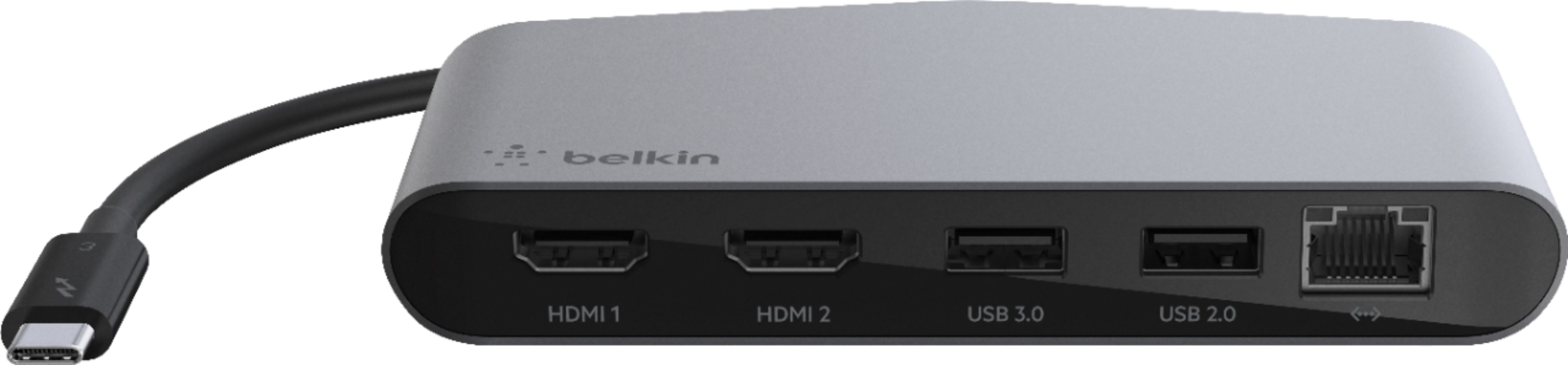
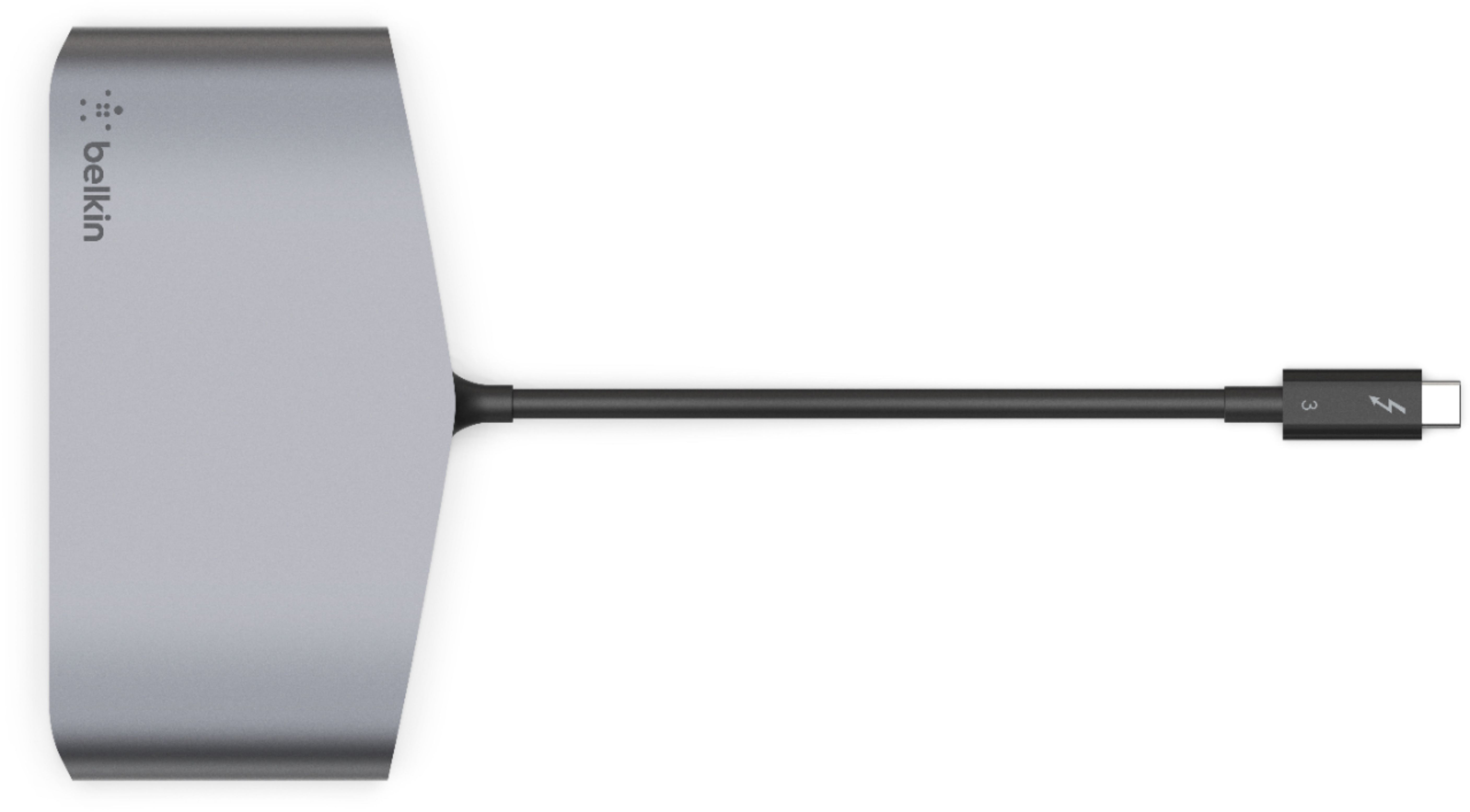
A:Answer You can configure the monitors however you'd like, for example, I have this dock connected to my 16" MBP, I have 2 4k Samsungs in dual monitor setup, each monitor displaying different things. Can also have the laptop screen open for a total of 3 distinct screens (this is overkill for me).
That being said, I'm not sure the mini has the graphics power to drive all those projectors, # of monitors is a limitation of the computer not the connected dongles.
You'd likely need several thunderbolt 3 external GPU's to drive all those..
From Everymac.com:
Display Support: 2-3 Displays* Resolution Support: 5120x2880*
Details: *This model supports "up to" three displays. It can support either (1) two displays up to 4096x2304 at 60 Hz via Thunderbolt 3 and one display up to 4096x2160 at 60 Hz via HDMI 2.0; OR (2) one display up to 5120x2880 at 60 Hz via Thunderbolt 3 and one display up to 4096x2160 at 60 Hz via HDMI 2.0.
The Thunderbolt 3 ports support native DisplayPort output using USB-C as well as Thunderbolt 2, DVI, and VGA output with adapters. In addition to HDMI, the HDMI 2.0 port supports DVI using an HDMI