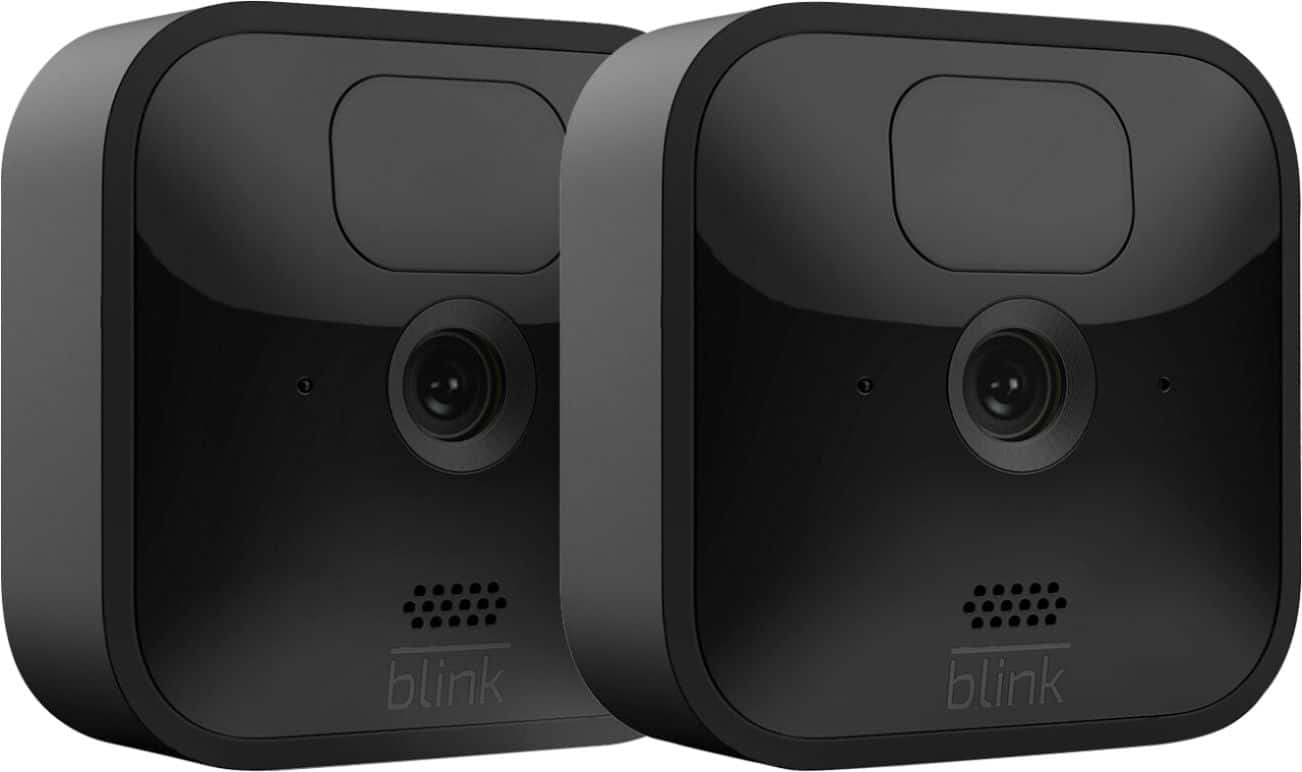
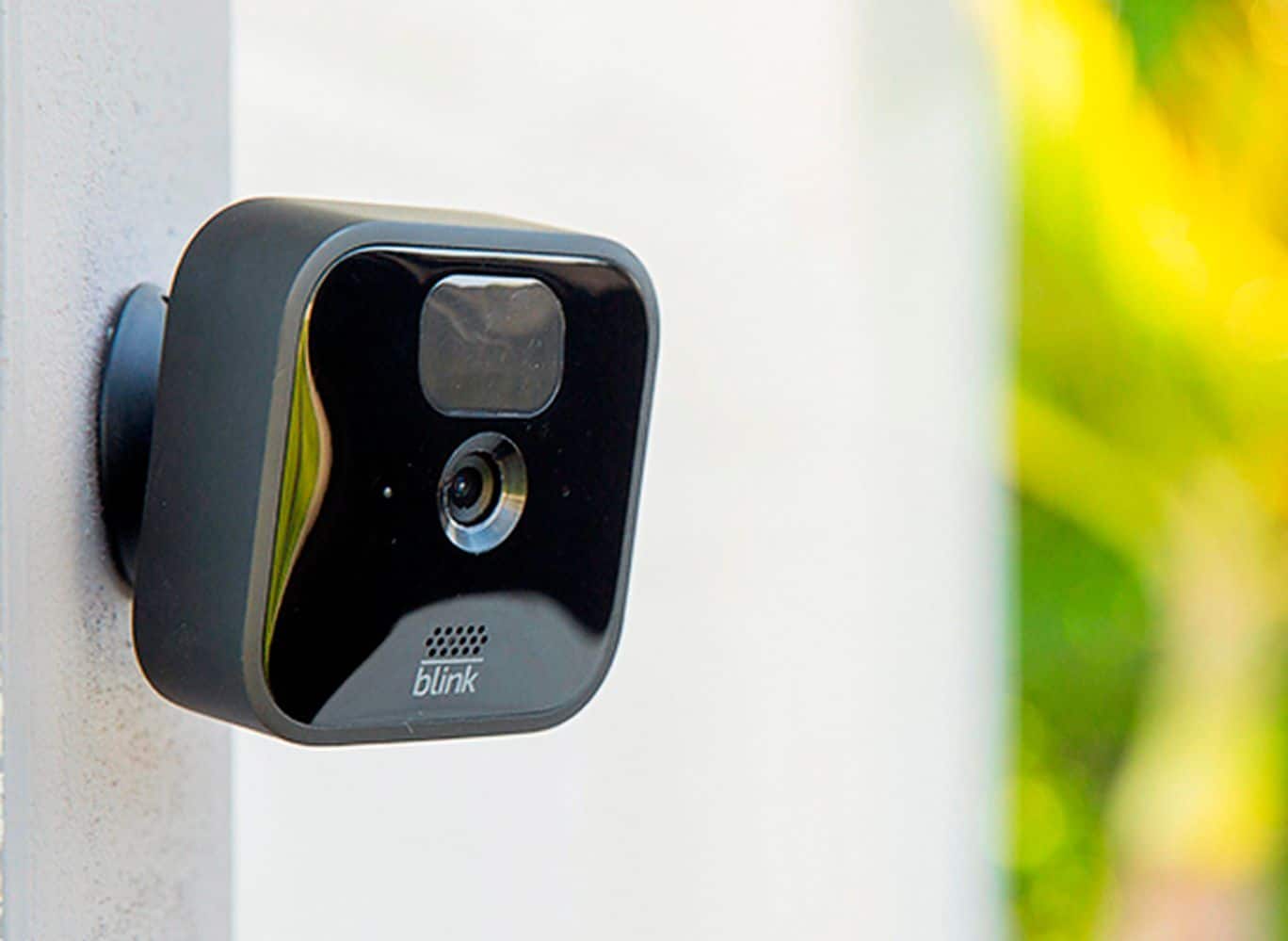
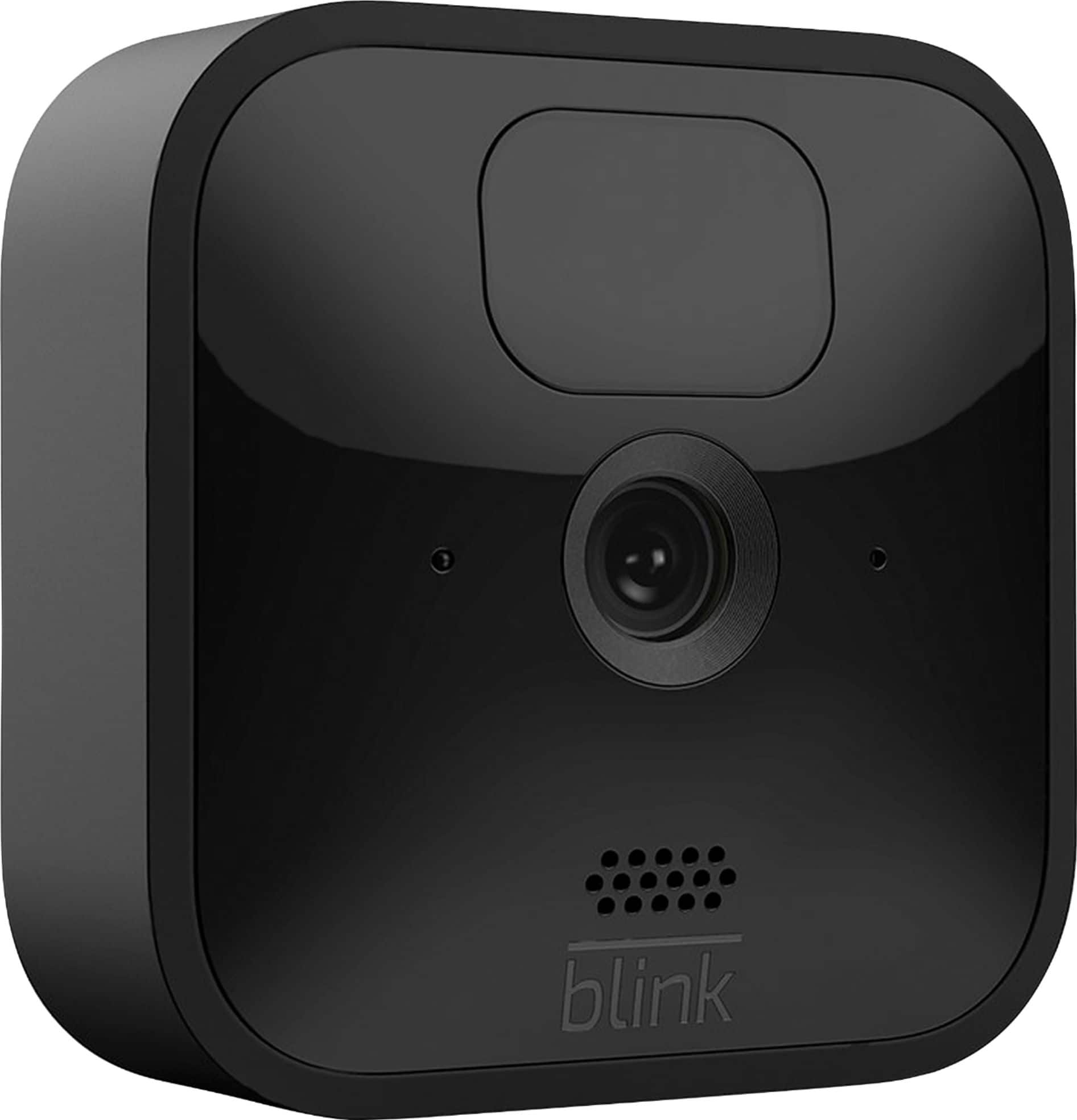
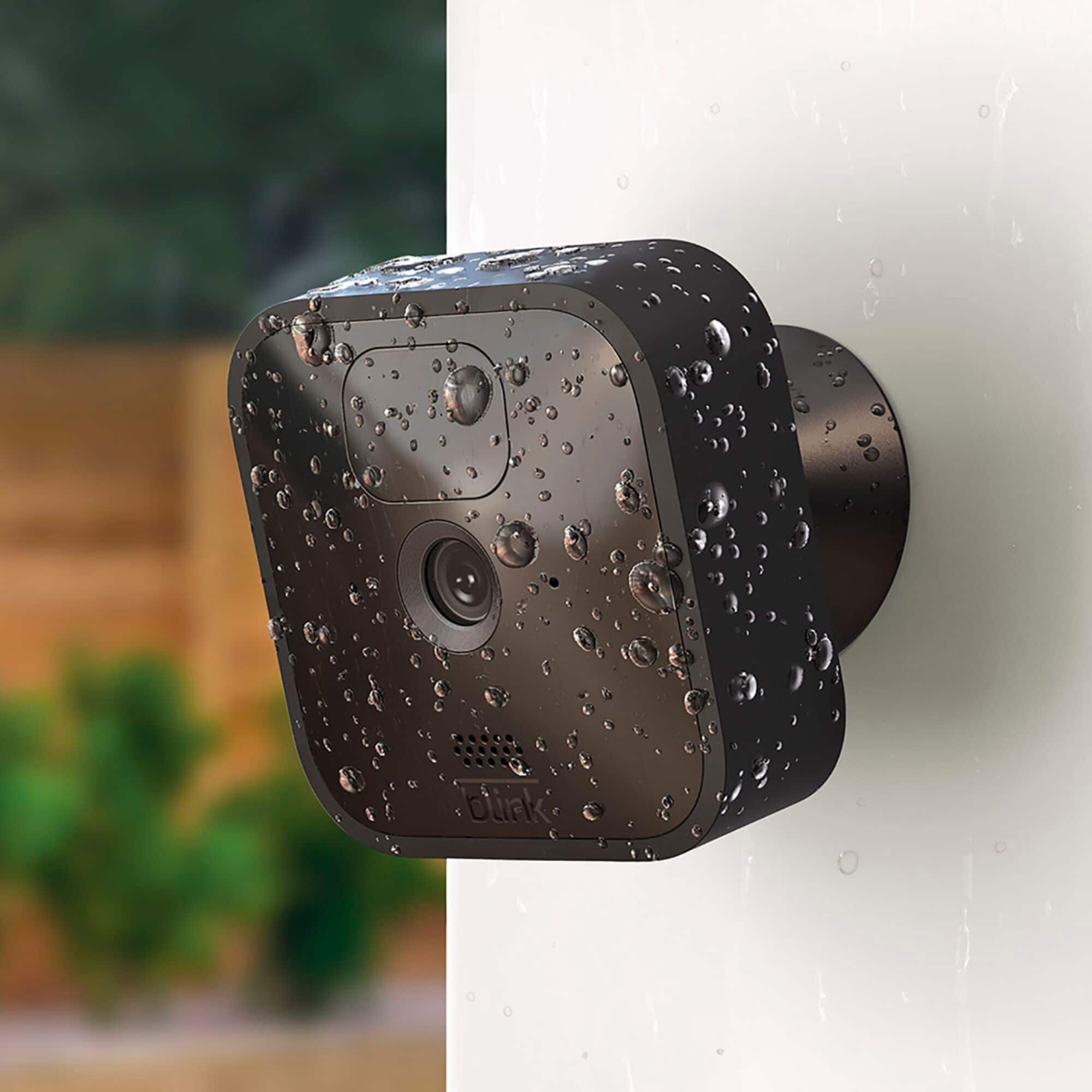
A:AnswerThe Blink cameras have a built in motion sensor, there is not a separate motion sensor device, When armed the Blink cameras record clips based on motion detection only.
A:AnswerI do not know if the geek squad will hook them up for you or what they’ll charge but if I can do it you can do it first of all you download the blink app whatever device you’re going to use for the cameras second open the box they’ll be a little white square box with a USB port on it you plug that in it will blink thank ones blue and then ones green The green will blink once it starts blinking you’re almost set to go that is what reads the cameras and send it to your device whatever device you’re going to use then you have to open up the back of each camera on the back of the camera you will see a barcode whatever device you’re using you have to hold that camera and get a picture of it batteries have to be in the camera for this to work once your device locks in on the picture of the barcode through the blank app that camera is ready to be set up repeat process on all cameras you also have to name each camera that you will do when you decide where you’re going to put them and that will also be done on the blink app then you Mount the bass of the camera put the back on the camera and attach it to the base or just call Best Buy and see if they Will set them up for you I did 15 cameras what is a little aggravated in the beginning but once I got the hang of it it was simple the instructions are very thorough also Hope this helps
A:AnswerI purchased a system with "outdoor" cameras a few years ago and then recently added 2 outdoor cameras. As far as I can tell, there is not difference. The new cameras (box) includes swivel mounts that were not available at the time of my original purchase.
A:AnswerThe Blink Outdoor camera is compatible with local storage functionality, which allows you to back up videos in your home to the Sync Module 2 when you insert a USB flash drive. Additionally, you can use the Battery Expansion Pack-coming soon- with Outdoor, to allow your camera to run on four batteries instead of two, extending battery life by up to two extra years.
A:AnswerThe Blink App is currently compatible with any iOS mobile devices running version 10.3 or higher, Android mobile devices running version 5.0 (Lollipop) or higher and Fire OS mobile devices, running software version 5.1 or higher. The Blink cameras, when armed record clips based on motion detection and send a notification to your mobile device.
A:AnswerYou can store your clips locally in the privacy of your home for no additional fee using the included Sync Module 2 — all you need is a USB flash drive.
For the convenience and added benefits of cloud storage, a free trial of the Blink Subscription Plan valid through December 31, 2020 in US/CA is available with the purchase of each new Mini, Indoor and Outdoor.
Both local and cloud storage allow you to use your Blink app and cameras in the same way. The only difference is where your videos are saved.
A:AnswerYou can use a baby monitor without wifi. I have one that i point out the window at my parked car at night. It's called Anmeate and it's 60 bucks. But there are all kinds of them. It has it's own little camera and receiver. It basically is the same as a camera, except that the security cameras (i have blink minis) will ping your phone when motion is detected, and make a little recording of it. My baby cam is just on all the time. Also, the blink minis I can be anywhere and check on my place from my phone, but the baby cam doesn't broadcast to my phone; only around the house. But now i am a big fan of the blink minis; I have about 6 and counting!
A:AnswerThe Blink XT, XT2, and legacy Indoor cameras will continue to receive the existing free cloud storage. Any XT2 or 1st generation Indoor cameras added to an account created after 4/15/2020 will receive free cloud storage on those devices, but any Mini and the new Blink Indoor and Outdoor cameras added to that same account will require either local storage via the Sync Module 2 or a subscription for cloud storage to save videos.
A:AnswerYou are able to access the live view on the Blink Outdoor cameras at anytime and can also save your live view sessions as well if you choose. When armed, the Blink cameras record clips based on motion detection only.
A:AnswerThe screw in the back cover is removed with the tool provided or I guess you could use a flat screw driver . I don’t know how often the batteries need changing as mine are still working . They say they will last two years . I would say less depending on how often they get energized .
Hope this helped
A:AnswerYou are able to adjust the speaker volume within the camera settings of the APP on your compatible mobile device. You can find many support articles on our website or please reach out to us directly to help troubleshoot, support.blinkforhome.com
A:AnswerMost likely you would need two sync modules as the sync module should be able to communicate with Blink camera units up to 100ft away in any direction assuming fairly standard construction material. You would also need separate sync modules if you were placing cameras on separate wifi networks as well, however you can set-up and access these separate Blink Systems from the same account by using our multi-system support feature.