A:AnswerYes, It is web based with you Google home account once you set it up. It can be accessed with an IOS ap on Apple devices or through a Webb address via PC.
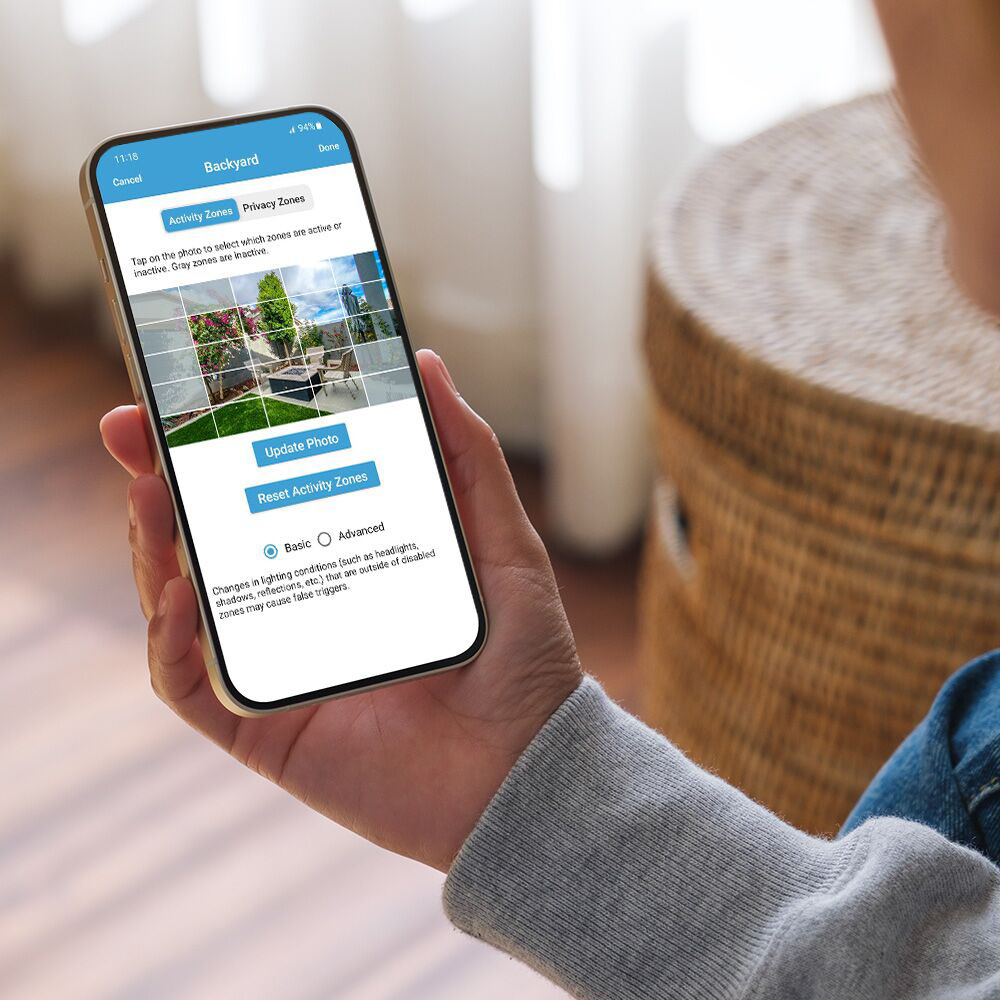
A:AnswerA mobile device is needed to use the Blink app where you can access your Blink cameras and system settings.
Compatible devices: iPhone or iPad with iOS 14 or higher, Android phone or tablet with Android 9 or higher, and Fire Tablet with Fire OS 7 or higher.
If you have a Sync Module 2, you can store up to 256GB of video files on a removable USB drive. You can view the video files on a computer by removing the USB from the Sync Module and inserting it into your computer.
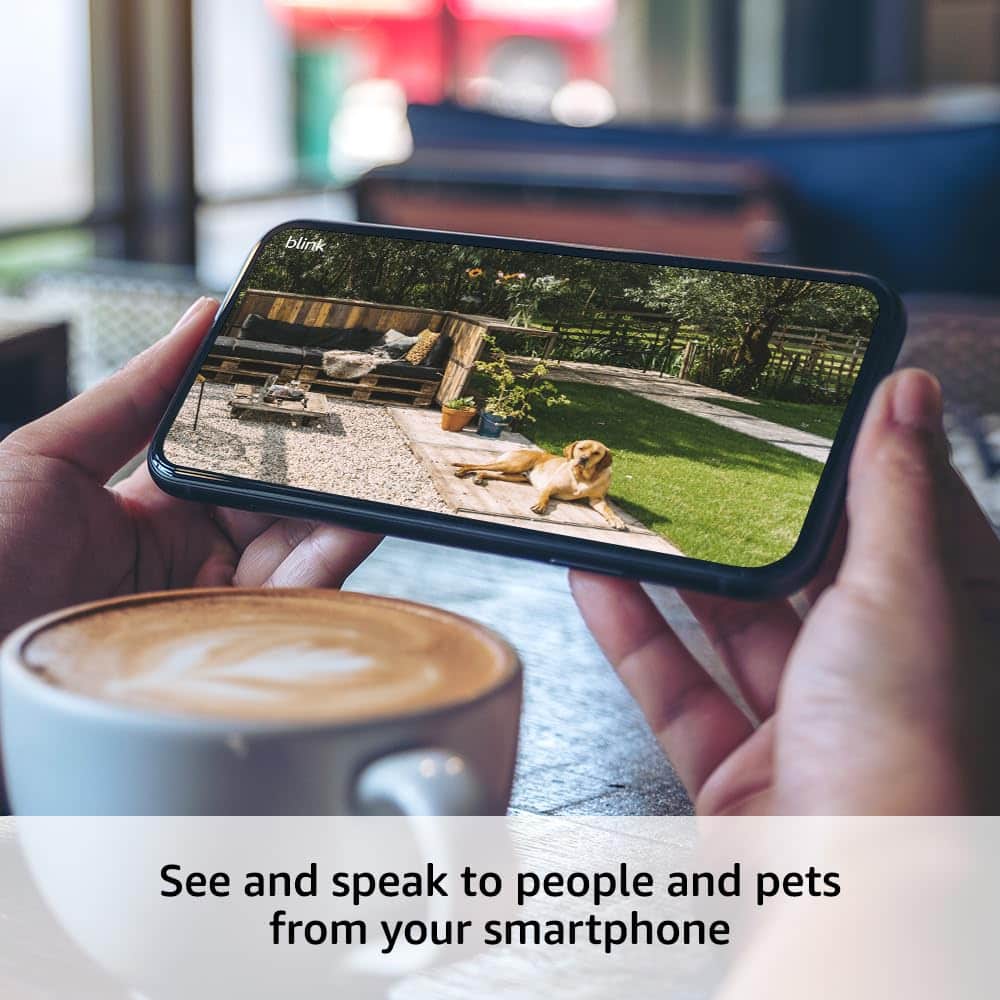
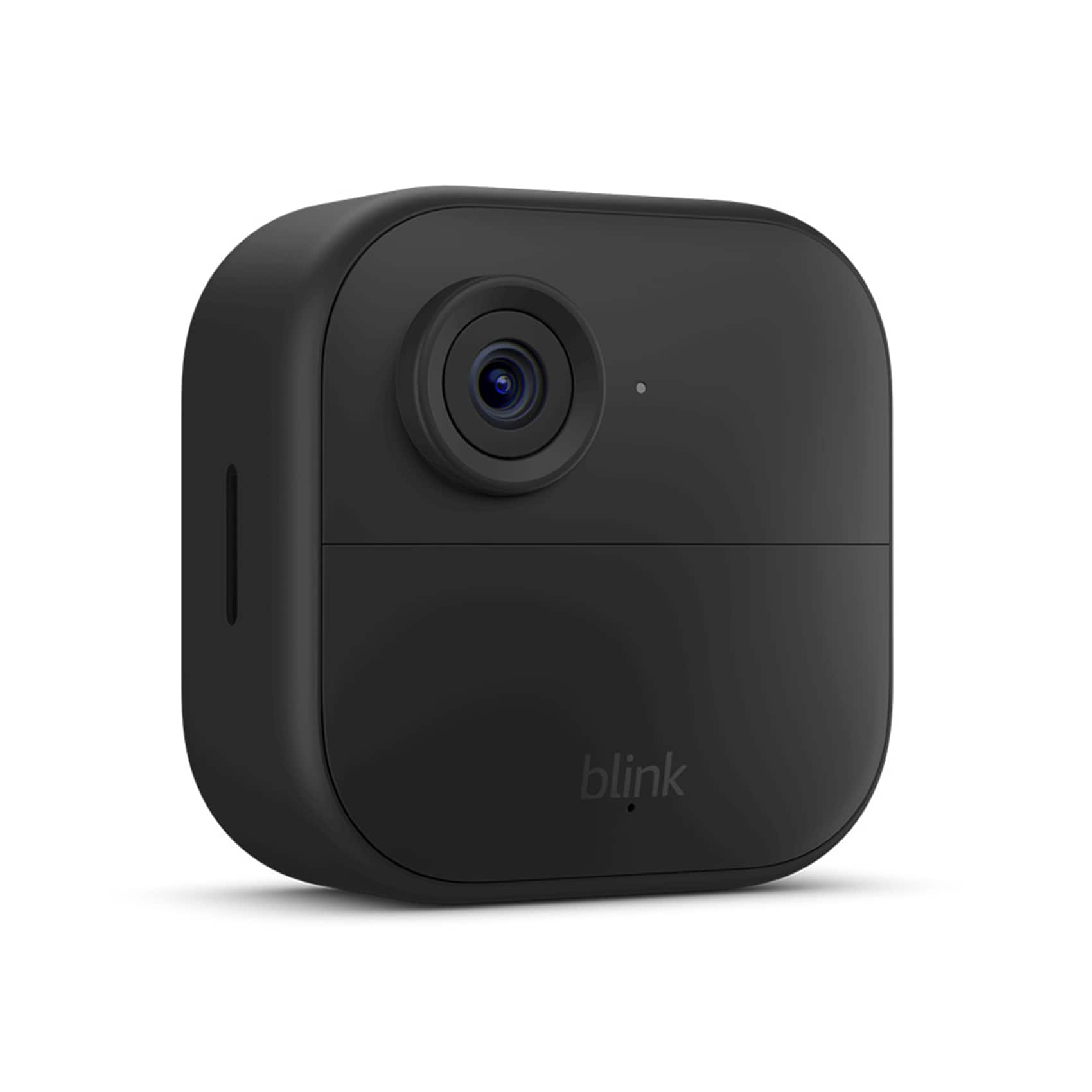
A:AnswerThe Outdoor 4 camera does have a speaker and microphone, allowing two-way audio. You can perform a live view from the Blink app, and hear and speak to whomever is at the camera.
A:AnswerYou may absolutely use an Outdoor camera indoors. The Indoor cameras of course are not rated to be weather resistant which is why they should only be used indoors, but the Outdoor devices are safe to use in both environments day and night. One important detail to note is that Blink devices are not designed to detect motion through glass or screens. As long as the camera is not directly behind either, it will work perfectly indoors, too.
A:AnswerYes, my 3 cameras at one house use one synch module and the 2 cameras at the other house another module and all are on same app and cloud subscription. Paying for the subscription becomes more cost efficient the more cameras you add. And locations.
A:AnswerUSB drive requirements
Any type-A, self-powered USB flash drive formatted to ExFAT (preferred), FAT32, or FAT
If necessary, the Blink app can reformat the drive when it is first inserted into the Sync Module 2.
Minimum storage size: 1 GB
Maximum storage size: 256 GB
More than 375 MB of free space available
A:AnswerBy default, the system will capture a five second clip, and wait for the retrigger time of 30 seconds. If motion continues, the camera will capture another five second clip. Retrigger time can be adjusted under Device Settings.
A:AnswerThe camera is approximately 3" x 3" square..but the range of the view is up about 120 degrees..its pretty good if you put it in a corner you get the whole room view.
A:AnswerAll Blink cameras require a 2.4 GHz Wi-Fi Internet connection. The cameras use Wi-Fi to send images and notifications so you can view them from the Blink app on your mobile device. At minimum, Blink systems need a connection of at least 2 Mbps upload speed.
A:AnswerHi!
Yes, your Blink Outdoor 4 XR camera system is fully compatible with the standard Blink Outdoor 4 add-on camera. You can easily add more Outdoor 4 cameras to your existing Sync Module XR.
I hope this answers your question!
A:AnswerHi there! You can absolutely use the Blink Outdoor 4 with the Sync Module 2. You'll also be able to take advantage of the USB port for local storage, just like you would with a Sync Module XR and it's Micro SD Card slot. I hope that helps, have a great rest of your day!