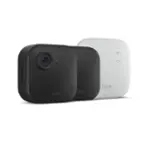
A:AnswerHi Blink, thank you for your question. Blink only recommends using 1.5V AA non-rechargeable lithium batteries such as Energizer Ultimate Lithium. Neither rechargeable nor alkaline are recommended. I hope that helps, have a great day!
A:AnswerI will not do that because at some point you're going to have to remove it back to change the batteries and removing it off the mount causes a lot of movement.
A:AnswerHi luckyman! This video displays in color during the day, but when recording or viewing in night vision mode, the video will appear in black and white. Hope this helps, have a great day!
A:AnswerHi Dawn! For the Blink Outdoor 4 camera, you can adjust the Status LED settings in the Blink app under Device Settings, General Settings, Status LED. The Status LED can be set to either "Always Off" (LED remains off at all times) or "When Recording" (LED turns solid blue during recording or live view access). Hope this helps, have a great day!
A:AnswerHi noyman512, thank you for your question. These cameras do not work with the Ring app. They will work with the Blink app. I hope this helps, have a great day!
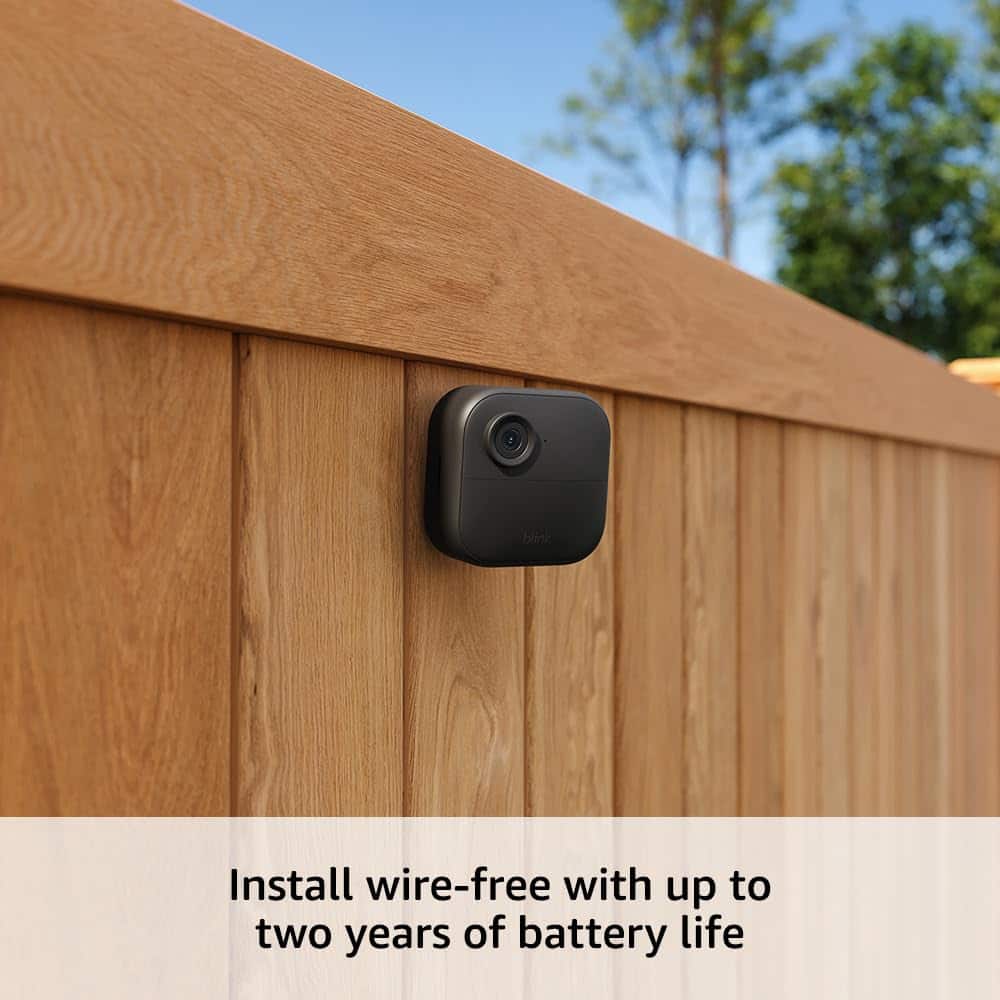
A:AnswerHi Bruno! The camera package contains all necessary components for mounting to either wooden or brick surfaces. For optimal installation of your Outdoor 4, you should first secure the mount firmly to your chosen surface before attaching the camera. When selecting a location for your Outdoor 4, several factors should be considered to ensure effective motion detection. The camera performs best when detecting movement that crosses horizontally through its field of view, rather than motion coming directly toward or away from the camera. It's important to avoid locations near sources of bright light flashes, moving tree branches, or areas with frequent passing vehicles, as these can trigger unwanted notifications. Additionally, ensure that both your Wi-Fi network and Sync Module show a signal strength of at least three bars at the chosen location for reliable performance. Hope this helps, have a great day!
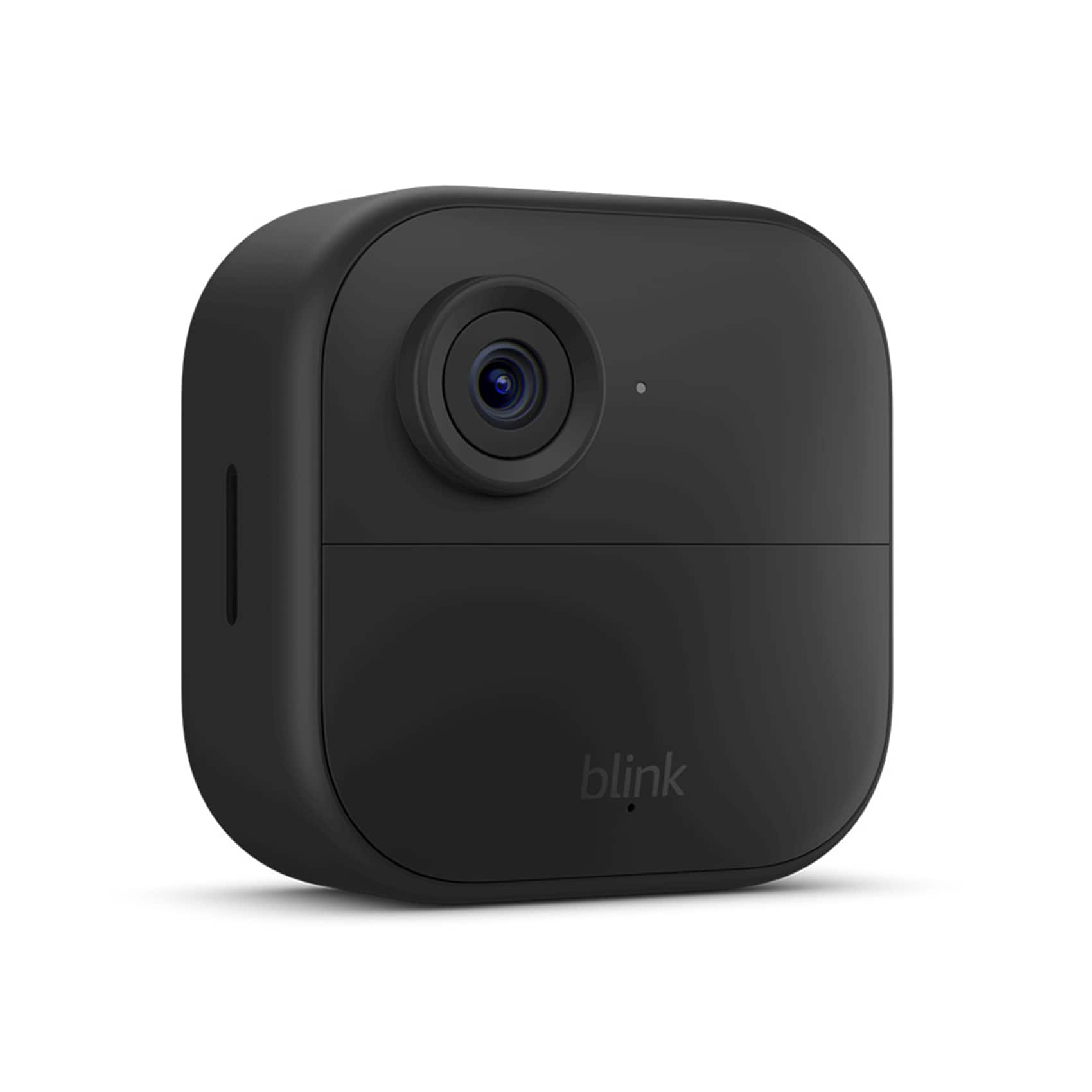
A:AnswerHello there!
A mobile device is needed to use the Blink app where you can access your Blink cameras and system settings.
Compatible devices: iPhone or iPad with iOS 14 or higher, Android phone or tablet with Android 9 or higher, and Fire Tablet with Fire OS 7 or higher.
If you have a Sync Module 2, you can store up to 256GB of video files on a removable USB drive. You can view the video files on a computer by removing the USB from the Sync Module and inserting it into your computer.
A:AnswerHello and thank you for your question. The Blink Outdoor 4 is weather resistant and supports temperatures from -4 to 113° F. I hope this helps and have a great day!
A:AnswerI bought two sets both of them had the sync module but no SD card.
I changed from Ring because no more annual fees. I like the system better than the Ring System.