A:AnswerUSB drive requirements
Any type-A, self-powered USB flash drive formatted to ExFAT (preferred), FAT32, or FAT
If necessary, the Blink app can reformat the drive when it is first inserted into the Sync Module 2.
Minimum storage size: 1 GB
Maximum storage size: 256 GB
More than 375 MB of free space available
A:AnswerBy default, the system will capture a five second clip, and wait for the retrigger time of 30 seconds. If motion continues, the camera will capture another five second clip. Retrigger time can be adjusted under Device Settings.
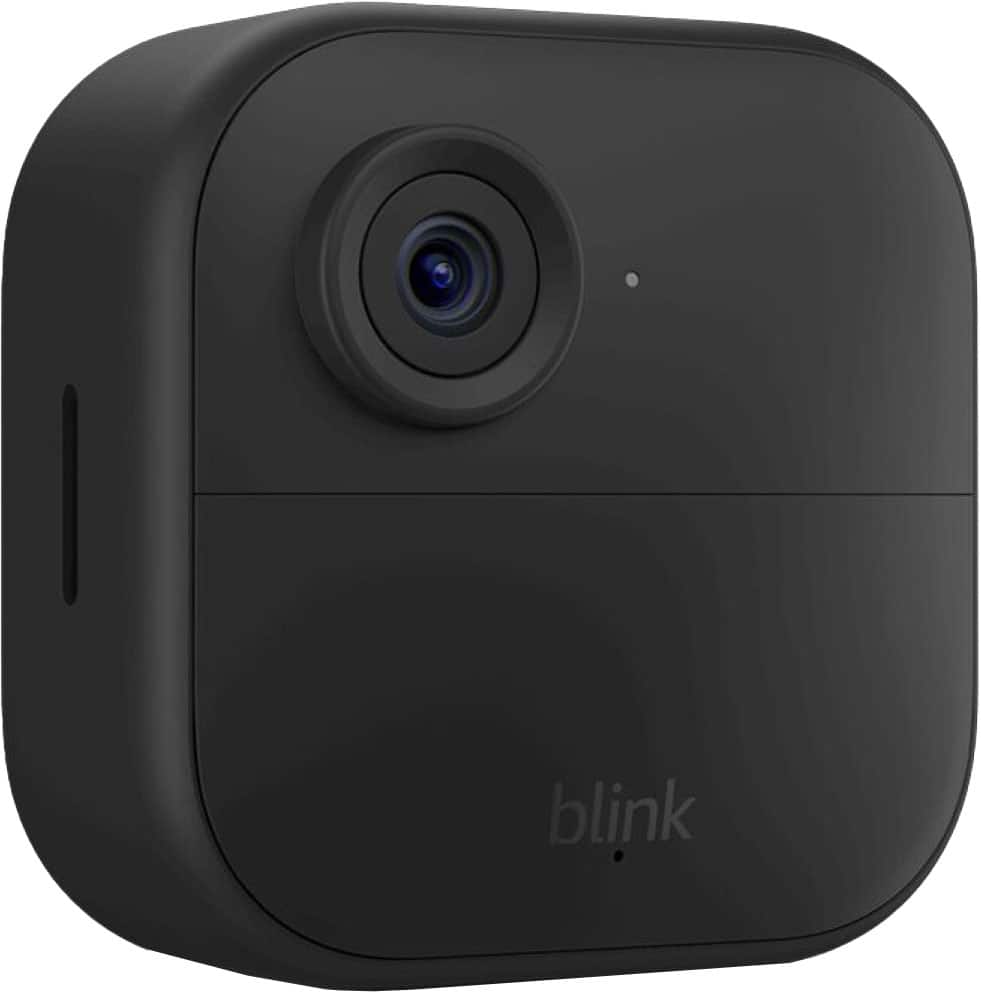
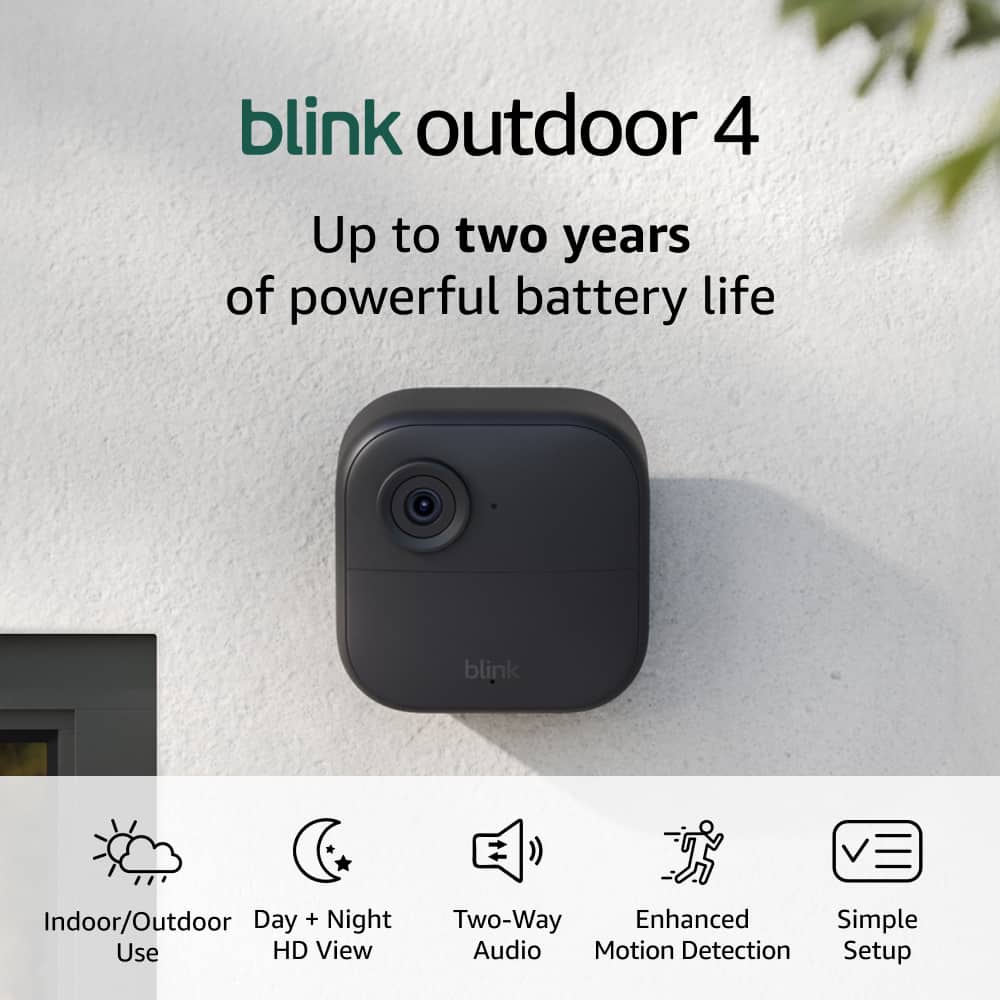
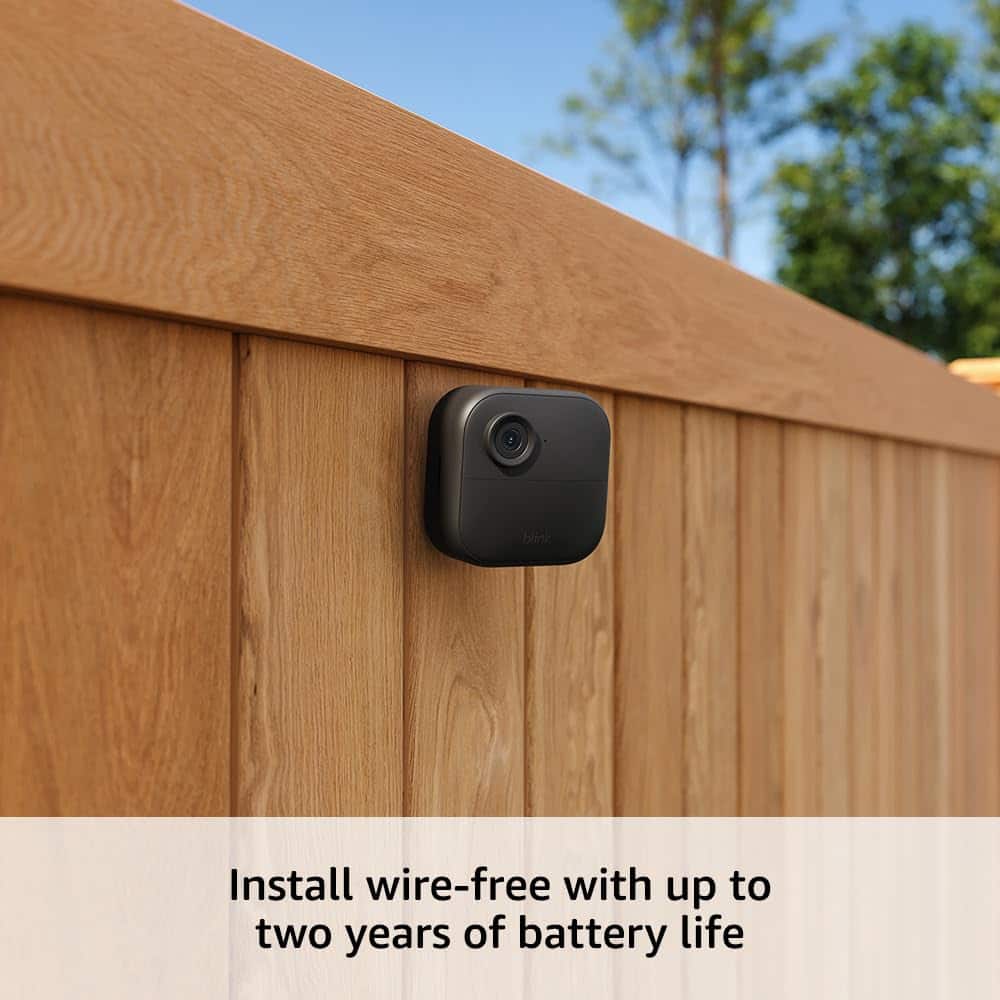
A:AnswerThe camera is approximately 3" x 3" square..but the range of the view is up about 120 degrees..its pretty good if you put it in a corner you get the whole room view.
A:AnswerAll Blink cameras require a 2.4 GHz Wi-Fi Internet connection. The cameras use Wi-Fi to send images and notifications so you can view them from the Blink app on your mobile device. At minimum, Blink systems need a connection of at least 2 Mbps upload speed.
A:AnswerHello and thank you for asking this question. Blink cameras begin recording automatically after they detect motion and you can access up to 60 days of recorded history with the Blink subscription starting at 3.99 a month for one camera. I hope this answers your question and that you have a great day.
A:AnswerHi Koko! The Blink Outdoor 4 has a 143 degree field of view, measured diagonally. I looked up a DFOV to H/V FOV calculator and according to that you're looking at around 135 horizontal, and 107 vertical. Personally I have always found the field of view on Blink cameras to be great for a wide variety of uses, though you might have to mount it facing a bit downward if you're looking to spot a package. I hope that helps, have a great rest of your day!
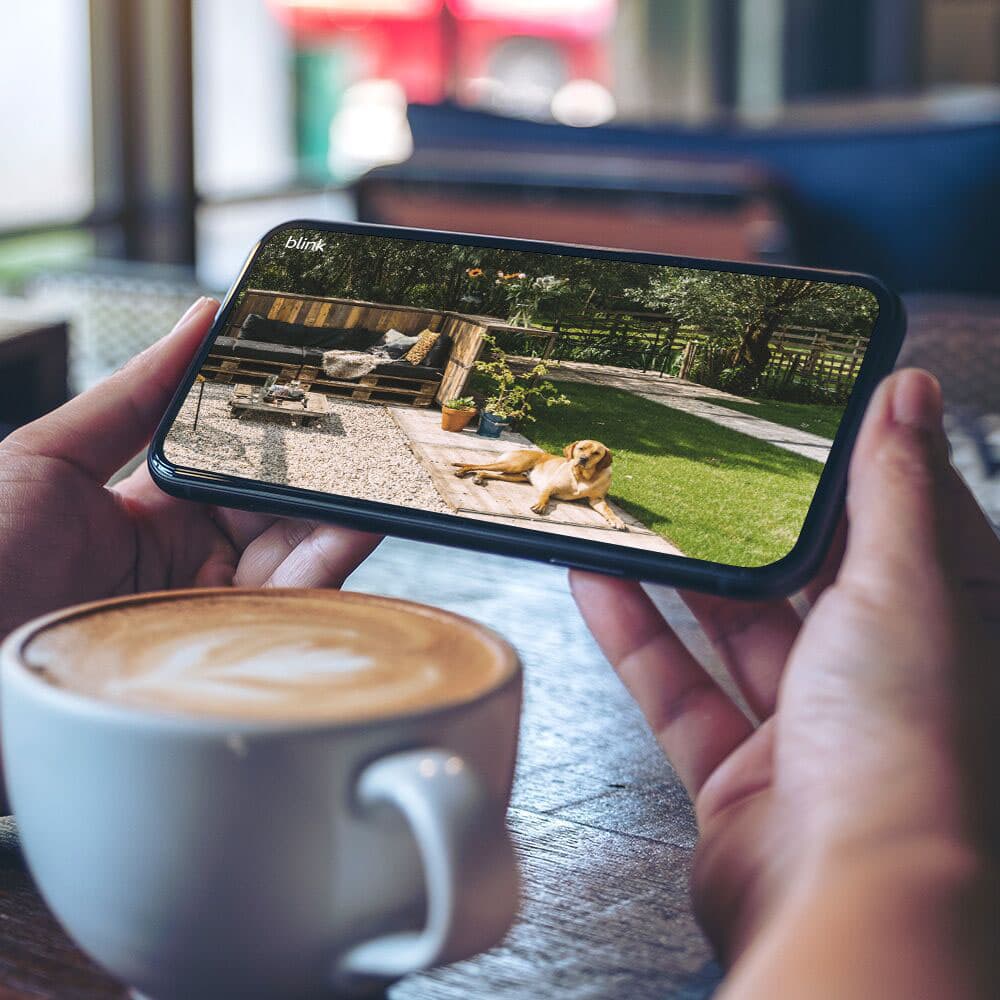
A:AnswerHello rocco, yes you can view all your cameras Live through the Blink App on your phone. You can also 2-way talk through them.
Have a great day!