A:AnswerYou can get the drivers online for your Brother DS940DW machine using the link below:
https://support.brother.com/g/b/producttop.aspx?c=us&lang=en&prod=ds940dw_us_eu_as
A:AnswerThe way to do that is first to scan your resume into your Mac or PC. Then when sending job application, they will have an "attachment" area, point that to where you are storing your resume. Attach and send.
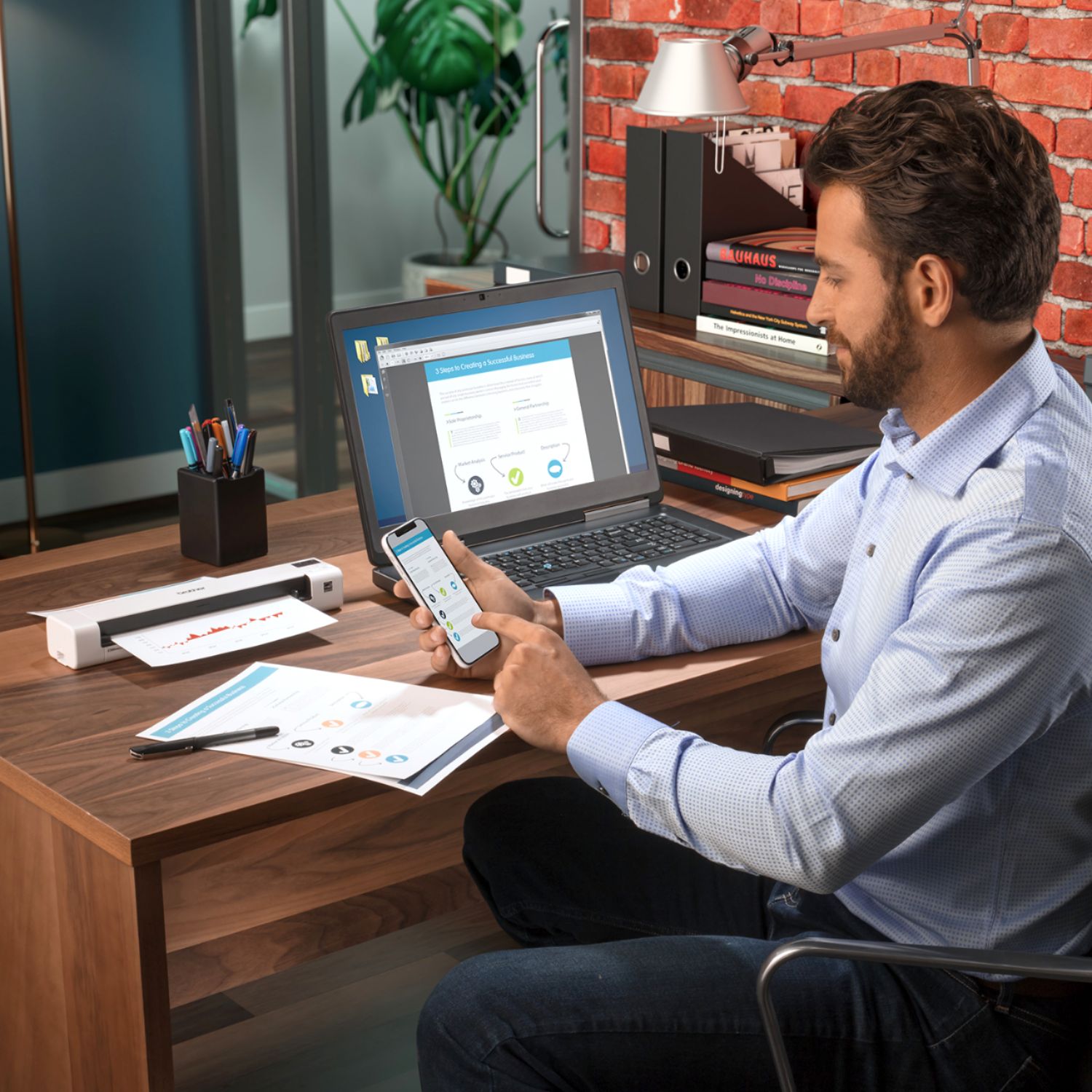
A:AnswerThe Brother DS-940DW scanner uses the Brother iPrint&Scan app, which allows to save scanned images to any directory in your computer or cloud service. For more information, feel free to contact Brother Customer Service directly.
A:AnswerThe Brother software allows you to save as PDF, text, RTF (rich text) or a variety of image file types. It does not natively save as Word documents (.docx), but you can open text or RTF files with Word.
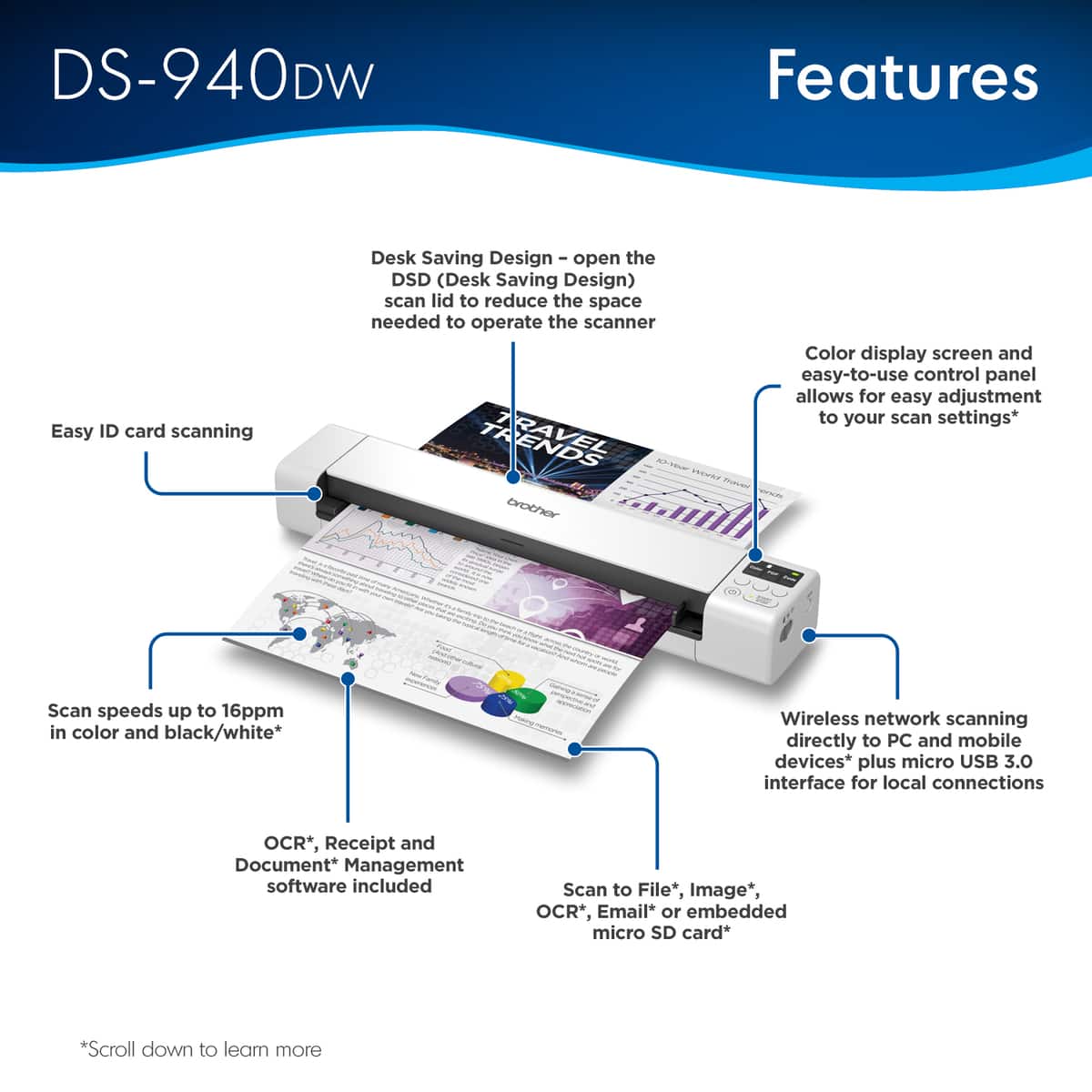
A:AnswerThe Brother DS-940DW sends the scanned document to your computer and attaches it to a new outgoing e-mail. This feature requires a compatible e-mail package on your computer (Apple Mail or Microsoft Outlook).
A:AnswerYou might end up with a crease in the scanned document, but it will certainly scan. Imho, if the crease is visible to the naked eye, the scan will show the line, just as a photocopy would.
A:AnswerFor some weird reason, it only charges when you plug the USB cable into a computer, not a typical adapter you might use for a phone or tablet. After a few mins of charging on my computer, it crashed it pretty bad.
This is a deal breaker for me so I'm probably returning. I'll try Doxie Go SE wifi instead.
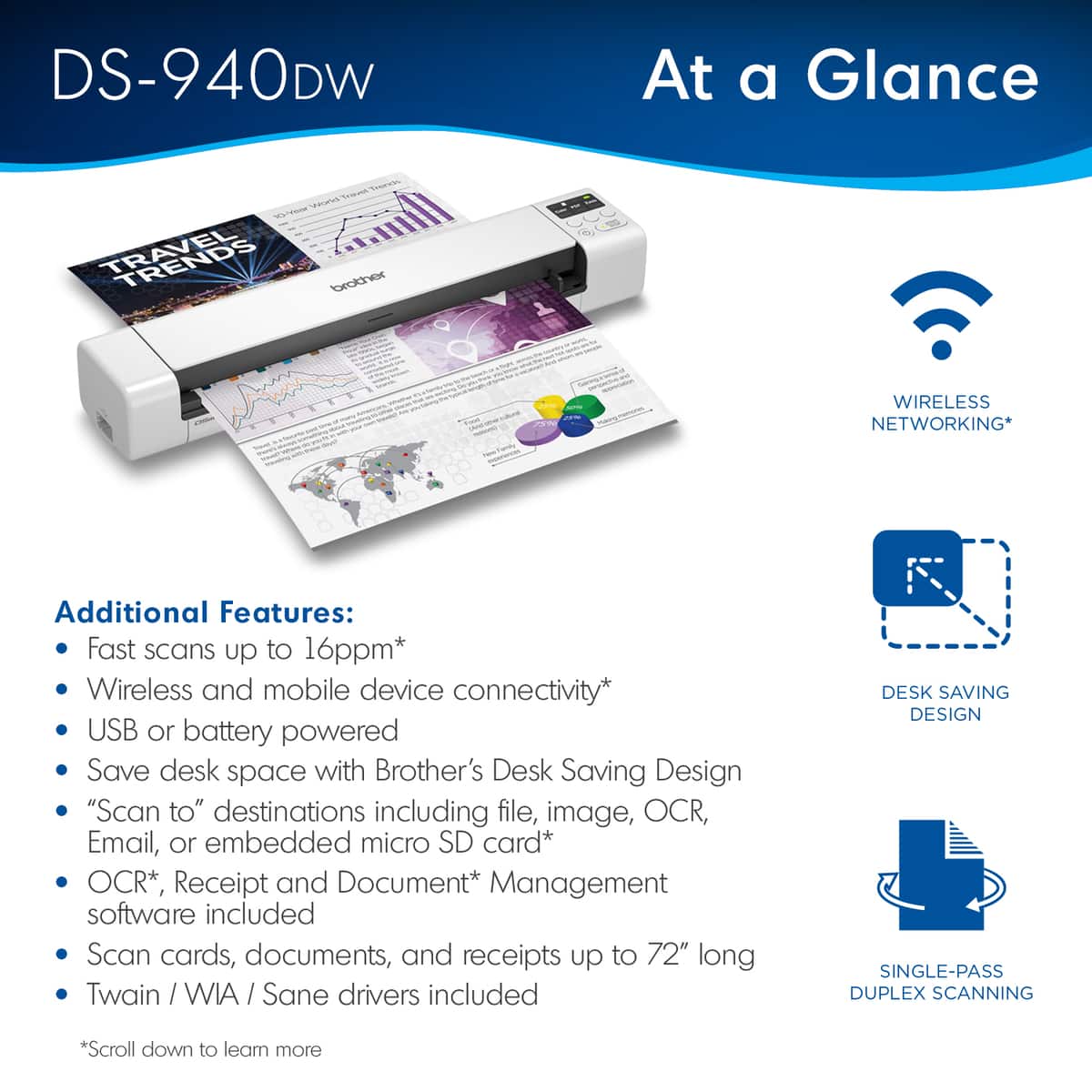
A:AnswerThe DS-940DW is compatible with other applications if the scanning application supports scanning using a TWAIN driver or WIA driver, then it is likely to work with the Brother machine.