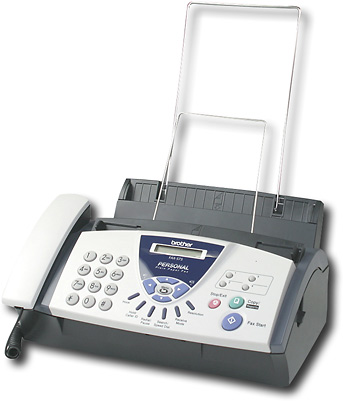
A:Answer Yes, adjusting the contrast to darker to make the document lighter. Insert the document face down in the ADF(Automatic Document Feeder). Press Menu/Set, 3,3. Press up or down to select Auto, Light, or Dark. Press Menu/Set. Press 2 if you have finished choosing settings for this page, and then go to Step 5.
Fine and Super Fine are Resolution settings temporarily (for the fax only). Fine-Good for small print and transmits a little slower than Standard Resolution. Super Fine- Good for small print or artwork and transmits slower than Fine resolution.