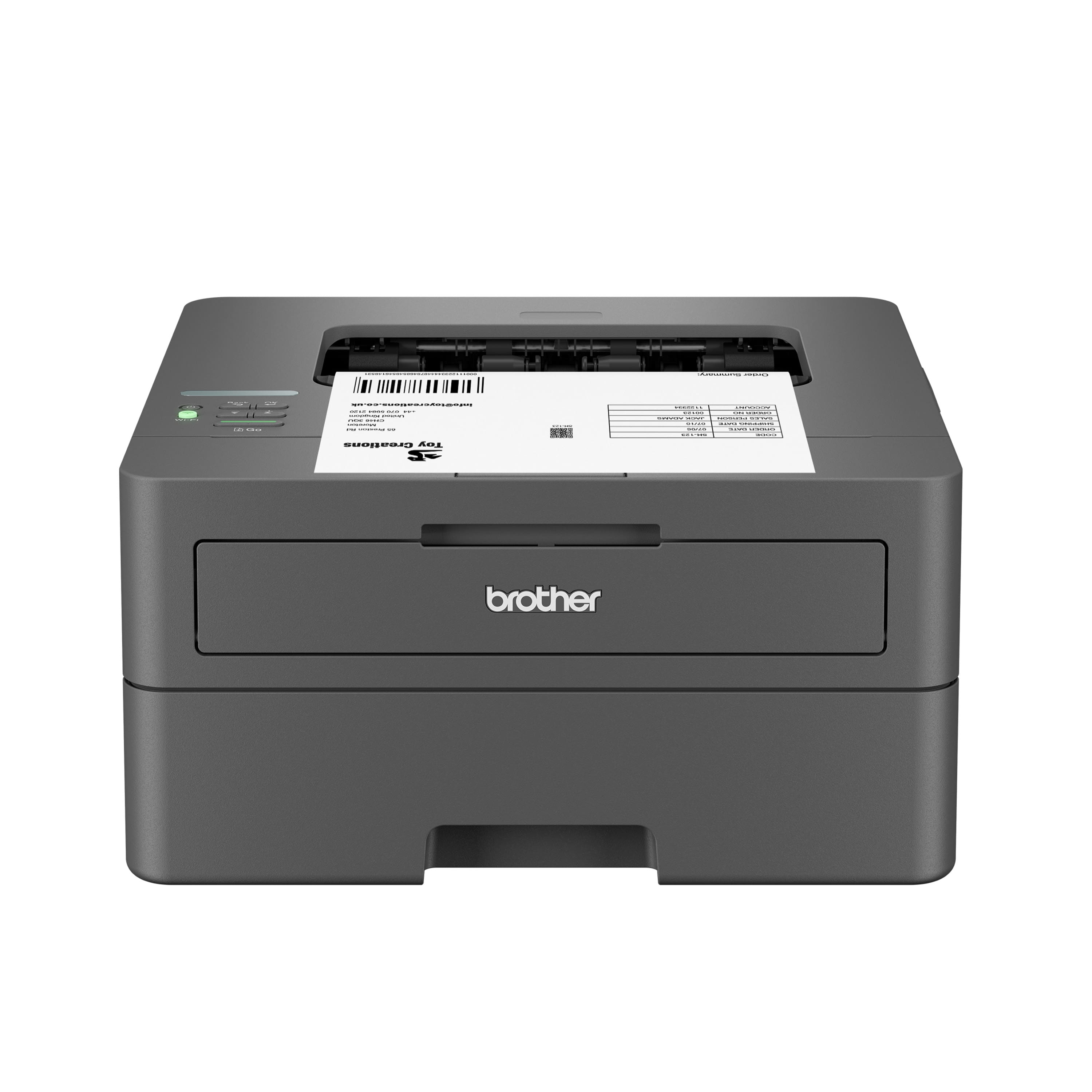
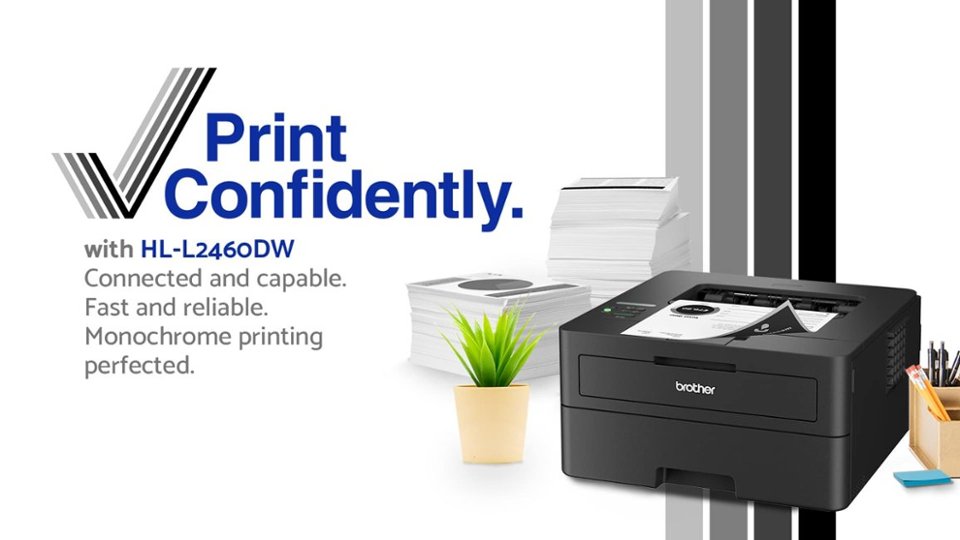
A:AnswerHello! Deep sleep does not mean off. For the HL-L2405W wireless, the power button is above the wifi button. Press & hold the power button until it says 'Shutting Down' to turn it off.
A:AnswerThe Brother HLL2405W only supports paper between 16 to 43 lb. Cardstock paper may not work due to it usually being of a paper weight higher than 43 lb.
A:AnswerTo write a review for the Brother HL-L2405W, please follow the review process provided by Best Buy on the product page where you made your purchase. Review eligibility and submission are managed by Best Buy.
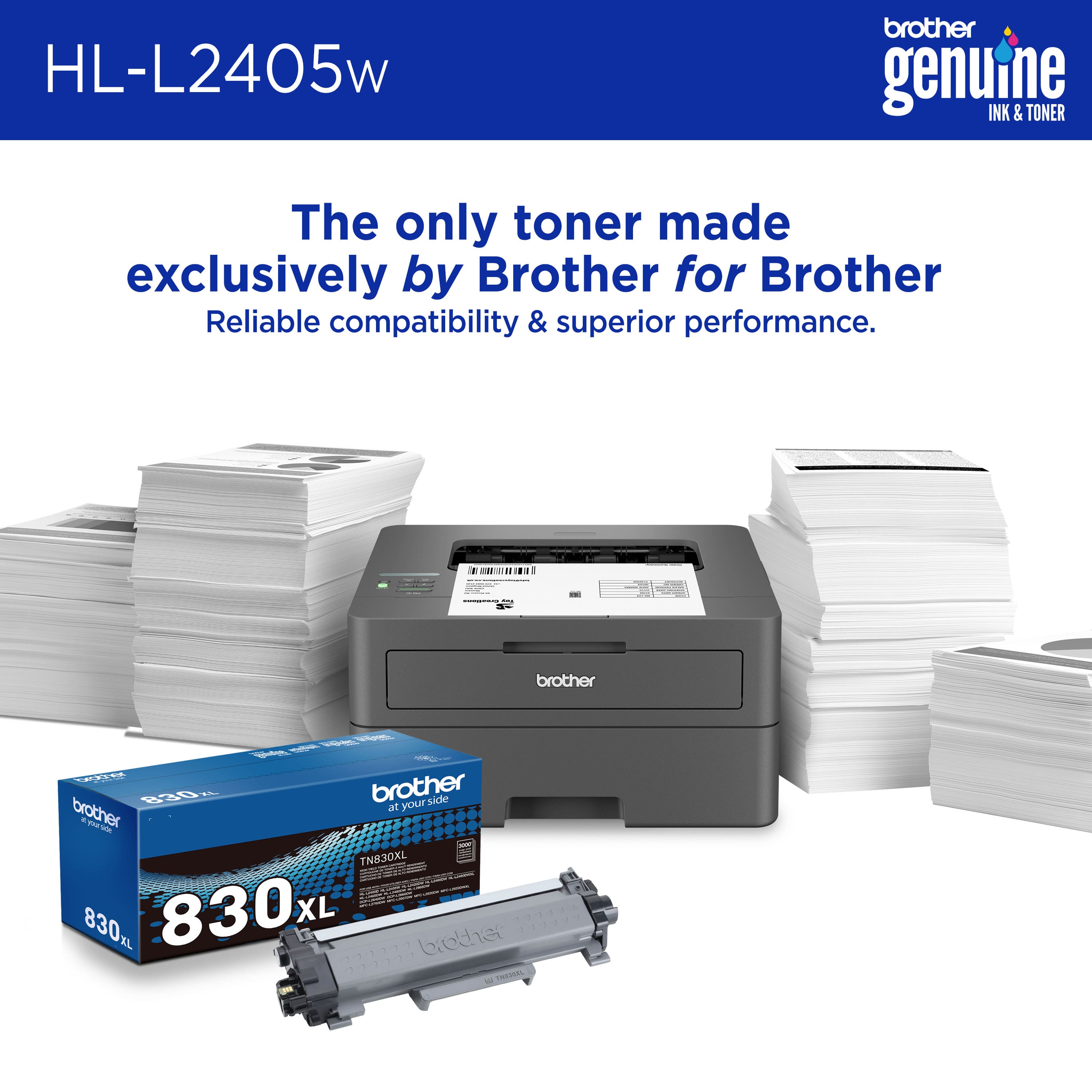
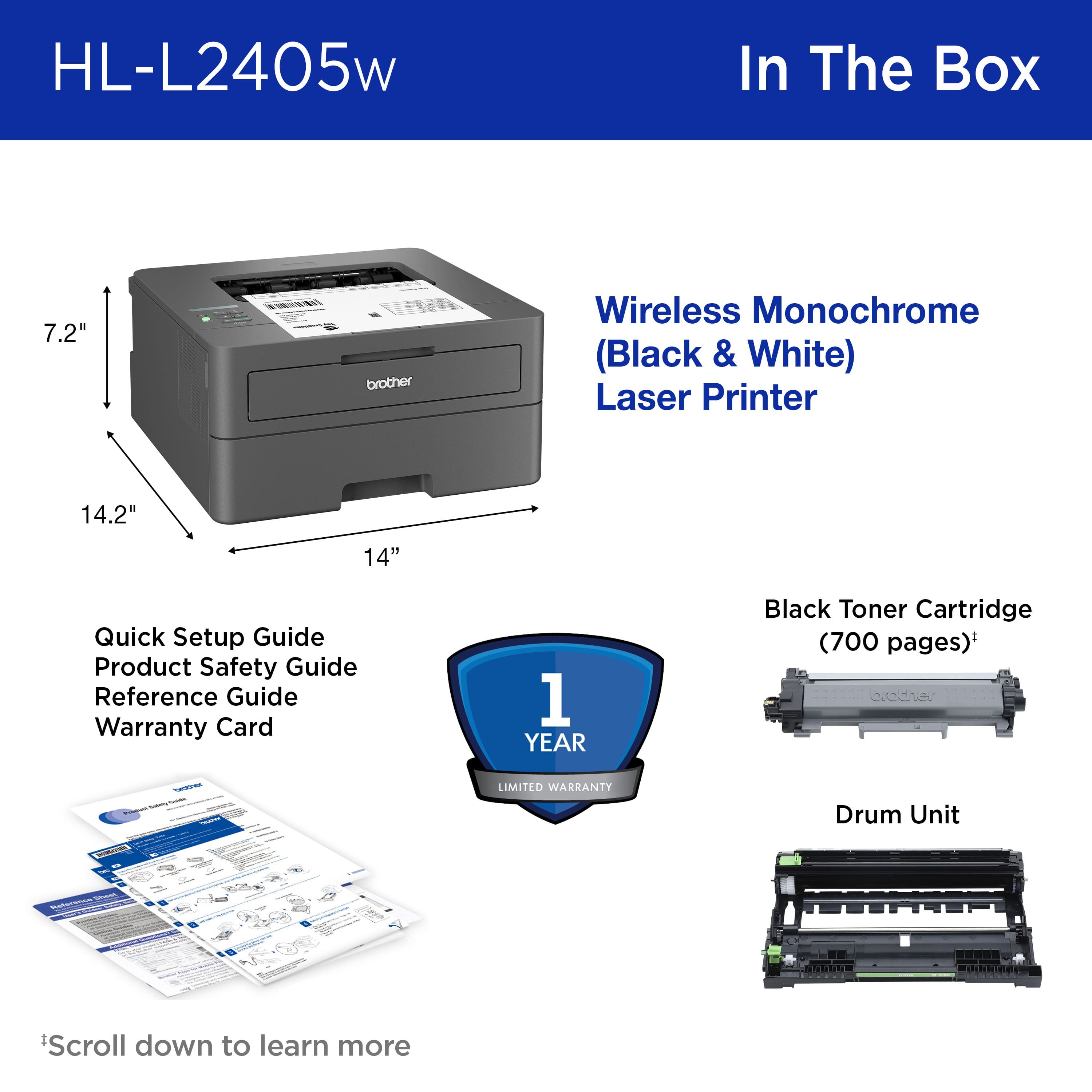
A:AnswerThe Brother HL-L2405W standard TN830 toner cartridge yields approximately 1,200 pages, while the TN830XL High-Yield cartridge yields approximately 3,000 pages. Actual page yield may vary based on usage and printing conditions.
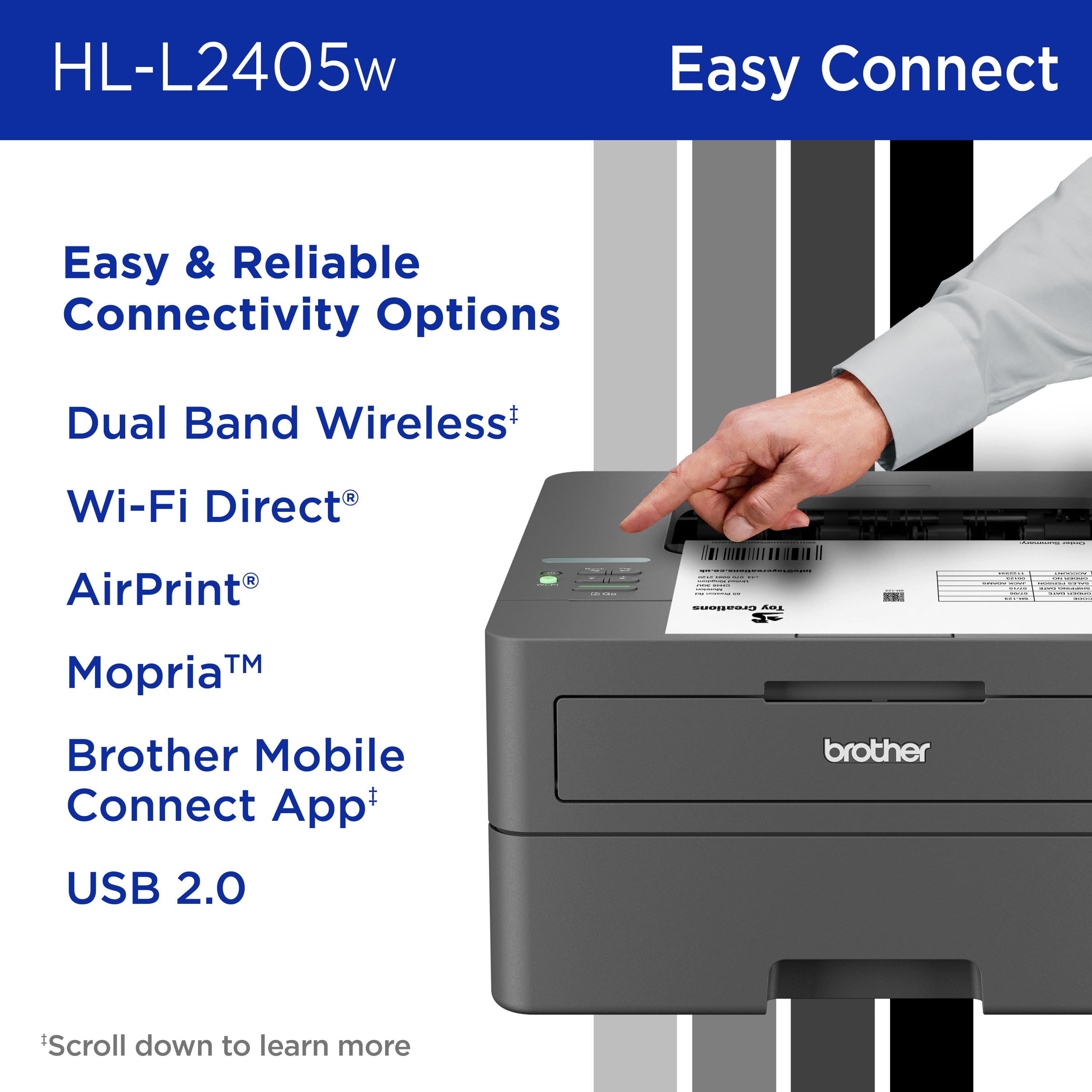
A:AnswerYes, the Brother HL-L2405W is compatible with Mac computers and can connect wirelessly. For assistance with setup and compatible drivers, please contact Brother Customer Support at https://www.brother-usa.com/support.
A:AnswerA USB cable is not included with your machine. You may purchase the appropriate cable from most general retailers or office supply stores. We recommend a type A/B USB 2.0 no longer than 6ft for the best connection.
A:AnswerAirprint is the driver needed to print. It works with both USB and network connections. USB is a supported connection.
www.brother-usa.com/products/hll2405w#specifications
A:AnswerThe M1 Mac Mini has a type C usb port, brother recommend using type A\B 2.0 USB
https://help.brother-usa.com/AgentWeb/api/contextmanager/v.32603230003/workspaceContext/workspace/processedPrint/Answer/51249