Main Content

Questions & Answers

Your price for this item is $344.98
Page Showing 1-20 of 36 questions
  • QuestionWhat type of toner cartridges does this printer use?

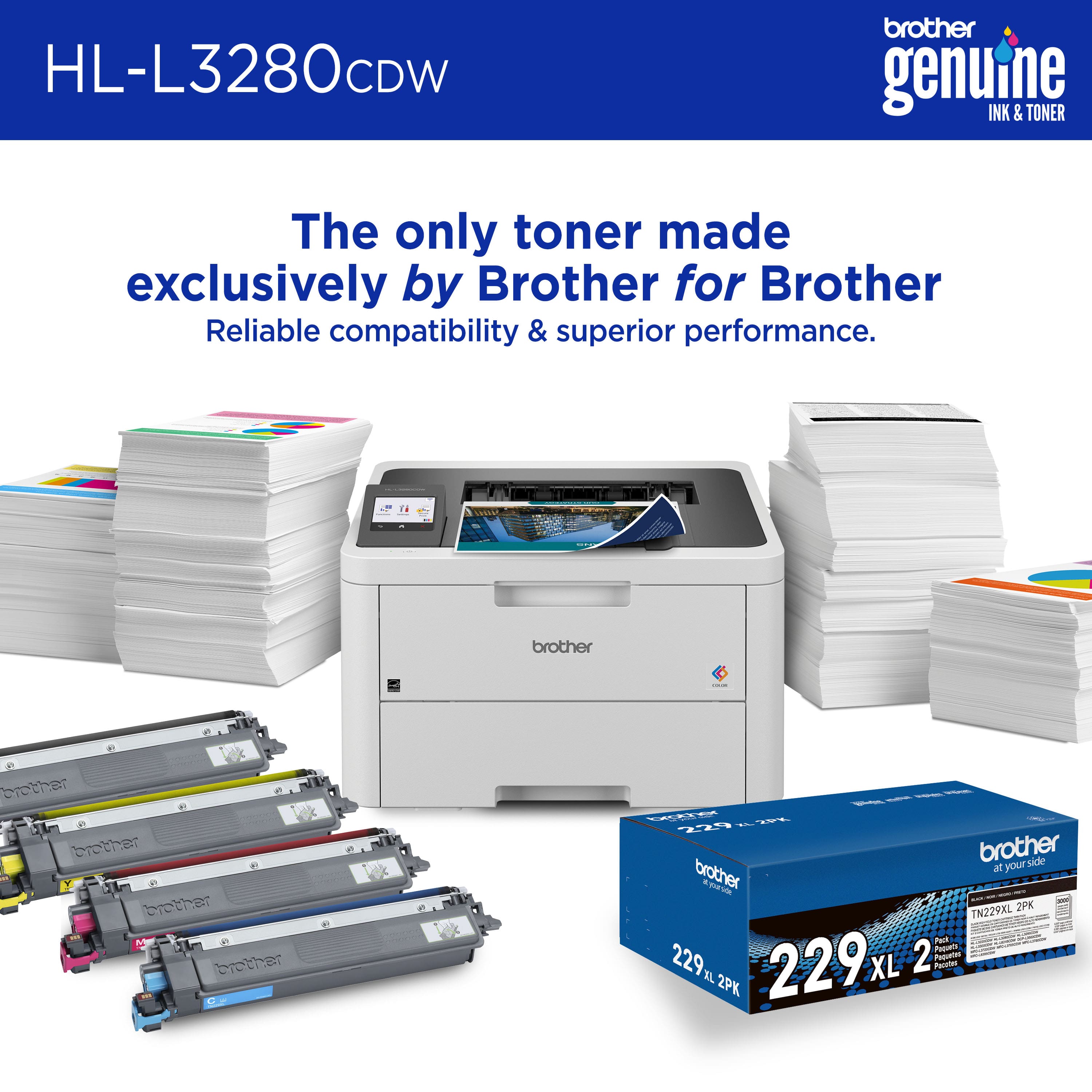
    • Answer This printer uses Brother TN229 Standard or TN229XL High Yield replacement cartridges.
    This question and answer was generated by AI based on customer and product data.

  • QuestionWhat is the printing speed of this printer?

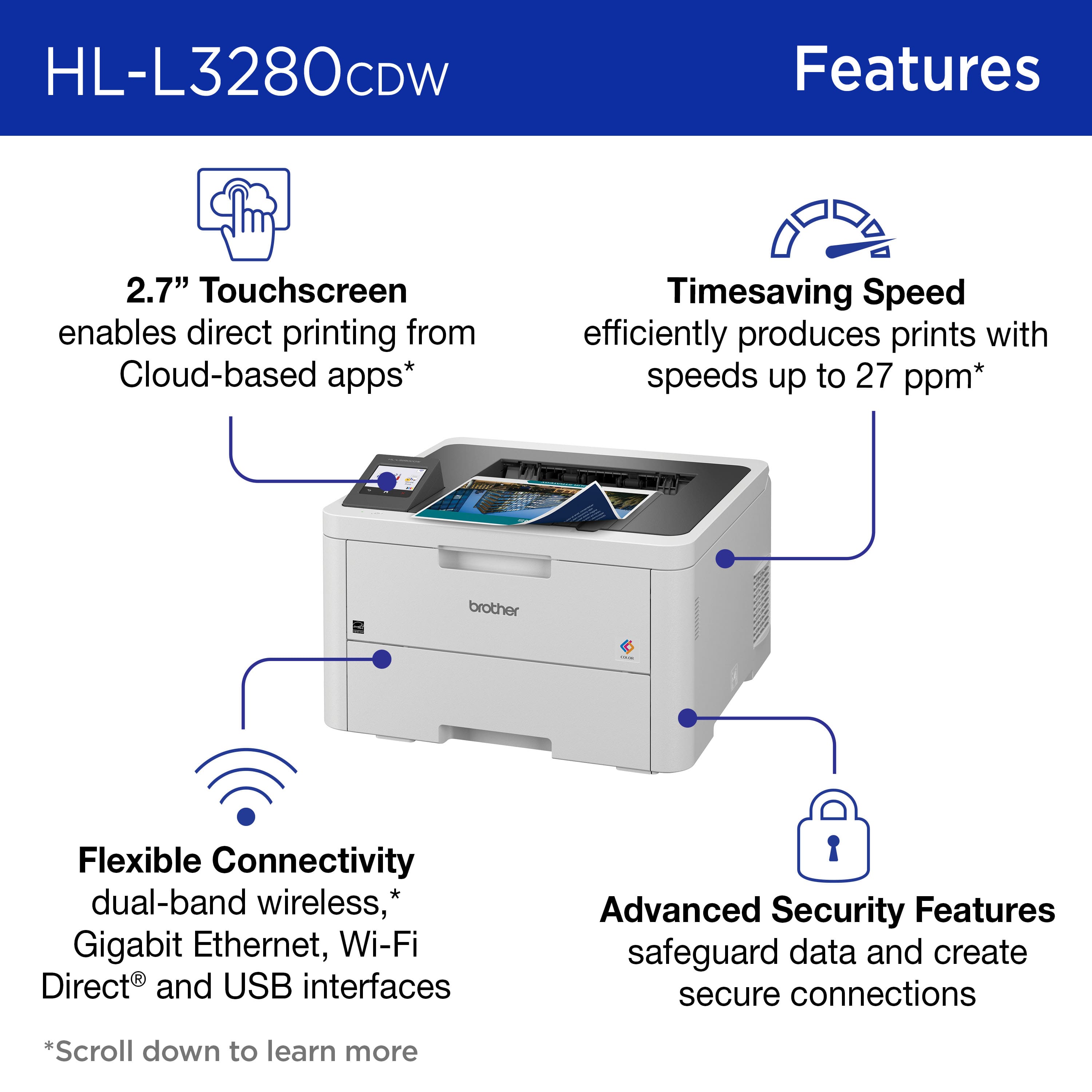
    • Answer This printer can print up to 27 ISO pages per minute (ppm).
    This question and answer was generated by AI based on customer and product data.

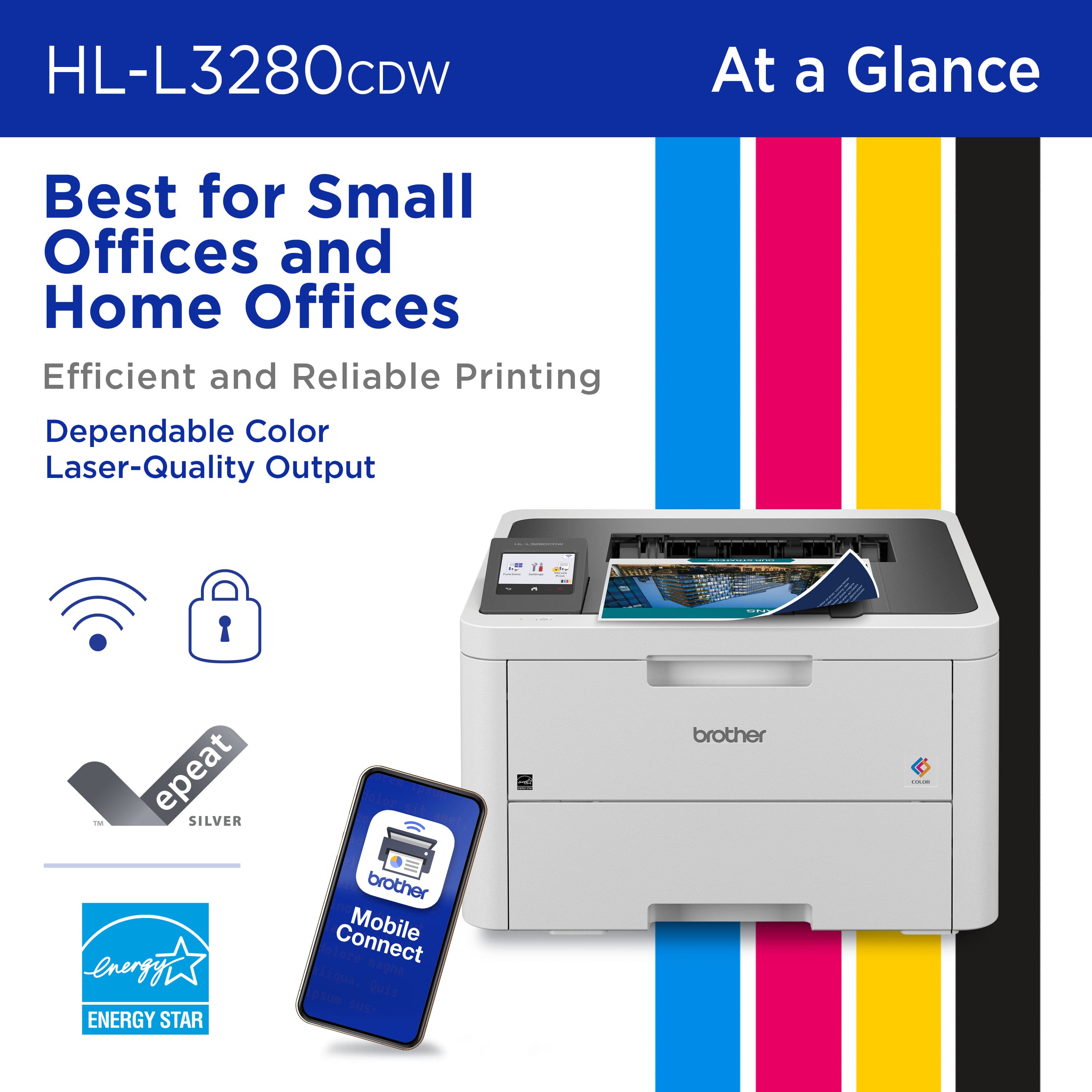
  • QuestionHow can I connect this printer to my devices?

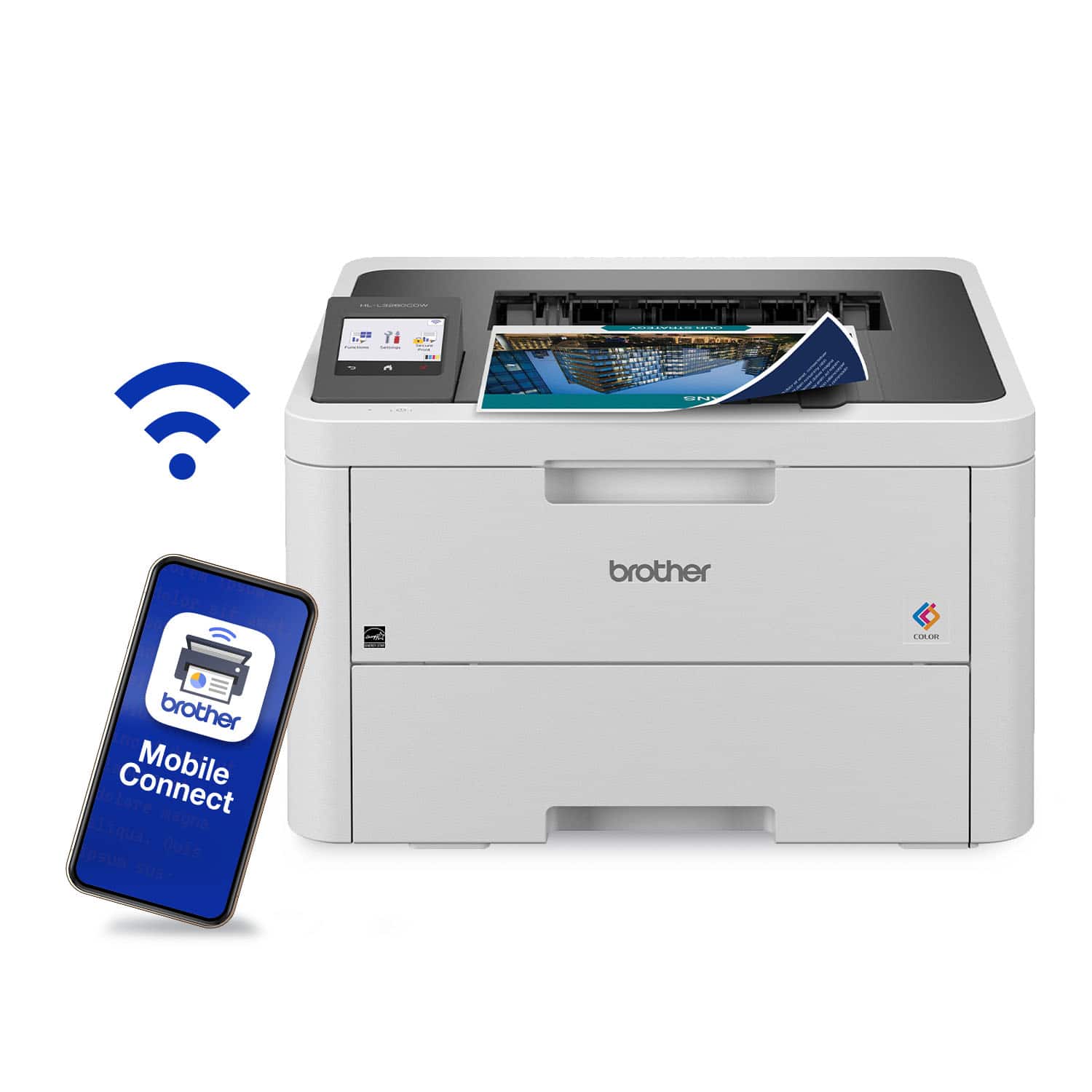
    • Answer The printer offers both wired and wireless connectivity options, including built-in dual-band wireless, Gigabit Ethernet, Wi-Fi Direct, and USB 2.0 for local connections.
    This question and answer was generated by AI based on customer and product data.
  • QuestionWhat is the paper handling capacity of this Brother printer?

    • Answer This printer has a 250-sheet capacity paper tray and a single-sheet manual feed slot.
    This question and answer was generated by AI based on customer and product data.

  • QuestionDoes this printer offer duplex printing?

    • Answer Yes, this printer offers automatic duplex printing, allowing you to print on both sides of the page.
    This question and answer was generated by AI based on customer and product data.
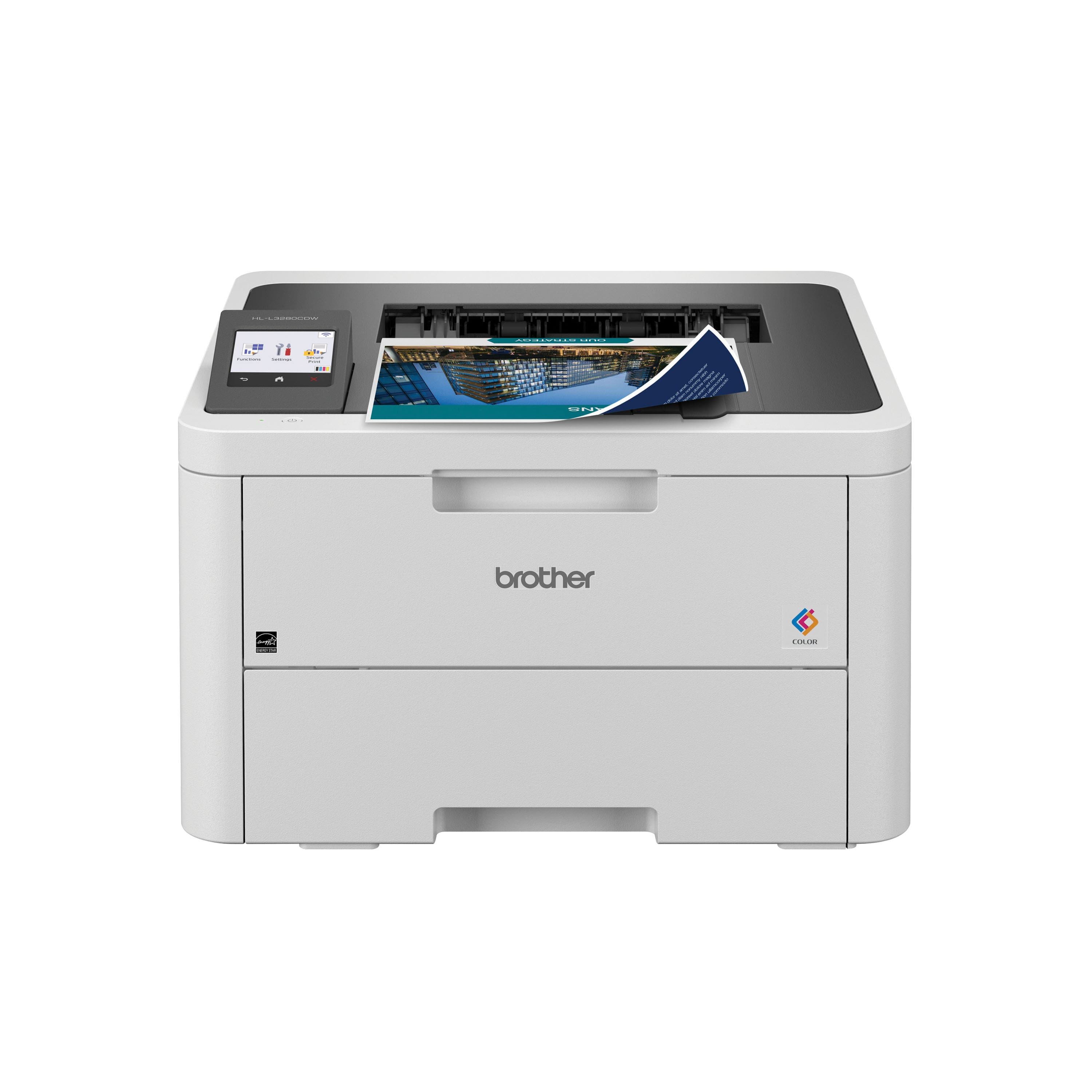
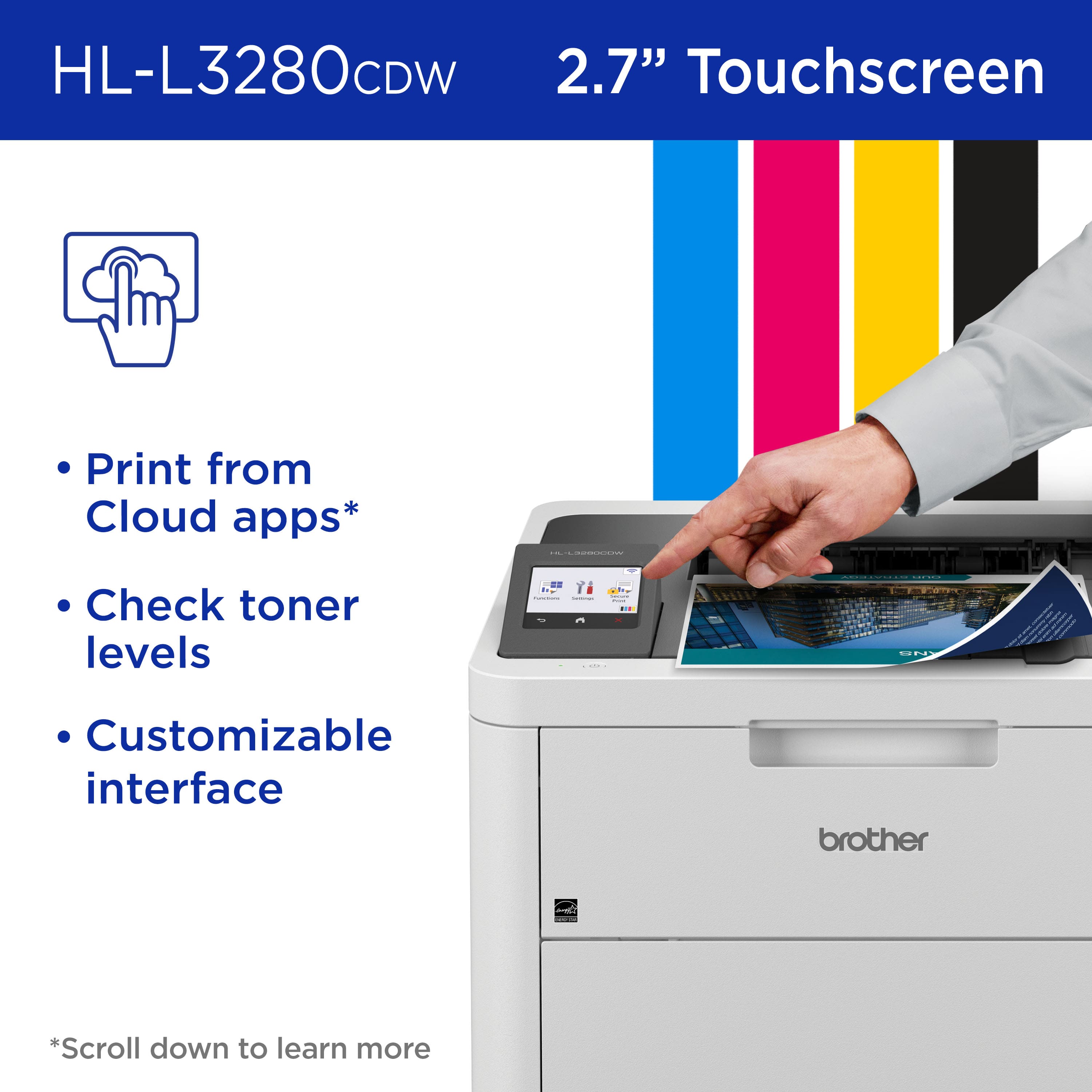
  • QuestionDoes this printer have a touchscreen?

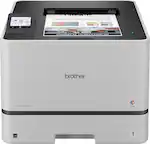
    • Answer Yes, it features an easy-to-use 2.7-inch touchscreen for navigating settings and print options.
    This question and answer was generated by AI based on customer and product data.
  • Questionsummary says it is "laser quality". Is it laser or inkjet?

    Asked by Kathleen.

    • Answer Probably the best question asked for the product. The assertion implies two distinct things for me: firstly, it implies maybe that the printer's not a laser printer but that it achieves laser quality printing despite that and, secondly, that it is a laser printer that ironically achieves laser quality printing, thereby implying that achieving the one thing it's supposed to achieve is remarkable enough to note that as a feature of the product. It's definitely a laser printer so I guess we're stuck with the manufacturer's implication that they're so amazing that their laser printer can achieve laser quality printing that it must be noted in its description despite it otherwise qualifying as what should be a default capability of said laser printer. C'mon, guys. It's a laser printer. The "laser quality" aspect should just go without saying. If it has to be stated, I worry for the quality of entire product line. Would an auto manufacturer state, "... can achieve highway speeds"? Likely not because it should be capable of at least that by default. lol.

      Answered by SortaSkepticalHere

  • QuestionCan this printer copy 2 sided papers as well as just printing 2 sided papers?

    Asked by Elizabeth.

    • Answer The Brother HLL3280CDW does not support copying. This machine is only support printing.

      Answered by Brother

  • QuestionWill it feed heavier paper, e.g. cardstock, index cards, certificates?

    Asked by Jeff.

    • Answer Yes but only one at a time and only after opening the outfield on the back of the machine and flipping a couple of internal levers. The levers are hard to move. Also the software must specify the thickness. I found that forgetting to set the thickness with Microsoft Word or Acrobat reader while printing envelopes resulted in ghost images of the printing messing up the quality of the print. If the thickness is set correctly, it prints fine.

      Answered by Anonymous

  • QuestionIs toner included with the printer?

    Asked by Richard.

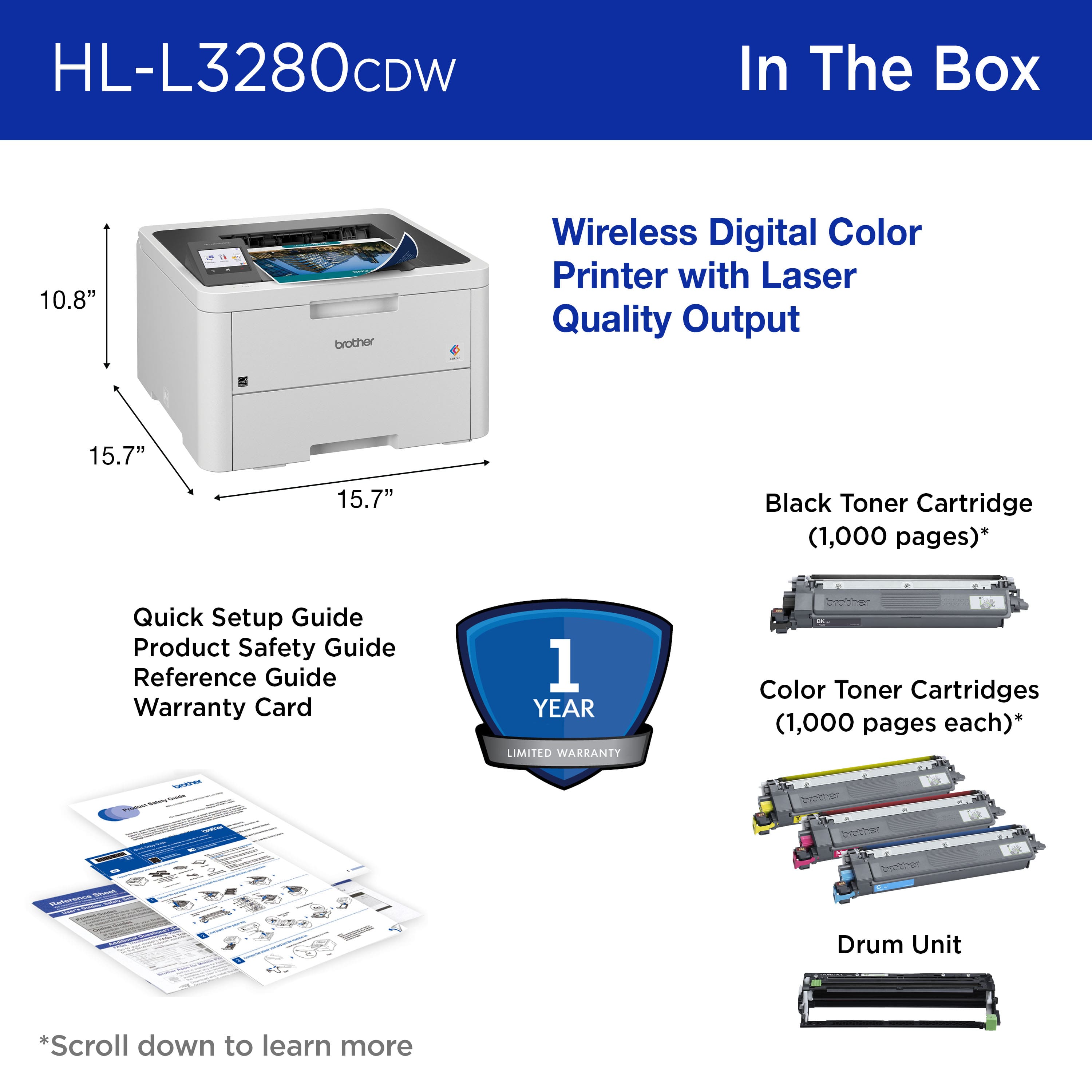
    • Answer Yes, the Brother HLL3280CDW comes with a full set of starter toner cartridges (black, cyan, magenta, yellow) that yields approximately 1,000 pages included in the box.

      Answered by Brother

  • Questionwill it print color photos on 100% transparent sticker paper

    Asked by nicky.

    • Answer It printed on clear projector paper for me, but I had to open and close the paper drawer a few times (the plastic is slippery)

      Answered by TVRBinky

  • QuestionDoes this printer require a subscription to the Refresh program just to use it?

    Asked by Tonya.

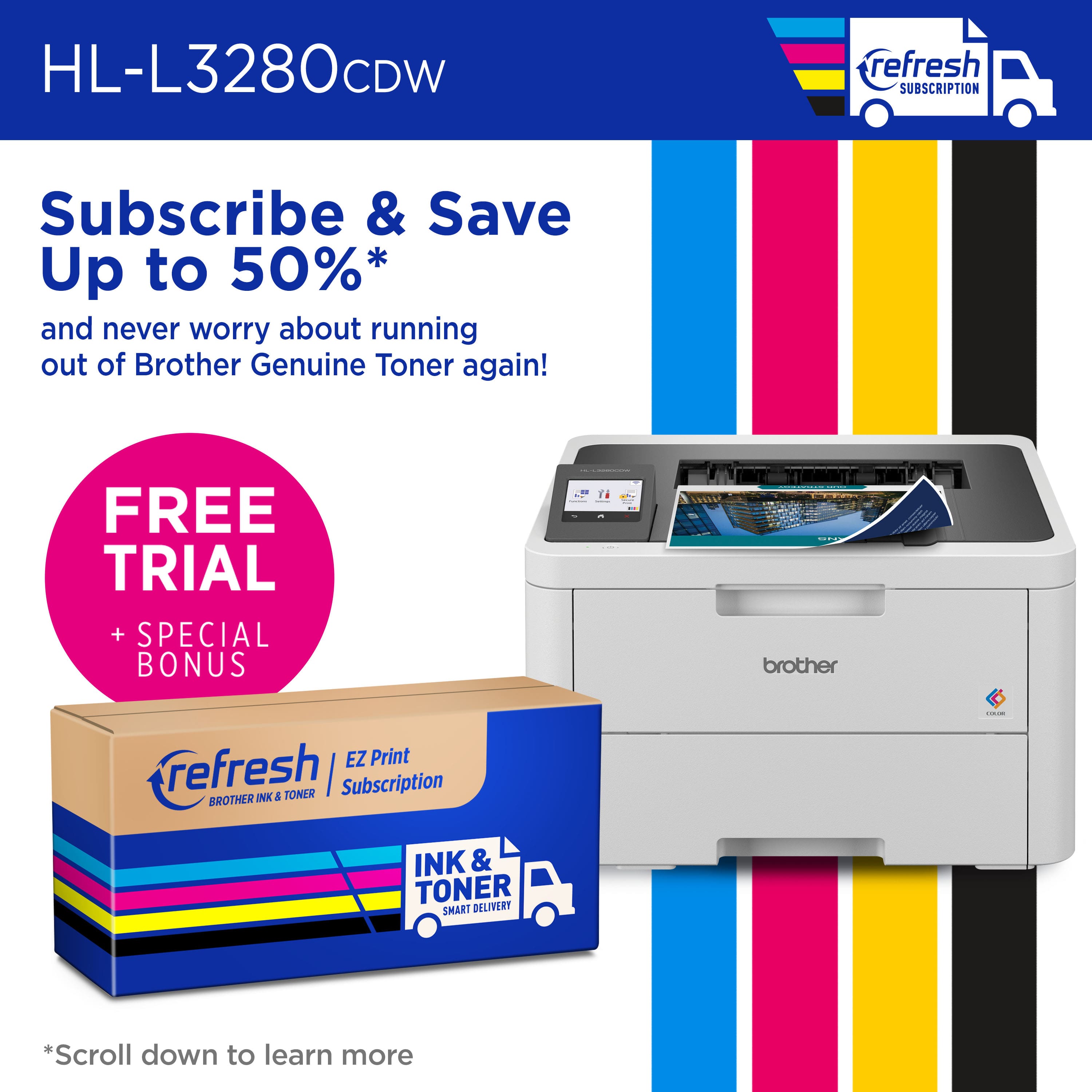
    • Answer No, not required. Eligible for it, but not required.

      Answered by Shore

  • QuestionDoes the printer copy and scan?

    Asked by Belle7.

    • Answer Yes

      Answered by LouisFriel

  • Questionwill the black toner print if the color toner is empty?

    Asked by marie.

    • Answer The Brother HLL3280CDW does support printing black when one or more color toner cartridges are empty.

      Answered by Brother

  • QuestionCan it work with window 10

    Asked by Niesy.

    • Answer Yes, the Brother HLL3280CDW supports and works with Windows 10. Click on the link below to see the compatible operating systems for the Brother HLL3280CDW: https://support.brother.com/g/b/oslist.aspx?c=us&lang=en&prod=hll3280cdw_us_as

      Answered by Brother

  • QuestionCan this printer take A4 Size paper in a 52 GSM it is a thin paper?

    Asked by John.

    • Answer Yes it can

      Answered by RamiA

  • QuestionWhere to purchase the ink cartridges of HL-L3280 CDW in

    Asked by Anonymous.

    • Answer Can purchase directly from Brother Co. or Best Buy store.

      Answered by ScottS

  • QuestionCan it copy , scan , print?

    Asked by Sandy.

    • Answer No, print only

      Answered by RamiA

  • Questionwhen the printer is in sleep mode, how long does it take to "wake up" and print one page of text?

    Asked by Ron5151.

    • Answer Approximately 1minute

      Answered by ScottS

  • QuestionDoes it support Apple Airprint?

    Asked by Ruth.

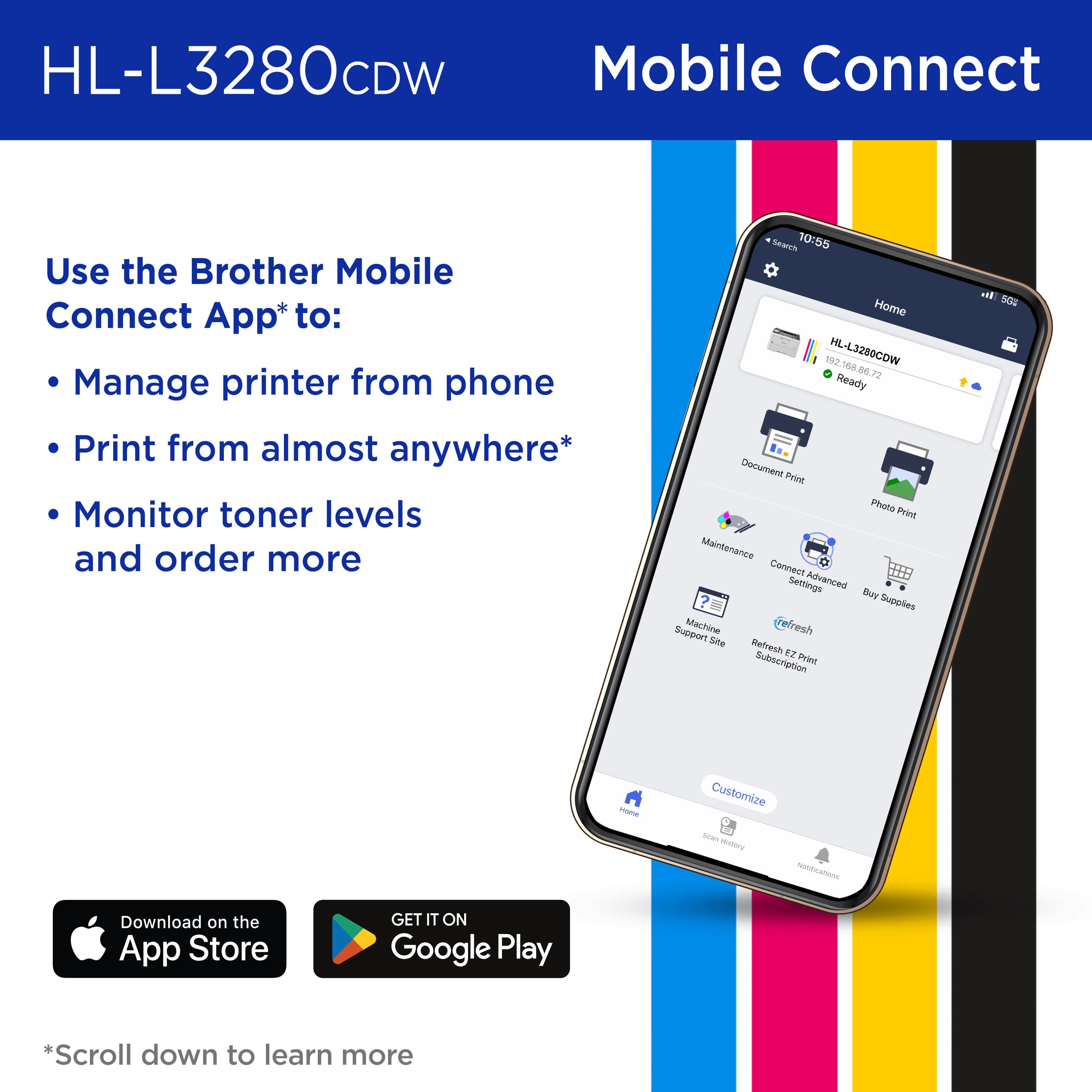
    • Answer Yes! Up and running in a few minutes.

      Answered by TechLady