Main Content

Questions & Answers

Page Showing 1-9 of 9 questions
  • QuestionDoes this printer accommodate legal paper?

    Asked by Kevin.

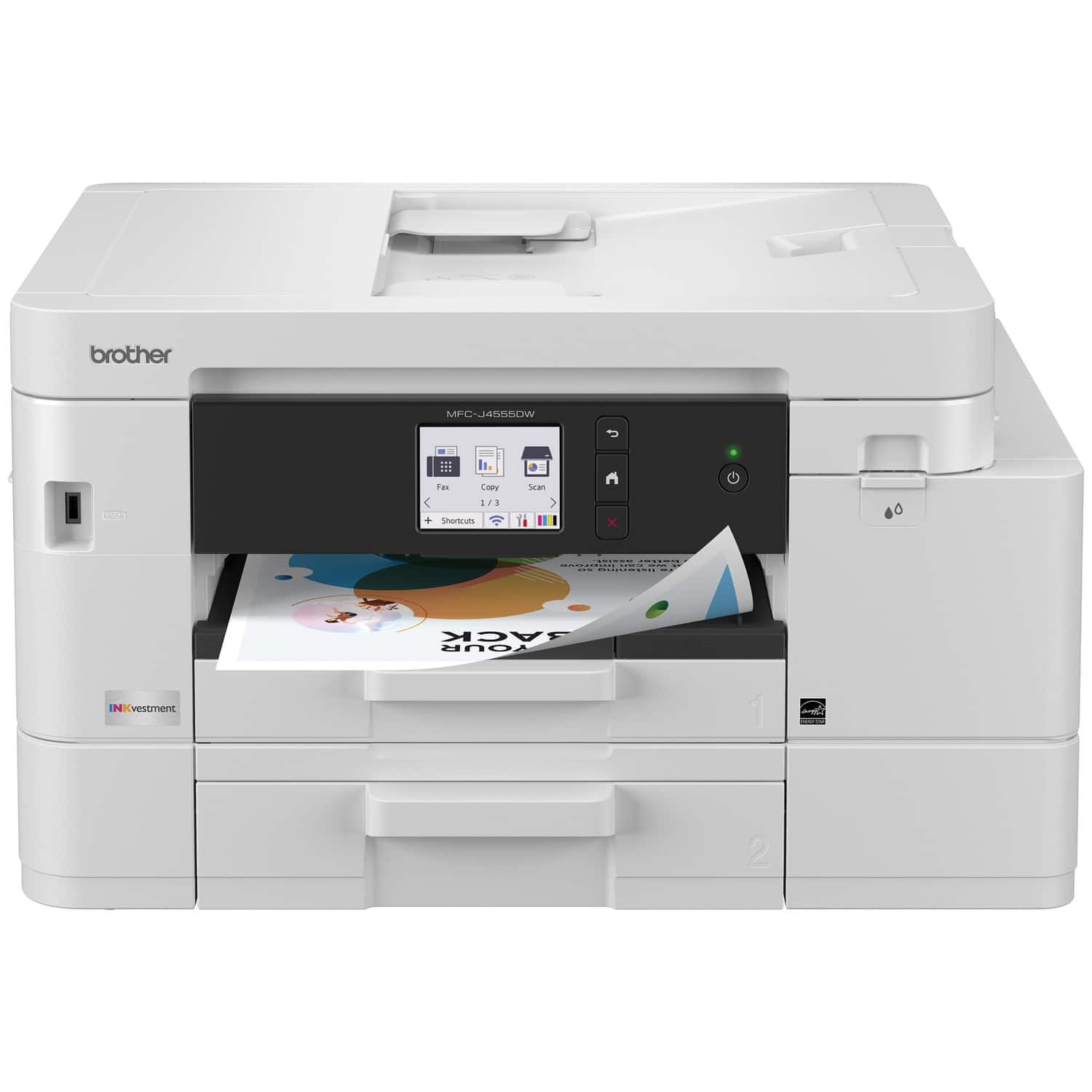
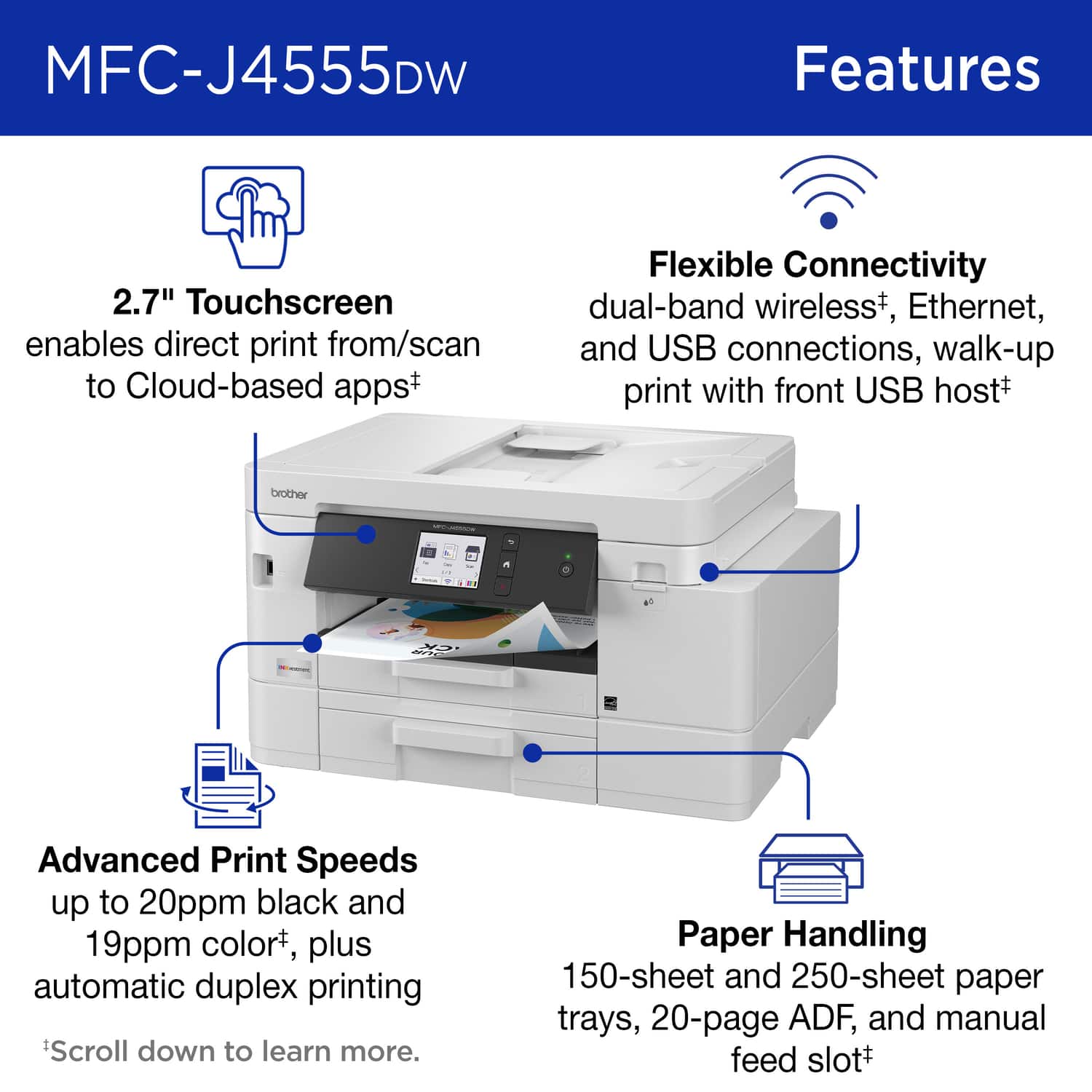
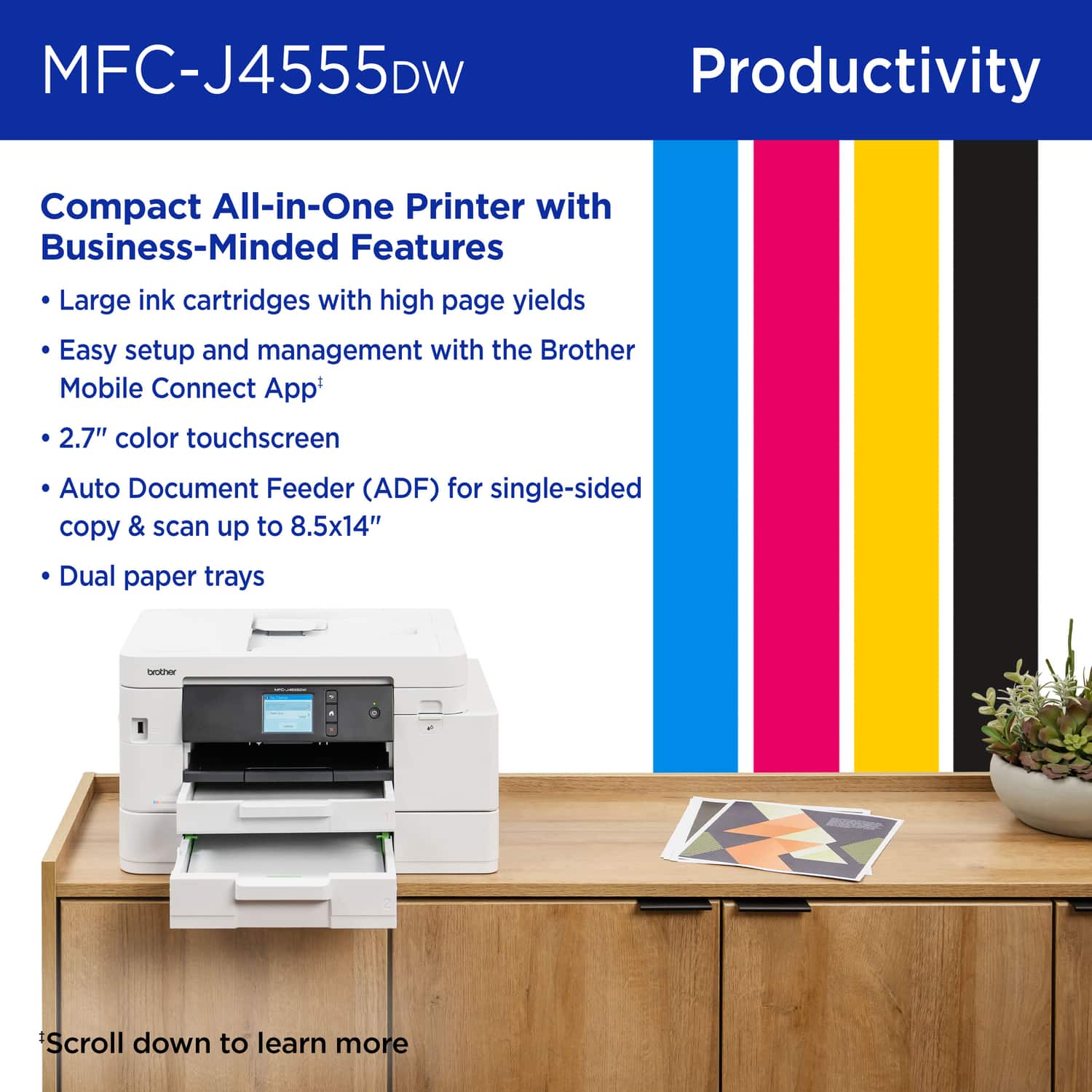
    • Answer Yes, the Brother MFCJ4555DW is compatible with legal sizes paper. Below is a link with all the compatible paper sizes for the Brother MFCJ4555DW. Answer Link: https://support.brother.com/g/b/faqend.aspx?c=us&lang=en&prod=mfcj4555dw_us_as&faqid=faq00000080_069

      Answered by Brother

  • QuestionIs it mandatory that I subscribe to an automatic ink purchase agreement or may I purchase Brother ink when I need/want it?

    Asked by Fossil.

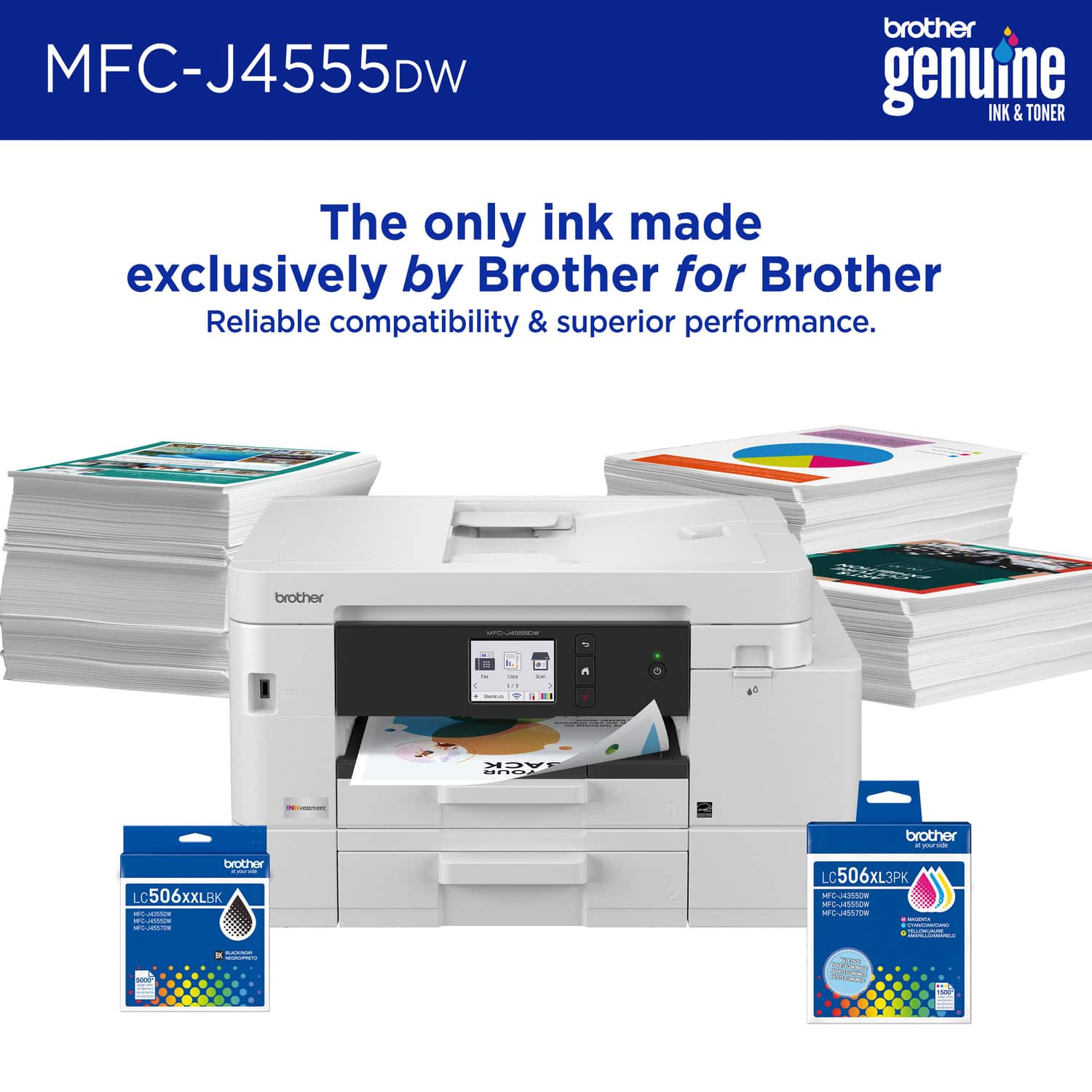
    • Answer No, subscribing to Brother's automatic ink (Refresh EZ Print) is not mandatory; you can easily buy genuine or compatible Brother ink cartridges.

      Answered by Brother

  • QuestionDoes this printer include FAX capabilities?

    Asked by GTW.

    • Answer Yes, the Brother MFCJ4555DW is able to fax. I have included a link to the FAQ answer that should assist you. Please follow all the steps listed in the following link: Answer Link: https://support.brother.com/g/s/id/htmldoc/mfc/cv_dcpj1360dw/use/html/GUID-983F5BA8-1725-46A6-B3D4-A9AE238E68FA_1.html?c=us&lang=en&prod=mfcj4555dw_us_as&broug=in If you still have difficulties, please contact Brother Customer Service at: https://www.brother-usa.com/support/MFCJ4555DW

      Answered by Brother

  • QuestionDOES THIS PRINTER HAVE SCANNER ABILITY?

    Asked by SHELLIE.

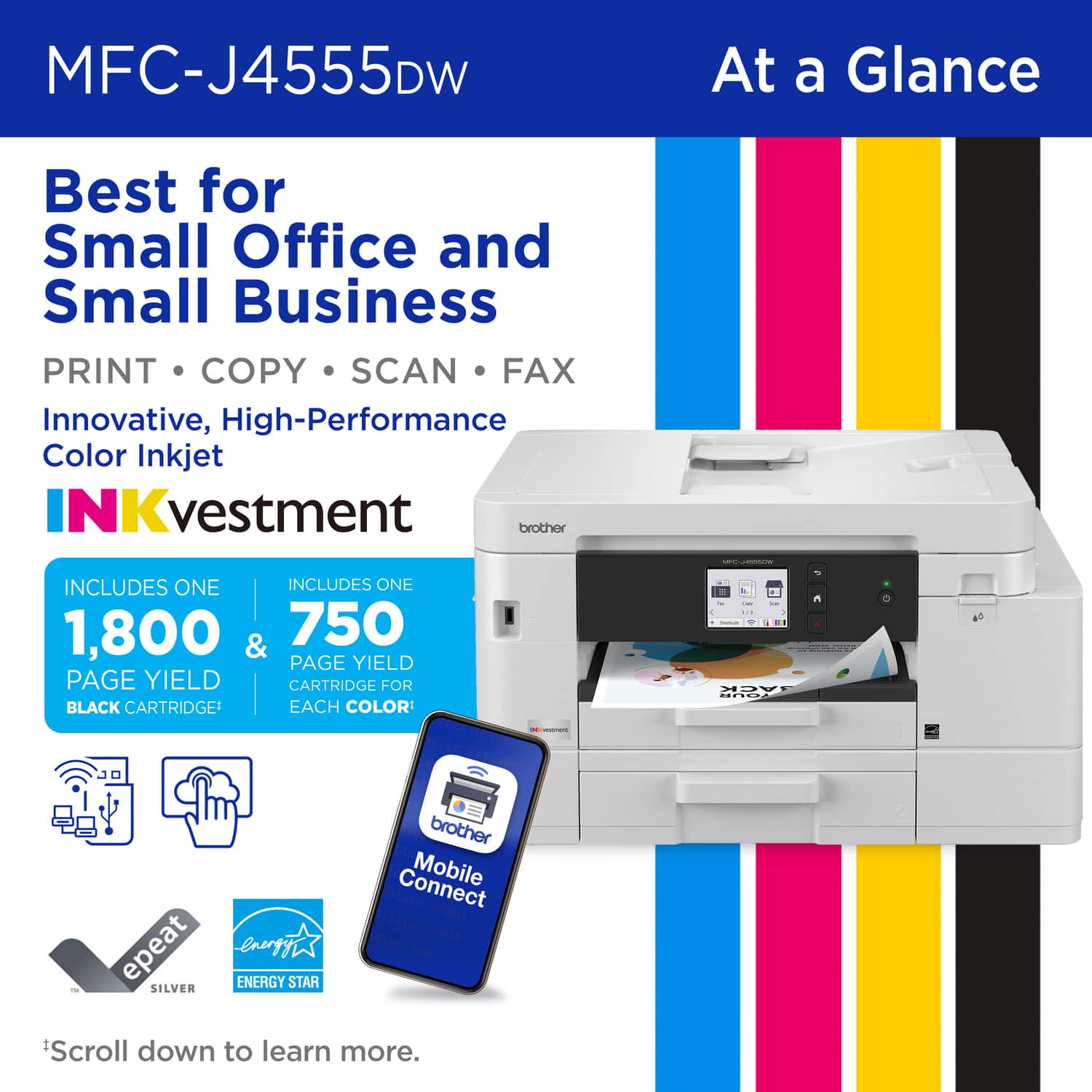
    • Answer Yes, the Brother MFC-J4555DW is an all-in-one printer that includes full scanning capabilities (Print, Copy, Scan, Fax).

      Answered by Brother

  • Questionwhat's the price of the ink?

    Asked by Anonymous.

  • QuestionDoes it scan to PDF file?

    Asked by Pat.

    • Answer Yes, the machine is able to scan to PDF.

      Answered by Brother

  • QuestionIs it an easy set up for an older person? Can you print wirelessly from your phone

    Asked by Anonymous.

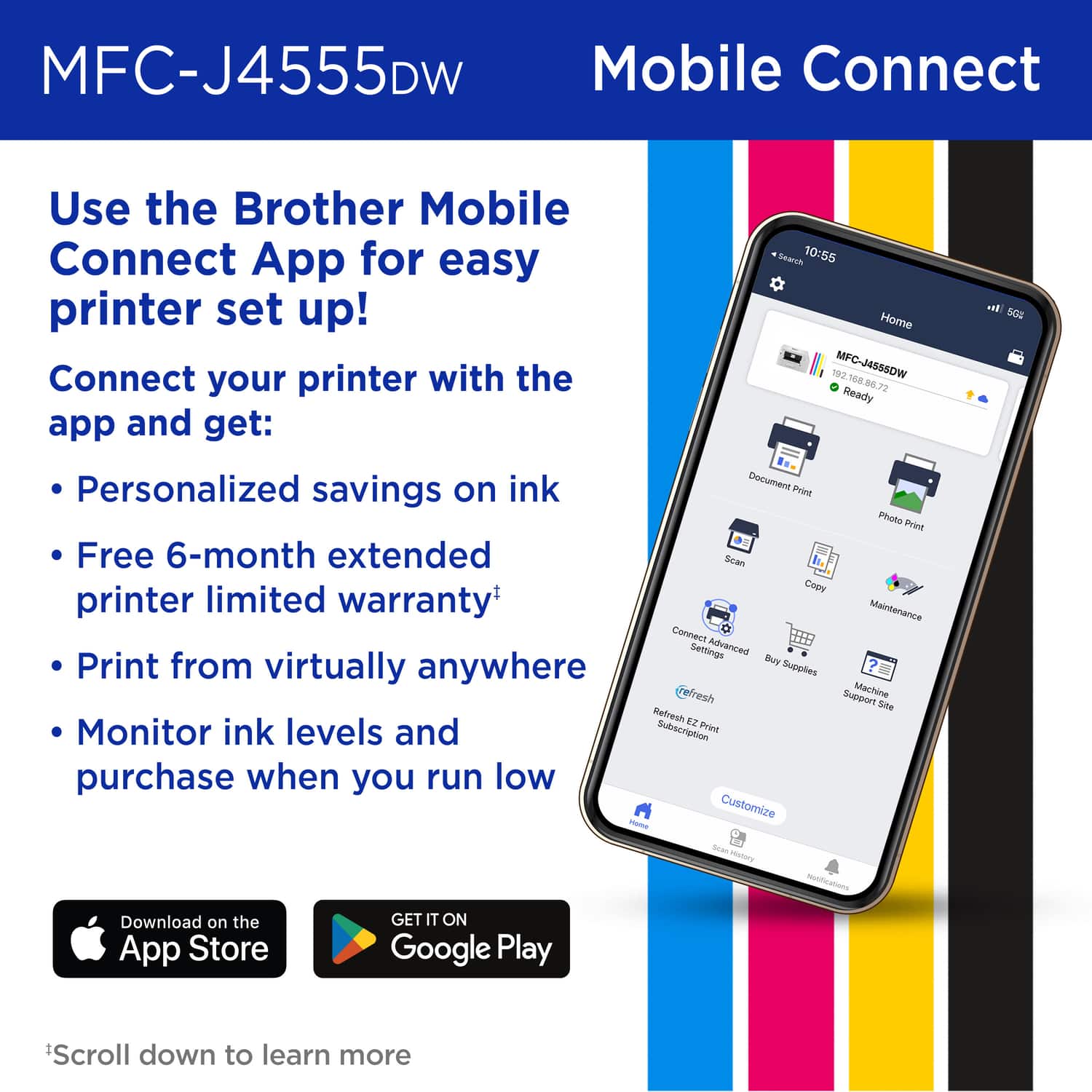
    • Answer Yes, it is easy to set up the Brother MFC-J4555DW for wireless printing from your phone using the Brother Mobile Connect app. We can help with that. I have included a link to the FAQ answer that should assist you. Please follow all the steps listed in the following link: Answer Link: https://help.brother-usa.com/AgentWeb/api/contextmanager/v.32510240001/workspaceContext/workspace/processedPrint/Answer/189039 Answer Link: https://help.brother-usa.com/AgentWeb/api/contextmanager/v.32510240001/workspaceContext/workspace/processedPrint/Answer/173849 Answer Link: https://help.brother-usa.com/AgentWeb/api/contextmanager/v.32510240001/workspaceContext/workspace/processedPrint/Answer/183936 Answer Link: https://help.brother-usa.com/AgentWeb/api/contextmanager/v.32510240001/workspaceContext/workspace/processedPrint/Answer/186468 If you still have difficulties, please contact Brother Customer Service at: https://www.brother-usa.com/support/MFCJ4555DW

      Answered by Brother

  • QuestionCan this printer use air drop to print from an iPhone? Can it be set up with an iPhone if you don’t have a laptop?

    Asked by Skip.

    • Answer The Brother MFCJ4555DW does not support airdrop, but can be set up with an iPhone. No computer is required.

      Answered by Brother

  • QuestionInk come with the unit?

    Asked by Frankie.

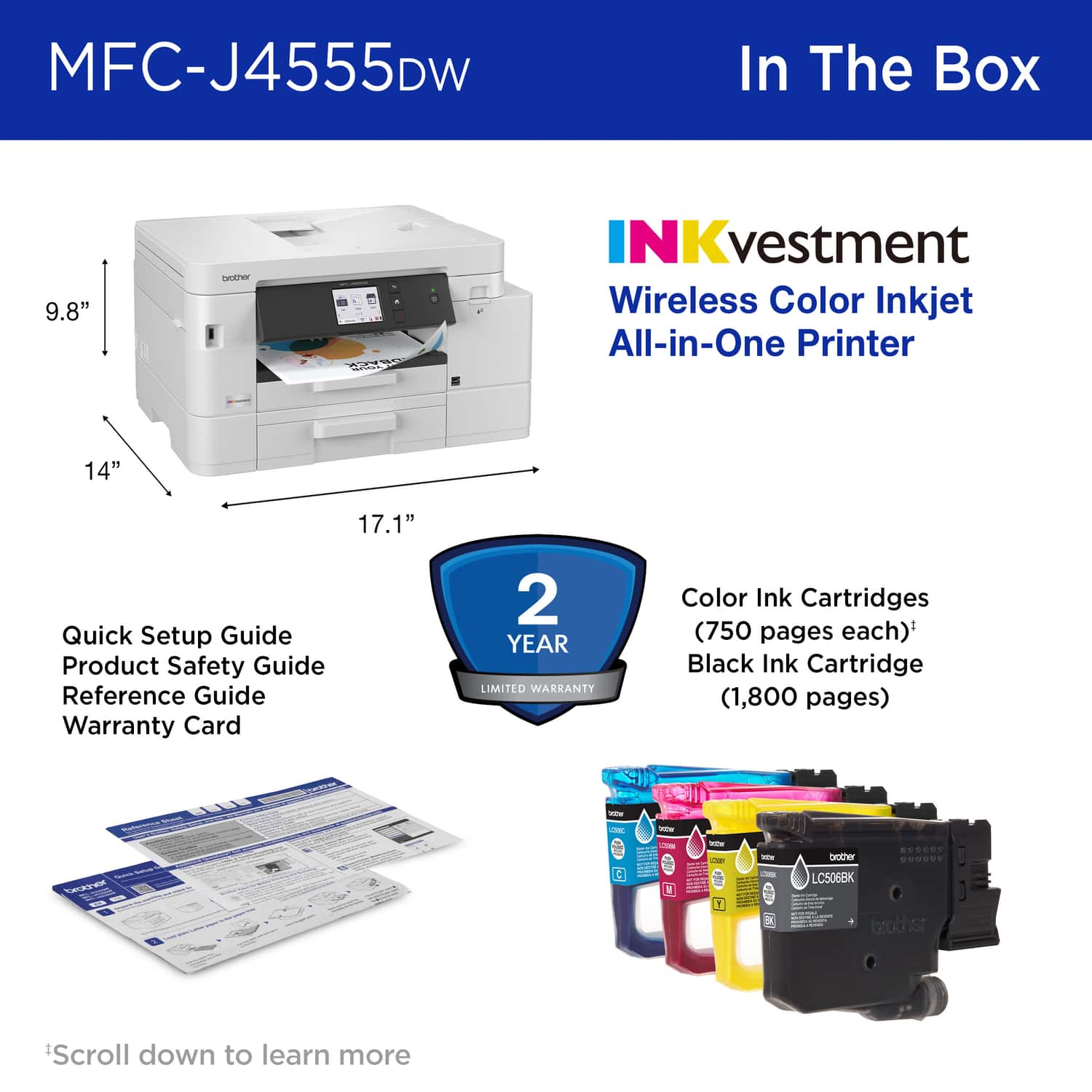
    • Answer Yes, the Brother MFC-J4555DW comes with starter ink cartridges: one black (approx. 1,800 pages) and three color cartridges (cyan, magenta, and yellow, each with an approx. 750-page yield).

      Answered by Brother