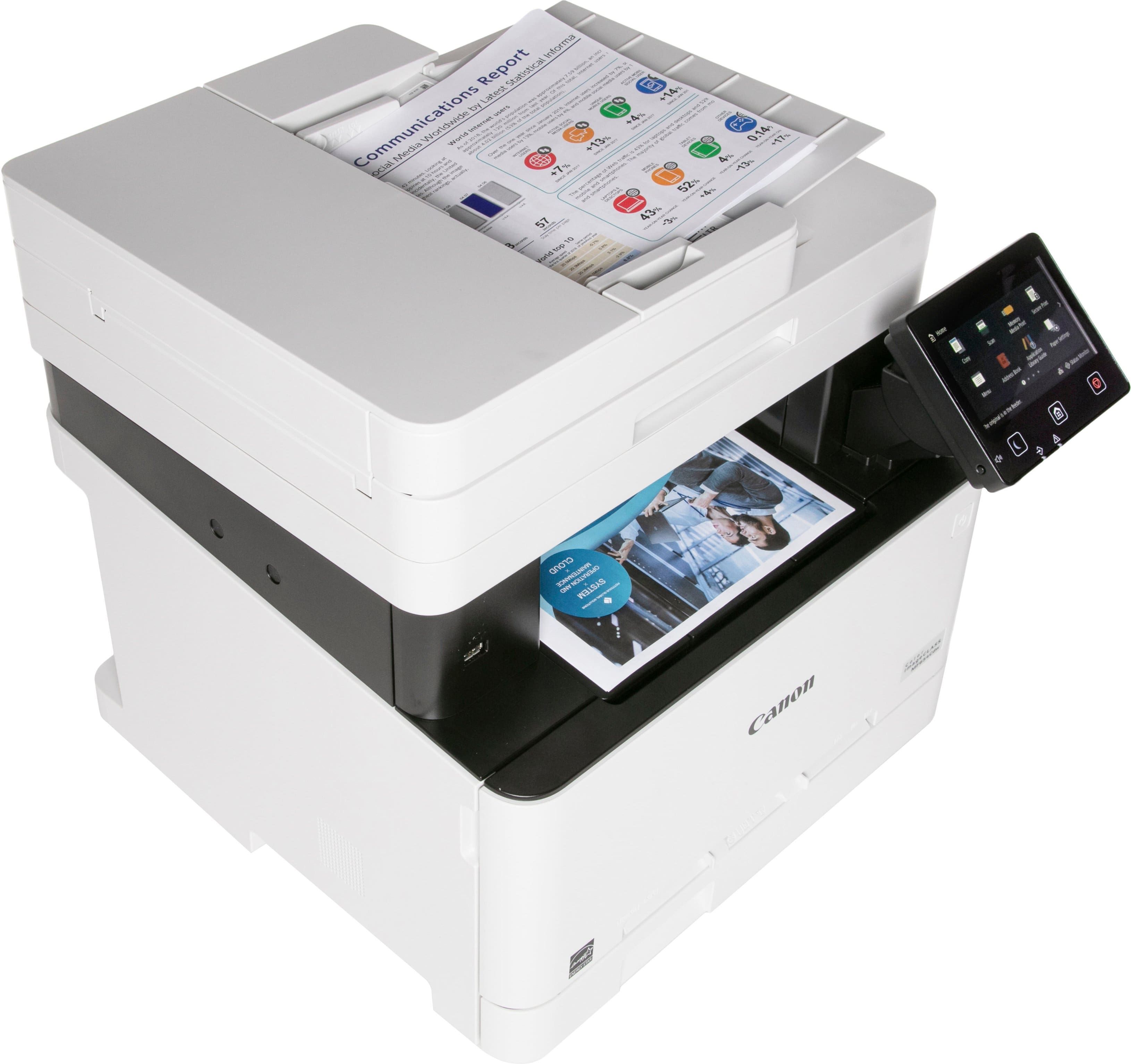
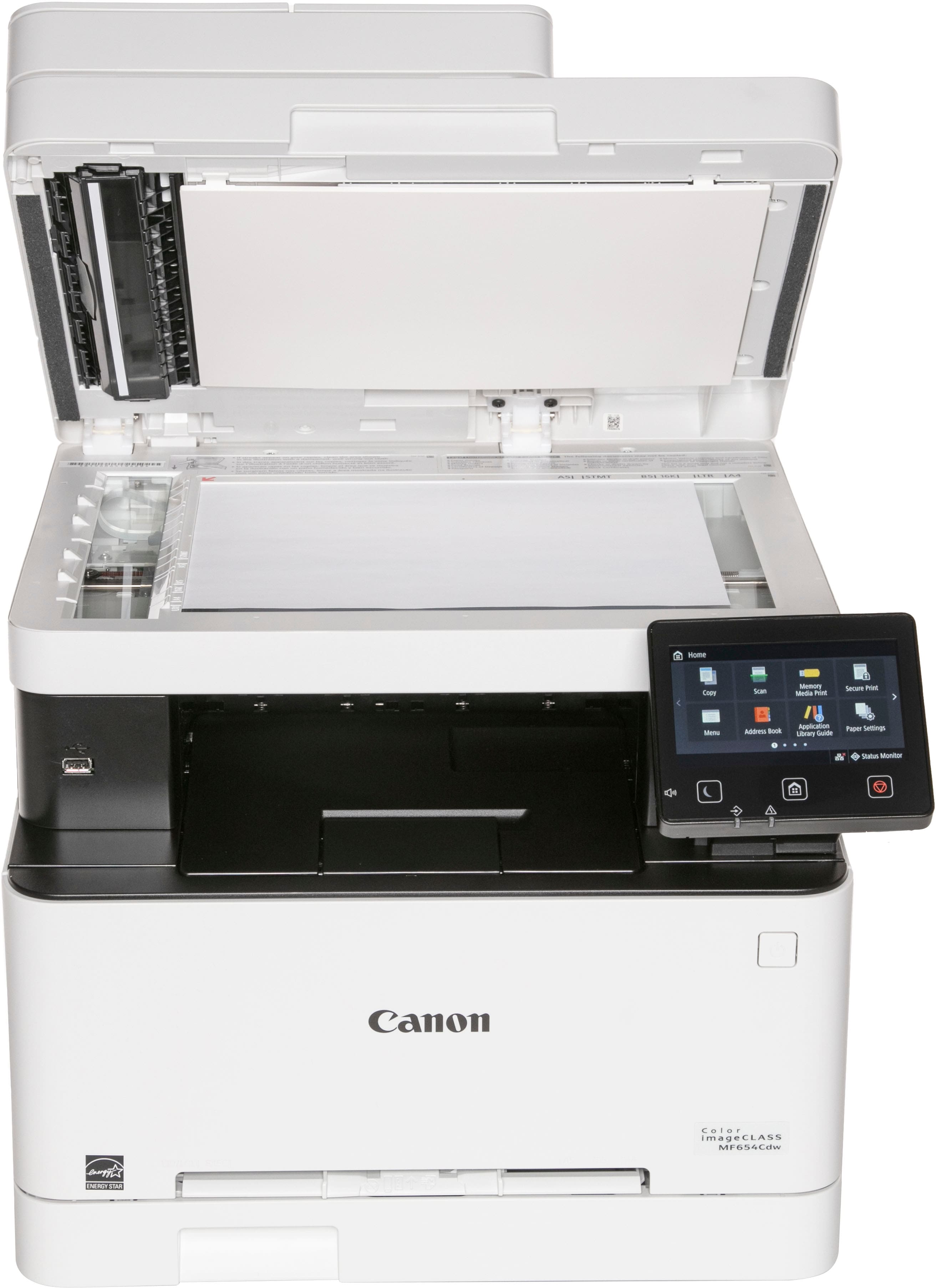
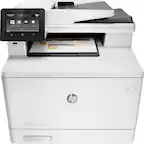
A:AnswerWhen I first purchased this it scanned multiple pages into 1 pdf file. Now it scans them all separately, how do I fix this? It’s a nightmare for my small business.
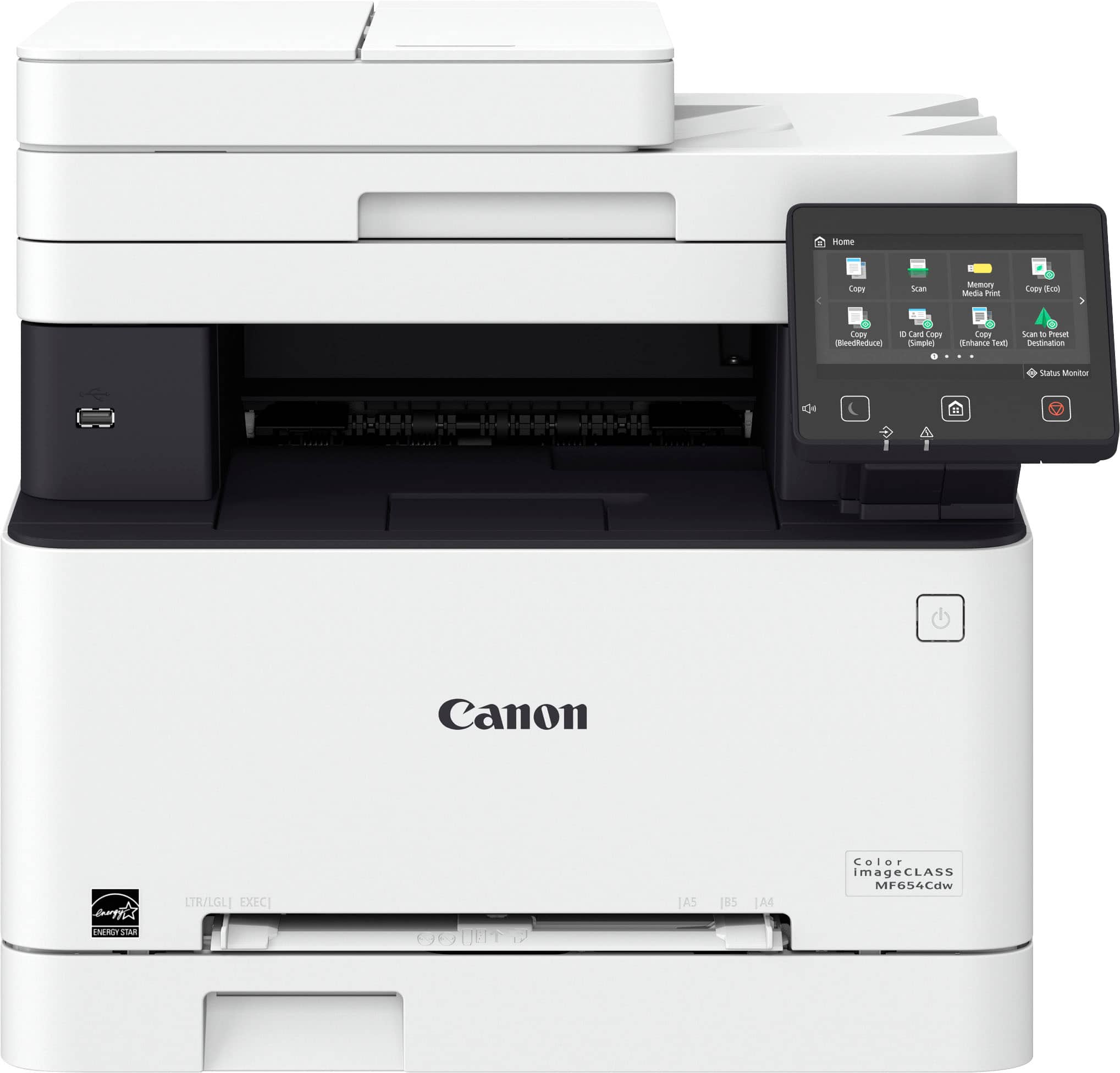
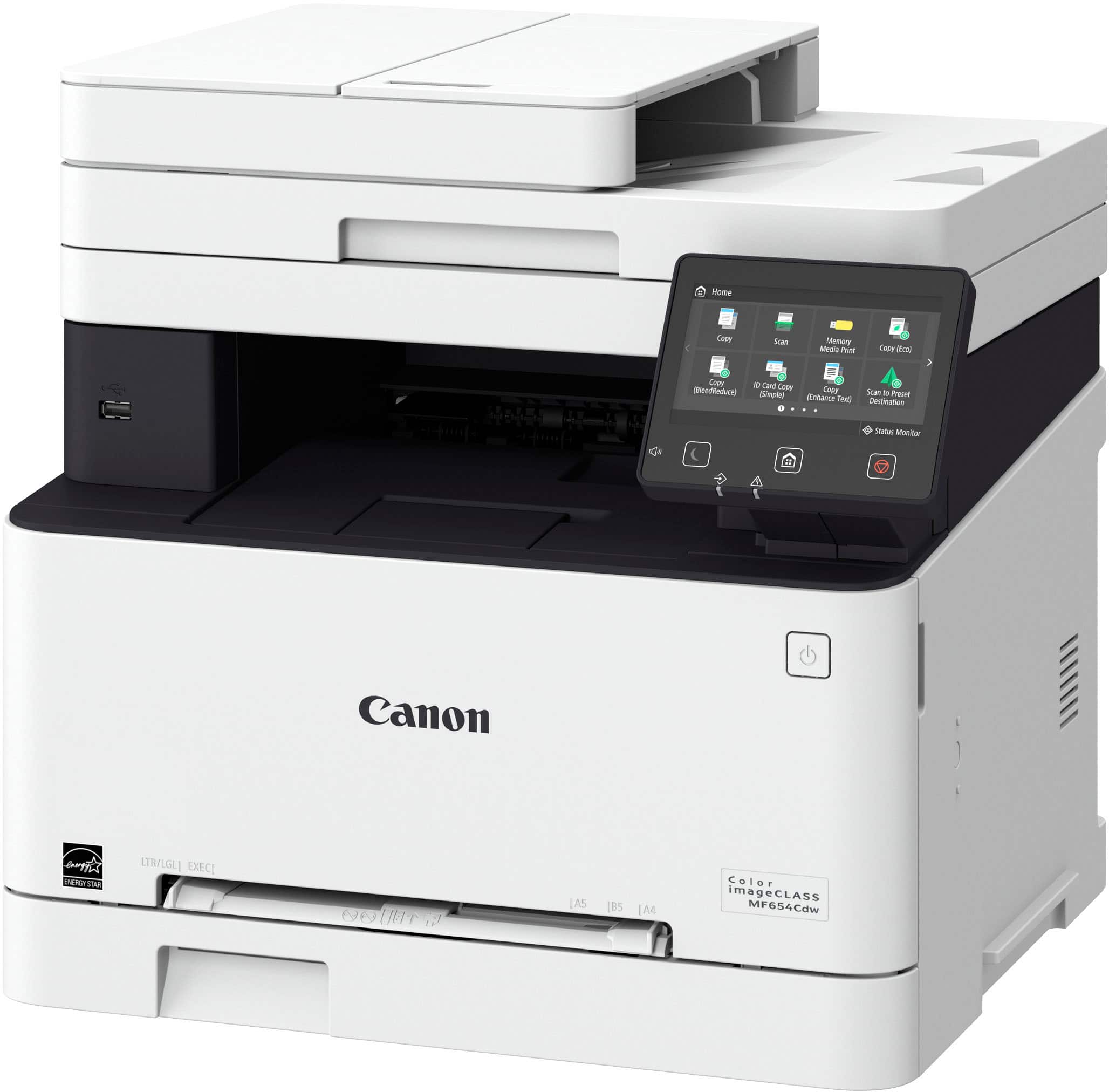
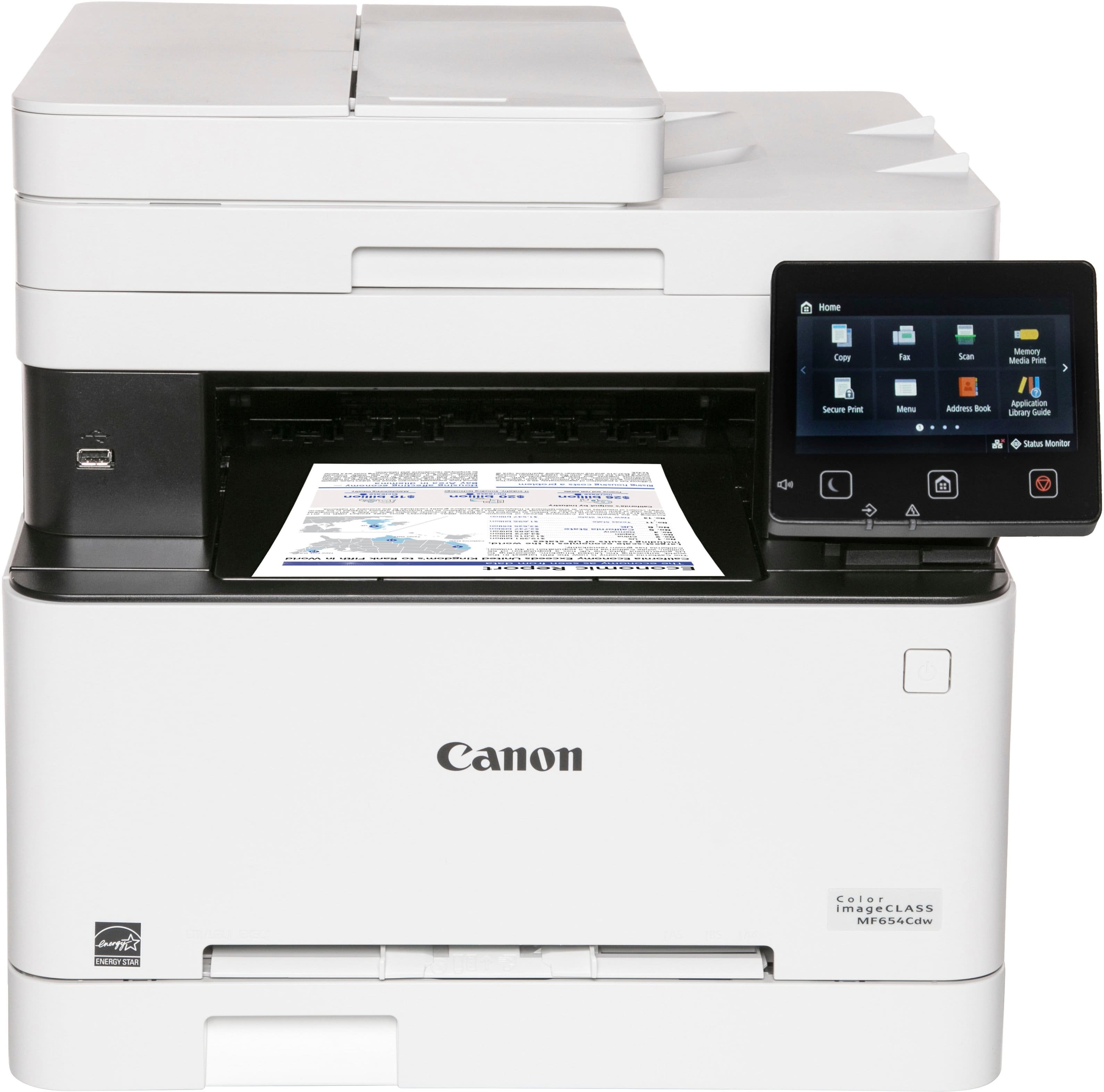
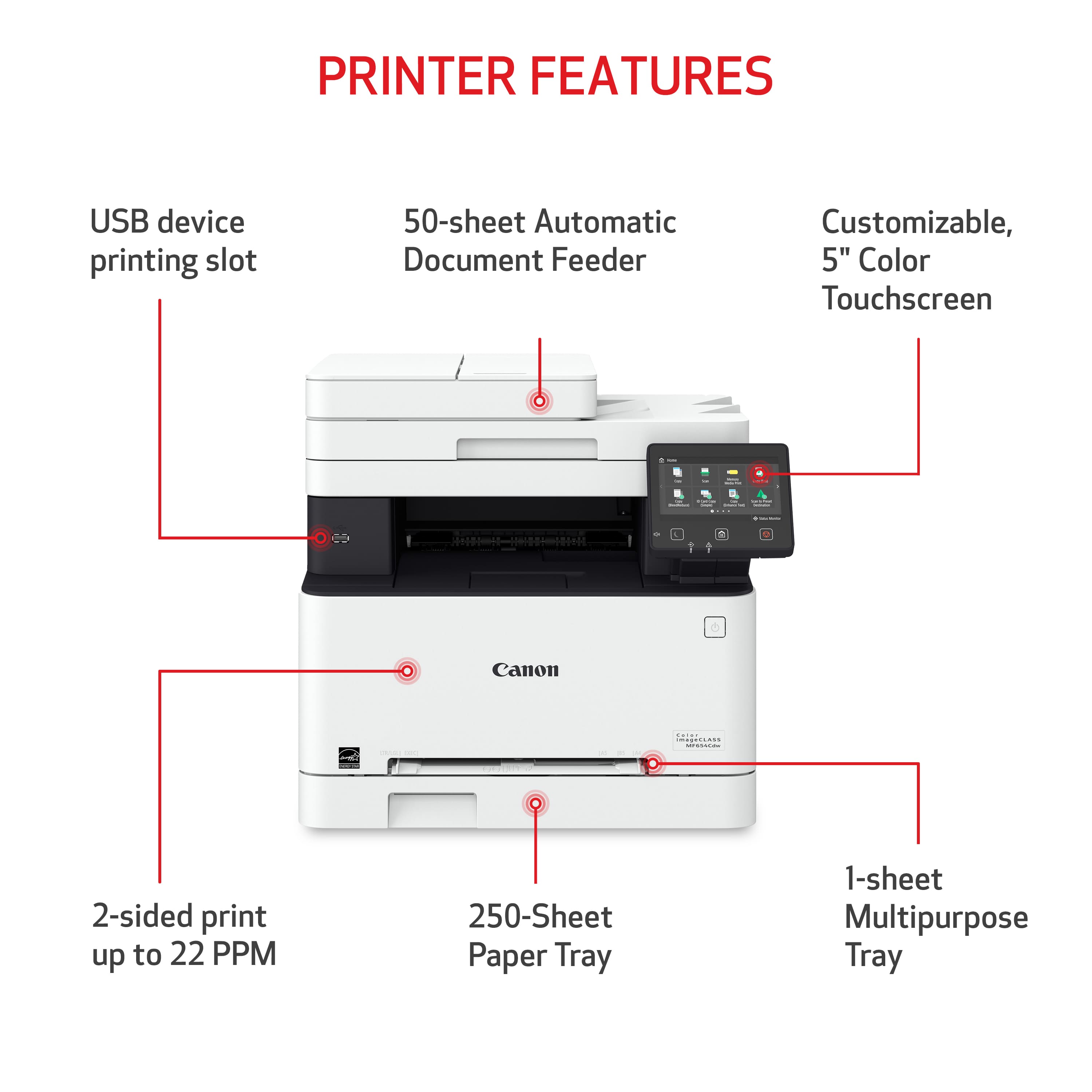
A:AnswerNo, not directly from the printer. I'm currently looking at a couple of choices trying to narrow it down. I haven't compared all features to see if they're the same, but according to other answers you'd have to move up to the MF656CDW for faxing direct from the machine. You will have to have it connected to a phone line. I had hoped by now there would be some type of technology that would let you fax over WiFi - aside from typical online fax programs that basically use email.
A:AnswerThat would be a question for the manufacturer. I don’t know if that answer to your question is available in the owners manual or not. I have not looked at question.
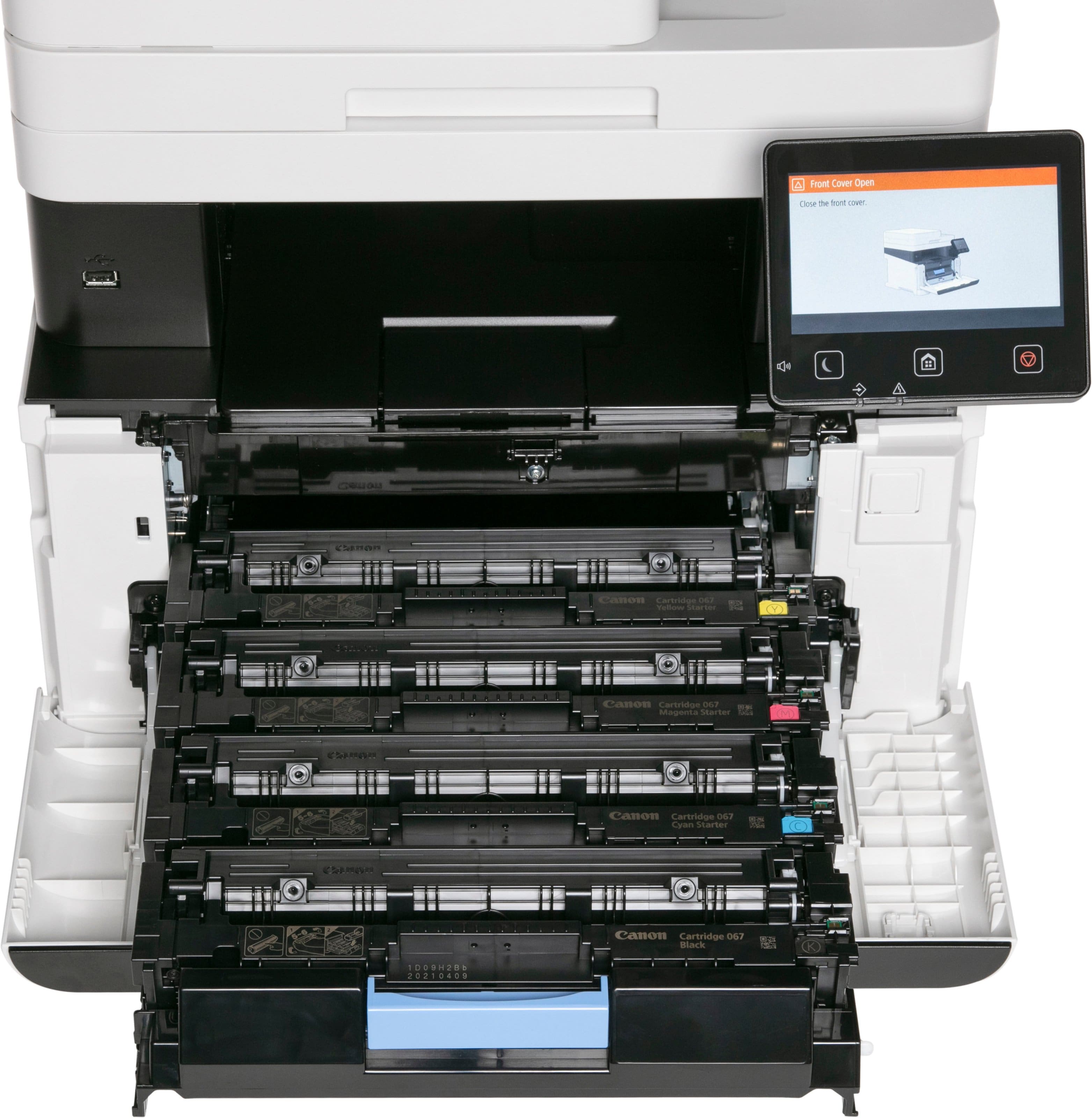
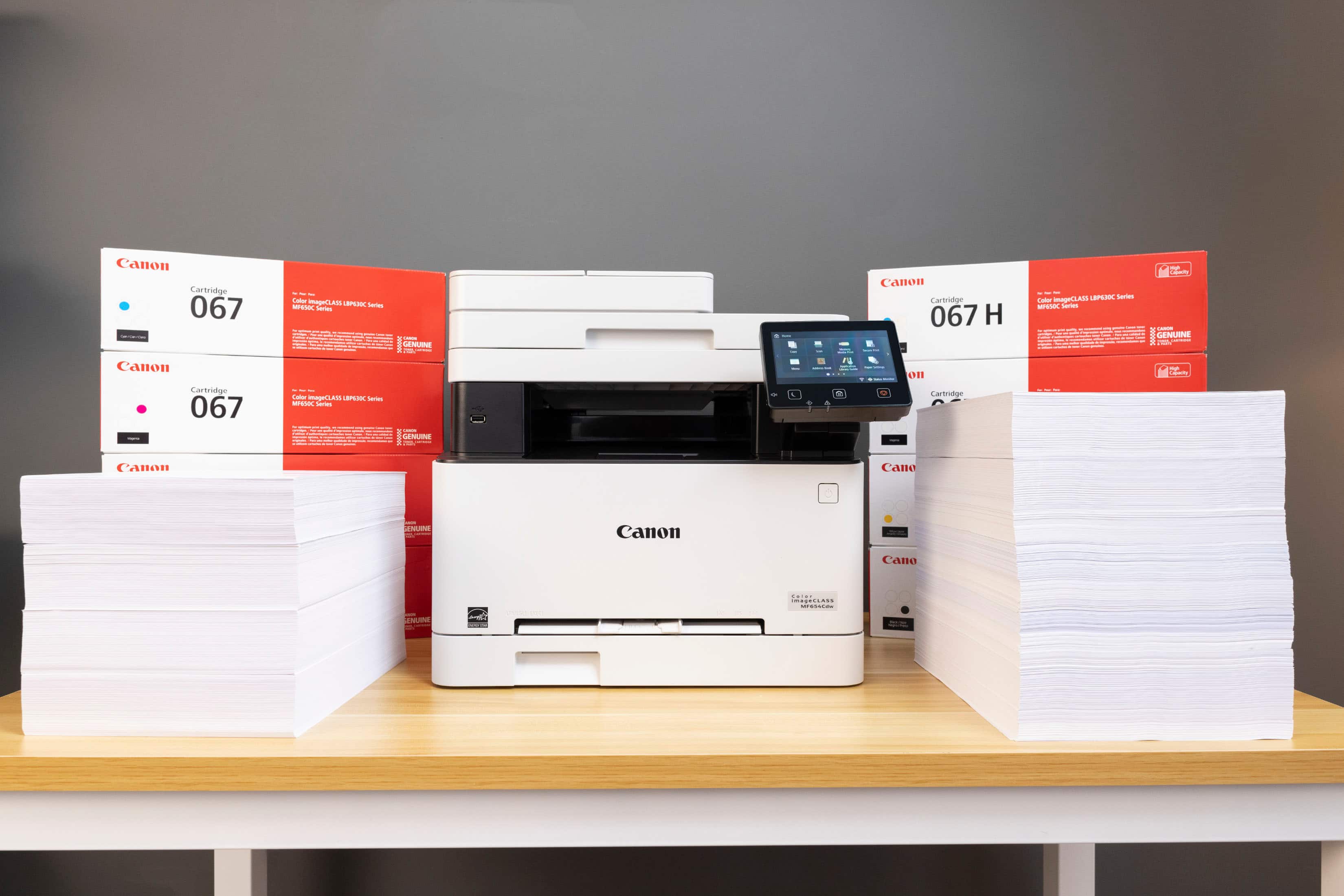
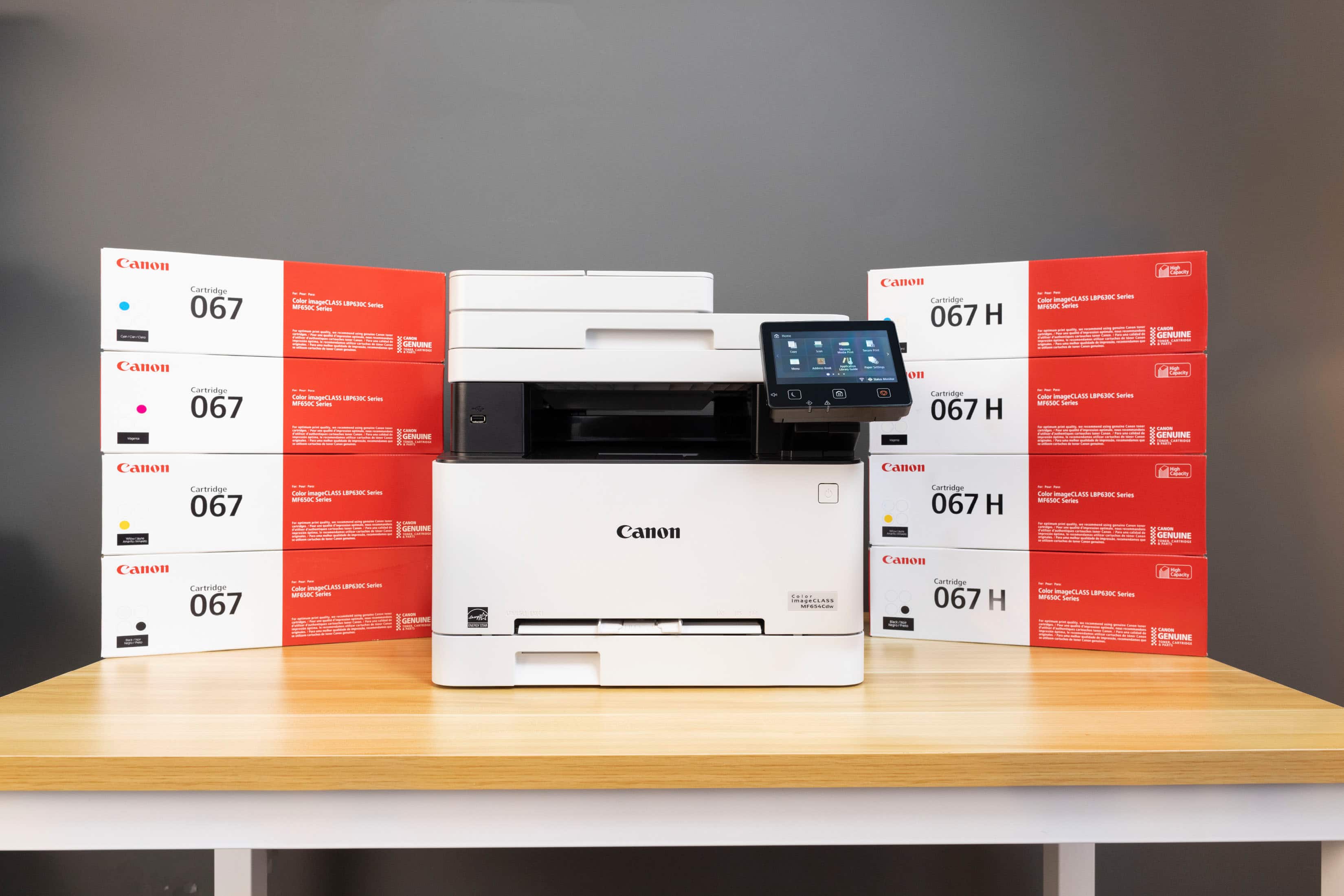
A:AnswerDepends on the quantity of color on the page and where you buy the toner. I have seen toner cartridges range from $35 to $135 each printing 2400 pages per cartridge