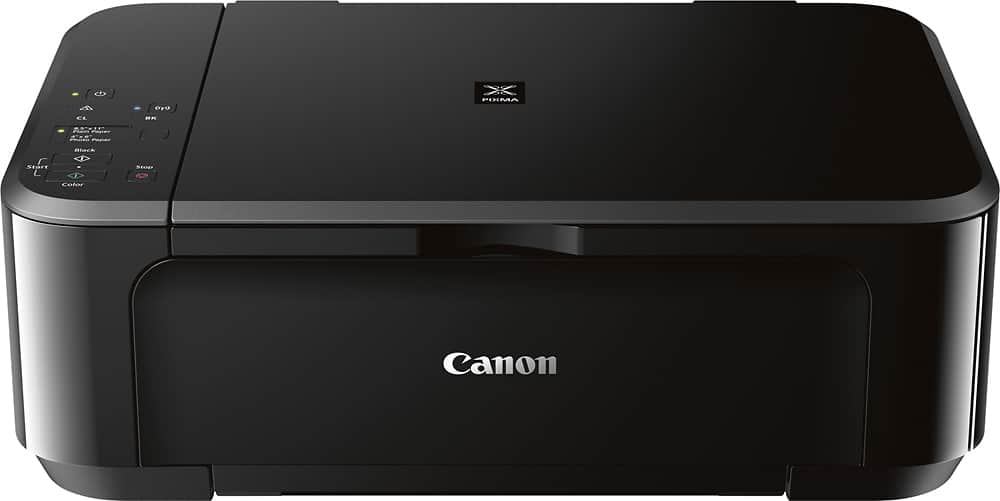
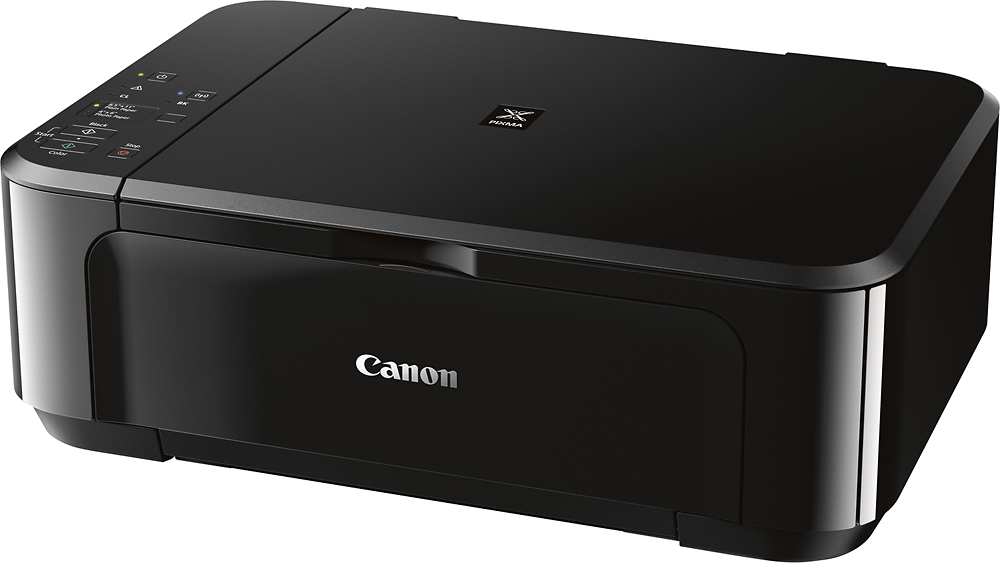
A:AnswerThe printer can be used either way. It is supplied with the cord to hook up to a computer.
I also have a Dell computer and had no problem with a hard-wired connection.
A:AnswerI don't know . But my pc running windows 11 didn't like it. Parts of the install caused a error message . Lots of adds ons were not needed. I would not buy this product again.