A:AnswerYou're best to ask canon directly. This is what Mr. Google said: How do I talk to a real person at Canon?
Order & Customer Service 1-800-385-2155.
A:AnswerIf you are using a public wifi, it seems to me that all of your devices (computer, printer etc) are subject to access from "fandom folks". I always use a private wifi which is protected.
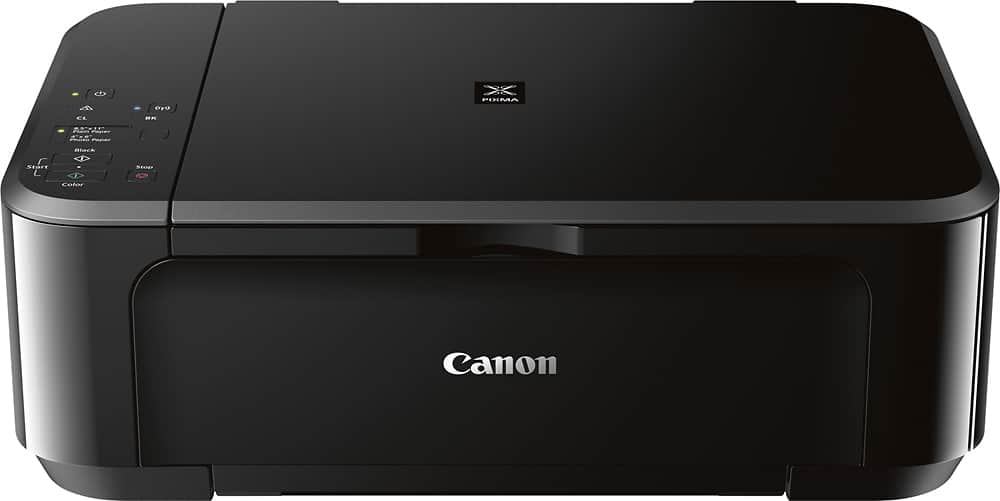
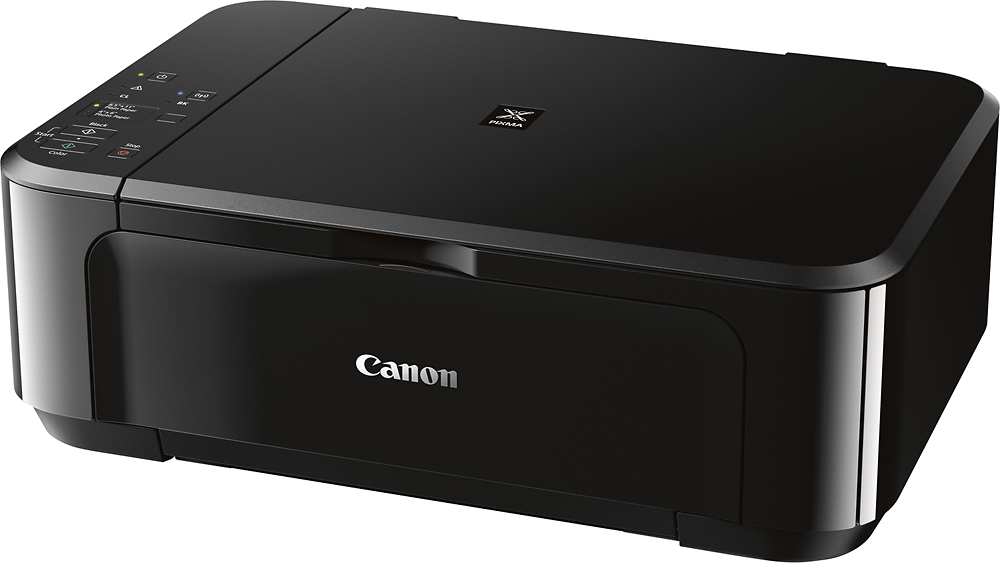
A:AnswerI bought this printer earlier this year and have had no trouble with it. It prints and copies very well. The ink cartridges are a little tricky to replace but the colors are great.
A:AnswerAccording to the supplied instructions from Canon in 'Getting Started 2', the printer has that capability. It can
also be used with a tablet and offers many different ways
to connect. The instructions are very concise but easily understandable for any particular application.
A:AnswerI haven't tried whether it can scan to email. However, I believe you that you need to check one page time.
I could not expect for more functional from this all-in-one printer with limited budget than others.