Black Friday is hereShop new DoorbustersShop now

Main Content

Questions & Answers

Your price for this item is $99.99
The comparable value price is $129.99
Page Showing 1-20 of 20 questions
  • QuestionWhat is the field of view of the camera?

    • Answer The field of view of this camera is 140 degrees.
    This question and answer was generated by AI based on customer and product data.

  • QuestionDoes the dash cam have a built-in microphone?

    • Answer This dash cam model has an integrated microphone.
    This question and answer was generated by AI based on customer and product data.

  • QuestionIs the dash cam compatible with GPS?

    • Answer This dash cam is compatible with GPS.
    This question and answer was generated by AI based on customer and product data.

  • QuestionWhat is the warranty on the dash cam?

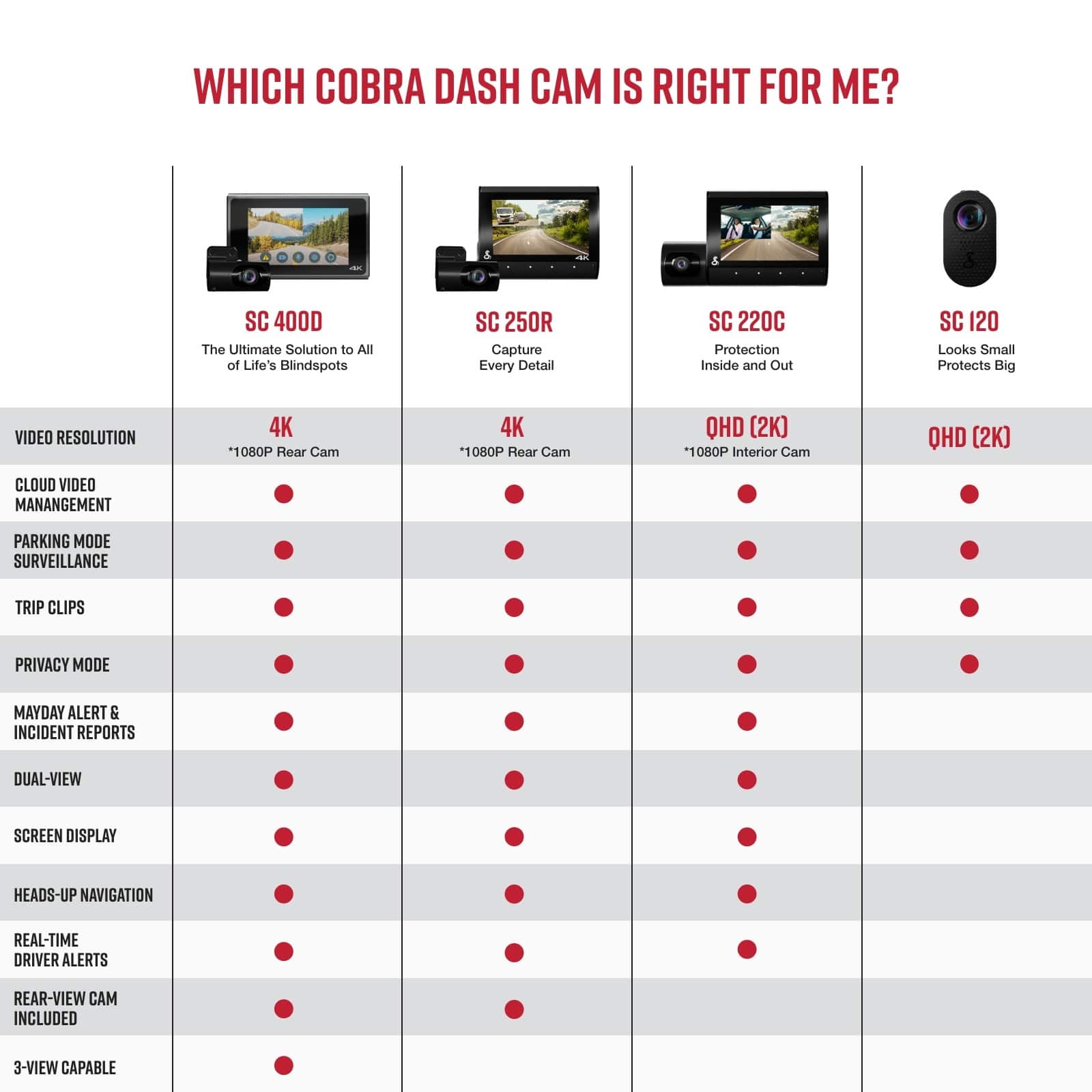
    • Answer The manufacturer's warranty for both parts and labor on the Cobra SC 120 dash cam is 1 year.
    This question and answer was generated by AI based on customer and product data.

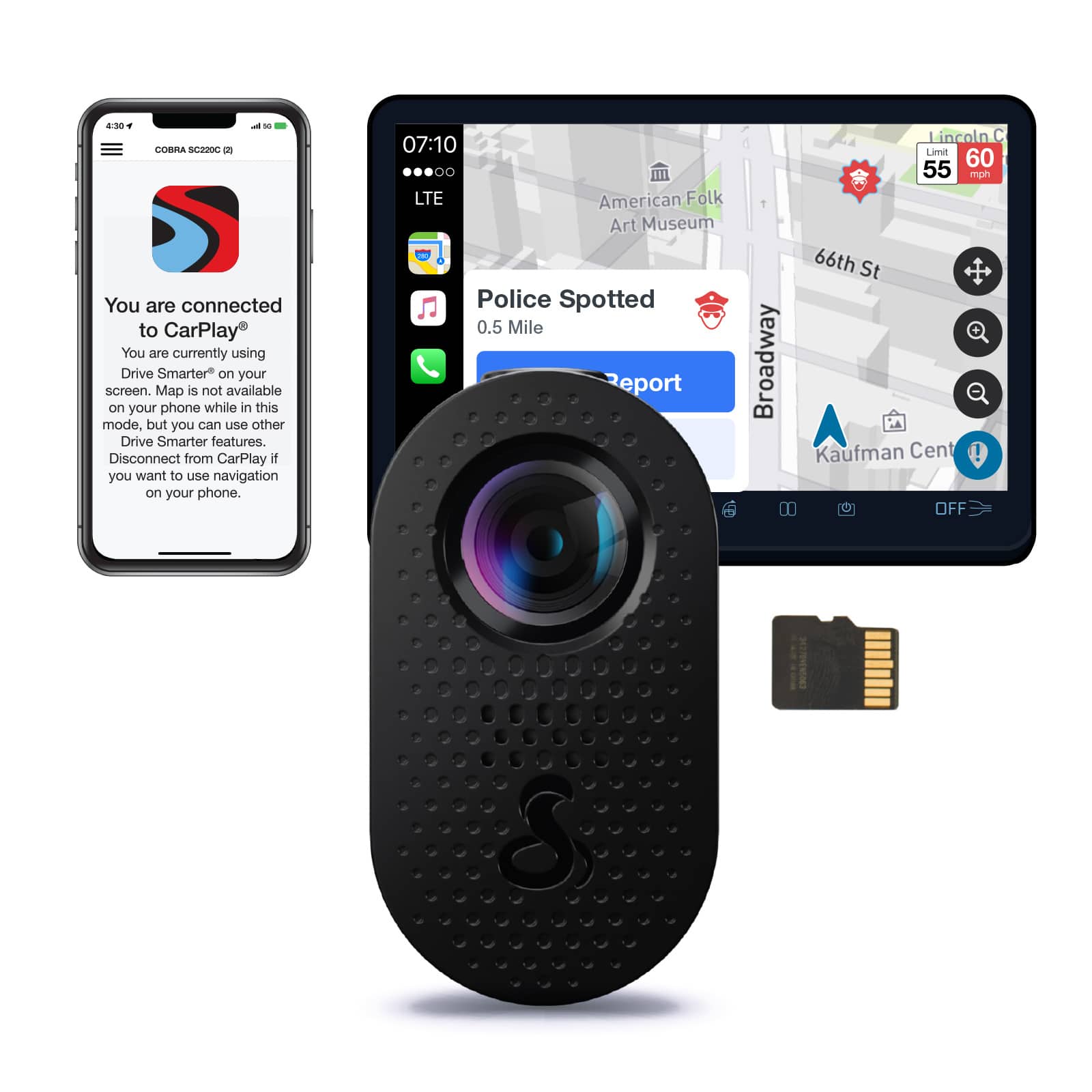
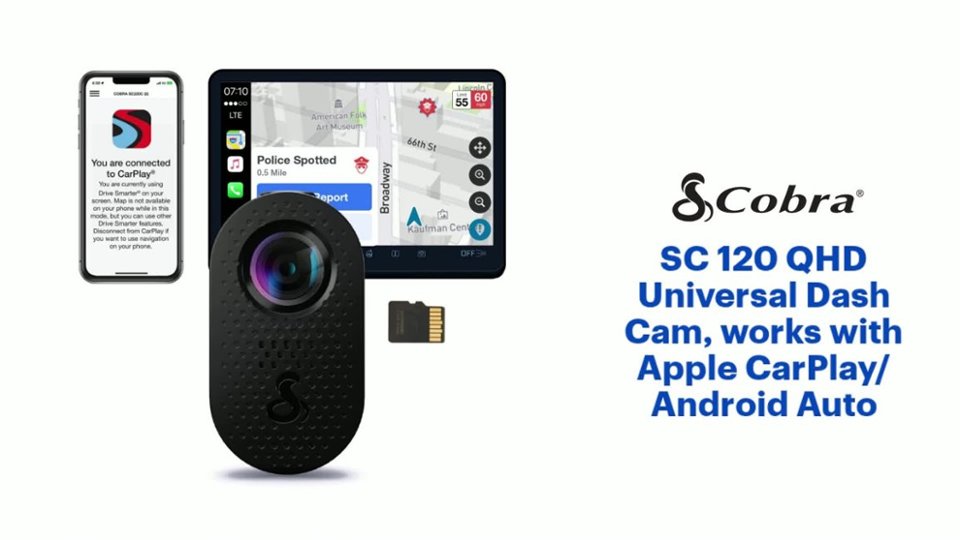
  • QuestionCan the dash cam be used with both Apple CarPlay and Android Auto?

    • Answer The SC 120 QHD Universal Dash Cam is compatible with both Apple CarPlay and Android Auto.
    This question and answer was generated by AI based on customer and product data.
  • QuestionWhat are the dimensions of the dash cam?

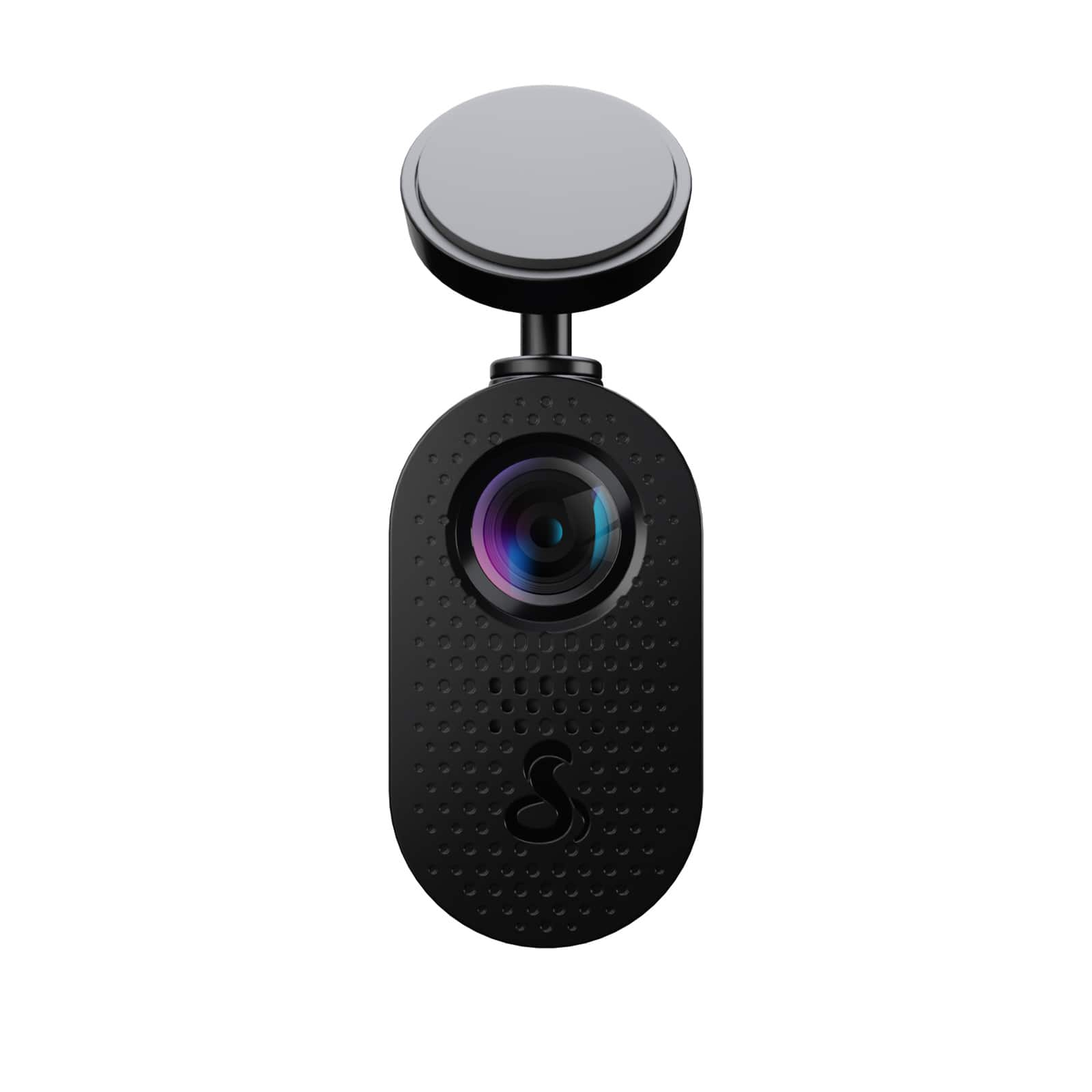
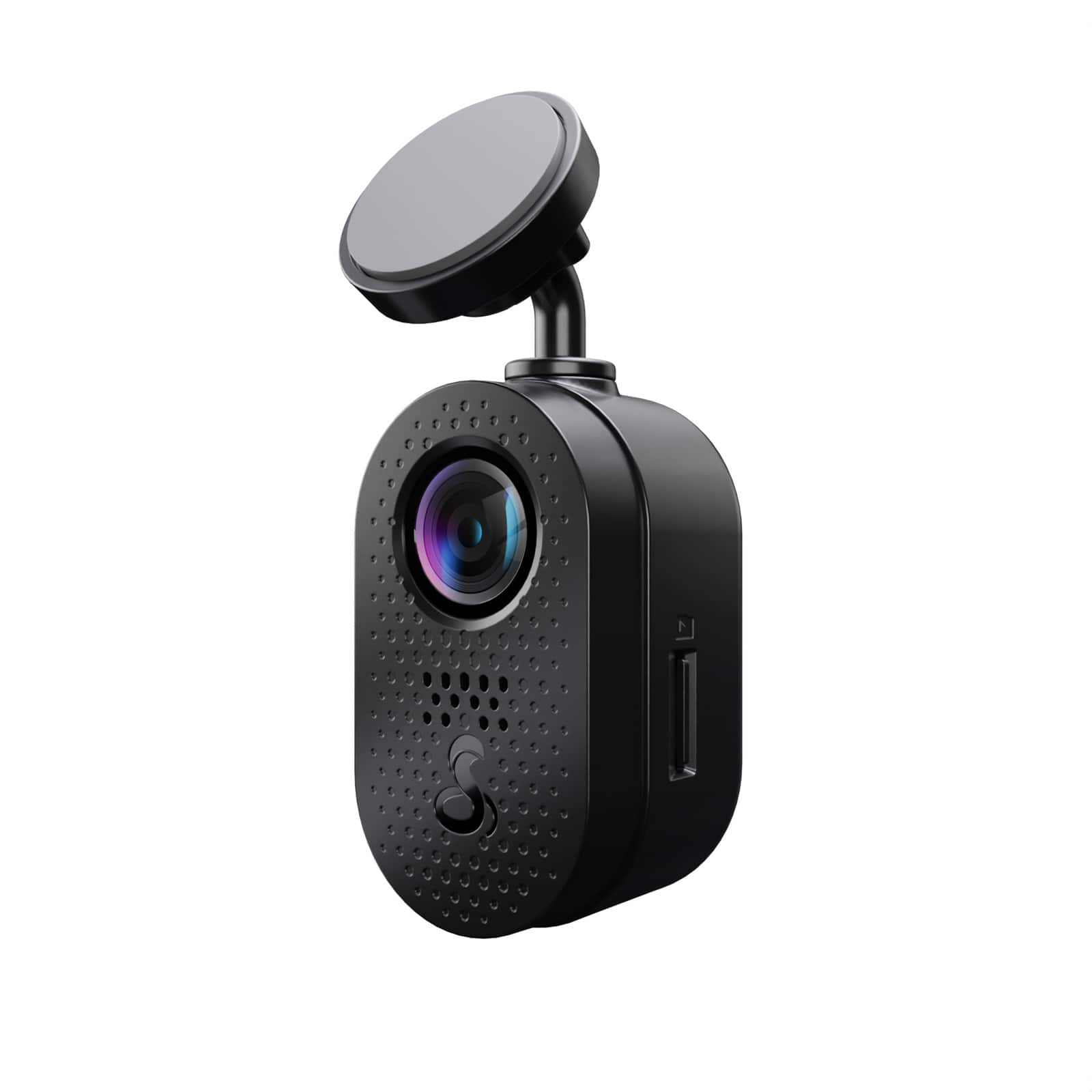
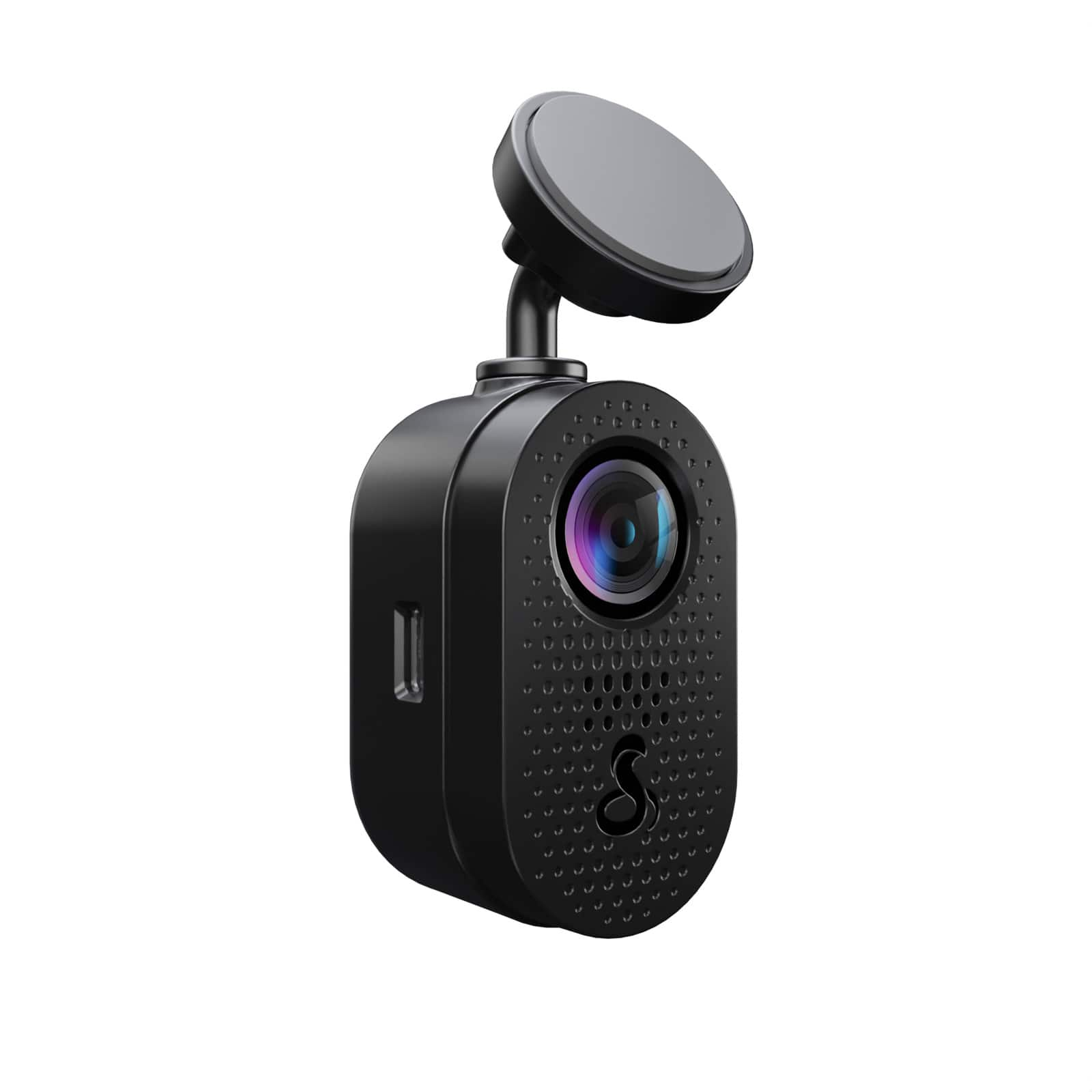
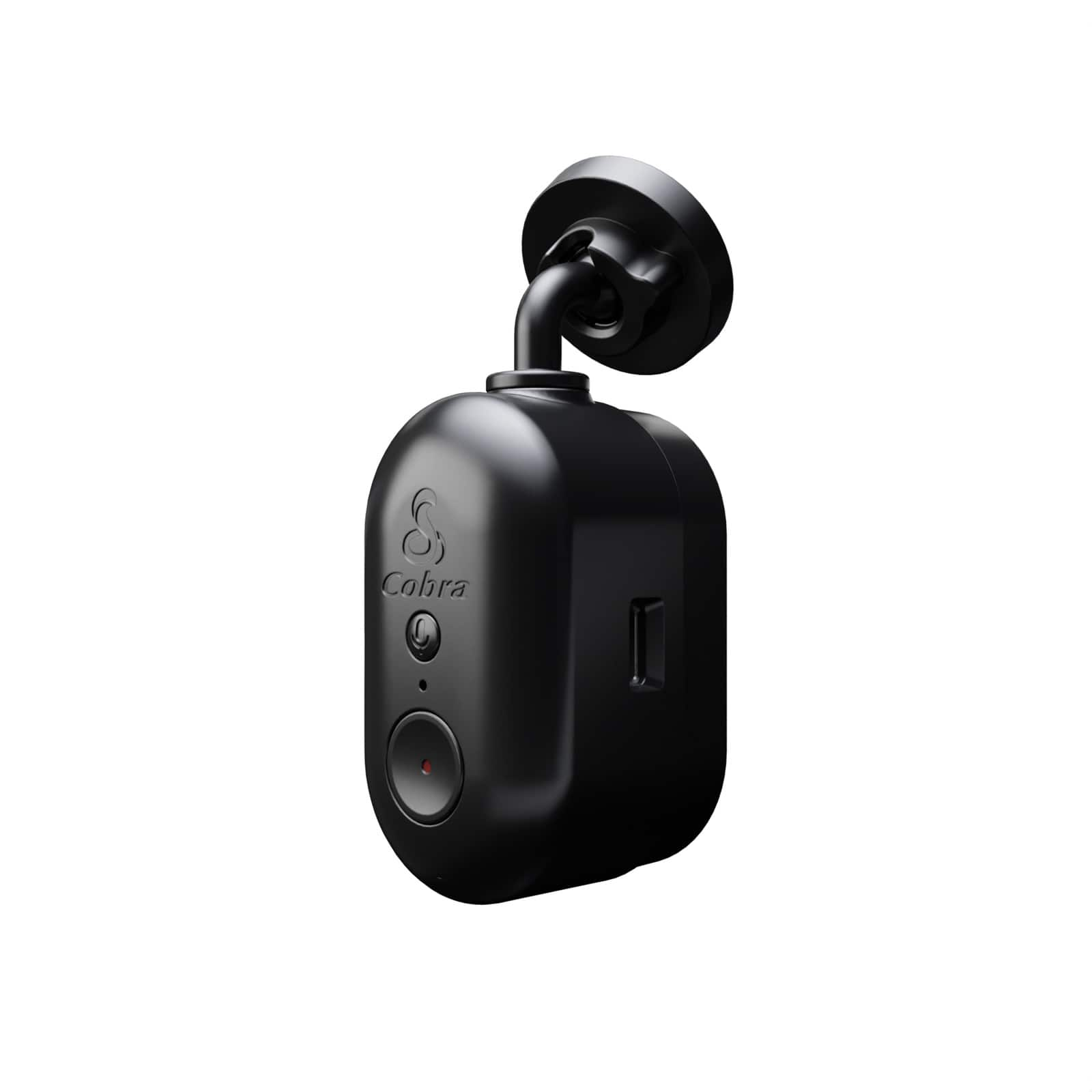
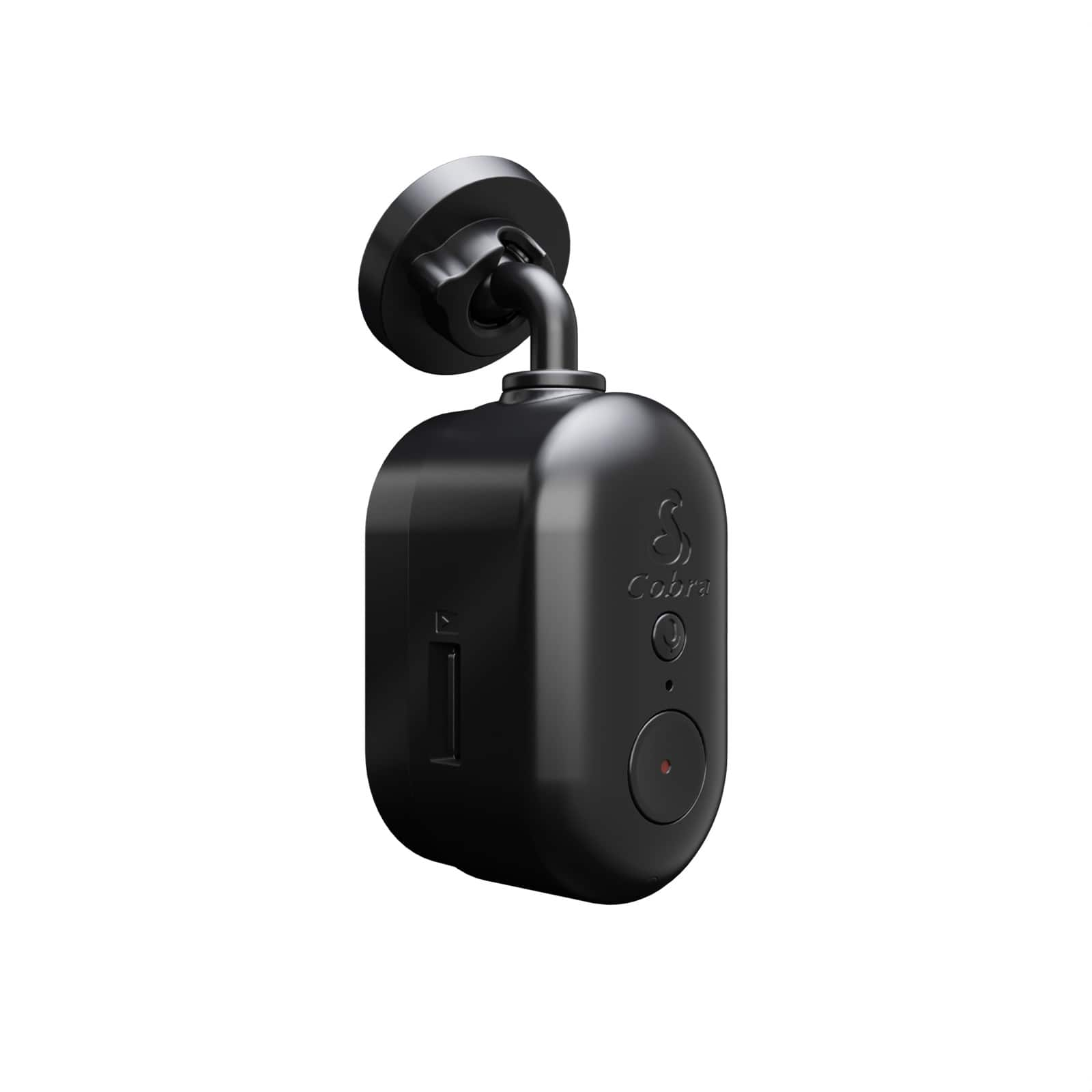
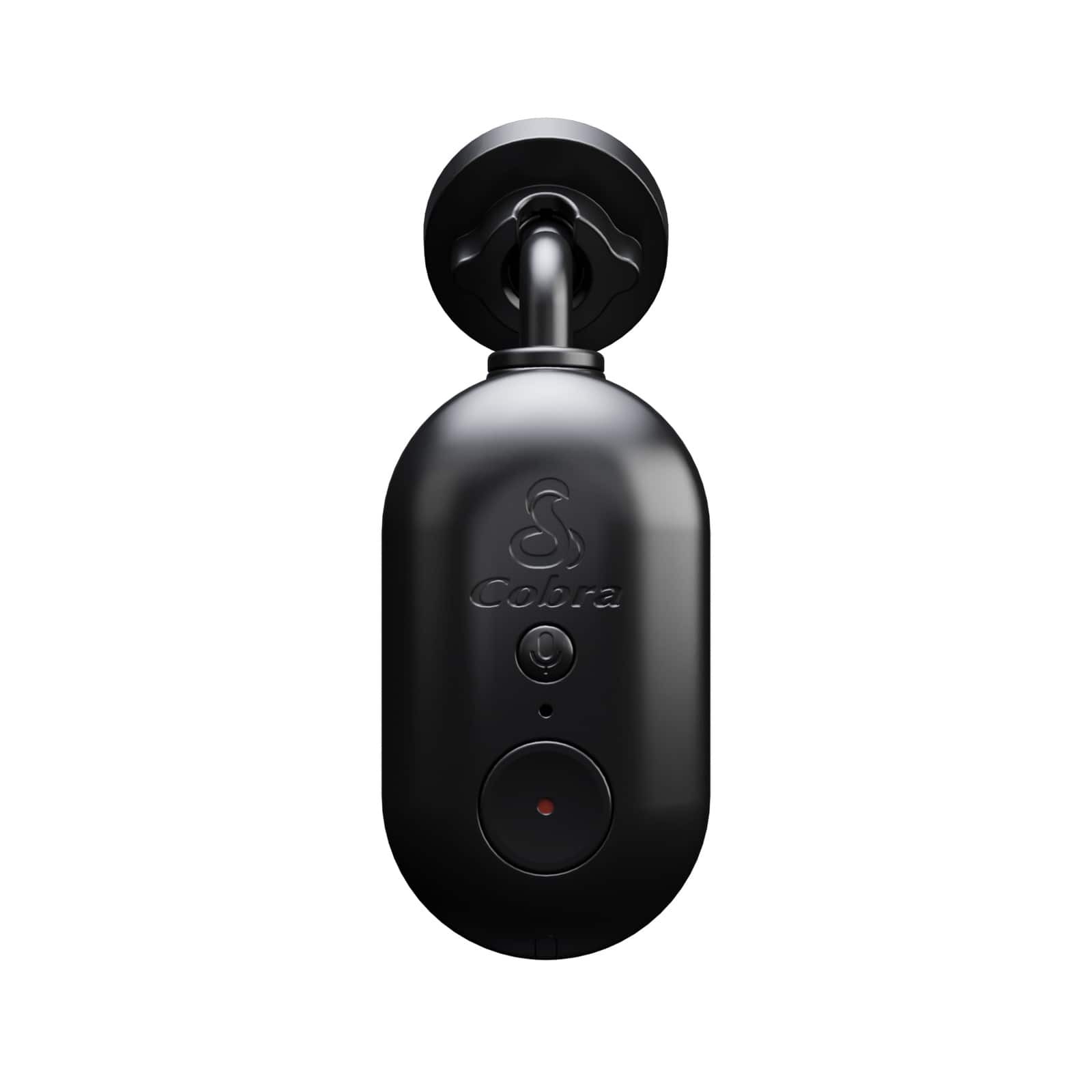
    • Answer The Cobra SC 120 QHD Universal Dash Cam is 1.18 inches high, 1.18 inches wide, and 2.76 inches deep.
    This question and answer was generated by AI based on customer and product data.
  • QuestionCan you please explain how the wifi functionality of the camera works? For example, does the camera itself have wifi, or do I have to connect it to external wifi?

    Asked by thejester.

    • Answer Thank you for your question. Wi-Fi communication between the Smartphone (DriveSmarter) and Wi-Fi in the device camera (used to access the gallery or live camera view) is automatically managed by the Drive Smarter app; you will only need to confirm the connections that the app requests. You should not have to enter a Wi-fi password. Separately, when adding certain models to your Drive Smarter account under a Vehicle, you will have the option to indicate whether the device is expected to connect with a hotspot nearby (typically your car's Wi-Fi hotspot or a personal Wi-Fi hotspot). This Wi-Fi is used to facilitate updates to the device and obtain app information from the Cloud, like Live Alerts and Speed Limit data. If you choose to connect to a data backed Wi-Fi network, the Drive Smarter App will show you a list of available Hotspot SSIDs nearby. Select the hotspot you want your device to directly connect to in the future, adding password information if needed. This information is then stored in the device so it can directly connect to Wi-Fi in the future without requiring the app to facilitate a connection.

      Answered by Cedar Electronics Team

  • QuestionCobra SC 120 CLOUD VIDEO MANAGEMENT - Does it require a monthly subscription fee (similar to Garmin's Vault)? Is it completely free? Is there a max cloud storage limit (GB)?

    Asked by TJ33.

    • Answer Thank you for your question. When using a compatible device such as the SC 120, the Drive Smarter app is available to users at no cost, and currently, there is no maximum limit on cloud storage.

      Answered by Cedar Electronics Team

  • QuestionHow do you turn off the sounds and lower the g shock sensitivity?

    Asked by Cam1.

    • Answer Thank you for your question. Settings can be managed by connecting the SC 120 to our Drive Smarter app via Bluetooth. You can find more information in the full owner's manual here: https://cdn.shopify.com/s/files/1/2203/2035/files/SC120_WEB_MANUAL_FIN_REV_08624_3b9ddaa9-4365-47bd-8db3-575642a91cbc.pdf?v=1724186794

      Answered by Cedar Electronics Team

  • QuestionWhat are the length video clips it can record?

    Asked by Nas.

    • Answer Thank you for your question. The SC 120 records in 1-minute clips.

      Answered by Cedar Electronics Team

  • QuestionIs there a fee involved with using this app?

    Asked by HERBIE.

    • Answer Thank you for your question. Our Drive Smarter app is free, as long as you have a compatible device, such as the SC 120.

      Answered by Cedar Electronics Team

  • QuestionCan the SC 120 be mounted horizontally on the rear window of a pick up truck?

    Asked by Hiker.

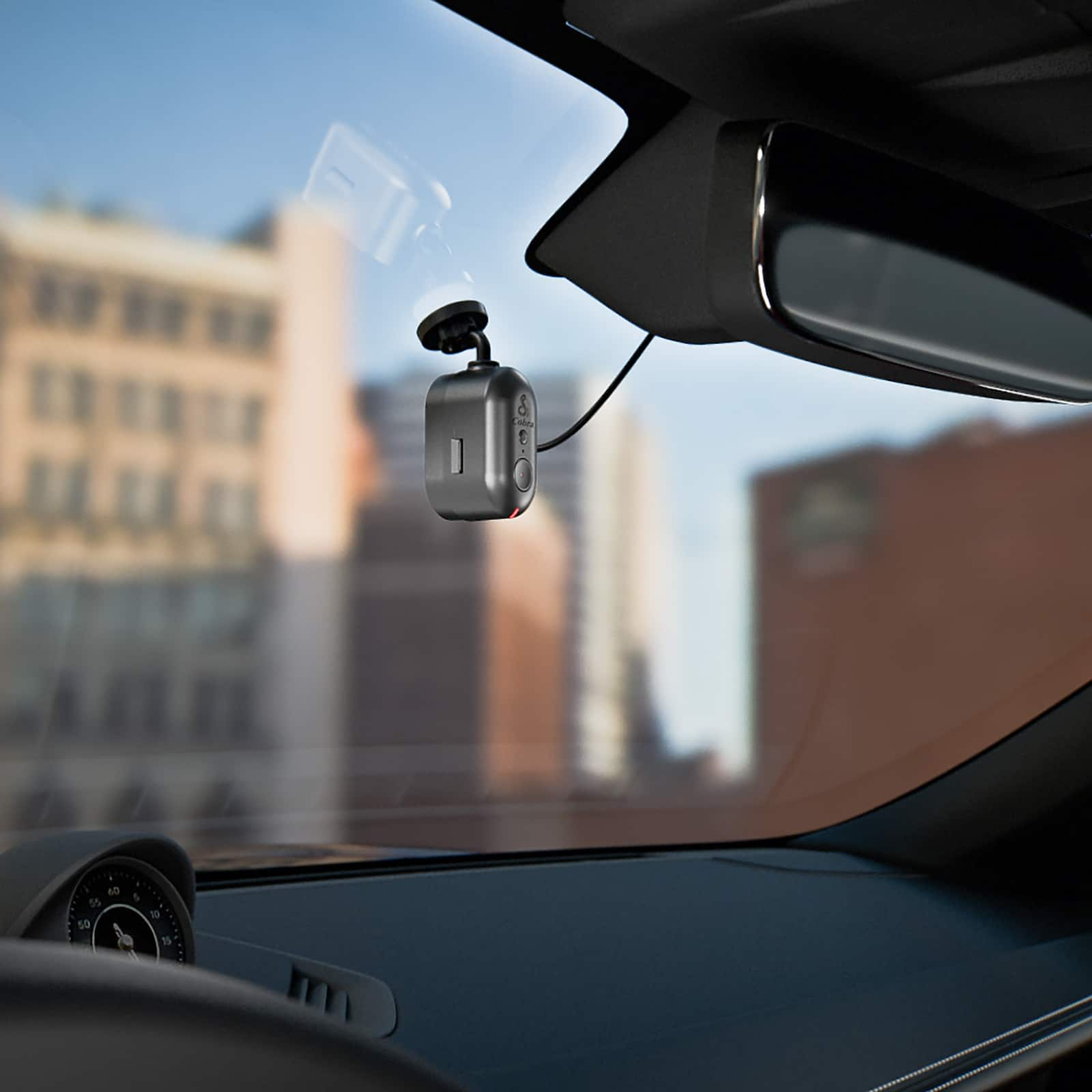
    • Answer Thank you for your question. While this may be achievable, there are a few things to keep in mind-- the SC 120 is designed primarily for front windshield use, so if mounted in the rear, make sure it's securely attached, has a clear, unobstructed view, and the orientation is adjusted properly. Also, please note that it may affect how the power cable is routed. If you have any questions, please do not hesitate to contact us at 800-543-1608.

      Answered by Cedar Electronics Team

  • QuestionWhat is the timing for the battery

    Asked by Anonymous.

  • Questioncan it be installed on the dash

    Asked by Anonymous.

    • Answer Thank you for your question. While it may be possible, we do not sell dash mounts, and mounting there is not recommended as it does not provide the best line of sight.

      Answered by Cedar Electronics Team

  • QuestionHow long does this record before it starts recording over existing data, with the card it comes with?

    Asked by Erin.

    • Answer Thank you for your question. When the memory card fills up, the camera automatically overwrites the oldest clips replacing them with new ones. If you do not want a clip to be overwritten, press the Emergency Recording button and the clip will be protected. Emergency Recordings are also automatically protected if an impact is detected. The stock 16GB card will hold 160 one-minute emergency recordings. If you wish to swap out the provided SD card for a larger one, the SC 120 will take a Class 10 or U1 card up to 256GB.

      Answered by Cedar Electronics Team

  • QuestionWhat are the Frames Per Second this camera can record? 15, 30, 60?

    Asked by Crypticmythic.

    • Answer Thank you for your question. The SC 201 records 30 frames per second.

      Answered by Cedar Electronics Team

  • QuestionHow does this function with Apple CarPlay? Can you see live images, or search for recent video through CarPlay?

    Asked by Ken.

    • Answer Thank you for your question. The SC 120 is compatible with Apple CarPlay. You can pair the dash camera with our Drive Smarter app via Bluetooth. This setup provides a clear view of your route, including upcoming speed traps, red-light cameras, and other potential hazards, all displayed on your vehicle's infotainment screen. While video recordings cannot be viewed through CarPlay, you can easily access them by selecting the Gallery/Live View option in the Drive Smarter app.

      Answered by Cedar Electronics Team

  • QuestionWhat does it come with? Specifically, does it come WITH a Micro-SD card?

    Asked by Zombichick000.

    • Answer Thank you for your question. Included with the SC 120 is a 16GB SD Card, Cable Management Kit, Temporary Install Film and Power Cable.

      Answered by Cedar Electronics Team

  • QuestionCan I swivel this camera after mounting it?

    Asked by HB.

    • Answer Yes, Small increments at a time, Back, forward, up/down, left/right

      Answered by ToesInSand

  • QuestionIs this wireless?

    Asked by Eah.

    • Answer Thank you for your question. The SC 120 is not wireless. It must be powered up by using the supplied 12V Vehicle Power Adapter and plugging it into your vehicle’s cigarette lighter port, and the other end into the micro USB port. A hardwire kit is also available.

      Answered by Cedar Electronics Team