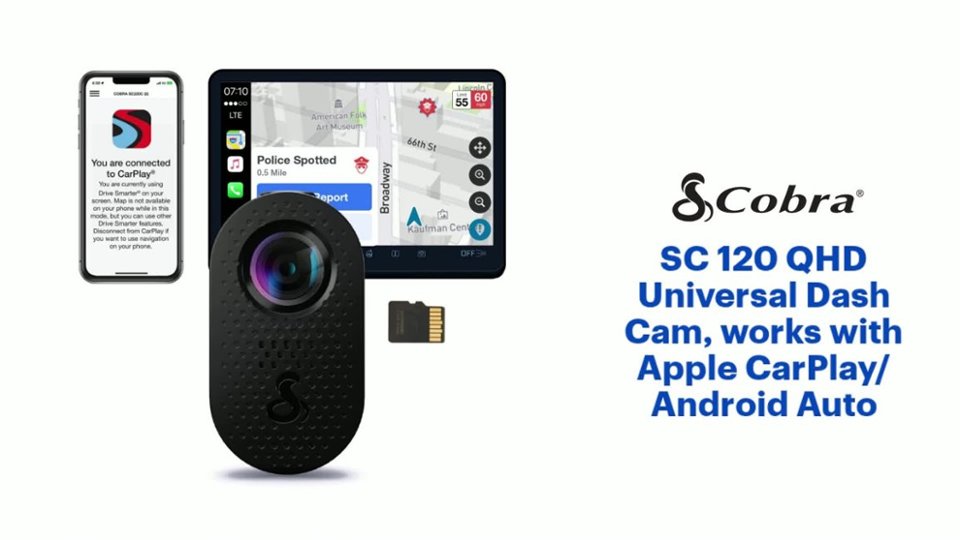
A:Answer Thank you for your question. Wi-Fi communication between the Smartphone (DriveSmarter) and Wi-Fi in the device camera (used to access the gallery or live camera view) is automatically managed by the Drive Smarter app; you will only need to confirm the connections that the app requests. You should not have to enter a Wi-fi password. Separately, when adding certain models to your Drive Smarter account under a Vehicle, you will have the option to indicate whether the device is expected to connect with a hotspot nearby (typically your car's Wi-Fi hotspot or a personal Wi-Fi hotspot). This Wi-Fi is used to facilitate updates to the device and obtain app information from the Cloud, like Live Alerts and Speed Limit data. If you choose to connect to a data backed Wi-Fi network, the Drive Smarter App will show you a list of available Hotspot SSIDs nearby. Select the hotspot you want your device to directly connect to in the future, adding password information if needed. This information is then stored in the device so it can directly connect to Wi-Fi in the future without requiring the app to facilitate a connection.