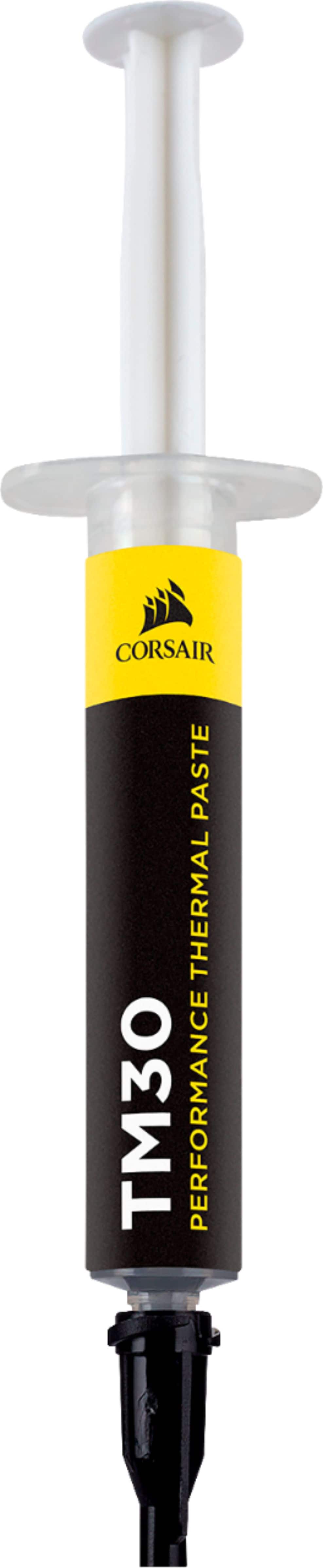
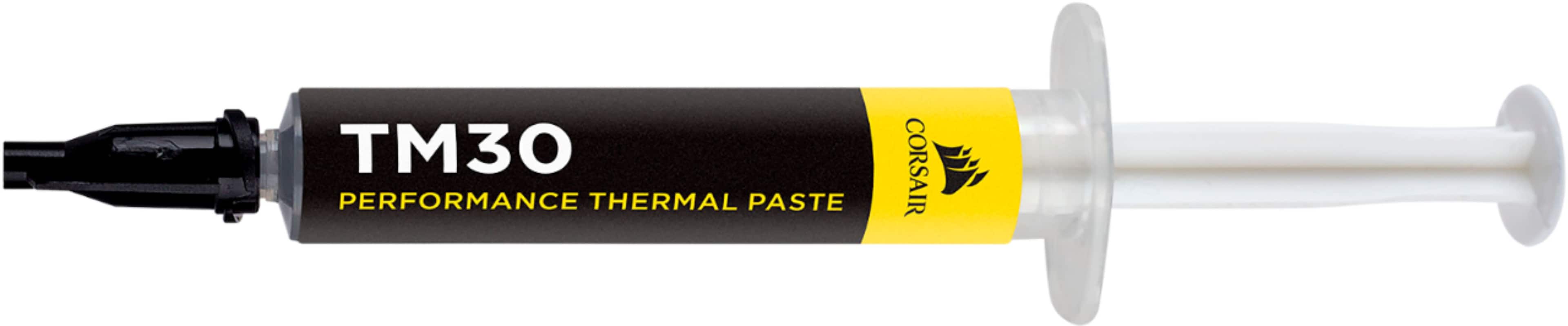
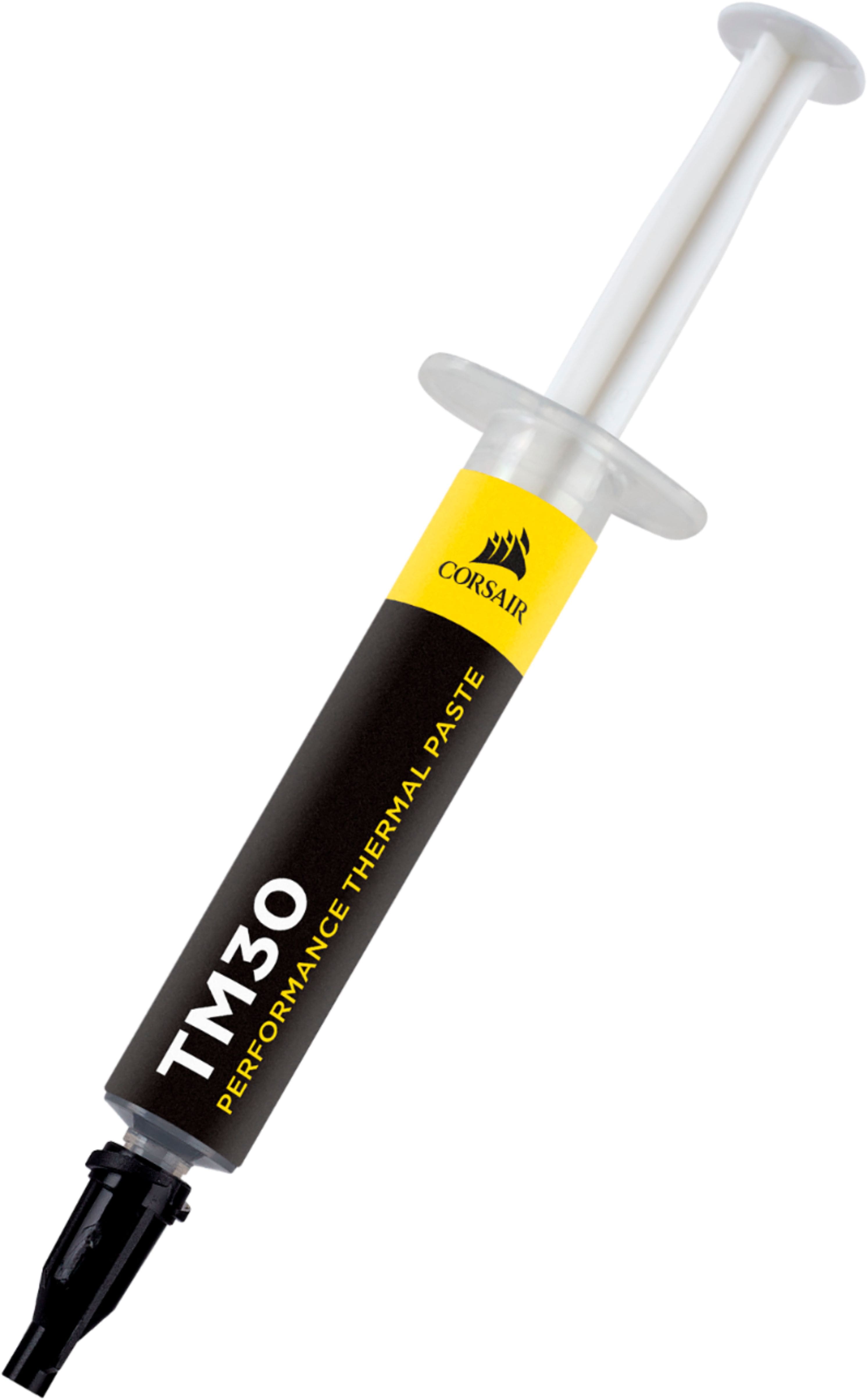
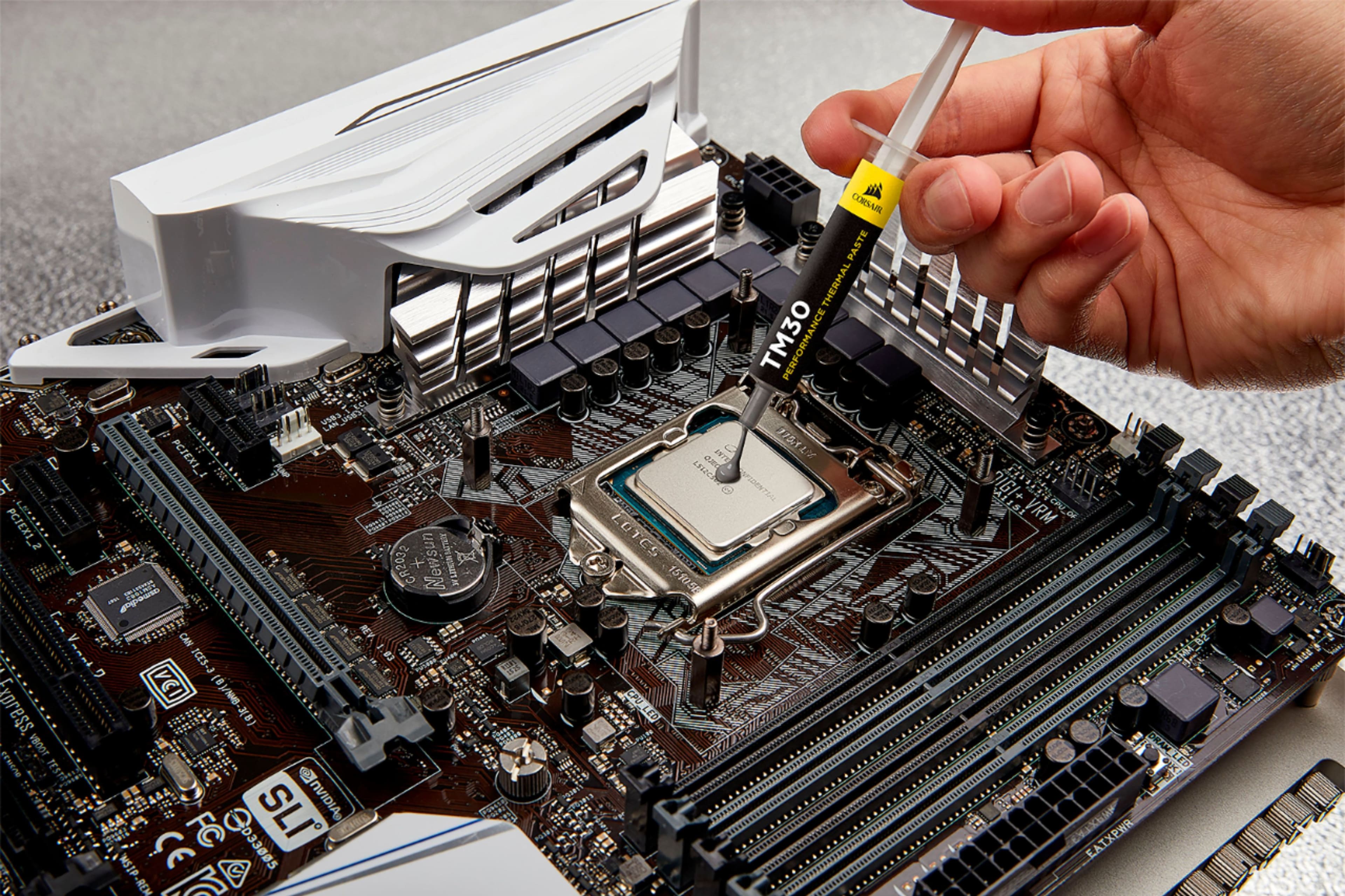
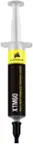
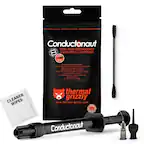
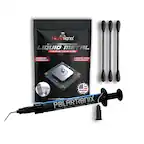
A:Answerto fill in the gap between the CPU and your AIO cooler or CPU fan cooler and to spread out the heat evenly and help conduct heat away from your CPU
A:AnswerHi,
Our thermal paste is designated for CPUs and GPUs. If you have any additional questions, please feel free to reach out to support via our website.
-Albert
A:AnswerHi,
Our thermal paste is intended for CPU and GPU application. If you have any additional questions, please feel free to reach out: support.corsair.com
-Albert
A:AnswerIt basically turned to a liquid on my CPU. Also causes my CPU to hit it's thermal limit all the time. With a water cooler and better fans (higher pressure and more cfm) I couldn't play the same games I could before swapping CPUs. Not recommended unless you plan on cleaning up a lot and changing it out.
A:Answersame thing happened for me. I bought new thermal paste and it decreased heat by about 25 degrees. Make sure you clean the old stuff off with alcohol and let fully dry before applying new paste.
A:AnswerRemove the old paste with isopropyl alcohol, then apply with the dot process. Tiny dots of paste on AM4 CPUs. It’s better to put more than not enough. I use it on my AMD Ryzen 9 5900X with air cooler. It maxes out at 80 degrees (C)