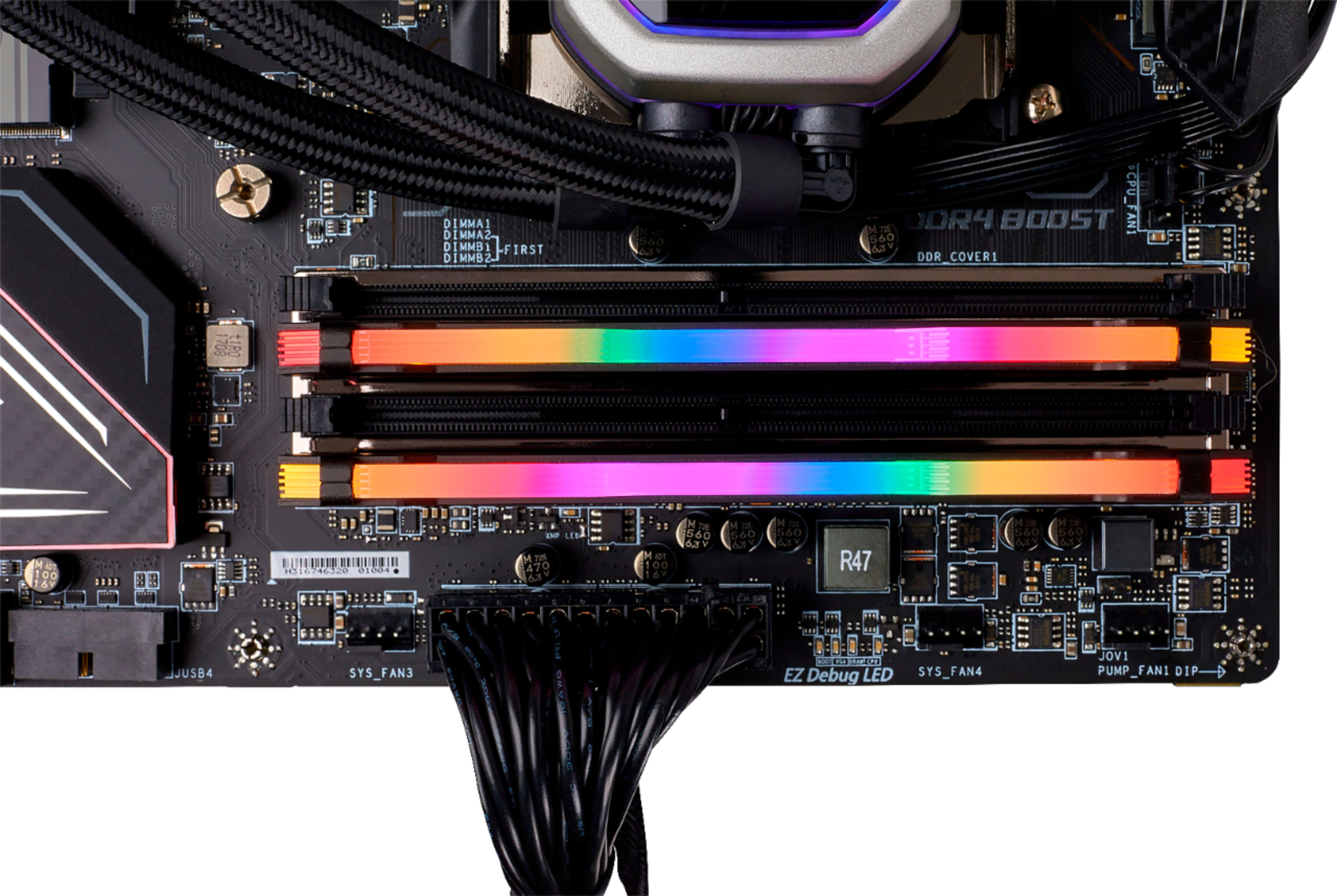
A:AnswerHi,
I'm afraid there'd be no way to know without more information on the specific board (and that's a proprietary HP board), please consult your manual for it and reach out if you have any other questions: support.corsair.com
-Art
A:AnswerHi Jeffrey,
It could even mean that the kit wouldn't run, depending on the motherboard. I'd get what the motherboard suggests.
If you have any other questions, please reach out: support.corsair.com
A:AnswerYou shouldn't be looking at pin count solely. This is a DDR4 kit with 288 pin but that's not all there is to it. Please use our website and your manual for the motherboard to purchase an upgrade to your existing DDR3 kit.
A:AnswerHello Troy,
I'm afraid you'd have to check with HP or the system's manual to confirm, in this case.
If you have any memory-dependent questions, reach out at any time: support.corsair.com
-Art
A:AnswerHello,
Shouldn't be an issue, but please confirm with IBP.
If you have anything else we can help with, please reach out: support.corsair.com
-Art
A:AnswerHere is what I know. Your mother board must accept DDR4 memory and have the capacity for the 32GB and the rated speed. Best to find out what kind of mother board you have and look up it's specs as not all mother boards will accept this memory. Also, I believe this is Desktop memory only.
A:AnswerIt should work without issue. These are 288 pin DDR4 sticks, which your board supports. Check with your Mobo manufacturer for any compatibility issues beyond that. At a glance, I don't see any reason why these wouldn't work at spec.