Questions & Answers
- Model:
- CT1000P310SSD8
- |
- SKU:
- 12225084
Highly rated by customers for: Overall Performance, Drive Speed
$189.99$189.99
Save $60
The comparable value is Comp. Value: $249.99
Page Showing 1-16 of 16 questions
Q: QuestionWhat is the SSD's endurance rating?
- A:Answer The SSD has an endurance rating of 220 terabytes.
This question and answer was generated by AI based on customer and product data.Q: QuestionWhat are the dimensions of the SSD?
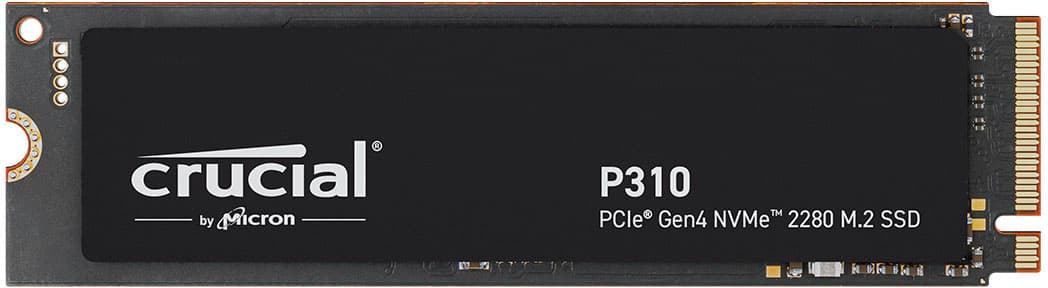
- A:Answer The Crucial P310 SSD has a height of 0.86 inches, a width of 3.15 inches, and its weight is 0.35 ounces.
This question and answer was generated by AI based on customer and product data.Q: QuestionWhat is the maximum read speed of the SSD?
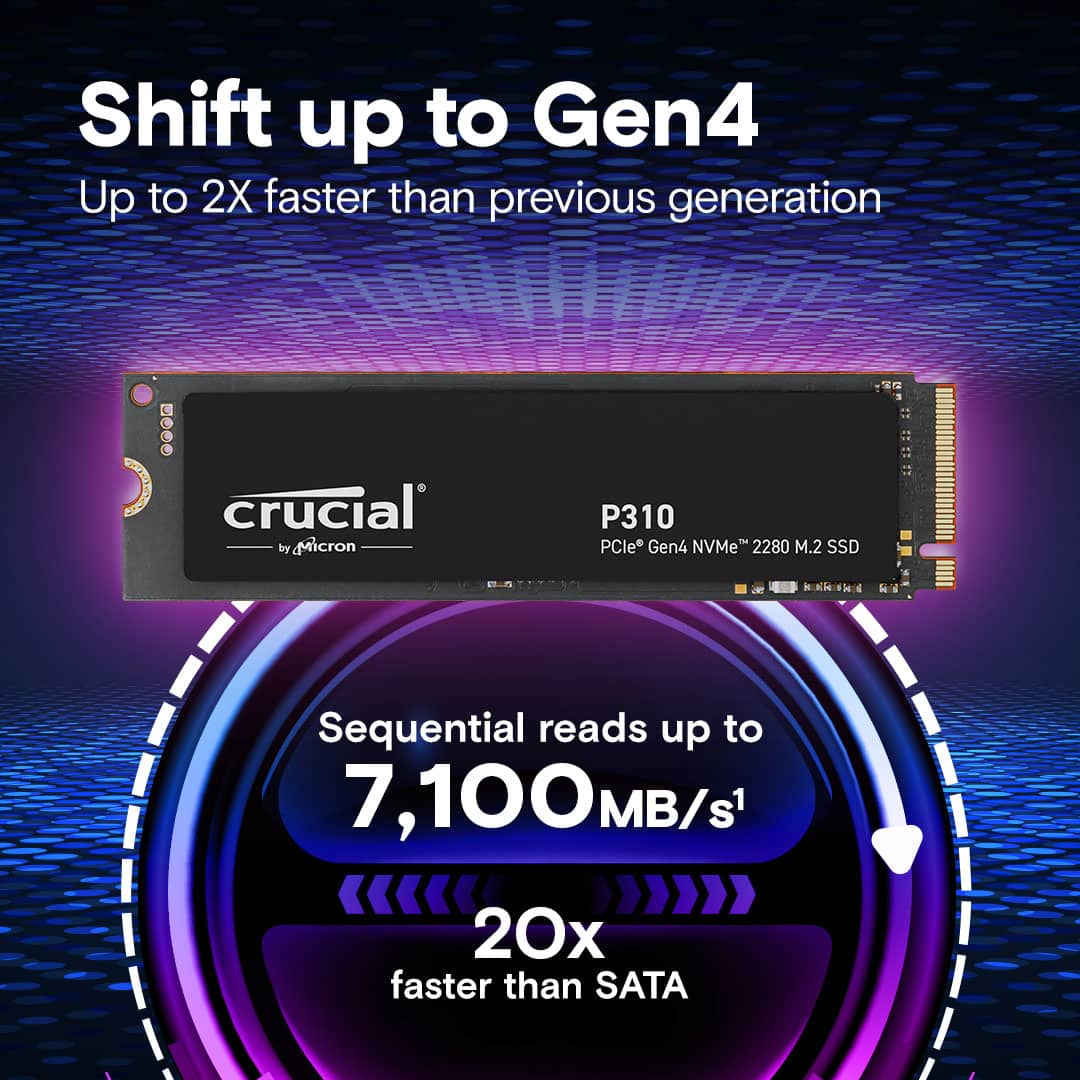
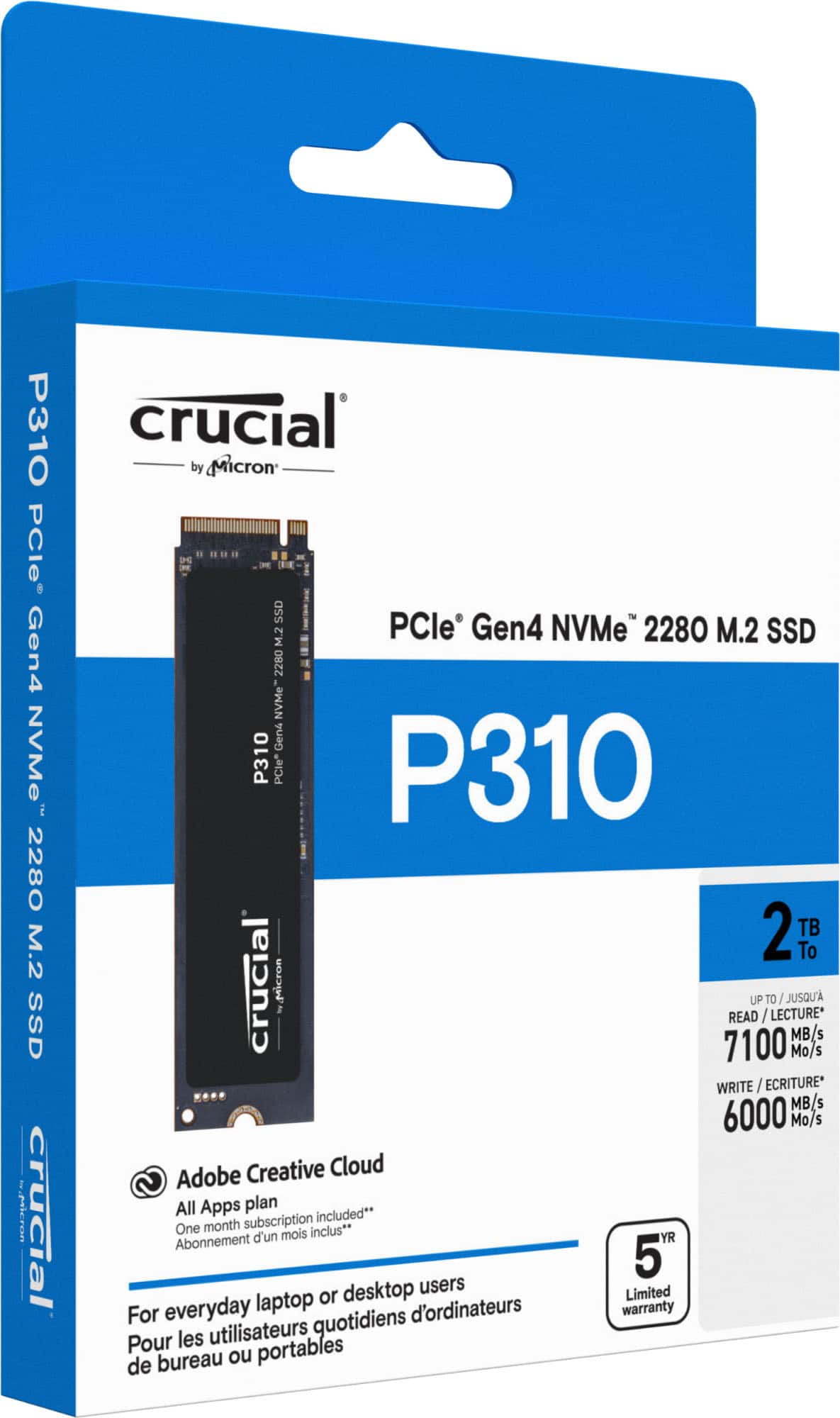
- A:Answer The maximum read speed of the SSD is 7100 megabytes per second.
This question and answer was generated by AI based on customer and product data.Q: QuestionWhat is the maximum write speed of the SSD?
- A:Answer The maximum write speed for this SSD is 6000 megabytes per second.
This question and answer was generated by AI based on customer and product data.Q: QuestionIs the SSD compatible with PCIe Gen3 slots?
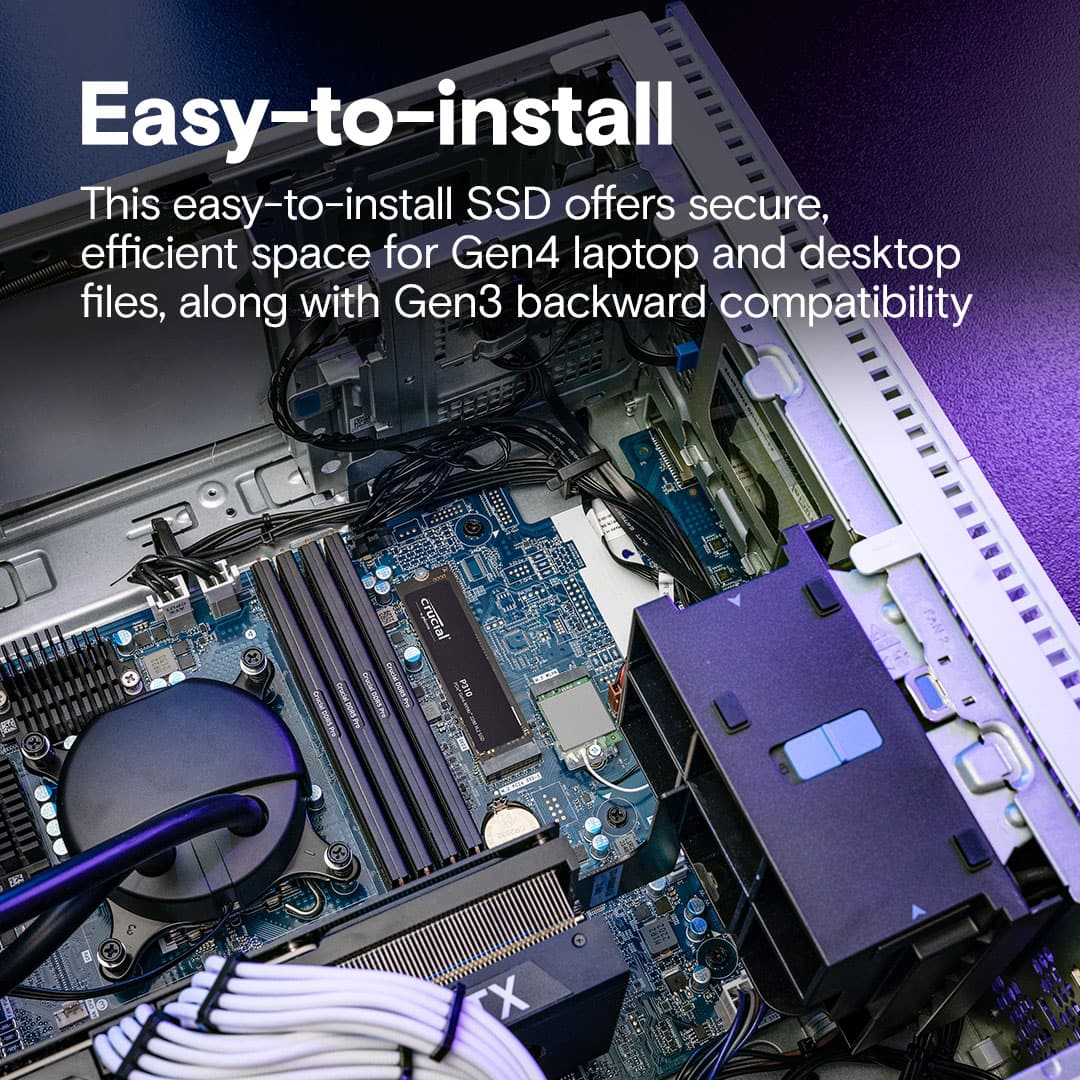
- A:Answer The Crucial P310 SSD offers backward compatibility and performs two times faster than Gen3 SSDs.
This question and answer was generated by AI based on customer and product data.Q: QuestionDoes the SSD have a heatsink?
- A:Answer This SSD model does not include a heatsink.
This question and answer was generated by AI based on customer and product data.Q: QuestionWhat cloning or backup software is provided for this drive?
Asked by prof2000.
- A:Answer Acronis data transfer worked the second time of download.
Answered by DavidA
Q: Questiondose it come with m.2 SSD screw ?
Asked by MauriceA.
- A:Answer Hello Maurice, Thank you for reaching out to us. We appreciate your interest in Crucial products. We would like to inform you that Crucial - P310 1TB Internal SSD PCIe Gen 4 x4 NVMe M.2 CT1000P310SSD8 does not comes with M.2 Screws. Typically, the screw as well as a standoff for the screw are preinstalled in a ready-built system, or included in the packaging for your motherboard if built by the end-user, so that you have a screw which will fit perfectly in your system. You will want to check your system to see if these are already available. https://www.crucial.com/support/articles-faq-ssd/about-m2-ssd-screws M.2 Screw sizes are not standardized in all systems so if the screw that is included with your Crucial SSD does not fit into the standoff in your PC you will need to contact the system or motherboard manufacturer to find out the correct sizes needed. The system or motherboard manufacturer will be able to confirm the model you have and exactly what part specification is needed, possibly providing you with options for direct replacement or at least exact details on what to purchase from third party sources. Thank you for your patience and understanding. Meanwhile, if you have any further query, please feel free to reach out to us. You can also visit our contact page: https://www.crucial.com/support/contact to know about other ways to reach out to us. Regards, Crucial
Answered by Micron CPG Support
Q: Questionwill this work in Hp laptop 14
Asked by Anonymous.
- A:Answer Hello, Thank you for reaching out to us. We appreciate your interest in Crucial products. We would like to inform you that there are several similar models of HP laptop 14, hence, to check compatible parts for your system, we request you to download and run the Crucial Memory scanner from our website. This can be used to determine information from your system BIOS, which helps us identify the motherboard in your system as well as the specific SSD it supports. You can find a link to the scanner. There is also a video on that web page with information on how to use it. https://www.crucial.com/usa/en/systemscanner You can email us with the scan id number (on the left hand side of the results page) or the web link to it and we can examine the results. In addition, to help you find a compatible part, kindly share your system's name and model number. If you're using a Windows system, please follow these steps to obtain the system information: Press Win + R, type "msinfo32," and press Enter. This will open the System Information window. Take a screenshot of this window and send it to us. However, if the system is HP 14 supports M.2 PCIe NVMe SSD, the part Crucial - P310 1TB Internal SSD PCIe Gen 4 x4 NVMe M.2 CT1000P310SSD8 will be compatible with the system. https://www.crucial.com/ssd/p310/ct1000p310ssd8 Thank you for your patience and understanding. Meanwhile, if you have any further query, please feel free to reach out to us. You can also visit our contact page: https://www.crucial.com/support/contact to know about other ways to reach out to us. Regards, Crucial
Answered by Micron CPG Support
Q: QuestionHow many PCs can I put into this hard drive?
Asked by xquisiteb.
- A:Answer Hello Rendani, Thank you for reaching out! We appreciate your interest in Crucial products. We would like to inform you that Crucial - P310 1TB Internal SSD PCIe Gen 4 x4 NVMe M.2 CT1000P310SSD8 can be installed only in one motherboard at a time support M.2 PCIe NVMe slot: https://www.crucial.com/ssd/p310/ct1000p310ssd8 A single internal SSD can only be installed in one PC at a time. It isn’t possible to connect multiple PCs to the same hard drive simultaneously. However, within that one PC, you can create multiple partitions on the SSD if you wish to separate data or install operating system. Thank you for your patience and understanding. Meanwhile, if you have any further query, please feel free to visit our contact page: https://www.crucial.com/support/contact to know about other ways to reach out to us. Regards, Crucial
Answered by Micron CPG Support
Q: QuestionCan it be used for ps5? And can I play ps5 games on it?
Asked by Yoyoyouoyogog.
- A:Answer a Crucial P310 NVMe SSD with the correct PCIe Gen4 performance and a heatsink can be used in a PS5 to expand storage for PS5 and PS4 game installs.
Answered by JaydenCboss
Q: QuestionCan this be used with Mac OS ?
Asked by Anonymous.
- A:Answer The Mac OS, yes. A MacBook, not easily. You would have better luck with a windows or linux device, however all this cable does is transfer data.
Answered by AustinN
Q: QuestionIs this compatible with a ps5 for more storage?
Asked by Marilyn.
- A:Answer Yes u can put the 1t storage on u ps5
Answered by RhuanL
Q: QuestionDoes the SSD card come shipped with the screws needed for installation?
Asked by Snoman08.
- A:Answer No, as the screws are motherboard dependent. You can either find the screws that came with your motherboard or you can just simply buy replacement ones by looking up what screws your motherboard use then buying an SSD screw kit for your brand.
Answered by thatonebee
Page 1, Showing 1-16 of 16 questions
Best-selling Internal SSDs
- $259.99$259.99The price was $355.99
- $219.99$219.99The price was $347.99
- $599.99$599.99The price was $1,724.99
- $359.99$359.99The price was $712.99
- $429.99$429.99The price was $873.99
- $499.99$499.99The price was $1,413.99
- $329.99$329.99The price was $689.99
- $379.99$379.99The price was $404.99
- $229.99$229.99The price was $249.99
- $349.99$349.99The price was $700.99
- $319.99$319.99The price was $436.99
- $999.00$999.00The price was $1,099.99