

Skip to contentGo to Product SearchGo to Footer
Gift Ideas
45575 Dulles Eastern Plz
Ste 188
Sterling, VA 20166
Opens tomorrow at 10 am
Find Another Store
Main Content

Questions & Answers

Page Showing 1-20 of 29 questions
  • QuestionDoes this external SSD have password protection?

    • Answer Yes, this SSD comes with password protection and 256-bit AES hardware encryption for data security.
    This question and answer was generated by AI based on customer and product data.

  • QuestionWhat is the storage capacity of this Crucial external SSD?

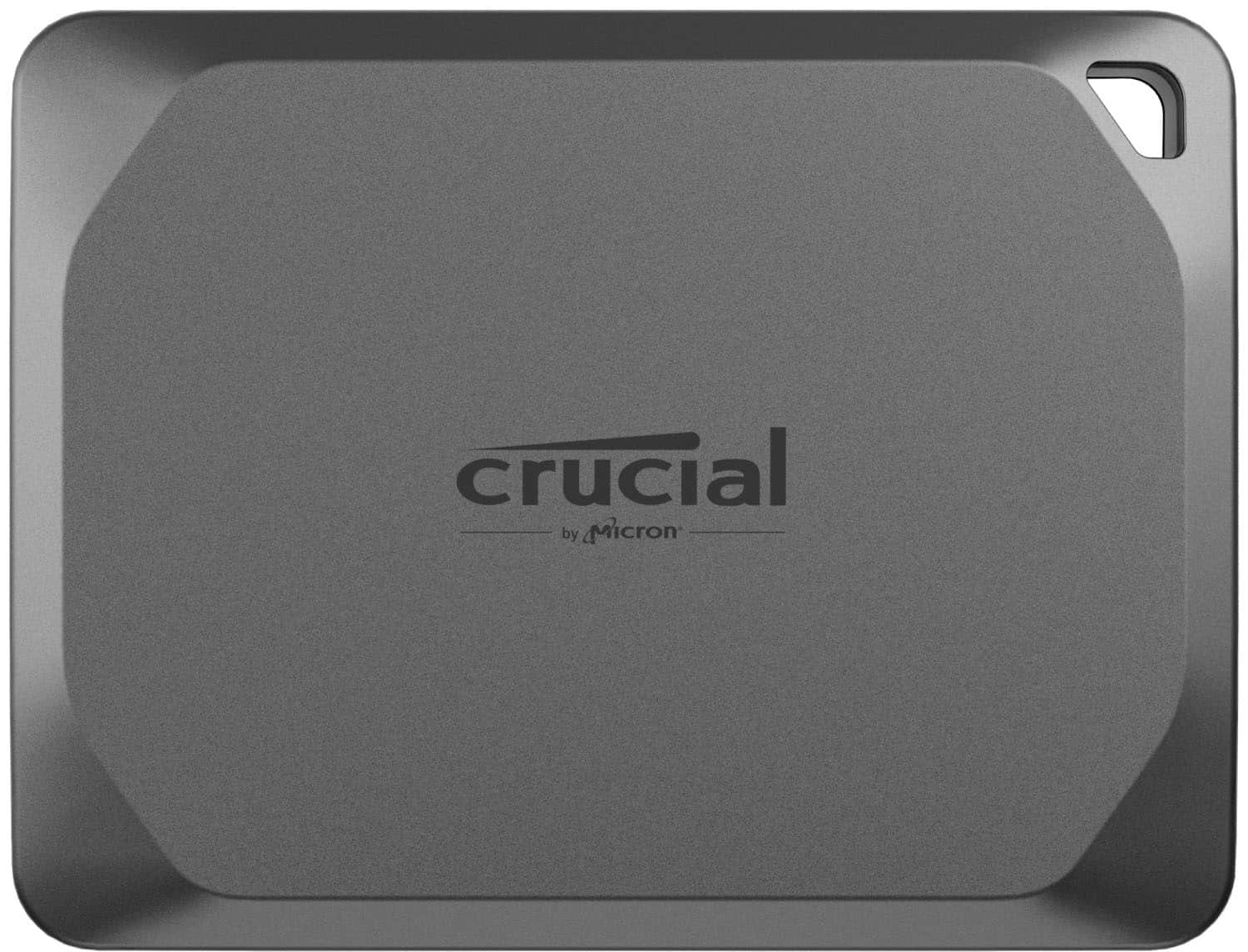
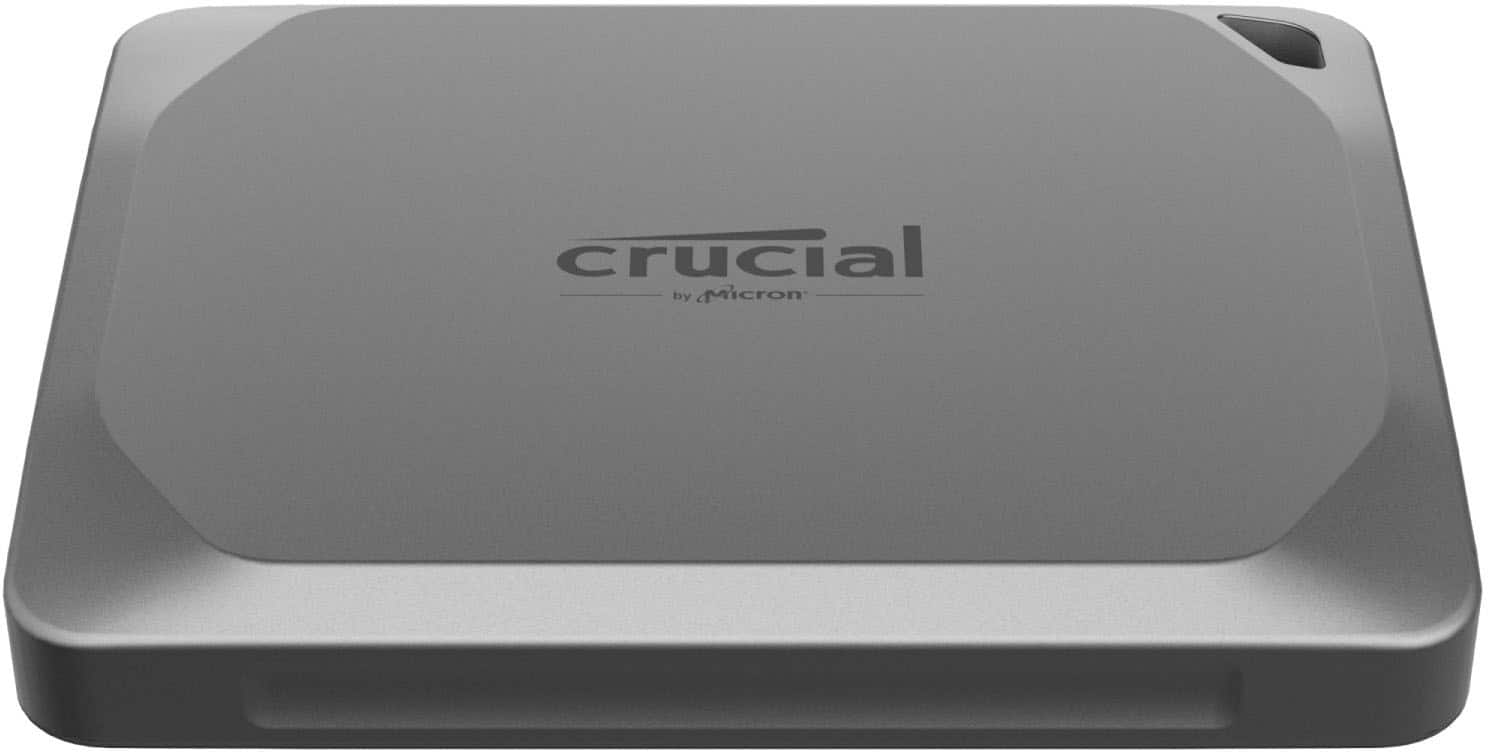
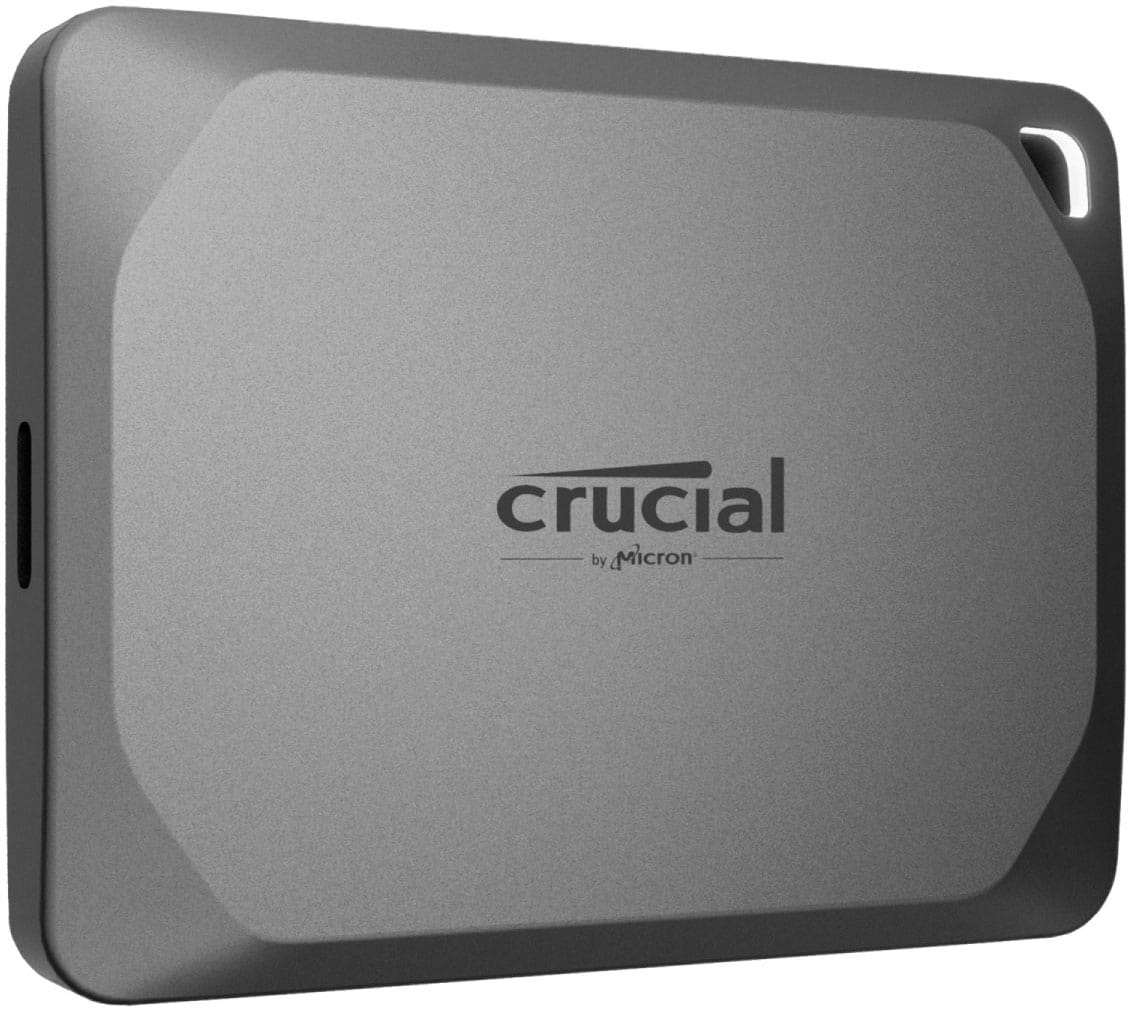
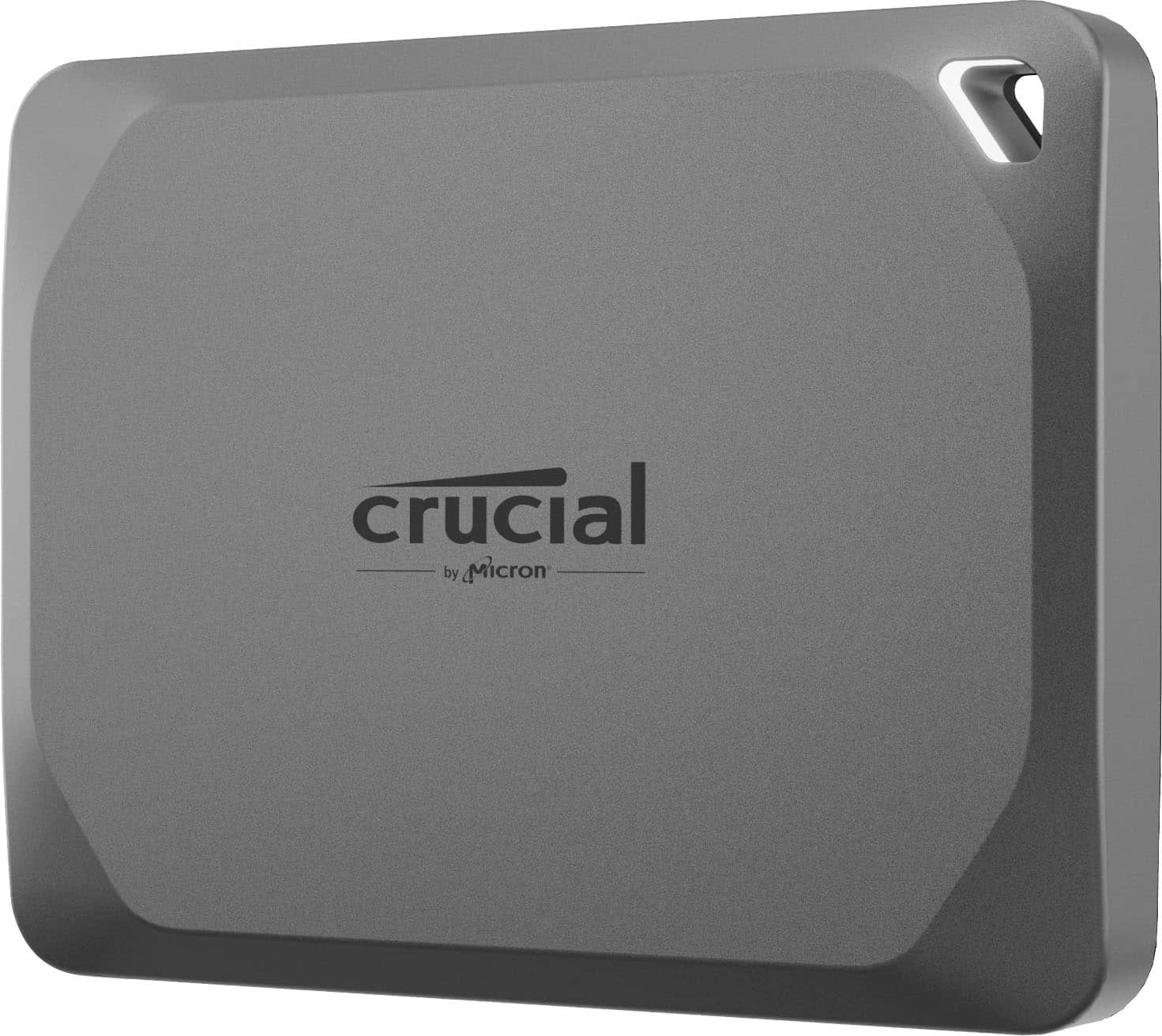
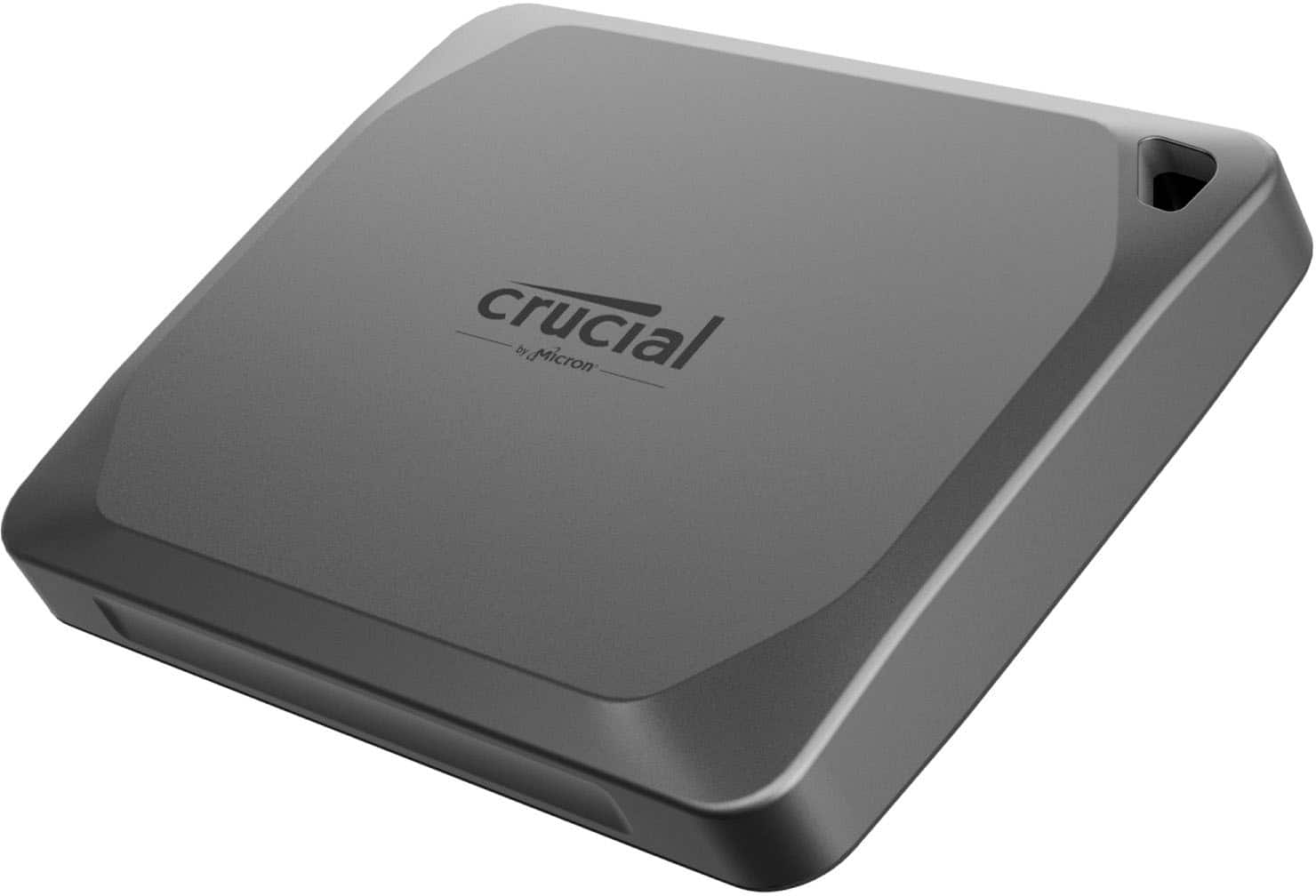
    • Answer This Crucial external SSD has a storage capacity of 2 terabytes.
    This question and answer was generated by AI based on customer and product data.
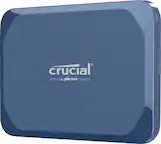
  • QuestionWhat kind of performance can I expect from the Crucial X9 Pro SSD?

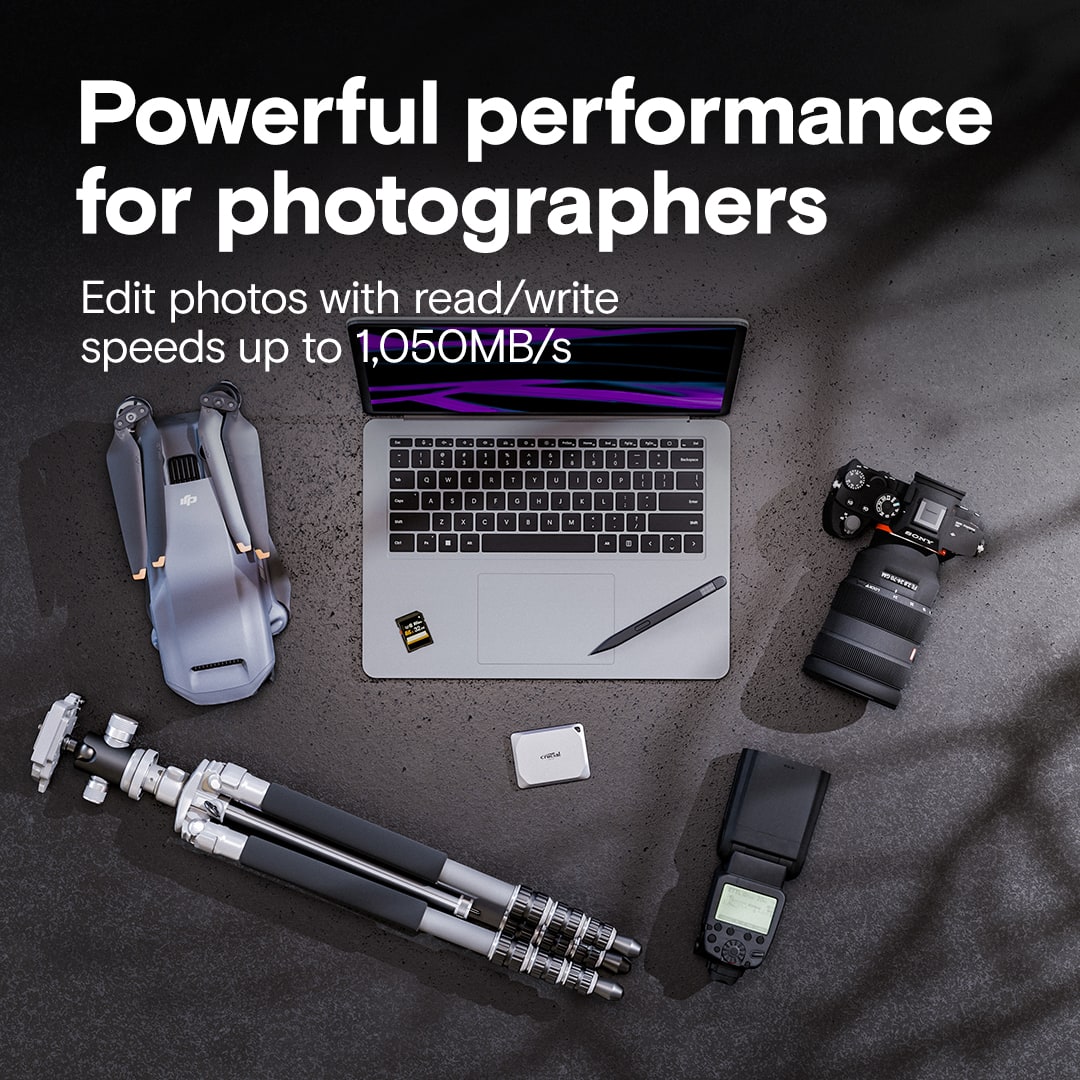
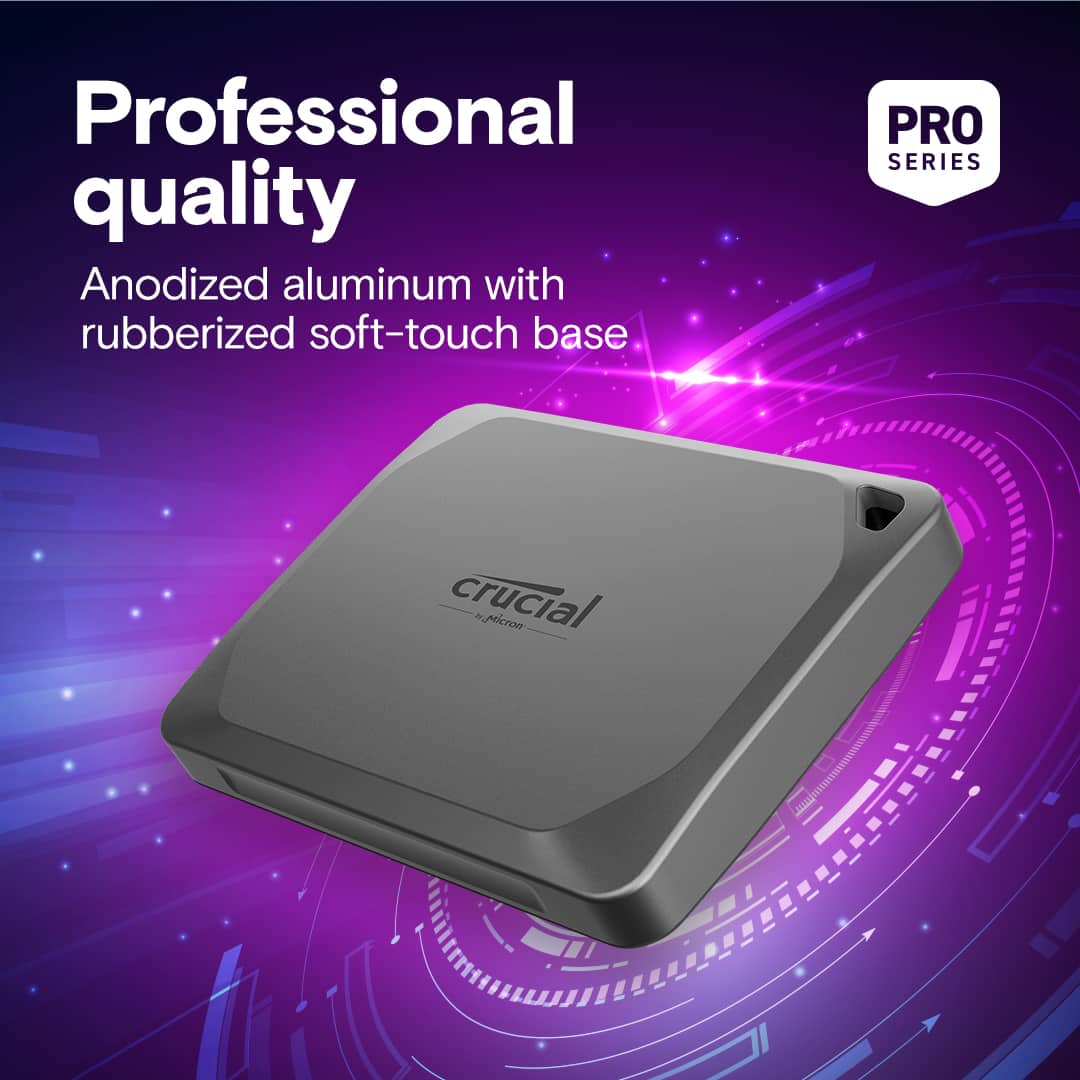
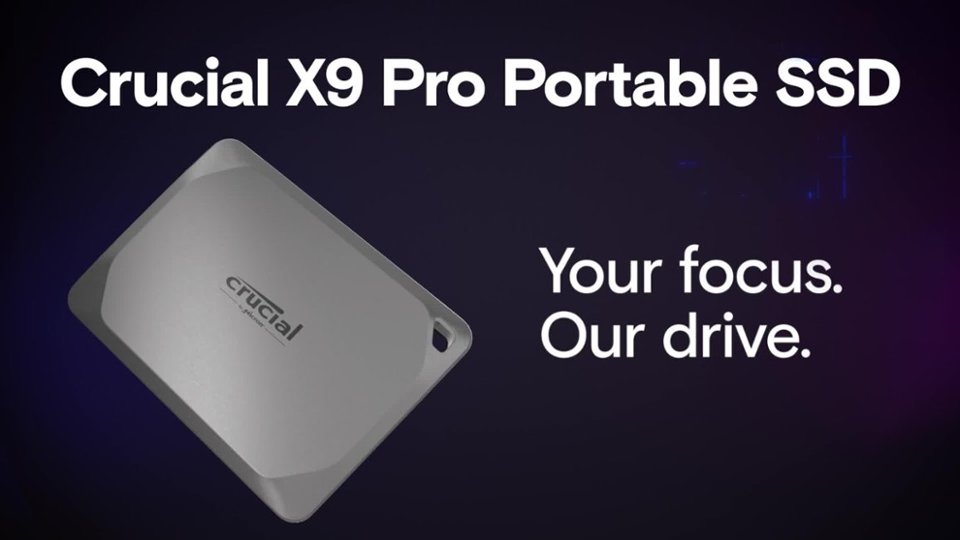
    • Answer The Crucial X9 Pro offers read and write speeds up to 1,050MB/s, allowing for fast data transfers and editing directly from the drive.
    This question and answer was generated by AI based on customer and product data.

  • QuestionWhat comes included with the Crucial X9 Pro SSD?

    • Answer The X9 Pro SSD comes with a USB-C cable and access to download Acronis True Image for Crucial.
    This question and answer was generated by AI based on customer and product data.

  • QuestionIs this SSD compatible with Mac and Windows?

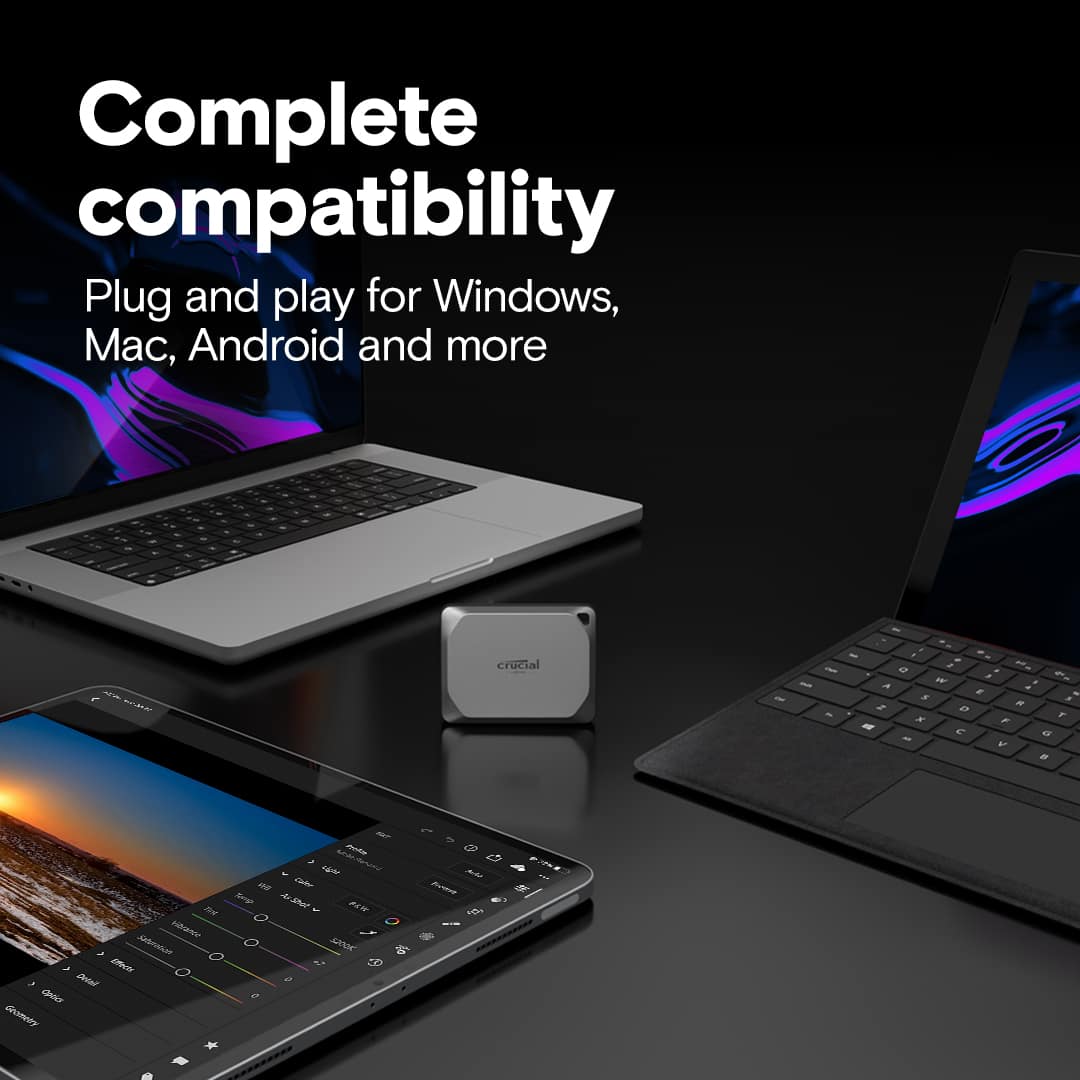
    • Answer Yes, the X9 Pro is compatible with both Windows and Mac operating systems, as well as Android, iPad, Linux, and gaming consoles.
    This question and answer was generated by AI based on customer and product data.

  • QuestionHow durable is this external SSD?

    • Answer The Crucial X9 Pro has an IP55 rating, making it water and dust resistant. It is also drop-proof from up to 7.5 feet.
    This question and answer was generated by AI based on customer and product data.
  • QuestionCan this drive use the usb 3.2 gen 2 standard?

    Asked by prof2000.

    • Answer yes it Absolutely can. ⁠

      Answered by James

  • QuestionMy desktop doesn't have a c port But i do have an old smart phone charge cable( its a Samsun A01) with i think is c to A usb adaptor will that work?

    Asked by venta.

    • Answer Hello Venta, Thank you for your question, Crucial X9 portable SSD is compatible with USB type C port or USB type A port. If you system does not have USB type C port then you can connect USB type A port. You need to buy a connecter USB type A to USB type C external connect which you connect type to type C cable. one end of this cable connect to SSD and another end connect to USB type A to type C adaptor then adaptor connect to system. Regards, Crucial

      Answered by Micron CPG Support

  • QuestionDo I need to format it or download a program to use? Can I drag and drop pictures easily???

    Asked by Sissi.

    • Answer I found it to be plug and play. No need to format it. No software needed to use it. Yes, simply plug it in and drag and drop files. There are some shortcuts on the drive that will take you to some free and some paid software but not neccessary. The one I recommend you find and download is from Crucial and will update your drive's firmware. Think it is called Crucial Storage Executive.

      Answered by Anonymous

  • Questioncan this be set up for automatic backup

    Asked by Anonymous.

    • Answer Yes. It took me about two minutes to format and assign the SSD as an external back-up drive for my Apple MacBook Air. I imagine it's about the same for a Windows machine.

      Answered by cpotter

  • QuestionIs this drive, the Crucial X9 Pro, an MLC (2bit) or a TLC design?

    Asked by RobSSD.

    • Answer Hello, thanks for getting in touch, SSD part CT2000X9PROSSD9 has TLC type NAND. If you need any more information or support, please contact us back through the link below. https://www.crucial.com/support/contact - The Crucial Team

      Answered by Micron CPG Support

  • QuestionI have a gigabyte AX370M-DS3H-CF mother board Will this drive work for my system?

    Asked by venta.

    • Answer Hello, thanks for getting in touch, this drive CT2000X9PROSSD9 is portable drive , you can only connect this drive externally in USB port. It will work with your system. Your system has 4 x USB 3.1 Gen 1 ports on the back panel. And crucial SSD CT2000X9PROSSD9 support Interface - USB 3.2 Gen-2 (10Gb/s). The speed will be downgrade as per system specs. If you need any more information or support, please contact us back through the link below. https://www.crucial.com/support/contact - The Crucial Team

      Answered by Micron CPG Support

  • QuestionWill this work on a ps5? Not specifically for ps5 games but for ps4 games because HDDs will bottleneck performance

    Asked by Taquito.

    • Answer Hello Taquito, Thank you for reaching out to us. We appreciate your interest in Crucial products. We would like to inform you that Crucial X9 Pro is a portable SSD. It is a plug and play device with USB C cable out of the box and is compatible with PS5. You can use it for playing PS4 games on PS5. https://www.crucial.com/compatible-upgrade-for/sony/playstation-5 The PS5 is designed to only play modern generation games from their internal drives, but that doesn't mean you’re stuck with only internal storage though. A third-party external SSD like the Crucial X9 Pro can be used as extra storage expansion: https://www.crucial.com/articles/for-gamers/external-ssd-for-playstation-5 Since the PS5 generation is backwards compatible with all PS4 titles and supports playing them off a compatible external drive, an SSD like the Crucial X9 Pro is a great place to store older games you’ll want to keep in rotation. An external SSD is perfect for gamers who want to keep expanding their libraries rather than sacrificing old favorites to make way for newer titles. Chances are you’ve built up a substantial library of games from a previous generation or two, so plenty of extra storage is a must. Meanwhile, if you have any further query, please feel free to visit our contact page: https://www.crucial.com/support/contact to know about other ways to reach out to us. Regards, Crucial

      Answered by Micron CPG Support

  • QuestionCan I hook this directly to my iPhone 14 Plus?

    Asked by Michelle.

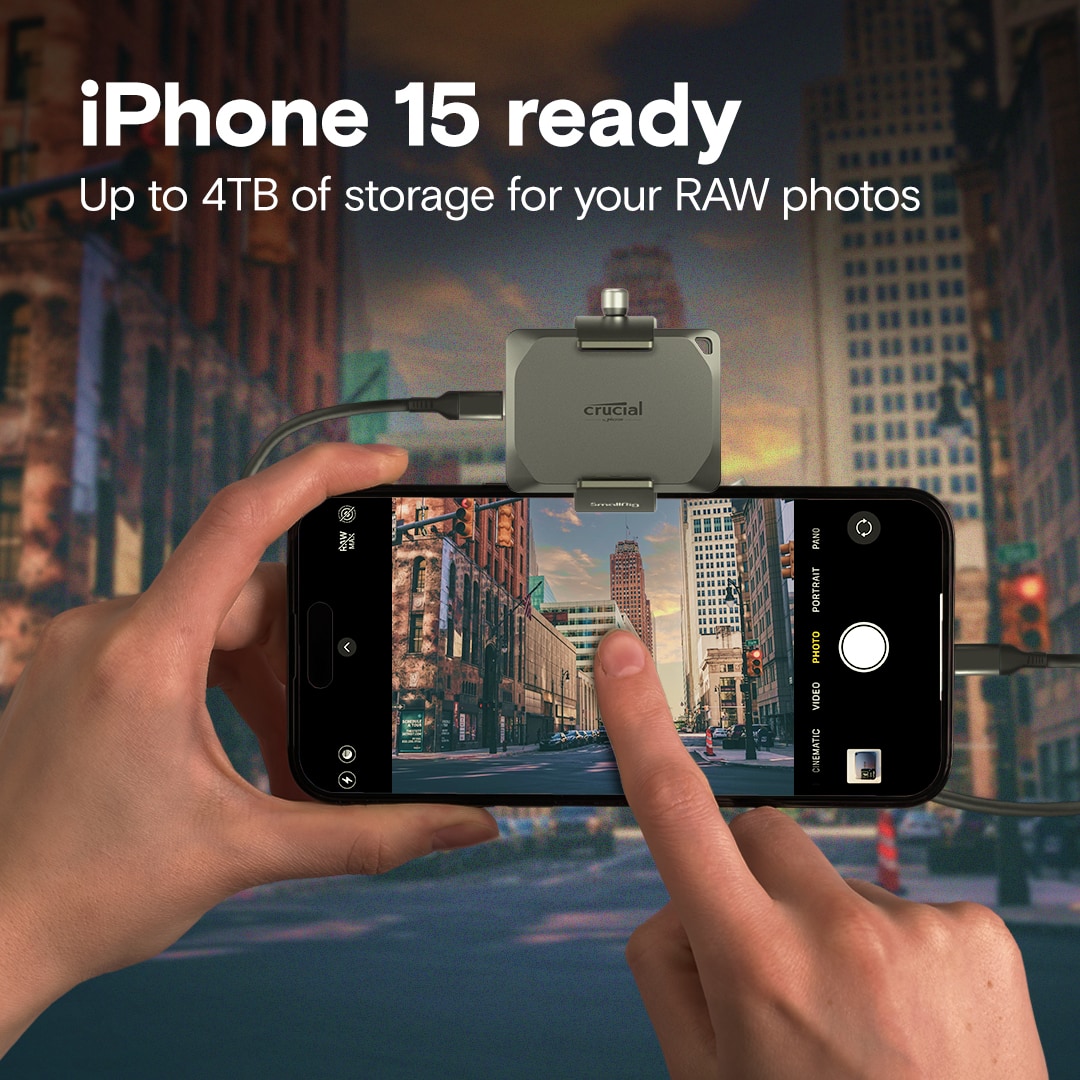
    • Answer Yes

      Answered by user638234

  • Questionwhat cable should i use to connect with an apple desktop?

    Asked by Tracy.

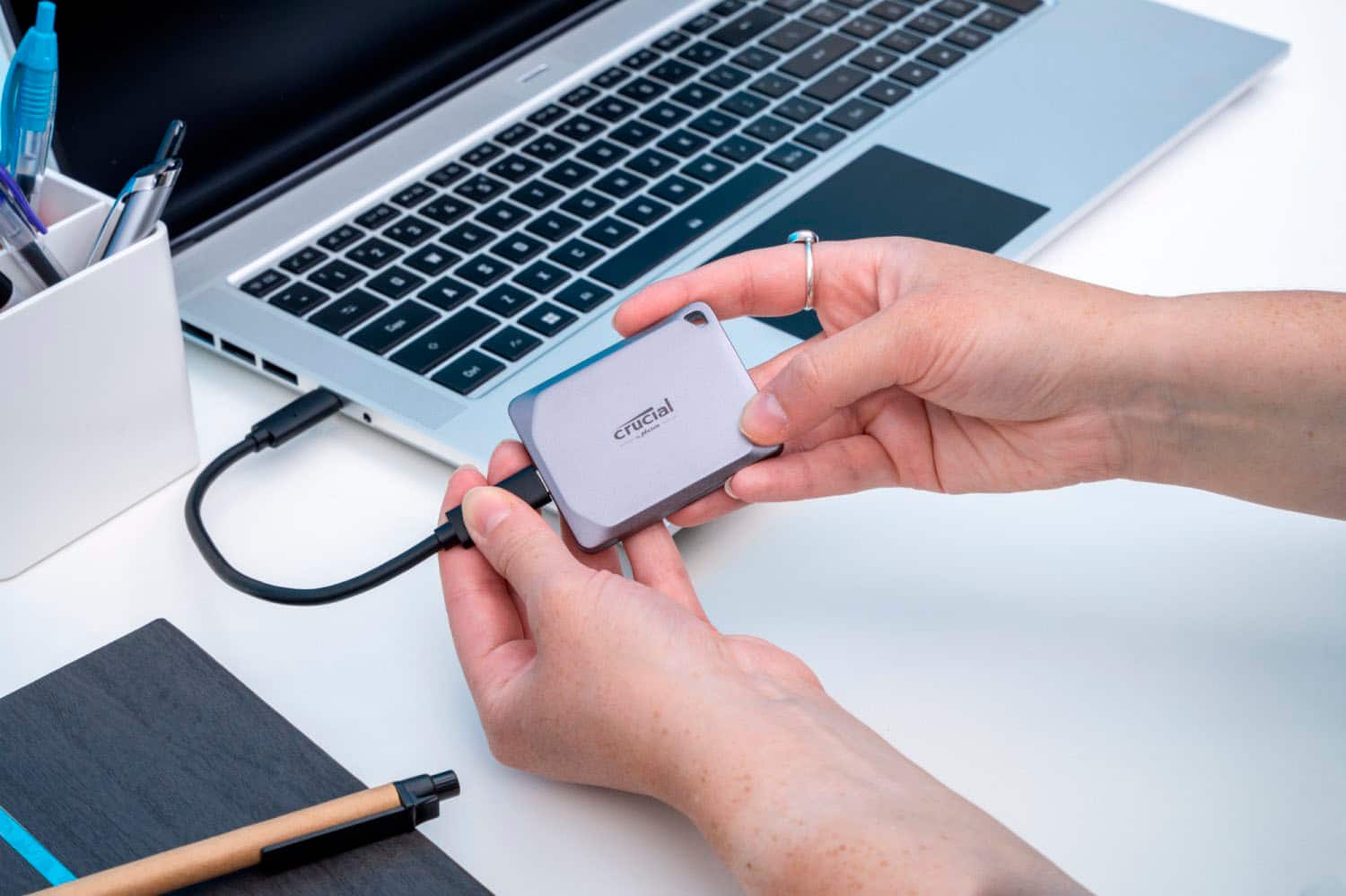
    • Answer The port on the SSD is USB-C. Depending upon what ports you have available on your Apple desktop, you should use a cable with either two USB-C ends or one USB-C and one USB-A. Btw - the drive comes with a short (8 inches) double USB-C cable in the box.

      Answered by cpotter

  • Questiondo you need a special cable if you have no usb c connection

    Asked by jp.

    • Answer Go buy a usb-c to usb-a adapter and you can use it on a regular usb connection.

      Answered by Nathan

  • QuestionIs this drive ready to use with mac time machine

    Asked by Steve.

    • Answer A little more setup time required but once configured (and we're only talking a few minutes really) it will work just as easily as the Starlight-colored one.

      Answered by MortallyWounded

  • Questioncan it be used with a 2020 MacBook Pro

    Asked by Anonymous.

    • Answer Yes. I am using it as an external back-up for a 2020 Apple MacBook Air (M1).

      Answered by cpotter

  • QuestionCan this plug into the thunderbolt port on a laptop with the cable included?

    Asked by Knin.

    • Answer Yes

      Answered by Nathan

  • Questioncan this be used for gaming? I need a new SSD for playing games like world of Warcraft and final fantacy 14 and palworld.

    Asked by terra.

    • Answer Yes

      Answered by Nathan