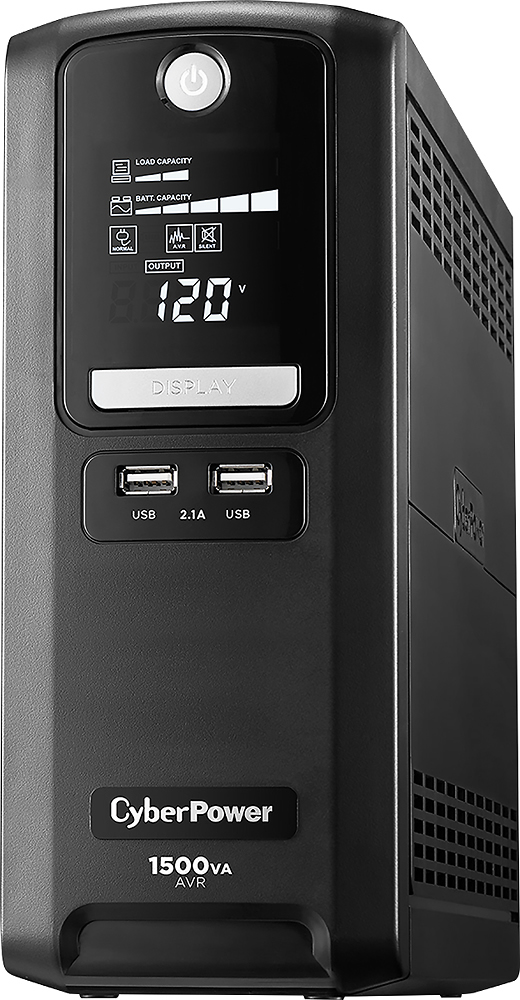
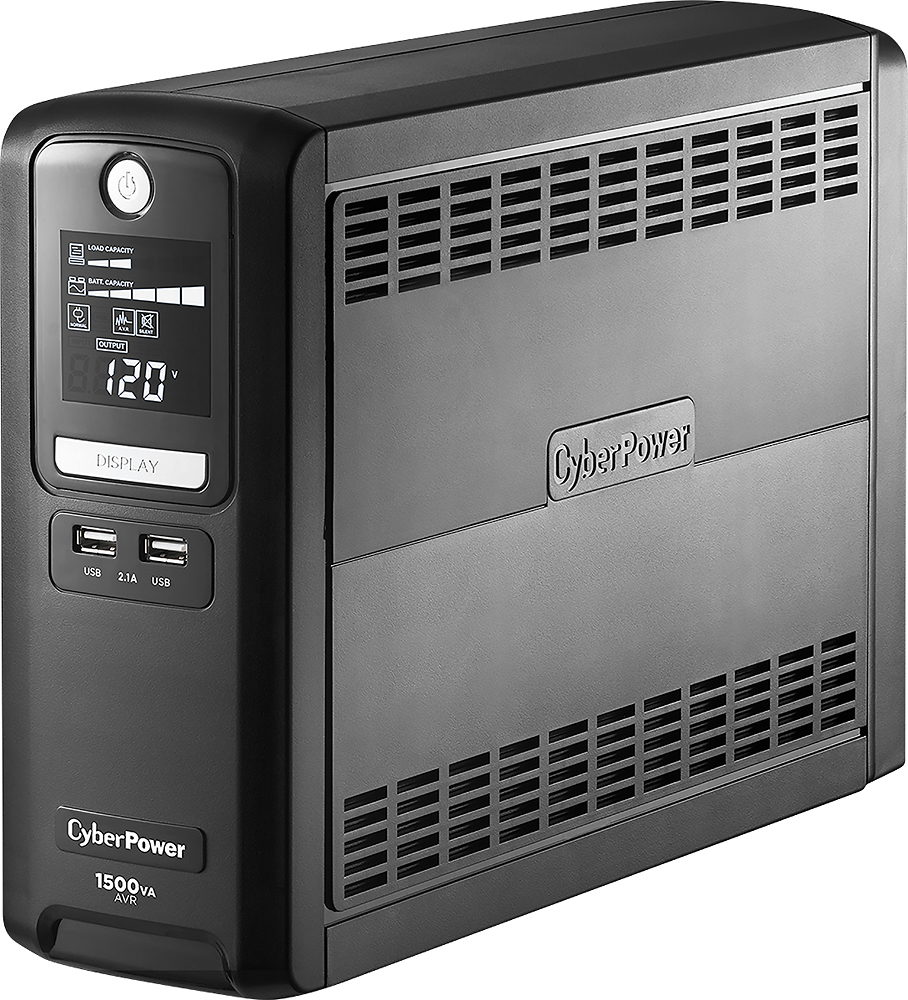
A:AnswerHello, Yes, the GX1500U will utilize battery mode with 120v output if input voltage goes over 139v. It also protects against surges with 890 Joules suppression. The combination of these ensures your devices are protected and safe. Thank you for submitting your question!
A:AnswerNot directly as there's no DC input capability on any UPS like these, at least that I've seen. You'd have to convert the solar power to 120 volts AC first
A:AnswerHello Lifesave, Lead acid batteries have an average life of 3-5 years. Sounds like the internal batteries have become weak and need to be replaced. If you need additional assistance, please reach out to our support team at 877-297-6937 and we'd be happy to assist.
A:AnswerHello, The UPS will keep the equipment running. We recommend checking the amount of power drawn and compare that to the estimated run time chart on the Cyber Power Systems website to ensure the run time is what you require. Thank you for submitting your question!
A:AnswerHello Jonathan, The LX1500GU provides a simulated sine wave. Most gaming computers use an Active PFC(Power Factor Correction) power supply which means it may require a pure sine wave unit. You may want to look at the GX1500U. If you have any questions, please feel free to give our sales team a call at 877-297-6937 option 2. We'd love to hear from you.
A:AnswerNo I had this problem at my shop even with the power back-up when the refrigerator turned on my monitor would blink out. had to run a new power outlet for the refrigerator.
A:AnswerYour question is similar to how long will a rotisserie chicken last in a household? It depends upon how hungry you are. It depends upon how hungry your devices are.
Assuming that your internet is still working, you can power the modem, router and a number of devices. The more devices, the shorter your uptime. If you have a printer connected (because you may need to print an important document as soon as the power fails, you might power that down as soon as you can. In most cases you might not want to have the printer on the UPS side and rather connect it to just the SURGE side.
I have my UPS powering a desktop, an LCD display, my VOIP phone, a router and cable modem. If the power goes out for more than 5 minutes, I start saving files on the computer and gracefully shut it down (there is an option in software to have the computer shut down or hibernate), but I prefer to do it manually, saving certain files first.
I also have an LED bulb in a desk lamp. I turn this on and it stays on until power returns.
I have another UPS in the living room with multiple LED lights plugged in. That allows me to see while the rest of the neighborhood is dark.
A:AnswerYou absolutely can. You can determine how long the refrigerator will stay on by calculating the wattage from the refrigerator.
I will say for periods of 30 mins or more I would opt for a generator as you can plug in many devices and run them for as long as you want as long as you have gas!
A:AnswerHello, The function setup guide provides details on how to silence the alarm. The only alarm that cannot be disabled is an overload tone. If you need assistance with the settings, please reach out to our support team at 877-297-6937 and we'd be happy to assist. Thank you for submitting your question!
A:AnswerI have a similar gaming setup with an RTX 3080 and 1500w psu. Had a handful of outages that lasted a few minutes and the ups did its job just fine.
A:AnswerYes!
Once you plug this into your wall, consider it a behemoth power strip that is also a safe for your computer or electronic device.
Pressing either of the display buttons will also let you know the wattage it is pulling during idle times.
A:AnswerHello Ceemon, The average life of lead acid batteries are 3-5 years. The unit will beep if it detects an issue with the battery. You can silence the sounds if you'd like however you would not hear the warning beep in that case. Instructions to turn off the audible alarm will be in the function set up guide. If you have any other questions please feel free to reach out to our sales team at 877-297-6937 and we'd be happy to assist. Thank you for submitting your questions!
A:AnswerThis isn't normal activity. All the UPSes that I've ever owned would beep (incessantly!!) when the internal battery was dead, whether or not they were plugged into the wall.
To test the condition of the batteries in your UPS, unplug it from the wall while it's on and see what it does.
But first - turn off any sensitive devices that might lose data when power is disrupted. Desktop computers, in particular, are not happy when they lose power suddenly, so if you have one plugged into your UPS, make sure it's off. Do be sure to leave on devices that won't mind getting the power abruptly cut off: monitors, desktop printers, speakers, etc. Keeping those units on will put a load on the UPS, allowing you to make a realistic test). As soon as you unplug the UPS from the wall, you should hear 2 things:
1. the UPS will make a subtle "click" sound as your UPS switches from main power to battery backup power. Your devices should stay powered on, and should not notice that the power was cut to the UPS.
2. Your UPS should start beeping to let you know that it lost power. The beeping sound will go away when you plug the UPS back into the wall (and you'll hear it click again as the UPS switches back to main power)
If either of those 2 things don't happen, replace the UPS.
In my experience
- a UPS will last about 4 years or so. If you got 6 out of yours, you're doing very well.
- Buying after-market batteries is not worth the effort. Poor quality batteries only last 6 months or so (which means you're throwing good money after bad), and good quality batteries are ~70% of the cost of buying a new (improved) UPS. Why spend hard-earned money to prolong old technology?
Hope that helps.
A:AnswerI have my modem, router, phone, all-in-one computer plugged in and the display shows a run time of approximently 100 plus minutes. The display will tell you how much time you have depending on the current draw.
Dale
A:AnswerIt all depends on how long your power it out, just like computers. If the power is out too long, be prepared to scoop water and pour it back in to add oxygen.
A:AnswerMy UPS does not recognize my generator's power output as line power and just switches to battery operation. It makes the power safe for electronics when using it with utility power but for me at least, it does not work with my Generac whole house generator.