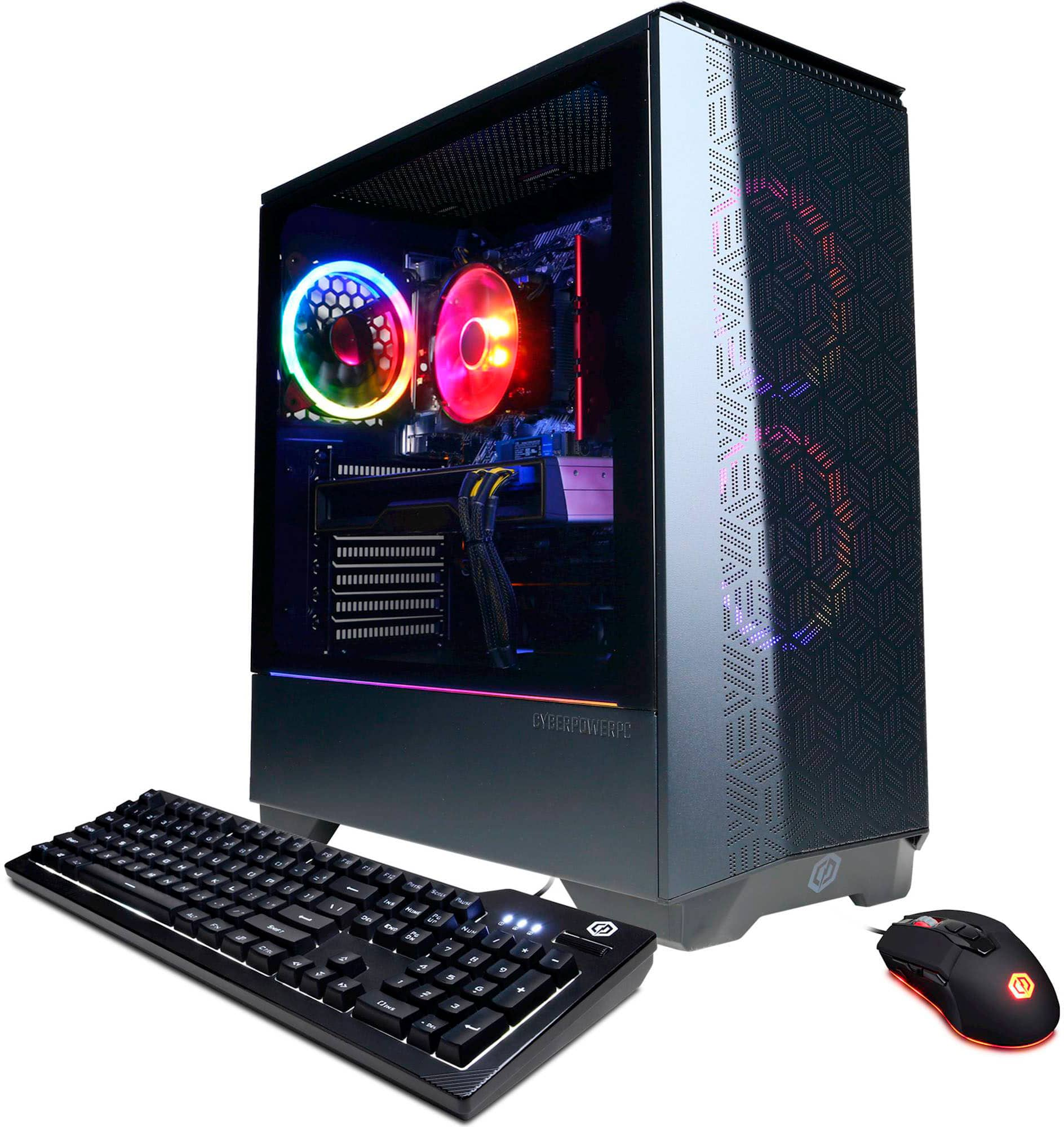
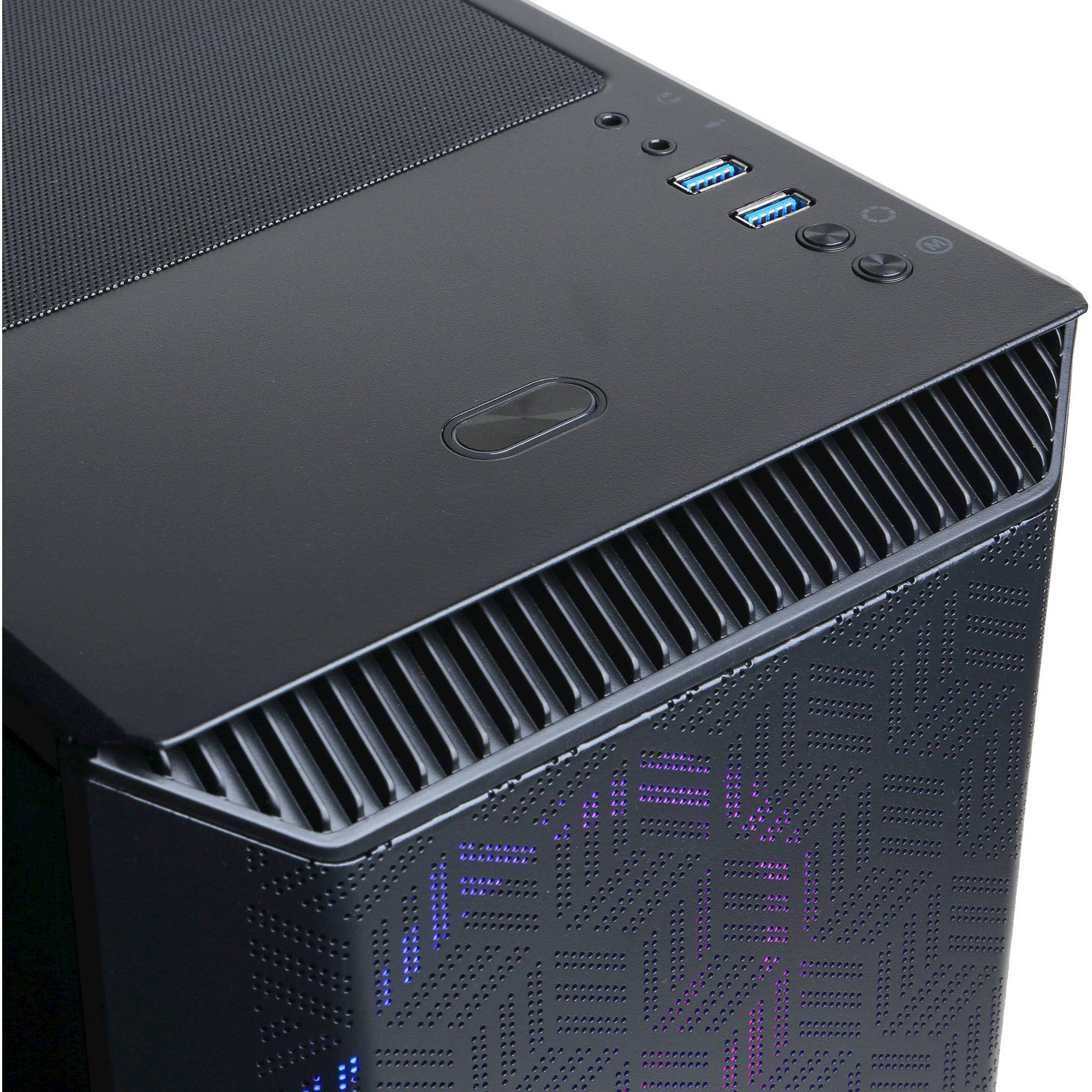
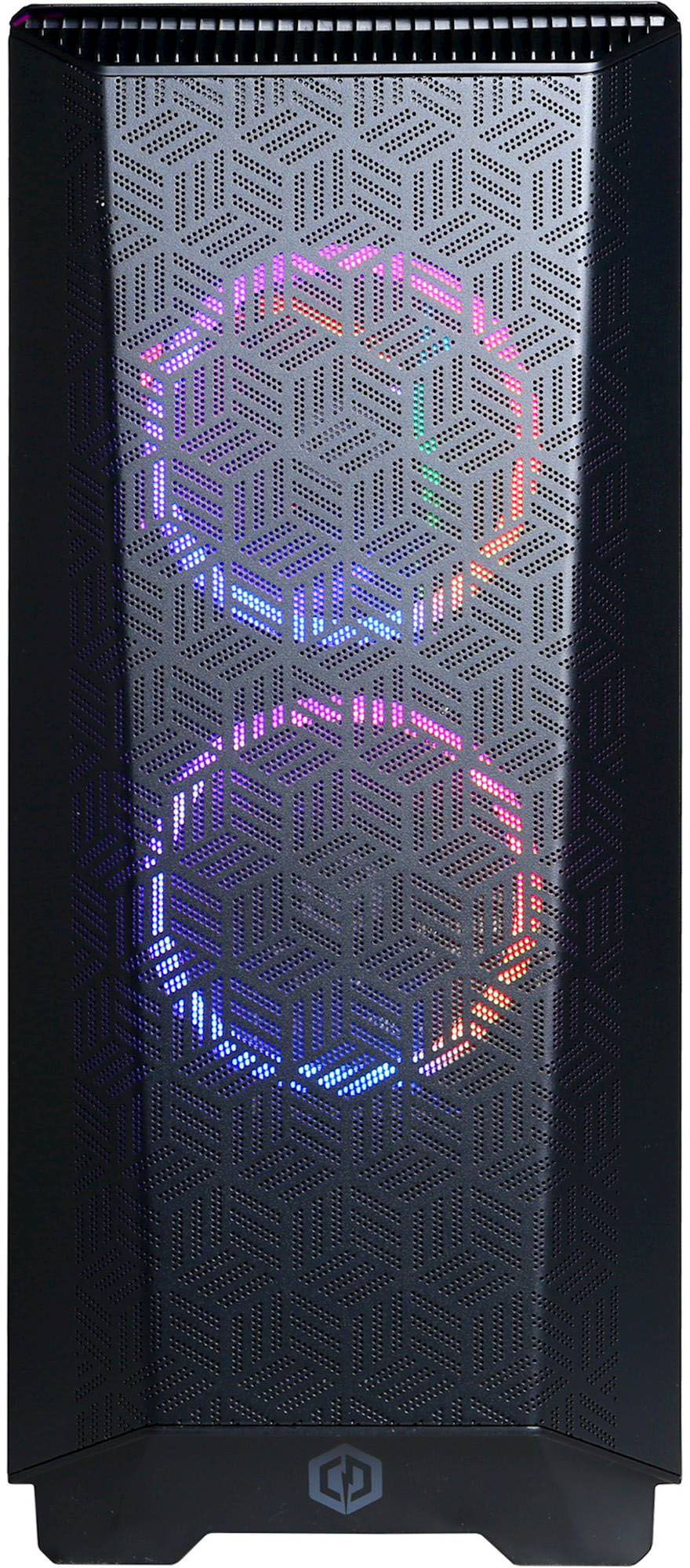
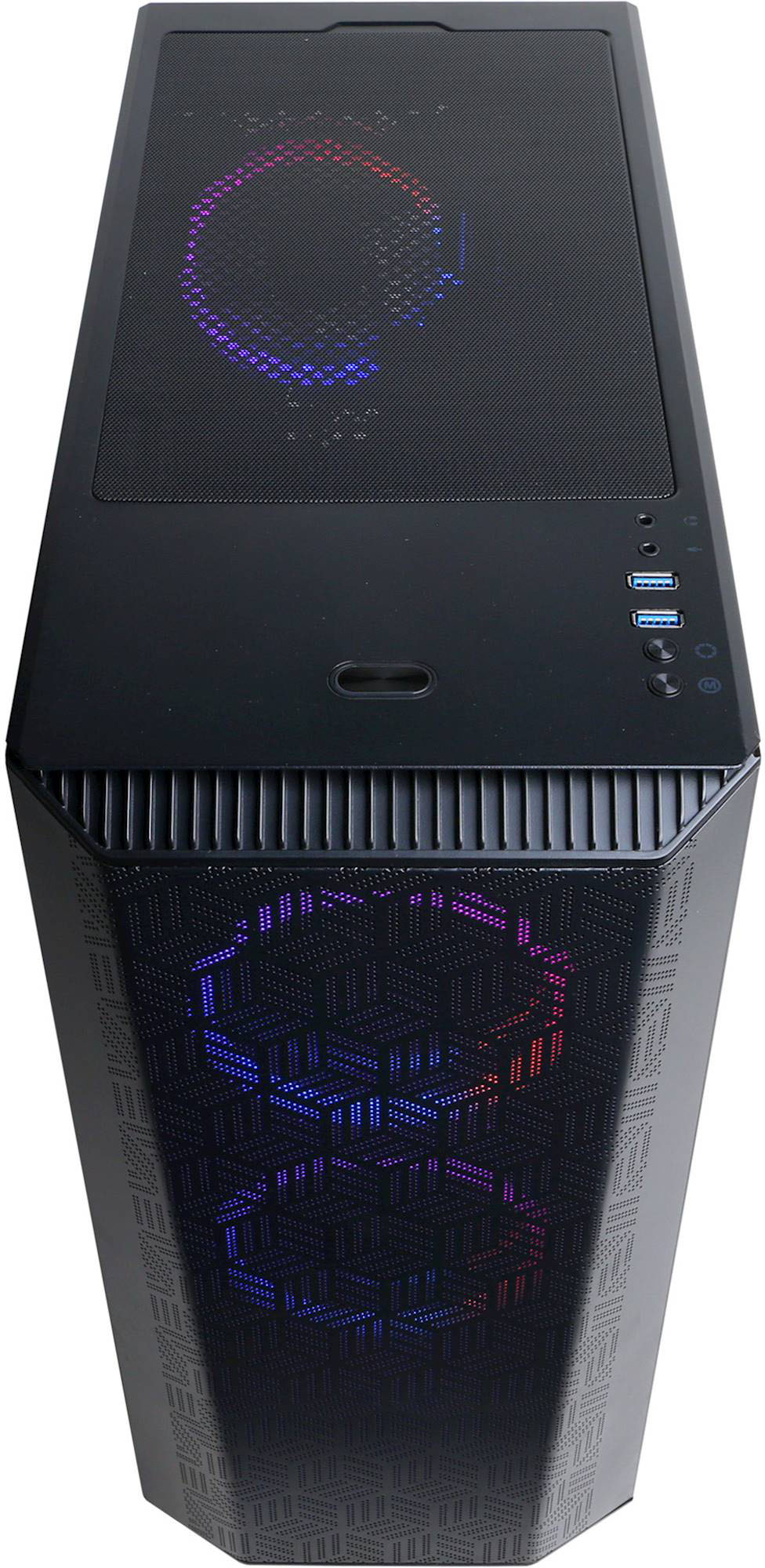
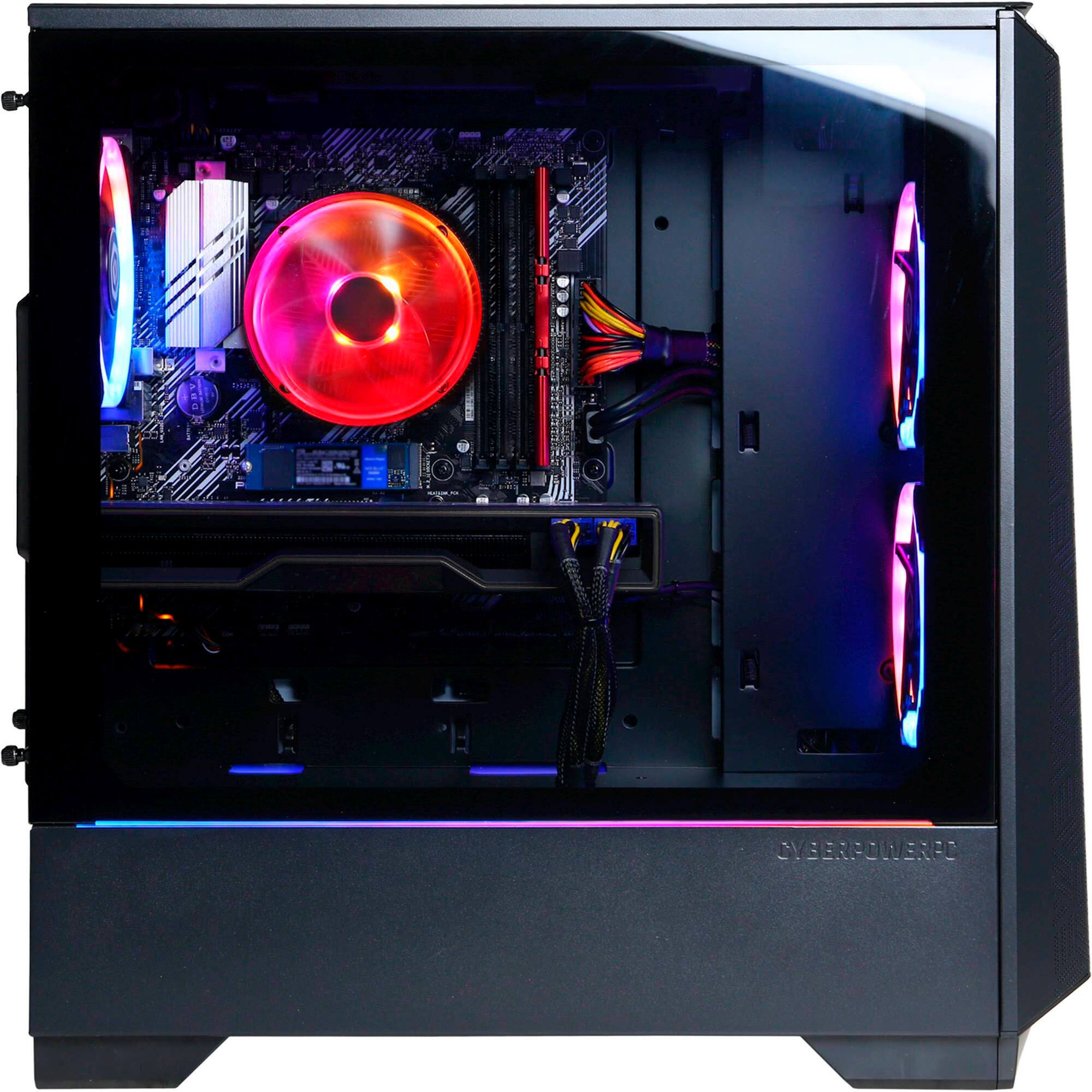
A:Answer If you purchased this exact build, its on top of the PC tower, there are two buttons to the right below the USB inputs with a circle figure, one with an "M" and one without it. Click the one without it, that's how you change the color of the lighting fans in your PC.