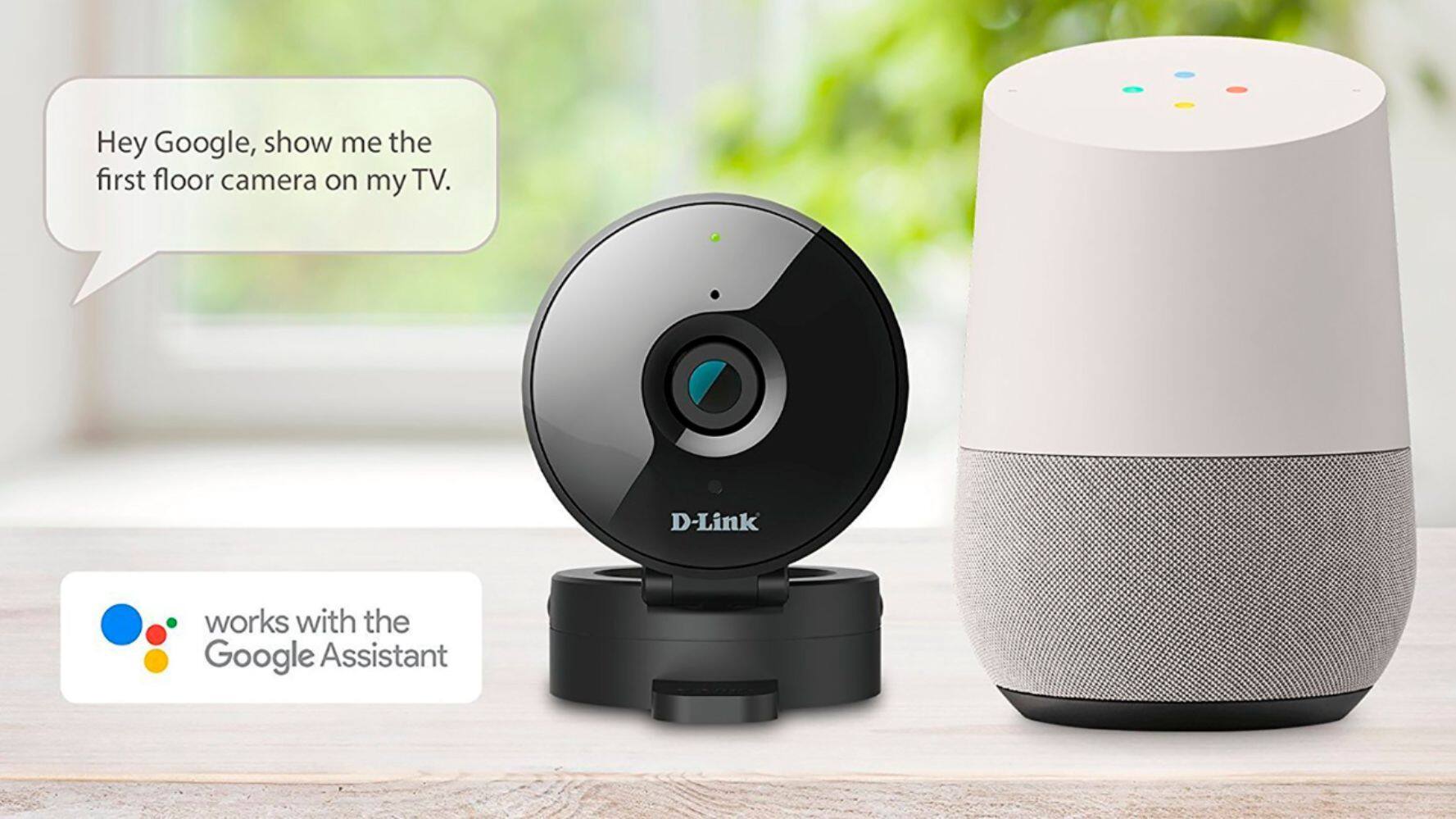
A:AnswerThe camera works with a 2.4Ghz network. I would suggest having different SSID names for the 2.4Ghz and 5Ghz on your router. When you set the camera up, the device you use MUST be connected to the 2.4Ghz network.
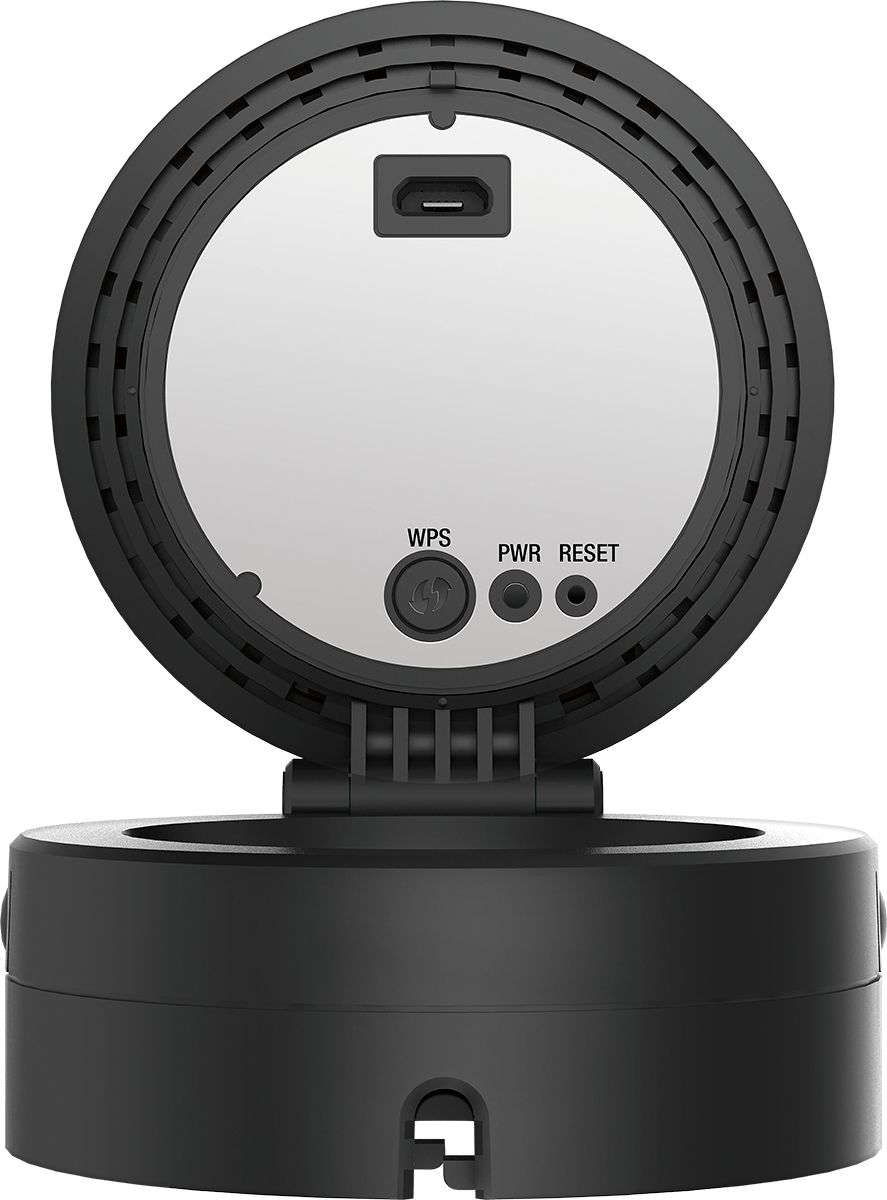
A:AnswerYes, it will work, but must configured using the app on either an iPhone or Android device. The setup is easiest with a router that has a WPS button, but once it is set up, it works.
A:AnswerData overwrites automatically as space runs out. The only function I'm aware of that you can change via your phone is switching between day and night mode.
A:Answeri connect these cameras to my wireless home connection (I think I needed 2.4 GHz wifi).. that wifi is read by my computer which connects to my two cameras using a free windows software called "ispy". i set "low motion detection" setting on it and also a "timer" so that it doesnt record anything more than 4 minutes. this allows the camera to still work as it uploads the 4 minute file instead of the 60-minute file.. I record all files on my local dropbox folder (my computer stays on 24/7/365) and all those files are backed up to my cloud (which can be accessed on my mobile phone with the dropbox app). super simple concept! a PAIN to setup though.. took me a couple tries since the program didnt read the camera immediately.
A:AnswerBaja la applicacion de Dlink hacia su cellular. Escoje in direccion de email y in password palabra de pase, ponga los informes de la camera en su cellular.Mete su camera en la echufe de electricidad espere que el bombillo se torne verde,y observa que se entro en su cellular.
A:AnswerIt is compatible with my Samsung Galaxy S6. It is relatively easy to install. You only need your phone with internet, Internet wi-fi in your house and a SD card purchased separately if you want to record video(if you don't want to record video you don't really need it). However, you can take pictures with your phone and they will be saved in your phone.
A:AnswerThis camera will only record maximum of 3 minutes you need to get an SD card but it will record over when the SD card is full you can set the time and motion through your main computer not through your cell phone
A:AnswerIf formatting is needed, this can be done with the sd card in camera via the my dlink website connection to the camera. I have used sd cards out of the package.
A:Answergreat question! I think i set a timer for like 3-5 minutes on this camera.. after that time i dont think I was able to "transfer" that video files wirelessly to my computer. I havent tried continuous recording to SD card though.
A:AnswerMake sure you have the packing clear tape off the vents around the camera. It is there from the factory, just peel off to let the air in the vents. If you still have the problem call customer service at D-Link.