Questions & Answers
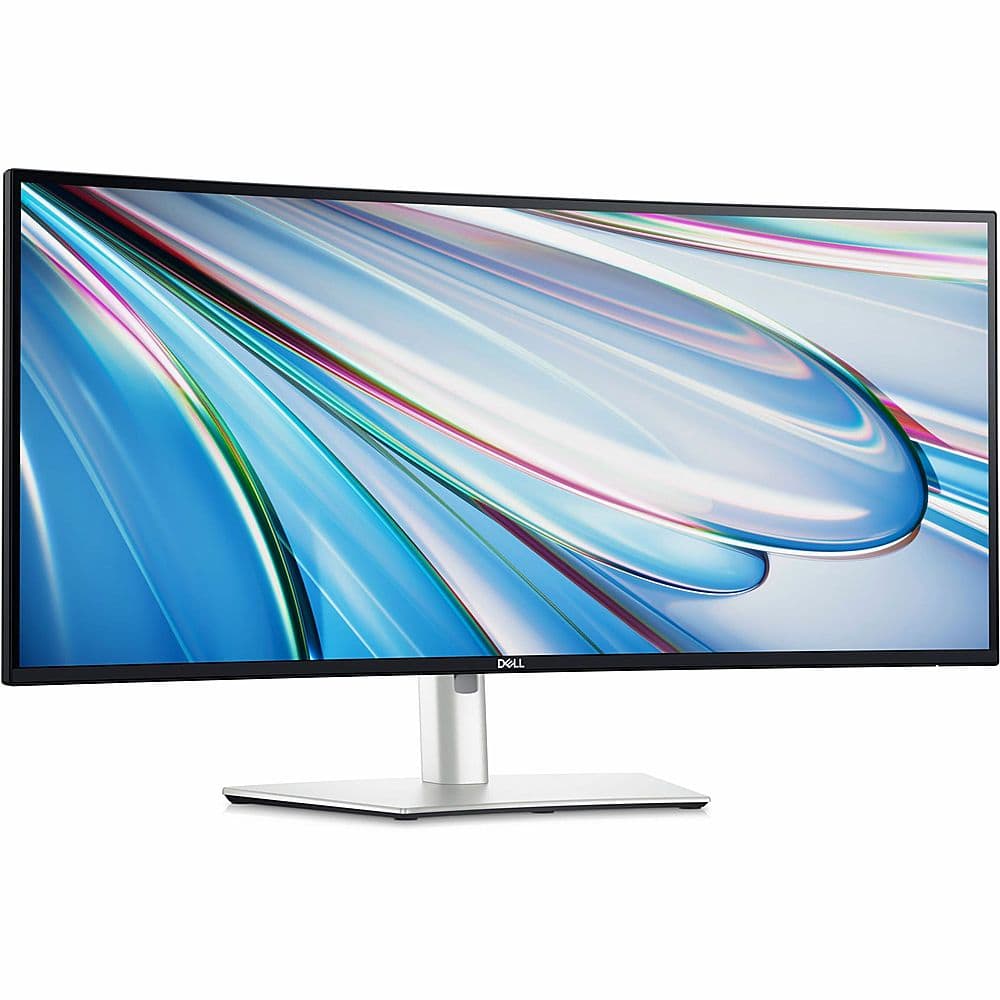
- Model:
- DELLU3425WE
- |
- SKU:
- 10220716
$727.00Your price for this item is $727.00
Comp. Value: $829.99
The comparable value price is $829.99
Page Showing 1-9 of 9 questions
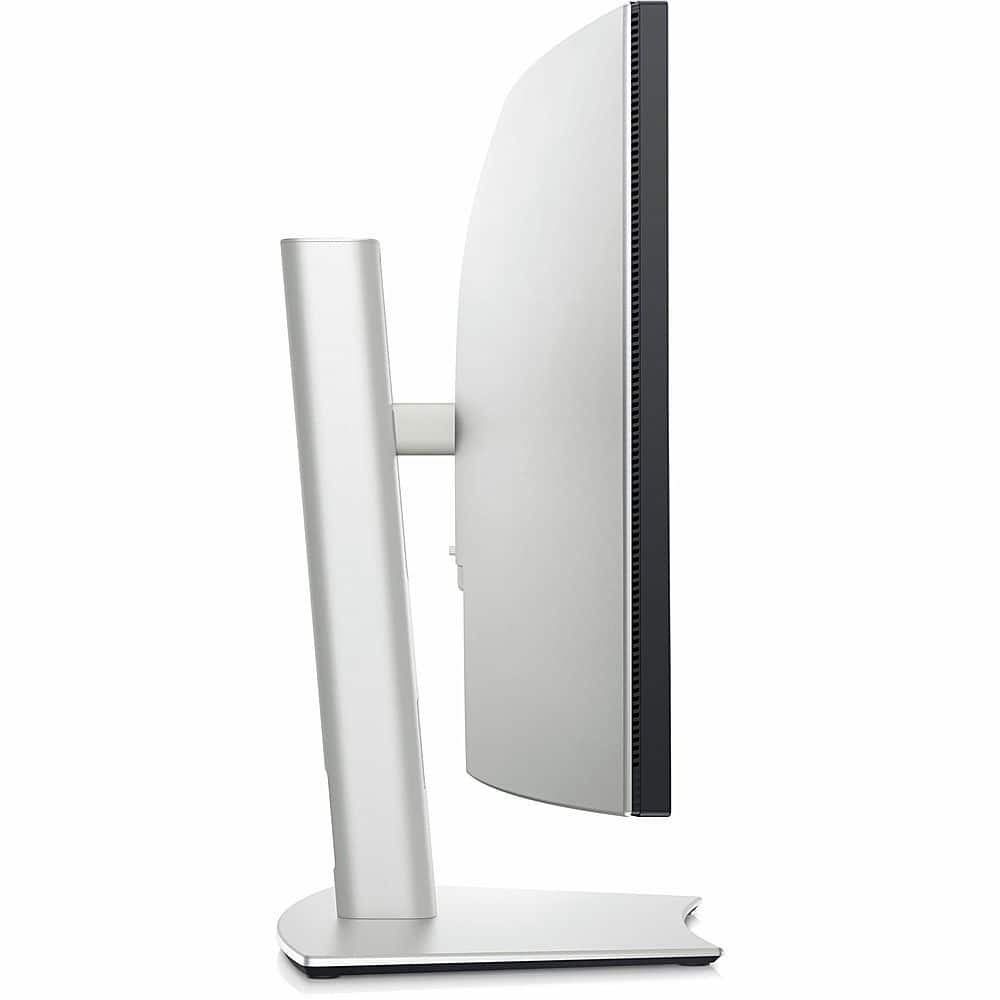
Q: QuestionCan the monitor be wall mounted?
- A:Answer This monitor can be wall mounted.
This question and answer was generated by AI based on customer and product data.Q: QuestionWhat is the refresh rate of the monitor?
- A:Answer The refresh rate of this monitor is 120Hz.
This question and answer was generated by AI based on customer and product data.Q: QuestionIs the monitor ENERGY STAR certified?
- A:Answer This monitor is ENERGY STAR certified.
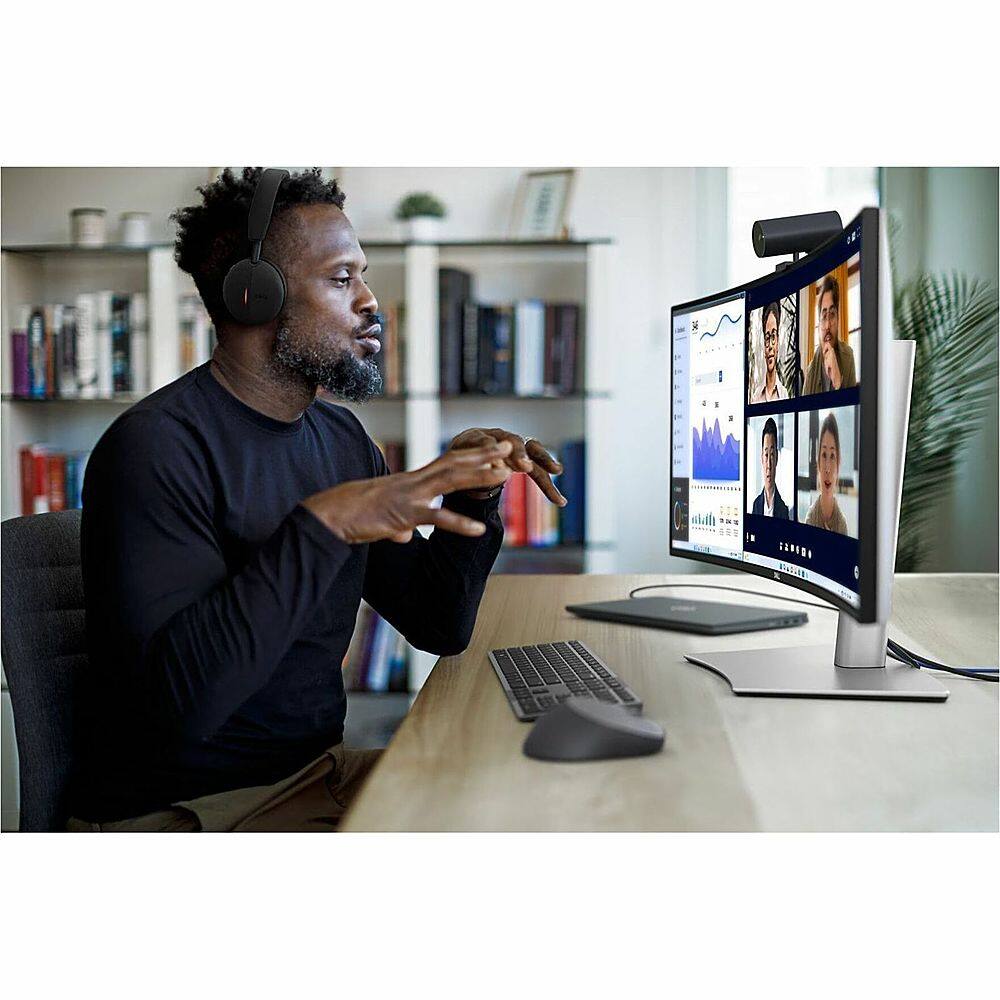
This question and answer was generated by AI based on customer and product data.Q: QuestionDoes the monitor have a built-in webcam?
- A:Answer This monitor does not have a built-in webcam.
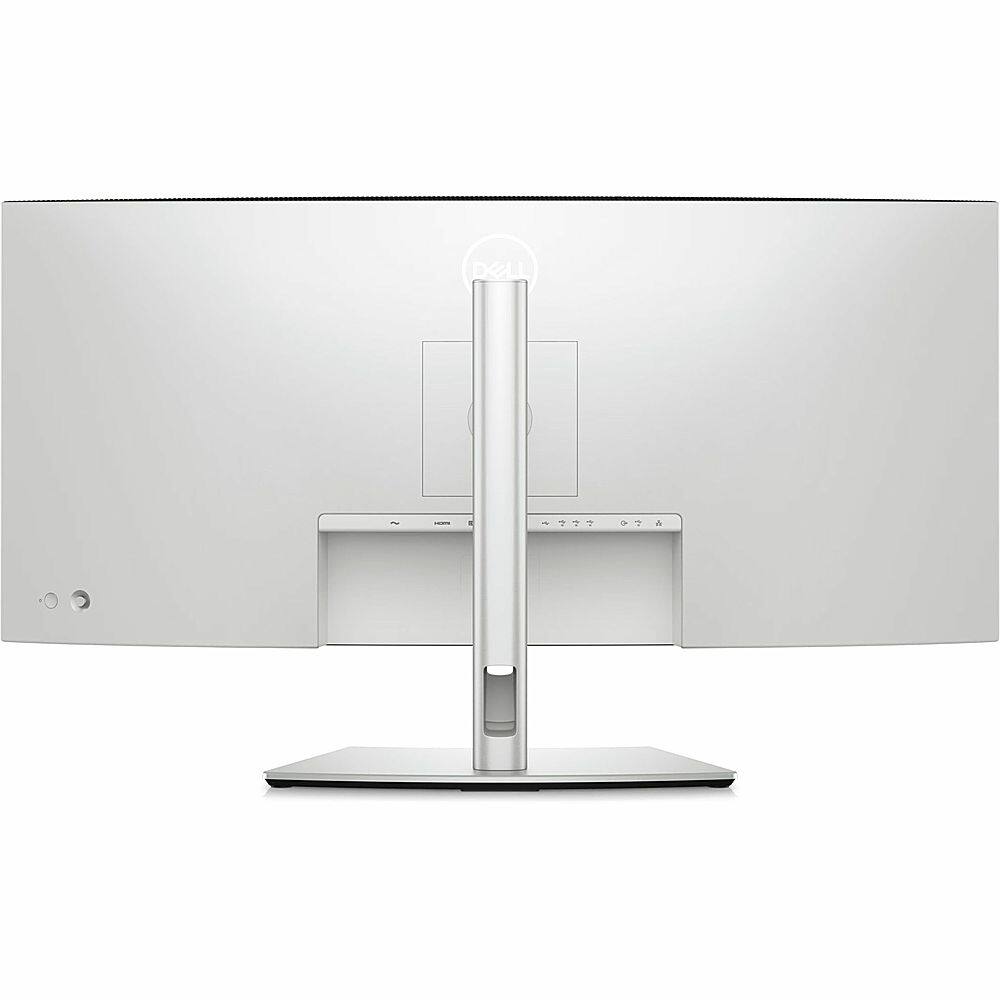
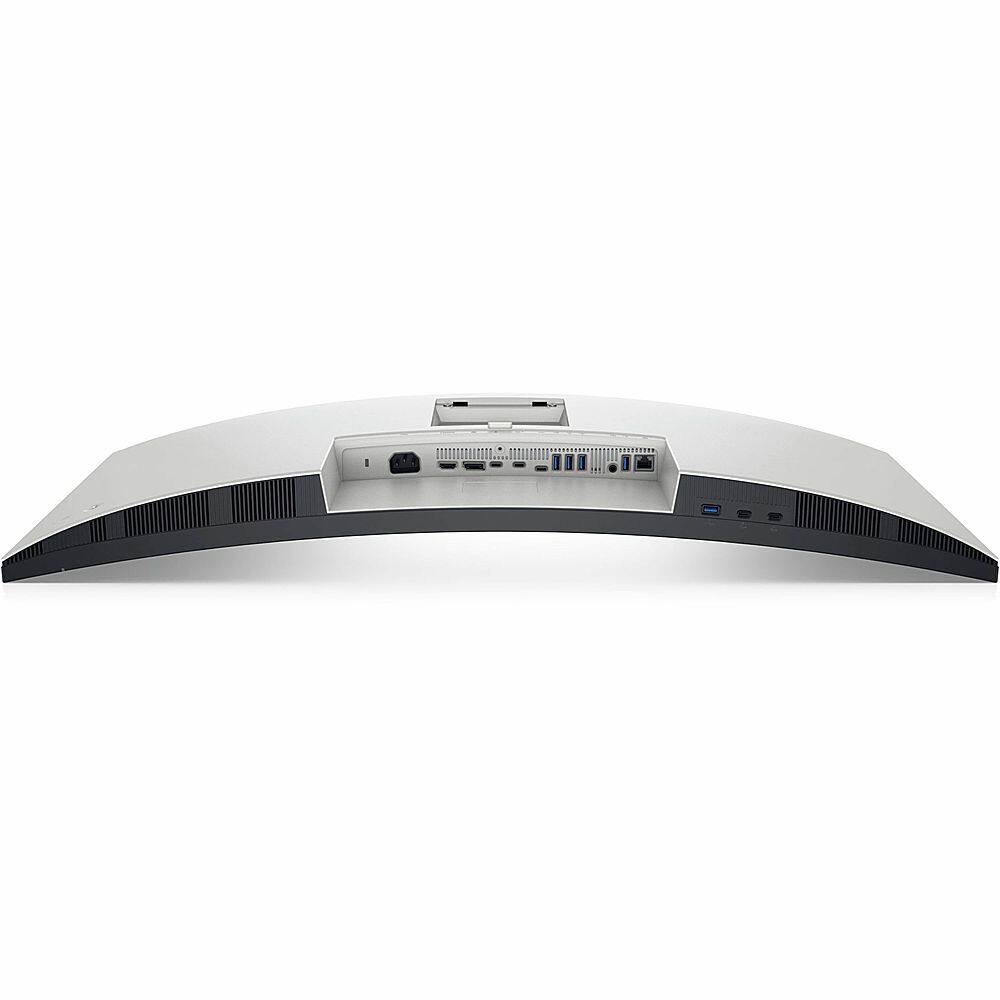
This question and answer was generated by AI based on customer and product data.Q: QuestionHow many USB ports does the monitor have?
- A:Answer This monitor has a total of 8 USB ports.
This question and answer was generated by AI based on customer and product data.Q: QuestionWhat is the response time of the monitor?
- A:Answer The response time of the monitor is 5 milliseconds.
This question and answer was generated by AI based on customer and product data.Q: QuestionUsing the hub with 1 keyboard and mouse will it wake pc Mac setup and how does built in kvm switch know what pc you are using?
Asked by Diditdoneit.
- A:Answer Keyboard/Mouse Wake-Up: When you connect your keyboard and mouse to the monitor's USB ports, they are routed through the monitor's built-in KVM. Switching the KVM to the correct input should pass the keyboard and mouse signals to the active system, allowing you to wake it up (if the system supports waking via USB peripherals). Ensure that the USB ports on the monitor are connected to the respective PCs via USB upstream cables (these should be provided or compatible USB cables). System Requirements: Both the PC and Mac need to be configured to allow USB devices to wake them. This is often in the BIOS for PCs and in System Settings > Energy Saver for macOS.
Answered by YourDellTeam

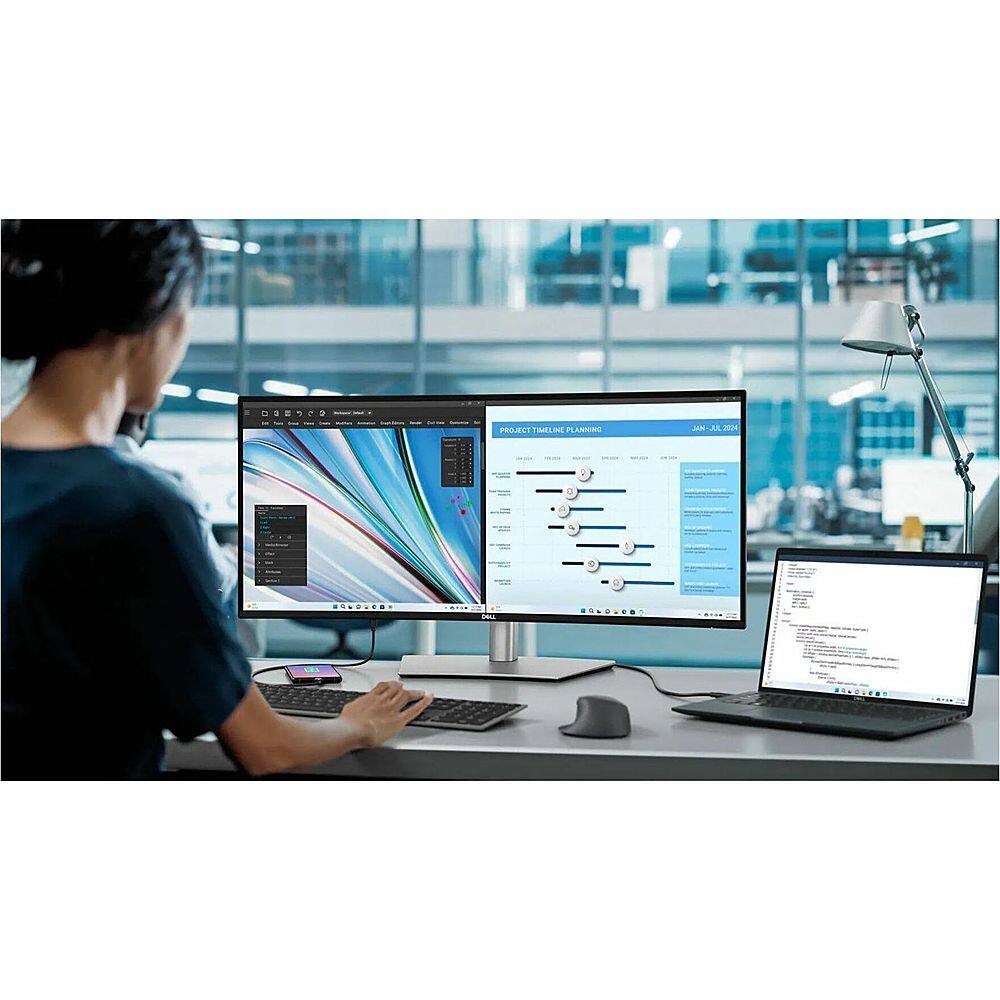
Q: QuestionDoes it have picture by picture?
Asked by Charley.
- A:Answer That will depend on the PC, but the Monitor is capable
Answered by Joy Systems
Q: QuestionDoes this Monitor have Thunderbolt4 ports?
Asked by Question9.
- A:Answer No, it doesn't
Answered by YourDellTeam

Page 1, Showing 1-9 of 9 questions
Top Rated
- Black Friday Deal$279.99Your price for this item is $279.99
- Black Friday Deal$104.99Your price for this item is $104.99
- Black Friday Deal$209.99Your price for this item is $209.99
- Black Friday Deal$86.99Your price for this item is $86.99
- Black Friday Deal$259.99Your price for this item is $259.99
- Black Friday Deal$99.99Your price for this item is $99.99
- Black Friday Deal$179.99Your price for this item is $179.99
- Black Friday Deal$219.99Your price for this item is $219.99
- Black Friday Deal$79.99Your price for this item is $79.99
- Black Friday Deal$149.99Your price for this item is $149.99
- $279.99Your price for this item is $279.99$499.99The comparable value for this item is $499.99
- $69.99Your price for this item is $69.99$159.99The comparable value for this item is $159.99
- Black Friday Deal$1,409.00Your price for this item is $1,409.00
- Black Friday Deal$114.99Your price for this item is $114.99
- $139.99Your price for this item is $139.99$179.99The comparable value for this item is $179.99
- Black Friday Deal$99.99Your price for this item is $99.99
- Black Friday Deal$129.99Your price for this item is $129.99
- $179.99Your price for this item is $179.99$389.99The comparable value for this item is $389.99
- Black Friday Deal$129.99Your price for this item is $129.99
- $169.99Your price for this item is $169.99$249.99The comparable value for this item is $249.99