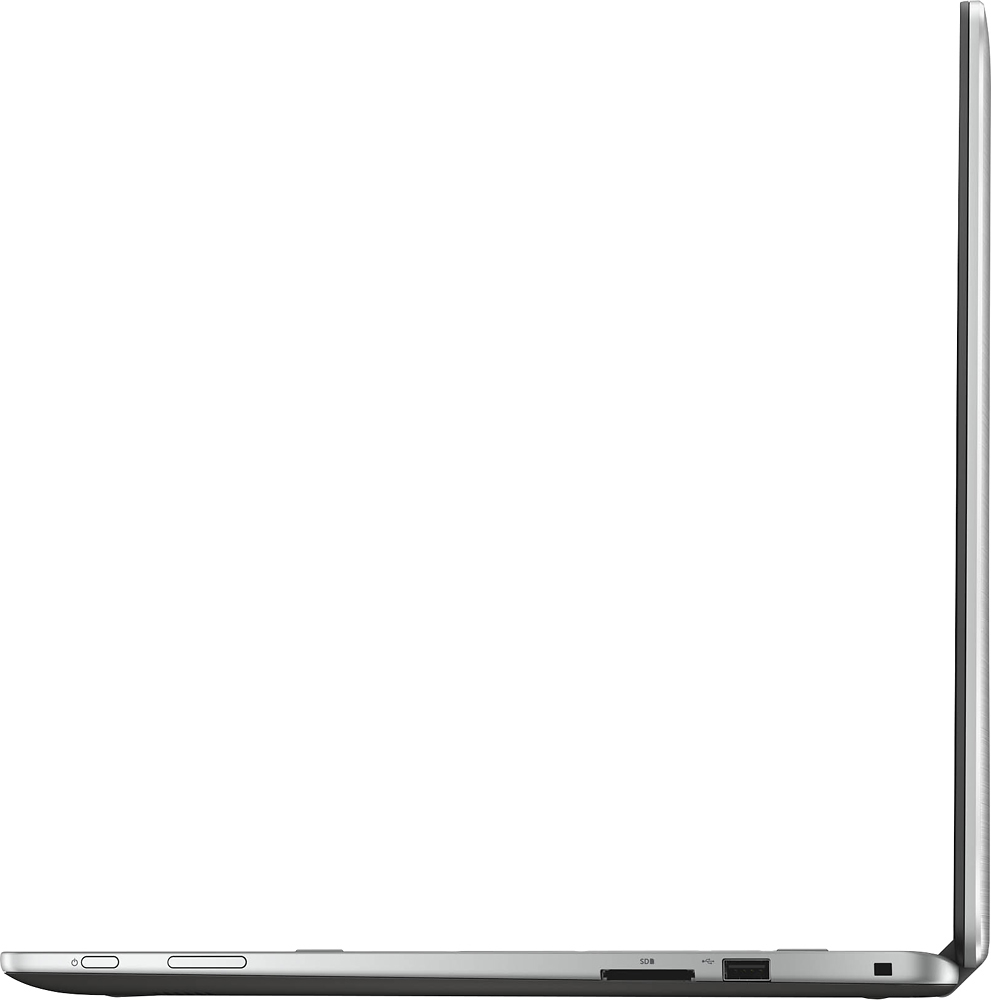
A:AnswerYes. The back cover comes off just like most of the Dell laptops. You can replace the HDD with and SDD and there is also a slot for those MMC drives. So you can add 2 drives. There are 2 memory slots. The 12GB has a 4GB and 8GB. I have the 17.3. It may be different for the other sizes. Some
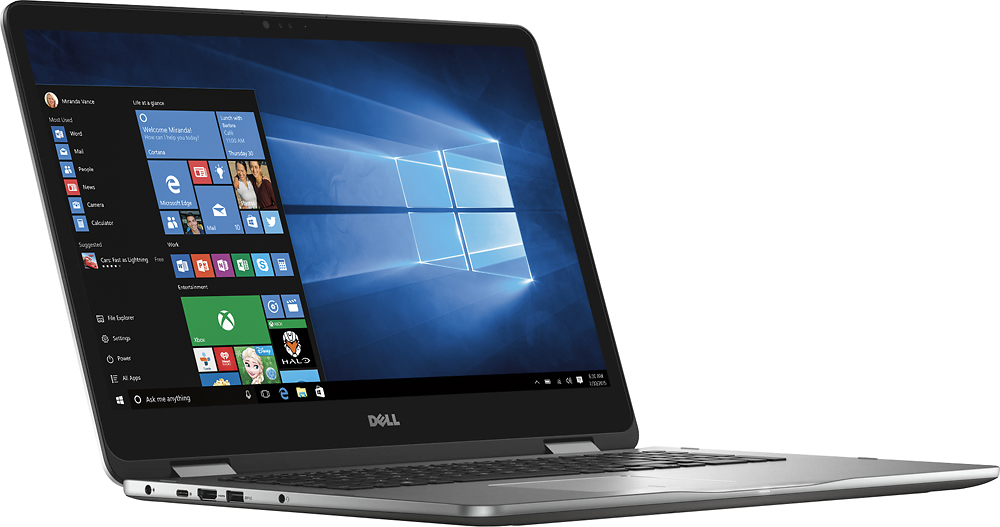
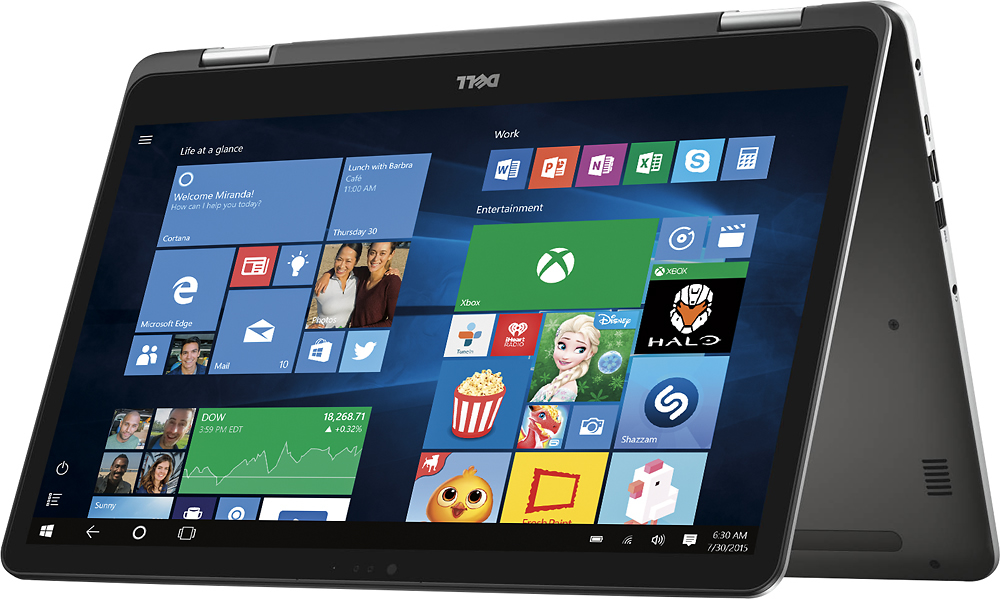
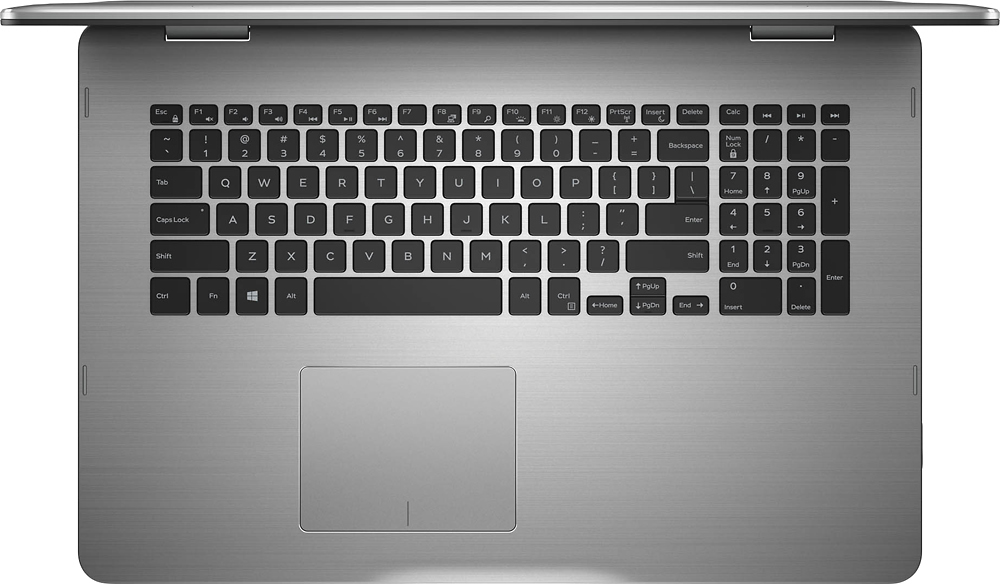
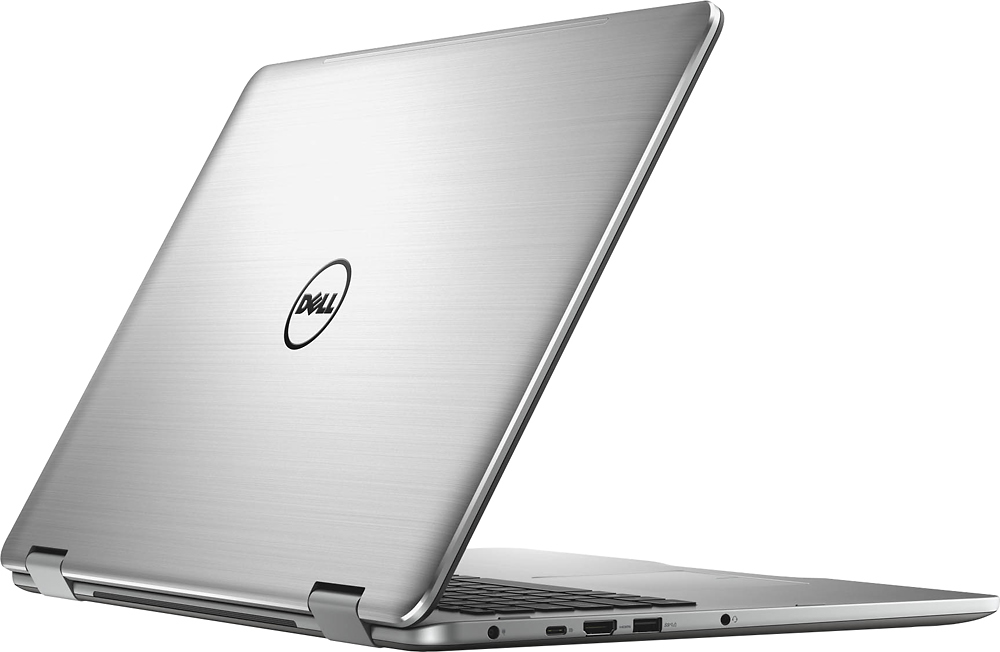
nice improvements are the ghost screen seems now a thing of the past but didnt really affect the Inspiron series. The top and bottom covers are both metal. You can press on the back of the screen and you will see NO movement on the front of the screen. You can open and close the screen from the corners and see no screen artifacts and little flex in the cover. The keyboard tray is also metal. The mouse may need some getting use to. I liked the on the HP Spectre the best. Waiting to see if this one has an active digitizer.
A:AnswerYou will see about ~7 hours in normal use, but note that battery life does depend on how you are using the laptop. For example Google Chrome will drain your battery much faster than MSFT Edge or Opera. The battery is 56 wHr, 4 cell battery per Dell's website
A:AnswerNo its way too tight in there because of the slim design. I would opt for an external Blu-Ray writer anyways. I just purchased an ASUS one for $72 with tax, minus a $20 MIR. Not bad for USB 3.0, External Blu-Ray Writer
A:AnswerYou can place an SSD drive on it but it only has one space for it. I placed a Samsung Evo Pro 512gb SSD on it and it runs fast. It also has an M2 SSD slot for additional storage or use it as a boot drive.
A:AnswerSound quality is fair for a laptop. The laptop has built in Bluetooth, so you could easily add a Bluetooth speaker to it and have excellent sound quality.
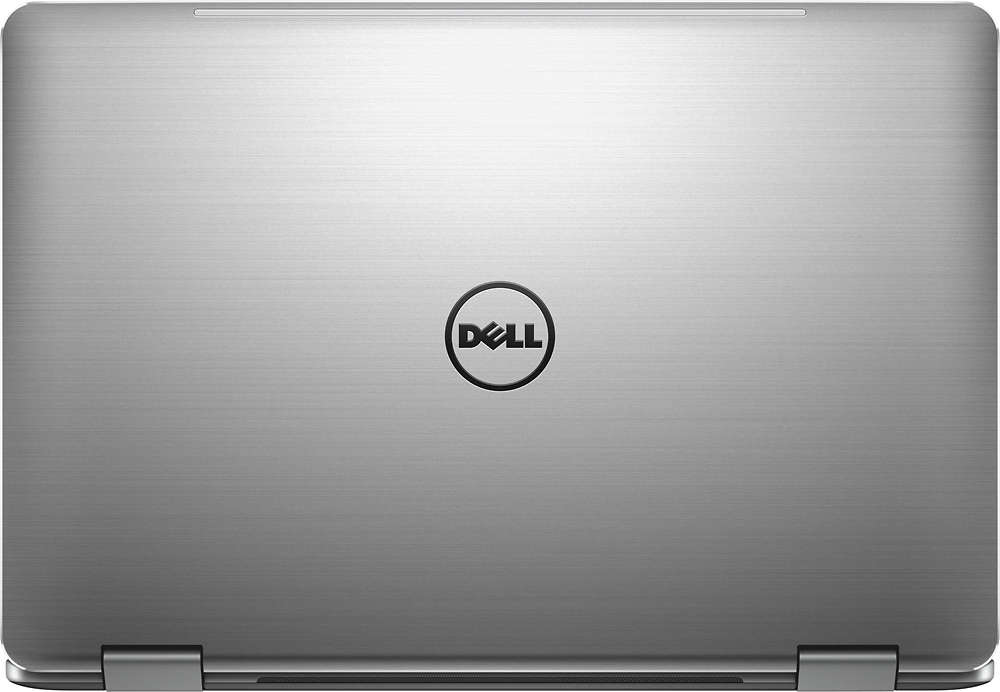
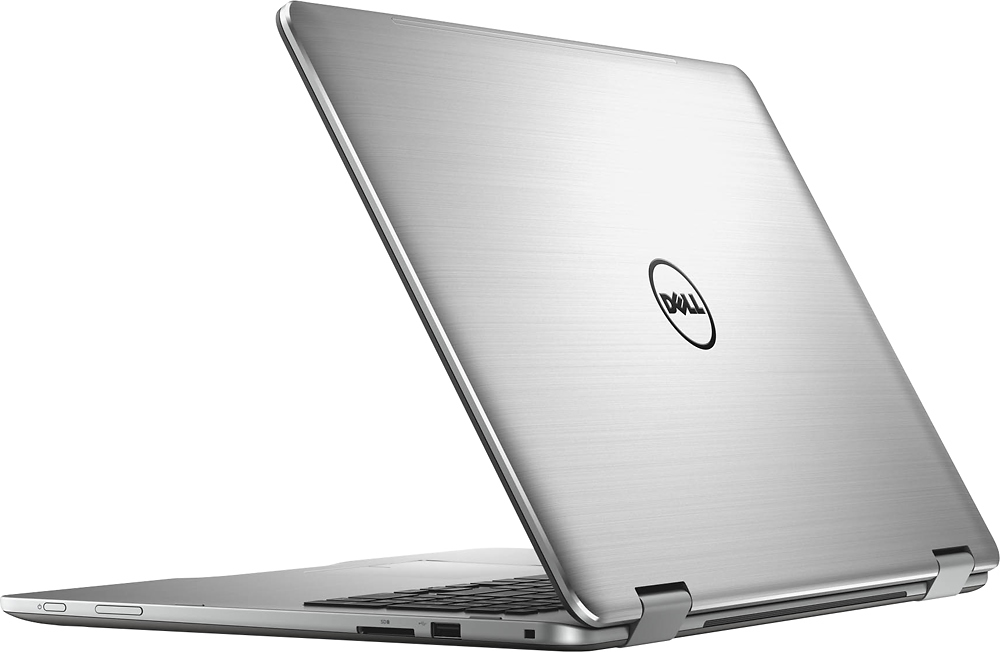
A:AnswerOnly gray, but its more of a very shiny aluminum. Dell only manufactures this in one color. Its 17", thin, aluminum, and has different ports so I would think that this would be different than any other gray computer.