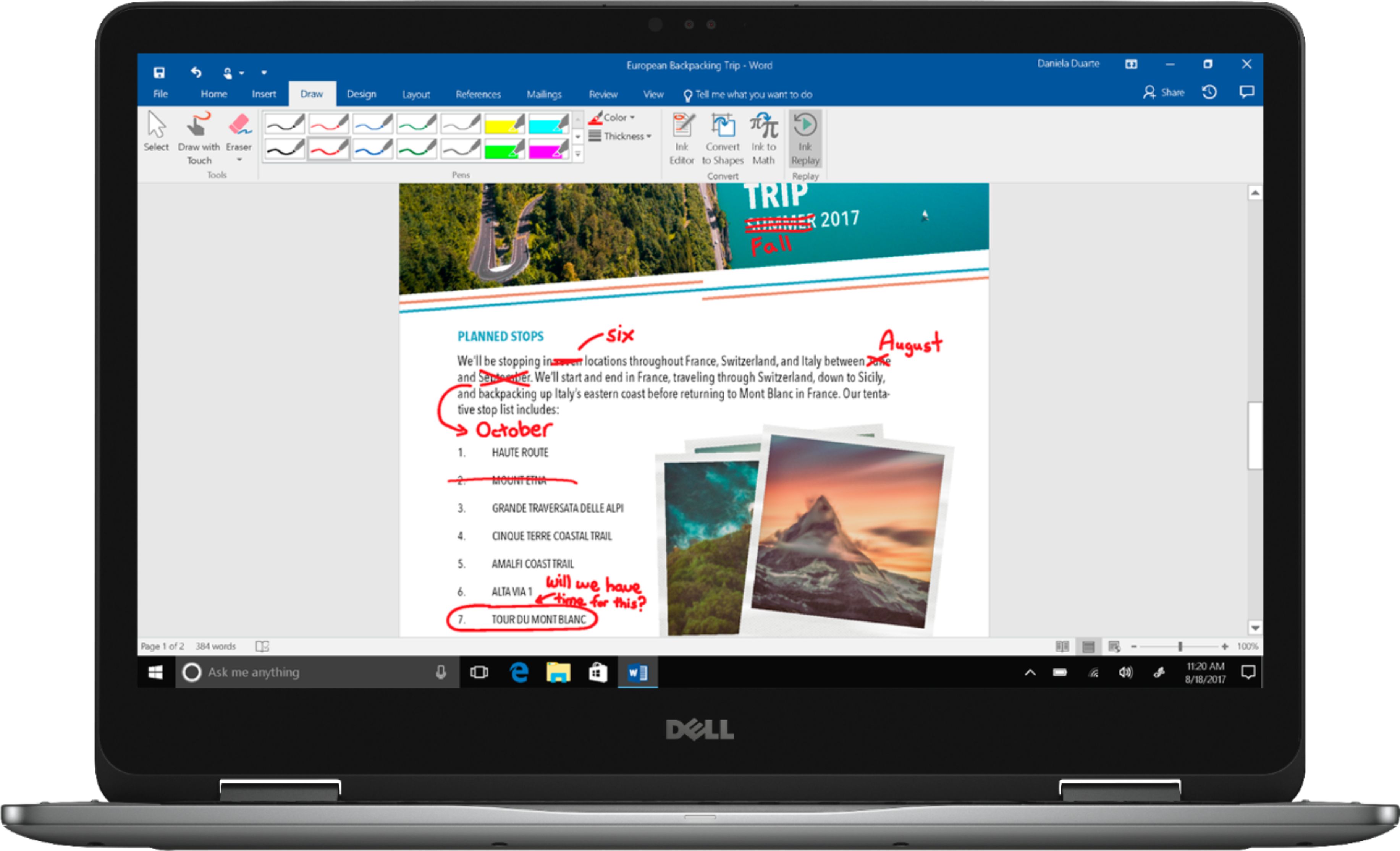
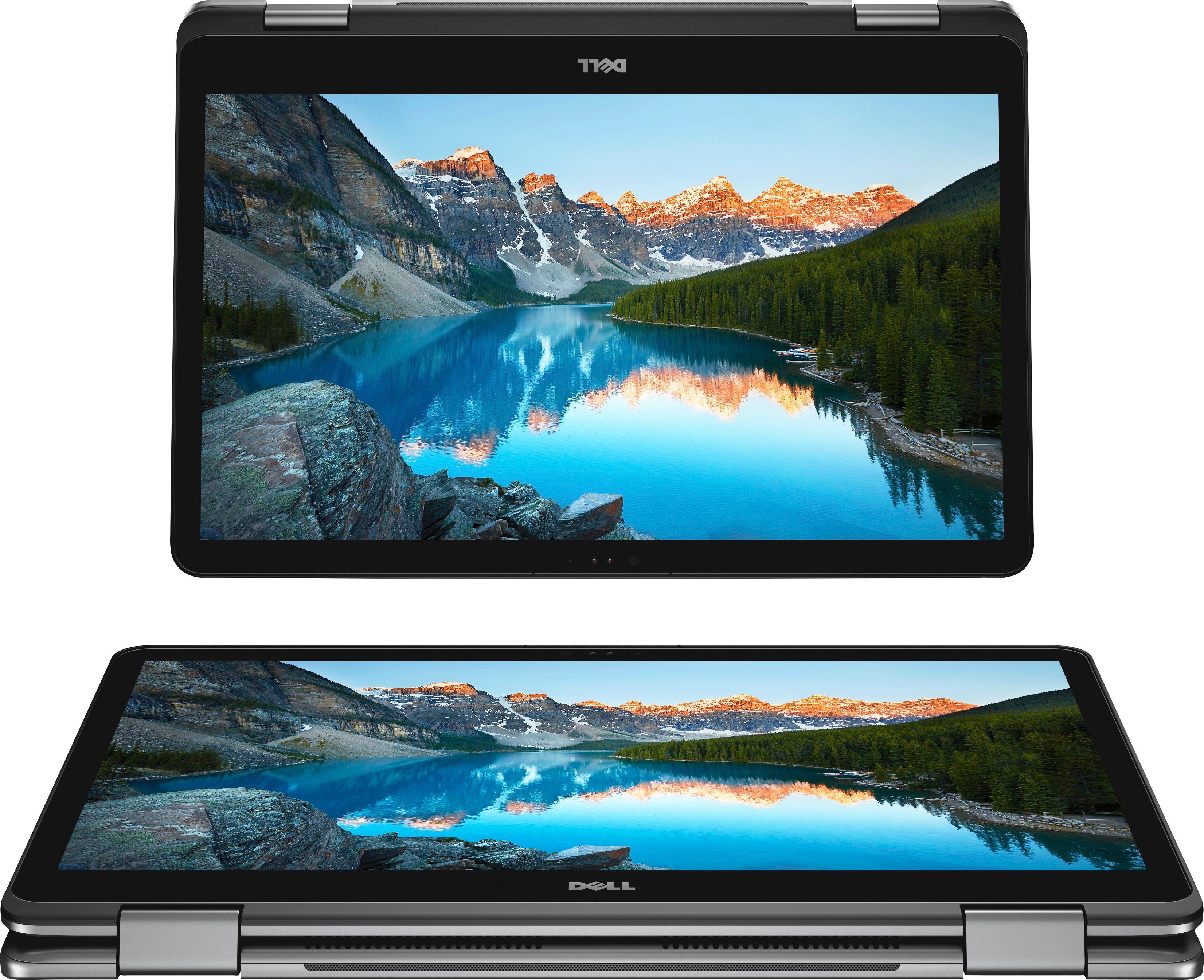
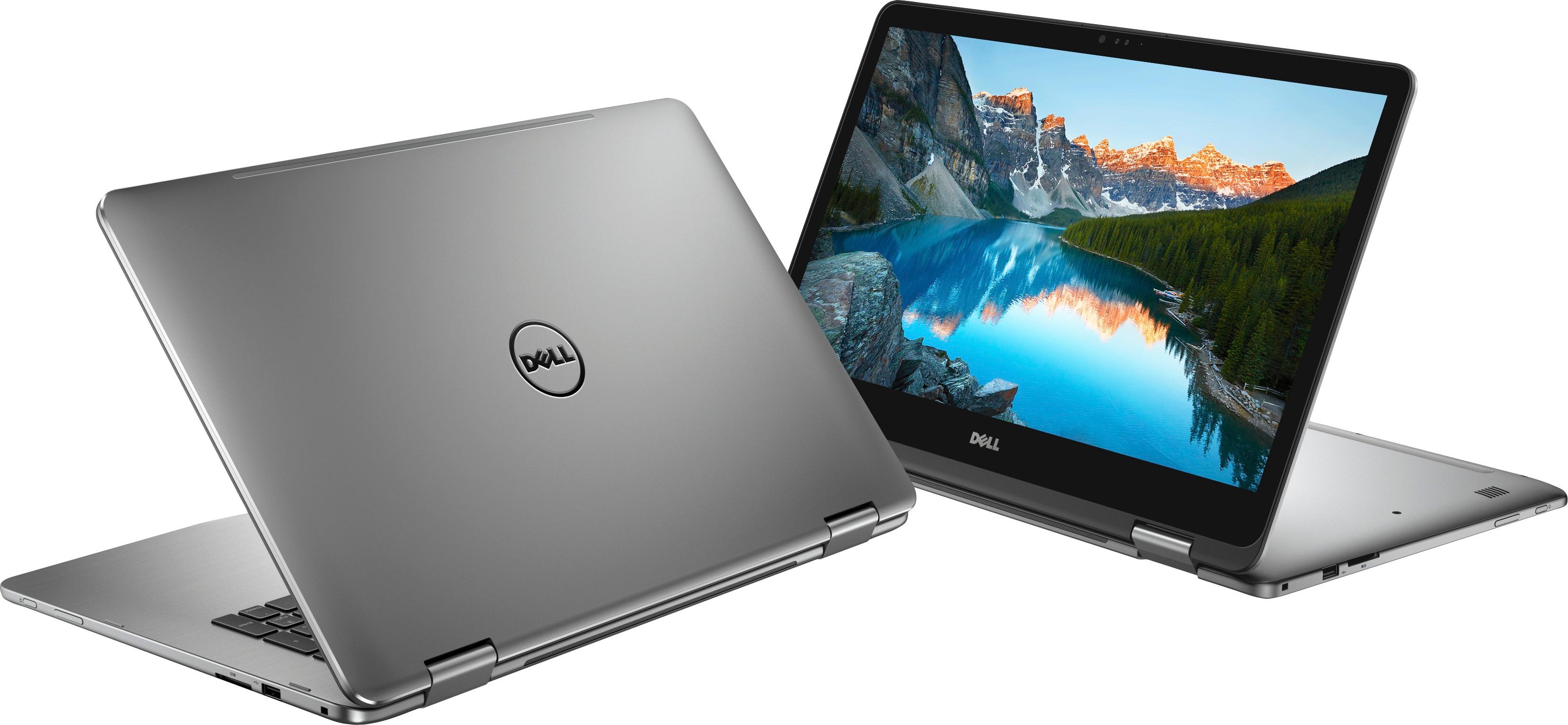
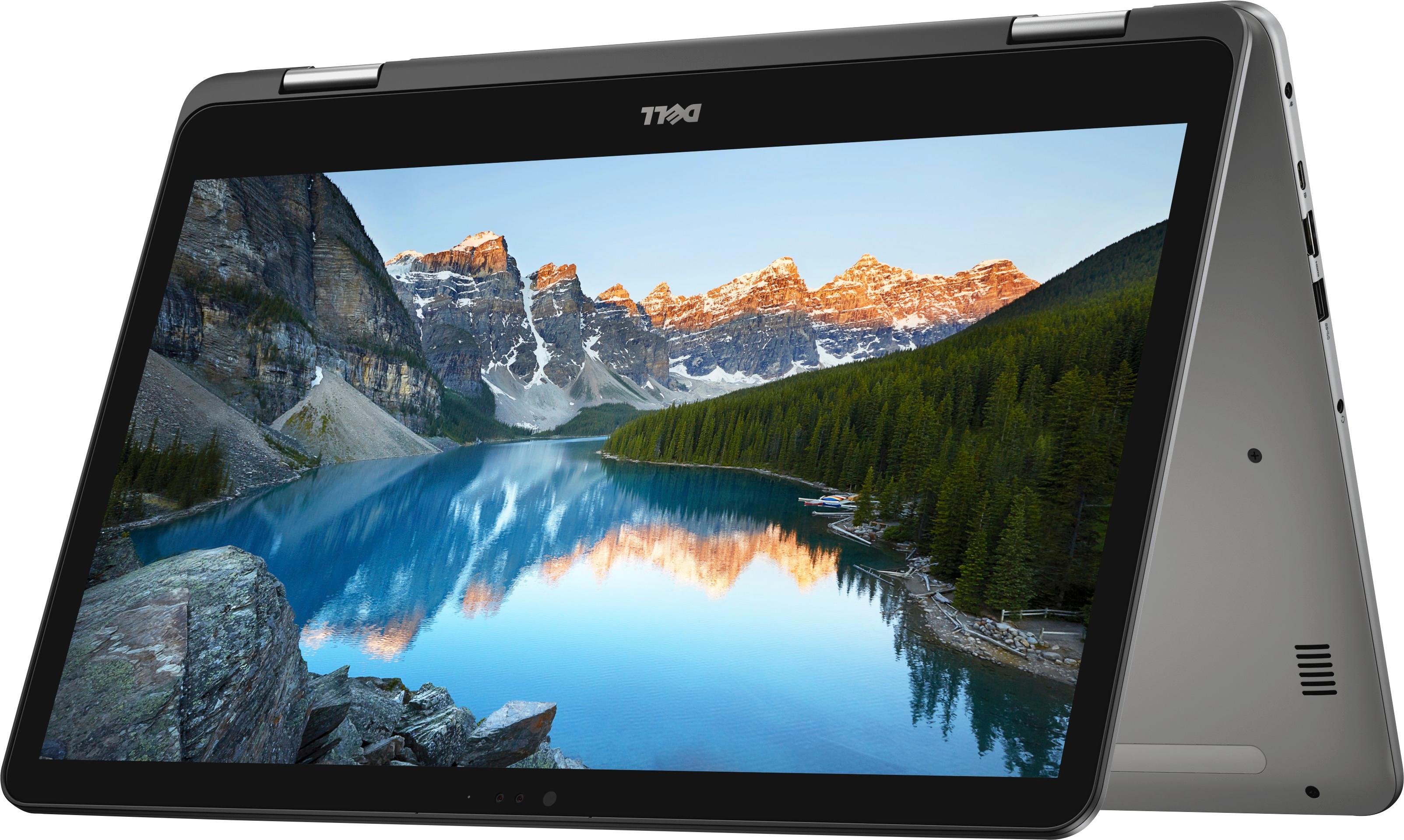
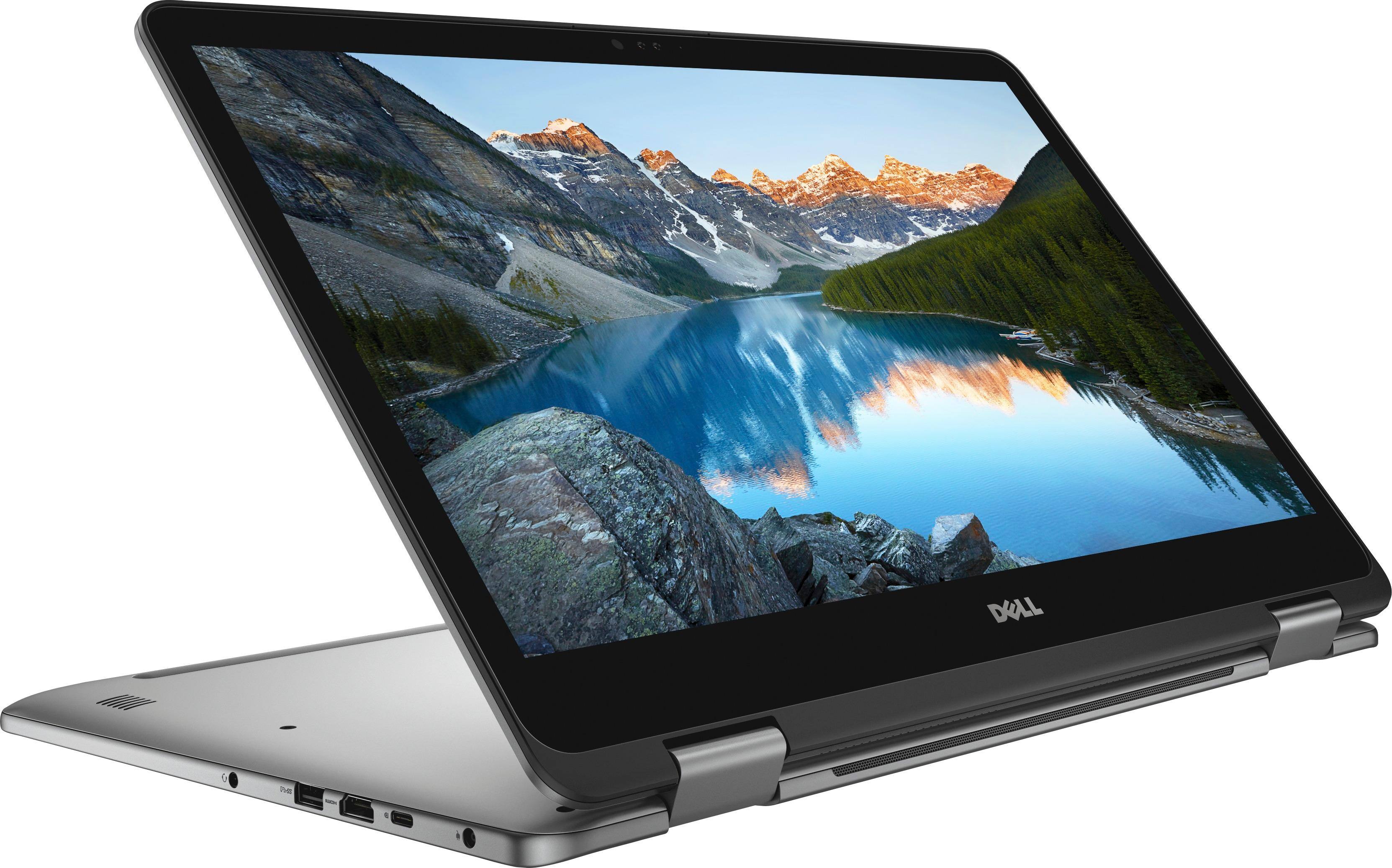
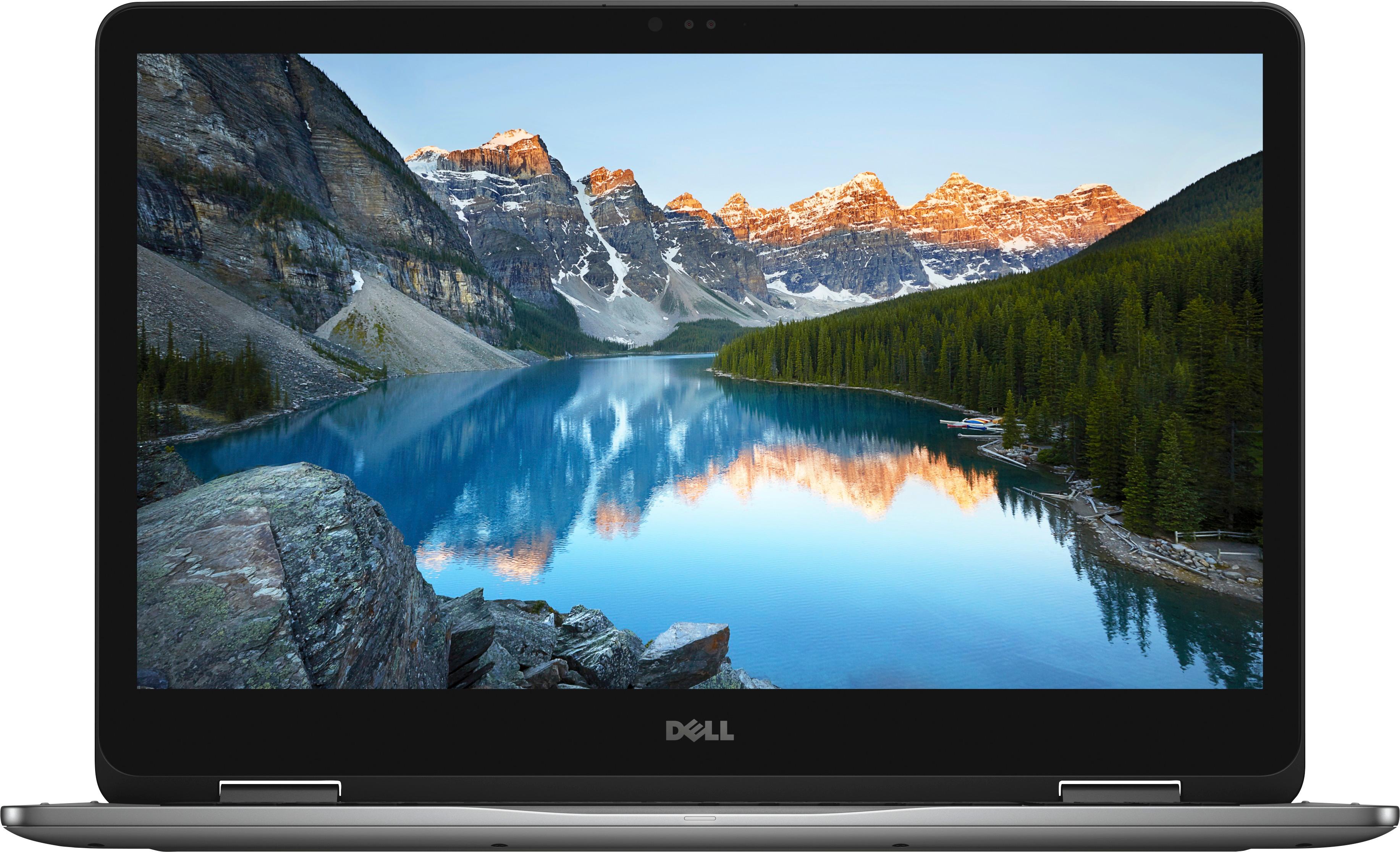
A:AnswerIt does not work with active stylus pens, which is incredibly misleading because this site says that it does in the expanded specifications and also it suggests that you buy the Bamboo Ink active pen along with it. They also include the Windows Ink logo on top of the product features.
A:AnswerTechnically it is possible. You would very likely be much happier with the results if you clean-installed Windows 10 rather than inheriting all the registry and file bloat that your old installation has accumulated, plus likely several Upgrades. These can all have the effect of slowing the system compared to new. If you don't have someone to help you do this, you can at least try using the SSD and see how well you feel it works. You can always clean-install later. The safest place to start is with a complete backup before you clean-install.
If your ASUS is Windows 10 Home, this Dell has a Windows 10 Home license in its BIOS. If your ASUS is Windows 10 Professional, putting the SSD in the Dell won't actually work because the Windows install on your SSD won't match the "license key" in the Dell's BIOS.
If they both have HOME, then before you switch hard drives, on the ASUS, you should go download the DELL WiFi drivers, from support.dell.com, and you can enter the service tag from your Dell to get to exactly the correct drivers, for Windows 10 64-bit. Download and save the Dell WiFi drivers so they are there in case you need to install them yourself after switching the SSD into the Dell.
On your DELL, google and grab a utility called ShowKeyPlus. I recommend the download from MajorGeeks as I've never had malware or spyware slipped into any download from MajorGeeks. The current version as of today is ShowKeyPlus 1.0.6594
Extract and run ShowKeyPlus on your DELL, which will show you the OEM Key in the BIOS. You will need to write down or save this key somewhere so you can enter it later.
After you switch to the ASUS SSD, it will do a lot of updating to get the drivers for the new hardware, and reboot possibly more than once. You may have to install the WiFi drivers yourself, as the ASUS may not have WiFi drivers that work on the Dell.
To activate Windows 10, you will have to go into Settings, Update, Activation, and Change Product Key. Then you will have to enter the DELL OEM Key you got earlier, so the ASUS's Windows 10 gets re-activated with your DELL Windows 10 OEM key.
You may have to uninstall ASUS specific things that no longer apply to the Dell.
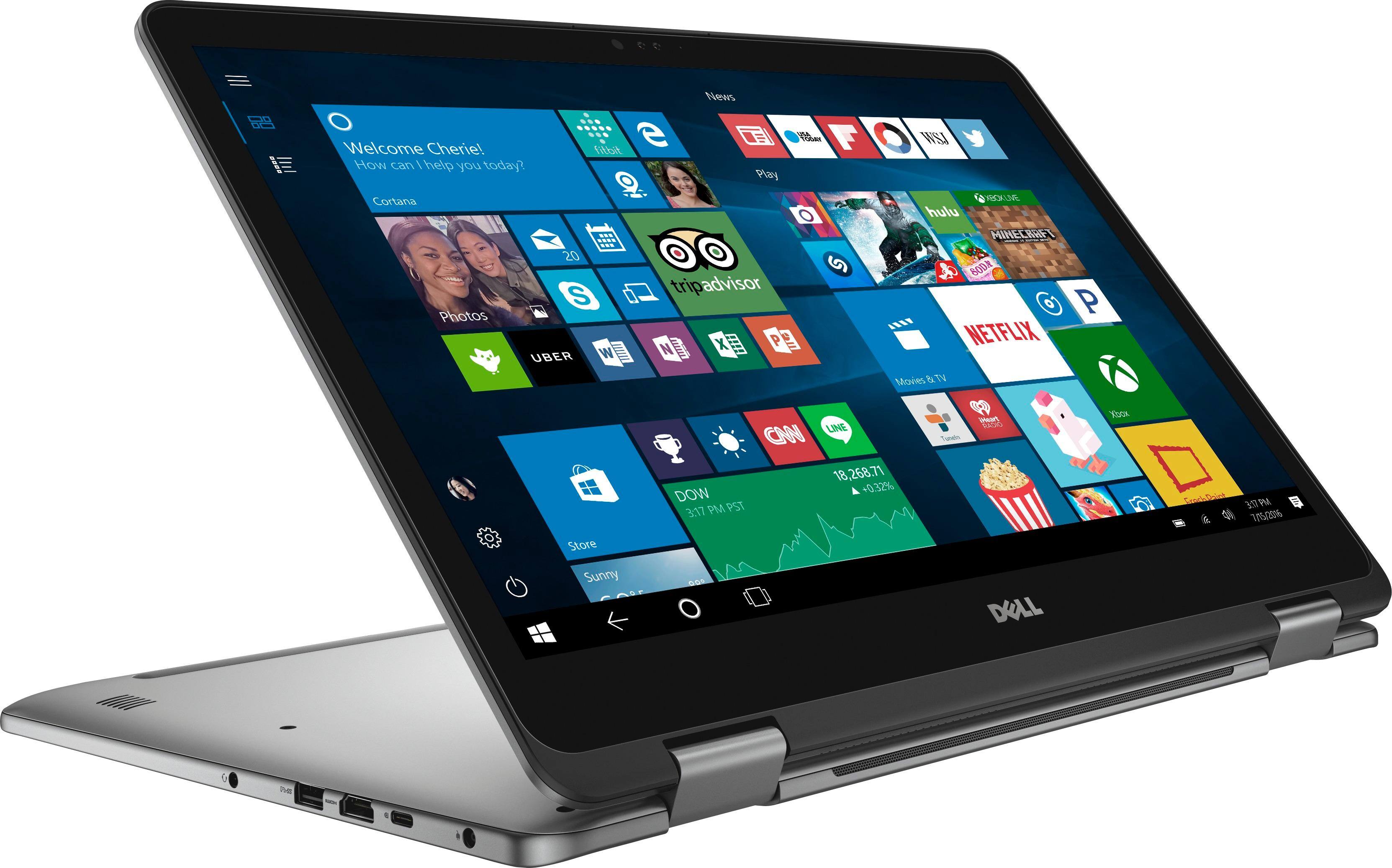
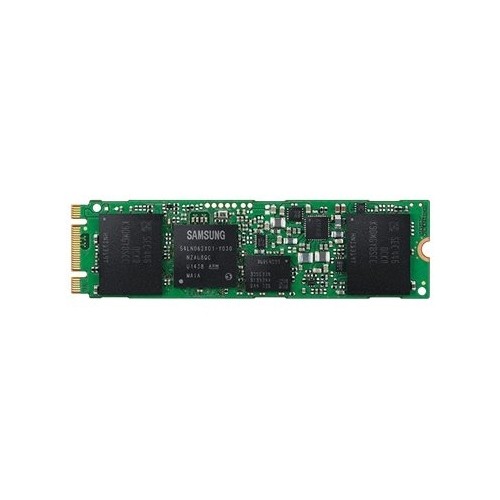
A:AnswerIt does have an internal slot for a SSD. I bought a Samsung EVO 250GB SSD, installed and transferred the boot drive to it. Now I have SSD boot and app startup speeds with 2Tb of data storage.
A:AnswerYes it has a place for m.2. I purchased a crucial 1tb solid state and reinstalled everything. As I use windows 10 pro
Reinstalltion of operating was only way to get m.2 drive recognizes as bootable. It works great and 2tb drive is great
Be sure to update dell bios and drivers. It works great
A:AnswerThe Dell Inspiron 17 7773 I purchased in-store from Best Buy has 1 16GB in slot 1 with slot 2 open. The RAM it came with is DDR4 Micron MTA16ATF2G64HZ-2G3H1 16GB 2RX8 PC4-2400T-SE1-1 and is Dual-Rank.
Assuming you purchase another quality brand PC4-2400 1x16gb, you could easily expand to 32GB without removing this one. It is possible that 2 different 16GB modules may not work well together but if you stick to good name brand like Crucial and match the specs, matching it with another Dual-Rank to be safe, you should be fine. If you happen to have another Dell with this same RAM, like 2 of these laptops, you can use the 2 Micron DDR4 16GB in one of them, and purchase your own Crucial 2x16GB kit to put in the other. Single Rank should perform higher than Dual-Rank if you have a choice. Google SINGLE RANK MEMORY VS. DUAL RANK MEMORY if you wish to know more.
A:AnswerOur experience has been limited to minimal CPU & GPU intensive applications running over extended periods. My wife is enrolled as a fulltime distance learning student with the local college. With BT off, Wi-fi on & a freshly charged battery she can easily get thru the day on battery power. PERIPHERALS CONNECTED: a powered USB 3.1 hub and a 15 y/o MS USB 2.0 mouse attached to the USB 2.0 port. It runs quiet & cool. It's so quiet my wife complains about the "clicky noise" it makes. That would be the HD searching...It is that quiet! We are very satisfied with this lsptop.
A:AnswerThis is incorrect and misleading. Do not purchase thinking you can use the bamboo ink. This computer does not support active pens. I bought it under the false impression that it did and I was mad at first but I got over it because it's actually a stunningly good computer otherwise.