A:AnswerYes, You can replace it, but you’ll need to open the chassis, which involves removing the bottom cover and disconnecting internal connectors.
Dell recommends authorized service centers or Dell ProSupport for battery replacement to avoid damage.
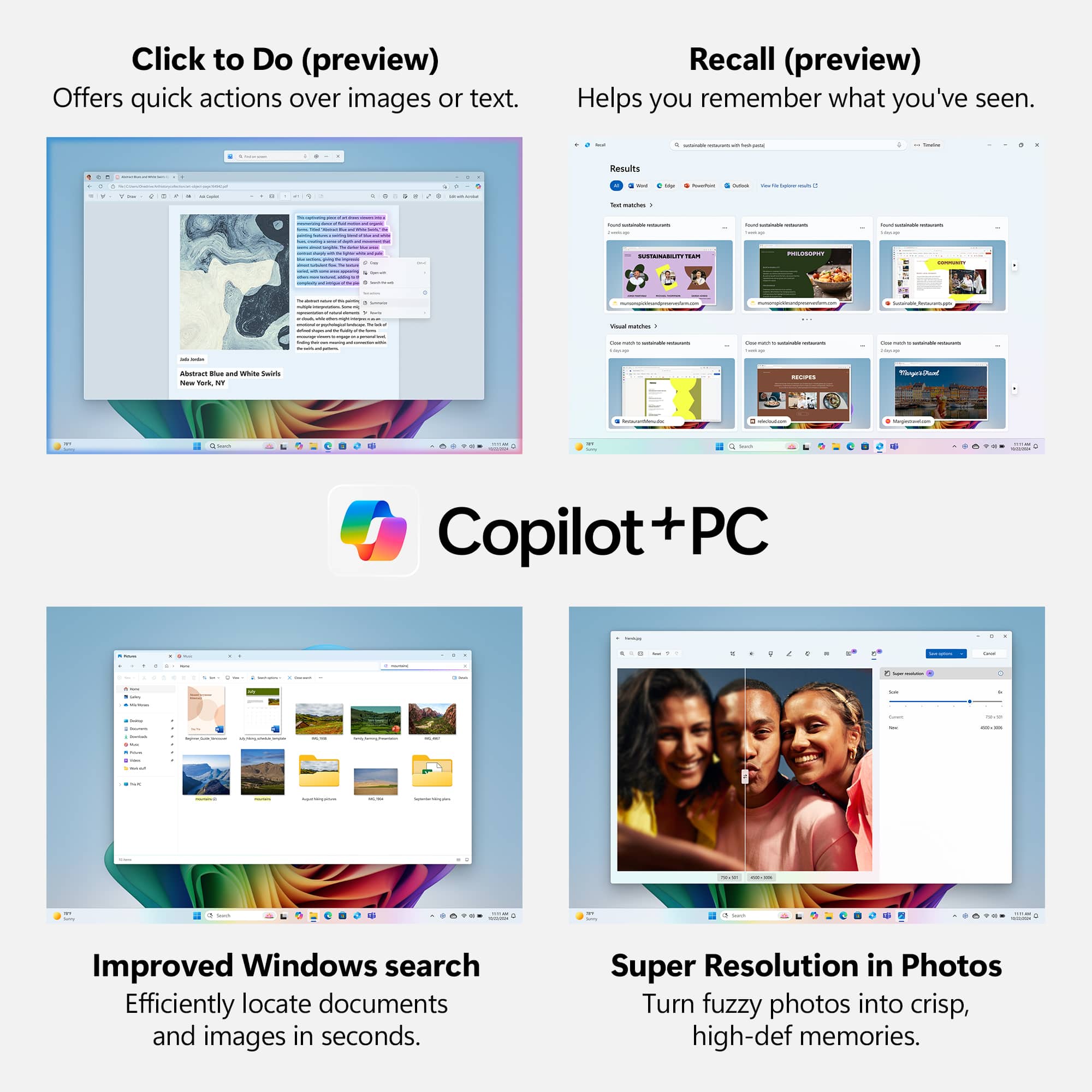
A:AnswerCopilot+ features in Windows 11 are included permanently at no extra cost.
Microsoft 365 Copilot (Word, Excel, etc.) is NOT free; requires a paid subscription.
A:AnswerIf replacing the battery it would have to be with the same size as the one that's in there now, unless a new type of battery tech shows up which can pack more cells into the same size.
A:AnswerYes, it can be. While capable of running many modern games at 1080p or 1440p on low/ medium settings, it’s not designed for high-end AAA gaming at ultra settings.
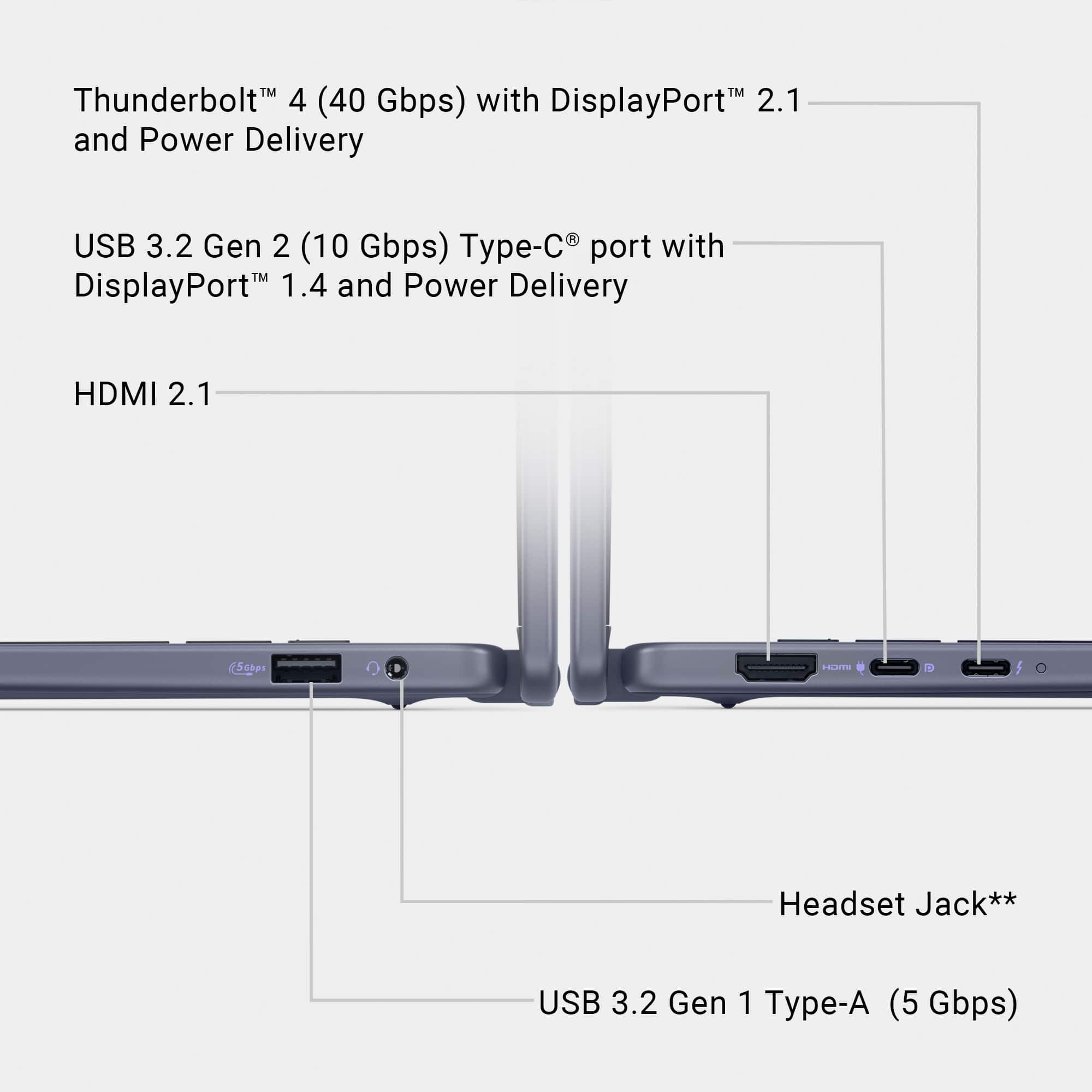
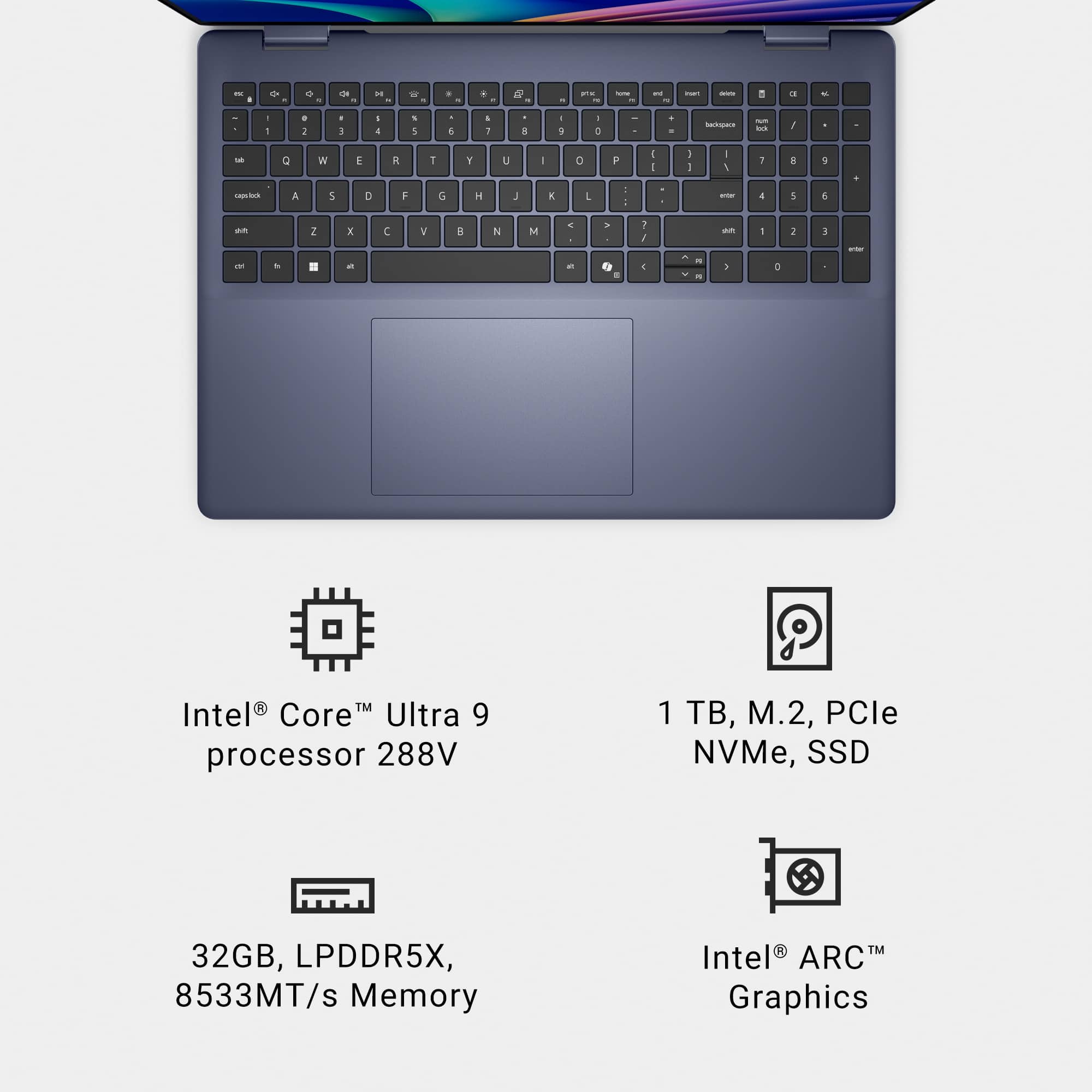
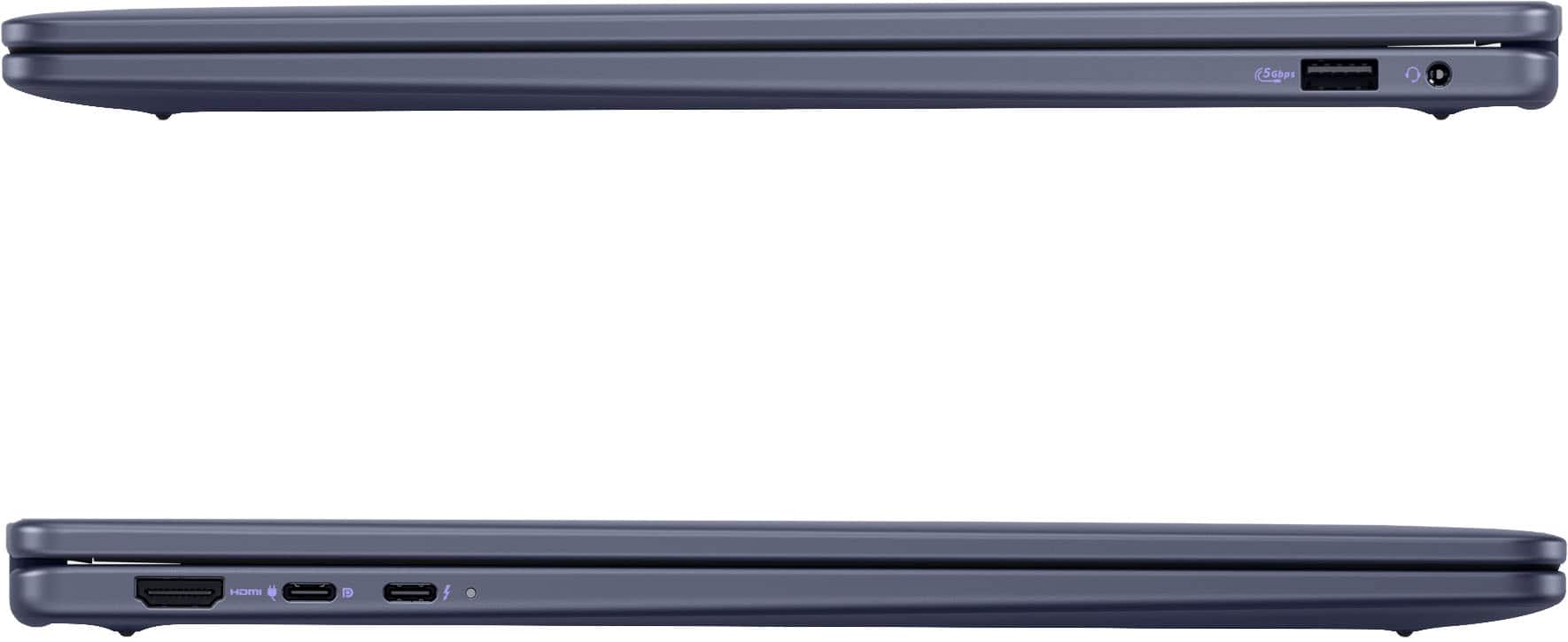
A:AnswerThe device does not have SD card/ Media card reader. The total Cores: 8 cores
4 Performance Cores (P-Cores).
4 Efficient Cores (E-Cores).
Threads: 8 threads.
No Hyper-Threading on either core type.
A:AnswerYes, the laptop is compatible with active stylus pens, including:
Dell Active Pen (e.g., PN5122W, PN7320W).
Wacom Bamboo Ink (Universal or AES version).
Other MPP 2.0-compatible pens (Microsoft Pen Protocol).