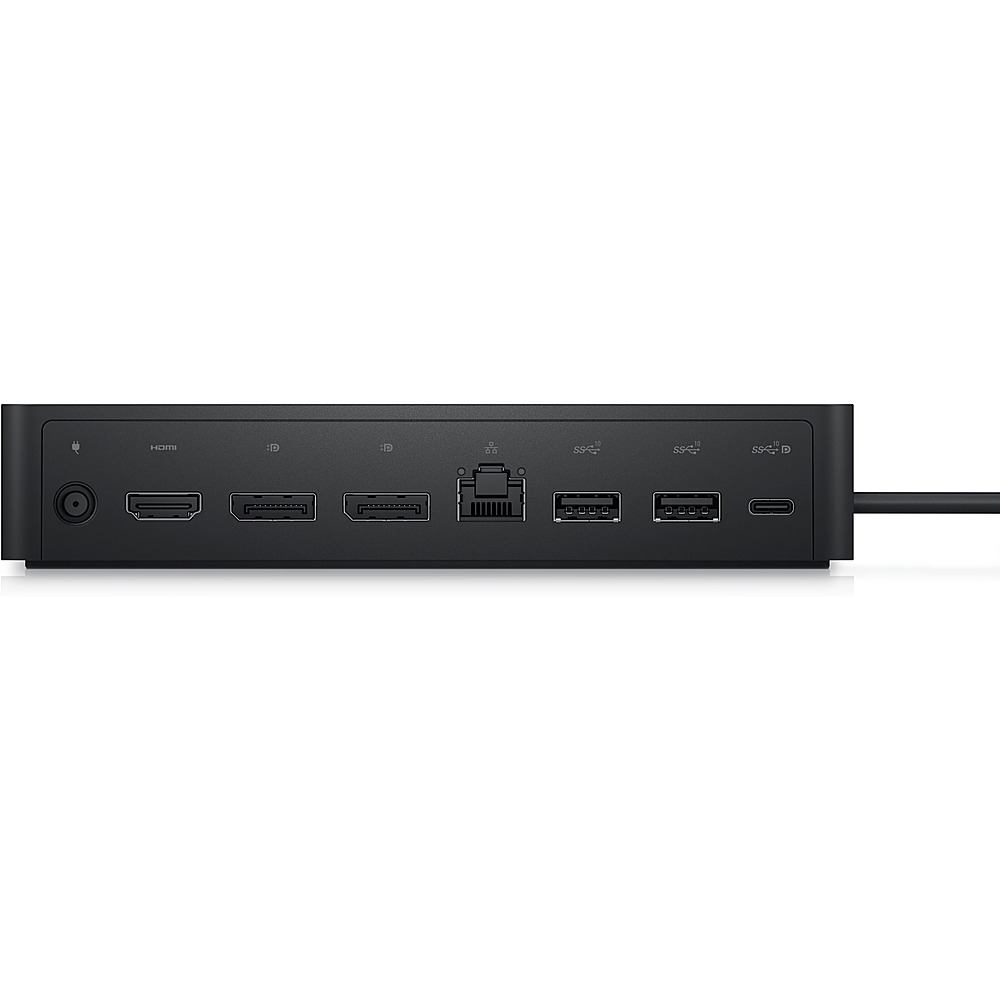
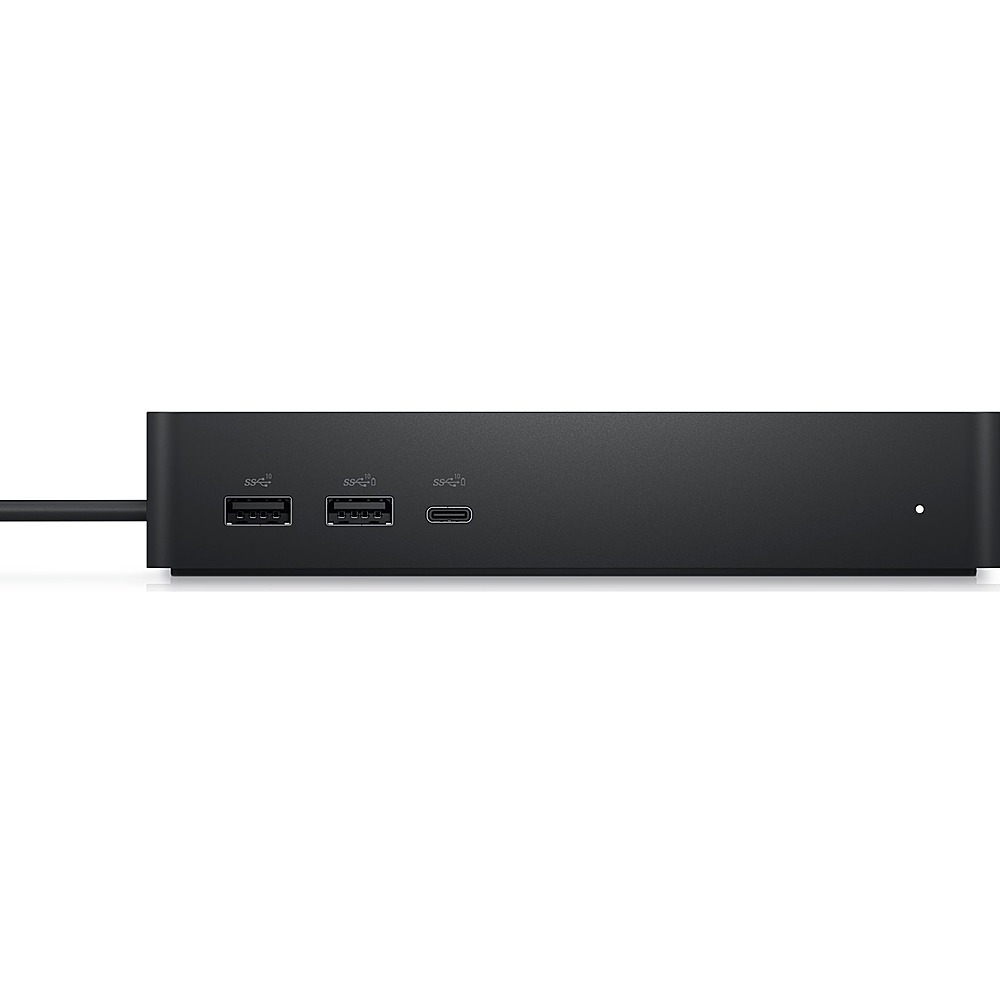
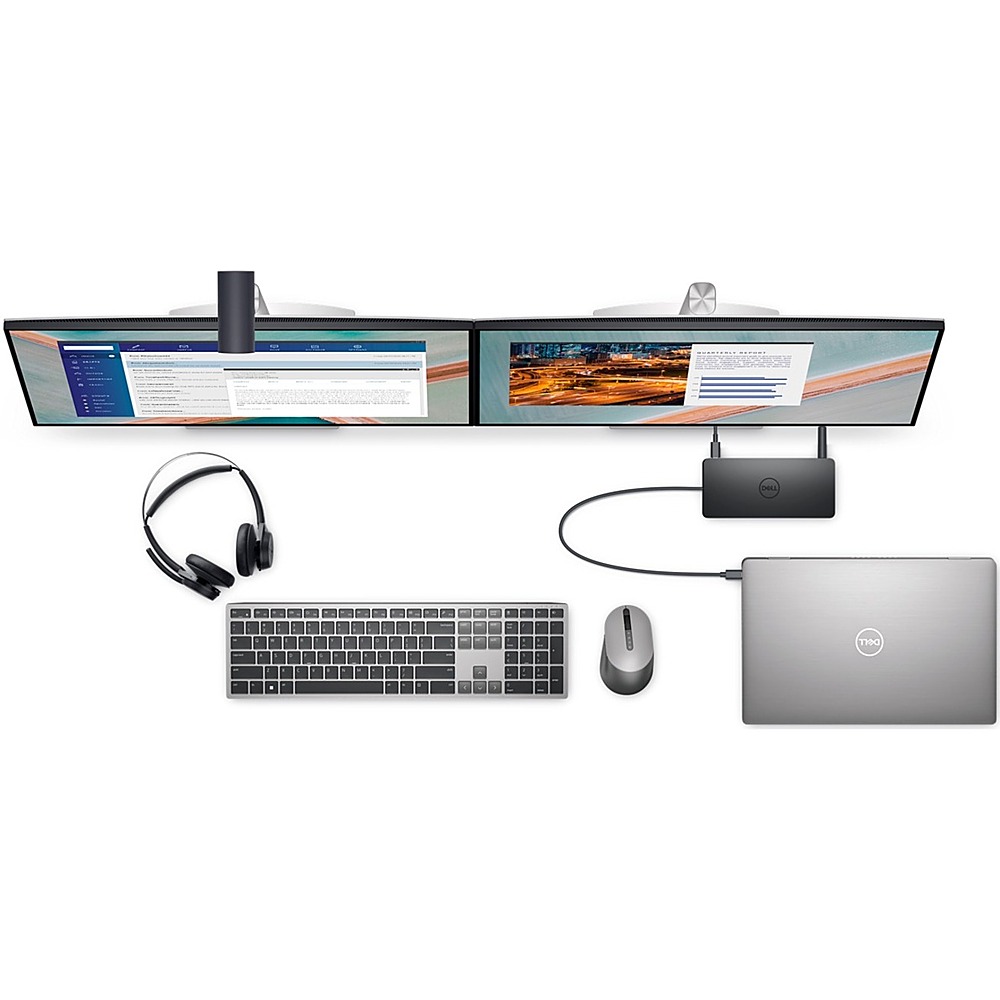
A:Answer This docking station has the following display support specifications:- If PC has DisplayLink drivers installed: For a HBR2 PC- 2 x 4K @ 60Hz + 2 x FHD @60Hz , 2 x 4K @ 60Hz + 1 x 4K @30Hz, For a HBR3 PC- 2 x 4K @ 60Hz + 2 x QHD @60Hz, 2 x 4K @ 60Hz + 1 x 4K @30Hz, For HBR3 PC (supporting Display Stream Compression)- 4 x 4K @ 60Hz.
If the PC does not have DisplayLink drivers installed: For a HBR2 PC- 2 x FHD @60Hz, 1 x 4K @ 30Hz, For a HBR3 PC- 2 x QHD @60Hz 2 x 4K @ 30Hz, For HBR3 PC (supporting Display Stream Compression)- 2 x 4K @ 60Hz.
For technical assistance on this docking station, we recommend contacting the Dell technical support team after the purchase. They are available on Facebook and Twitter(@Dellcares).