Main Content

Questions & Answers

Your price for this item is $239.00
Page Showing 1-20 of 21 questions
  • QuestionWhat is the maximum video frame rate of this action camera?

    • Answer The maximum video frame rate is up to 240 fps.
    This question and answer was generated by AI based on customer and product data.
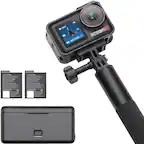
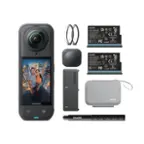
  • QuestionWhat is included in the Osmo Action 4 Standard Combo?

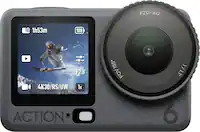
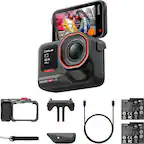
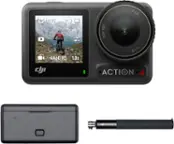
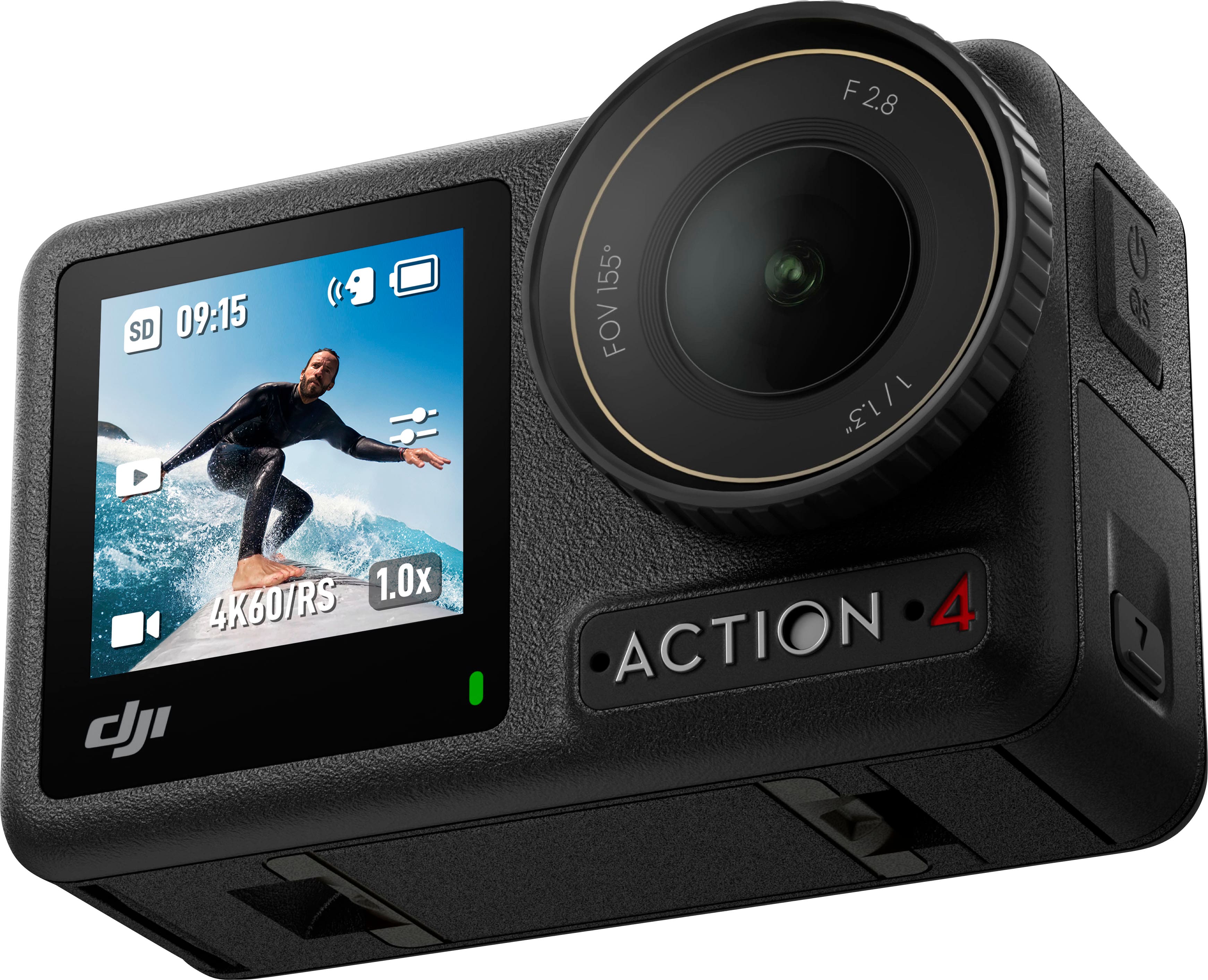
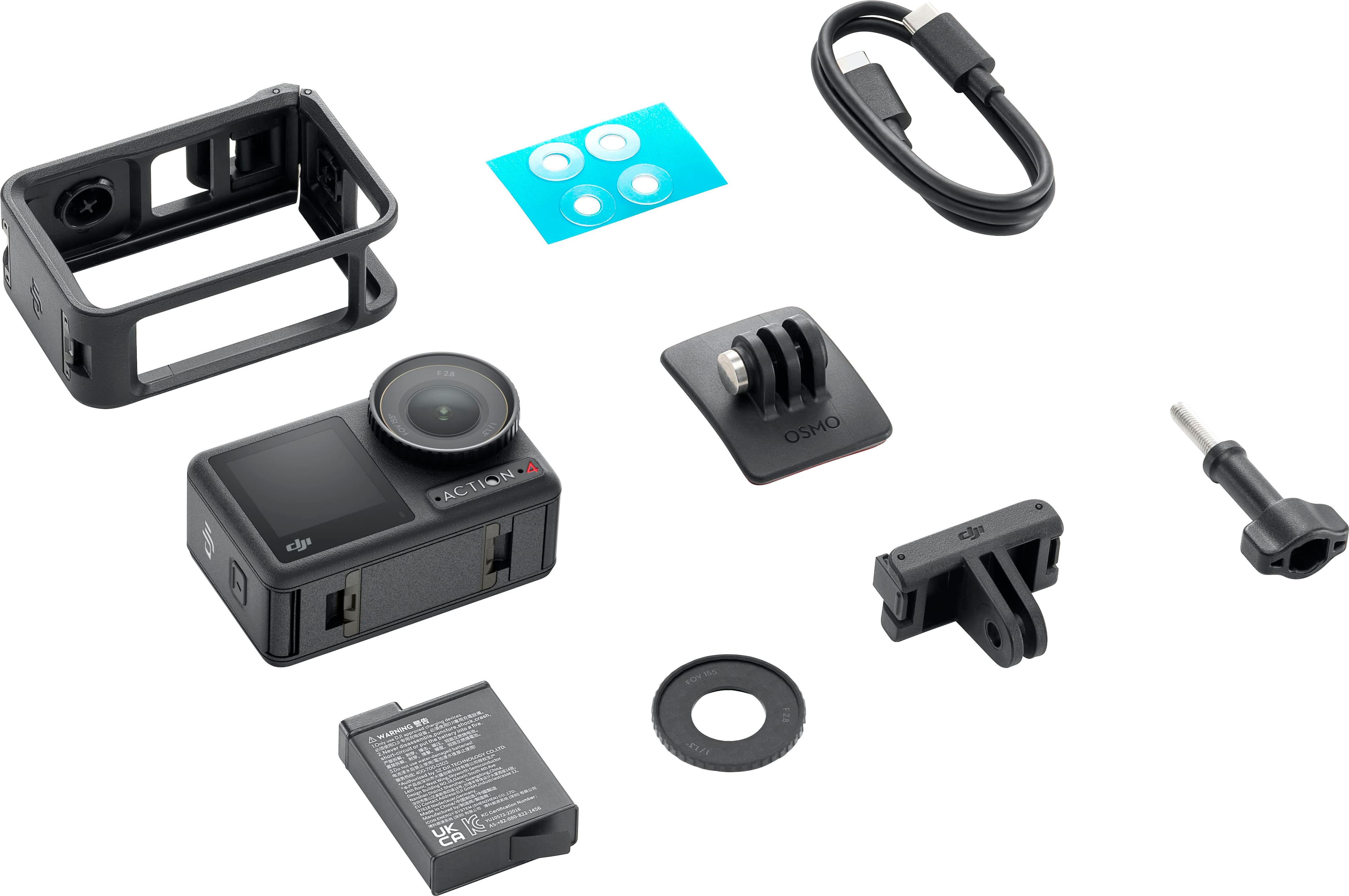
    • Answer The Osmo Action 4 Standard Combo includes the DJI Osmo Action 4, 1 battery, 1 Quick-Release Adapter Mount, and more.
    This question and answer was generated by AI based on customer and product data.
  • QuestionDoes this camera have a slow motion recording feature?

    • Answer Yes, this action camera has a slow motion recording feature.
    This question and answer was generated by AI based on customer and product data.
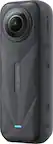
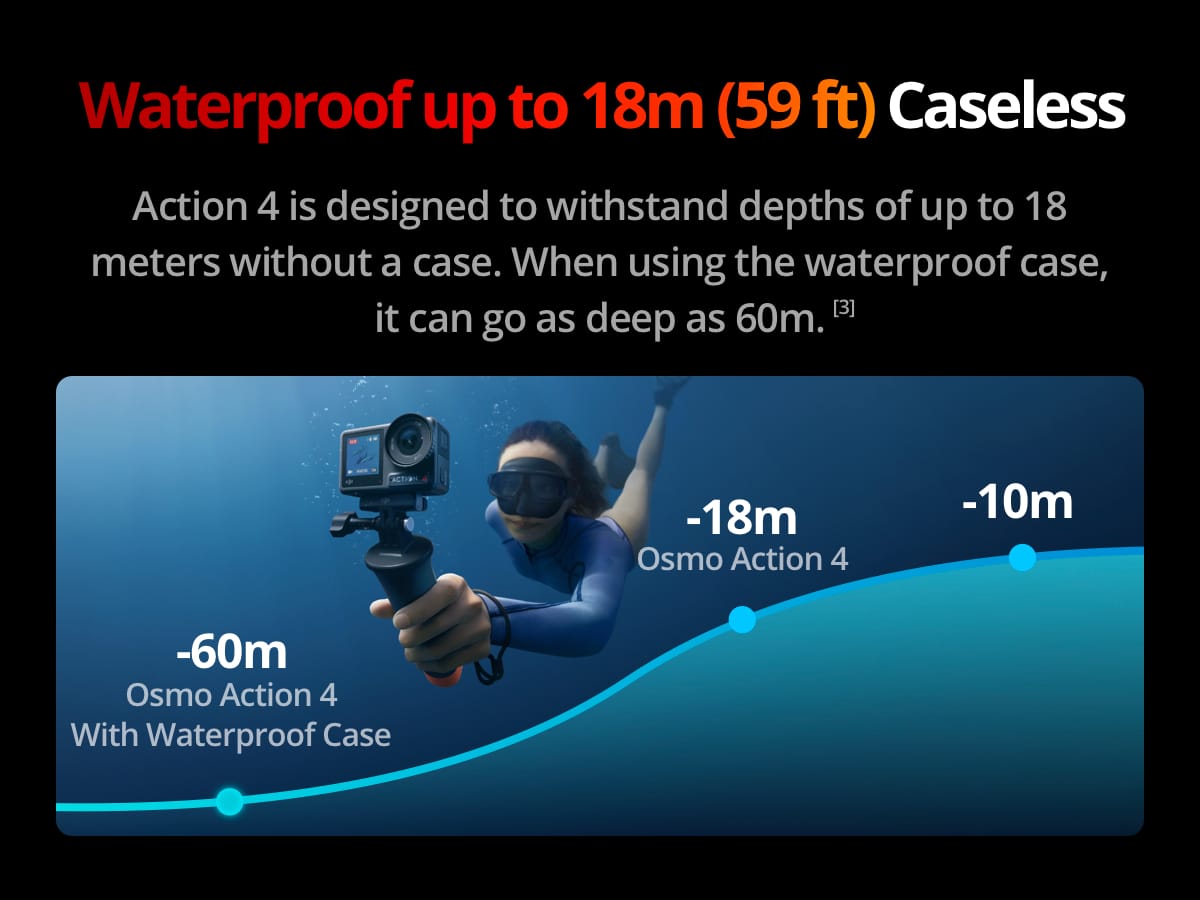
  • QuestionWhat is the maximum depth of water resistance for this camera?

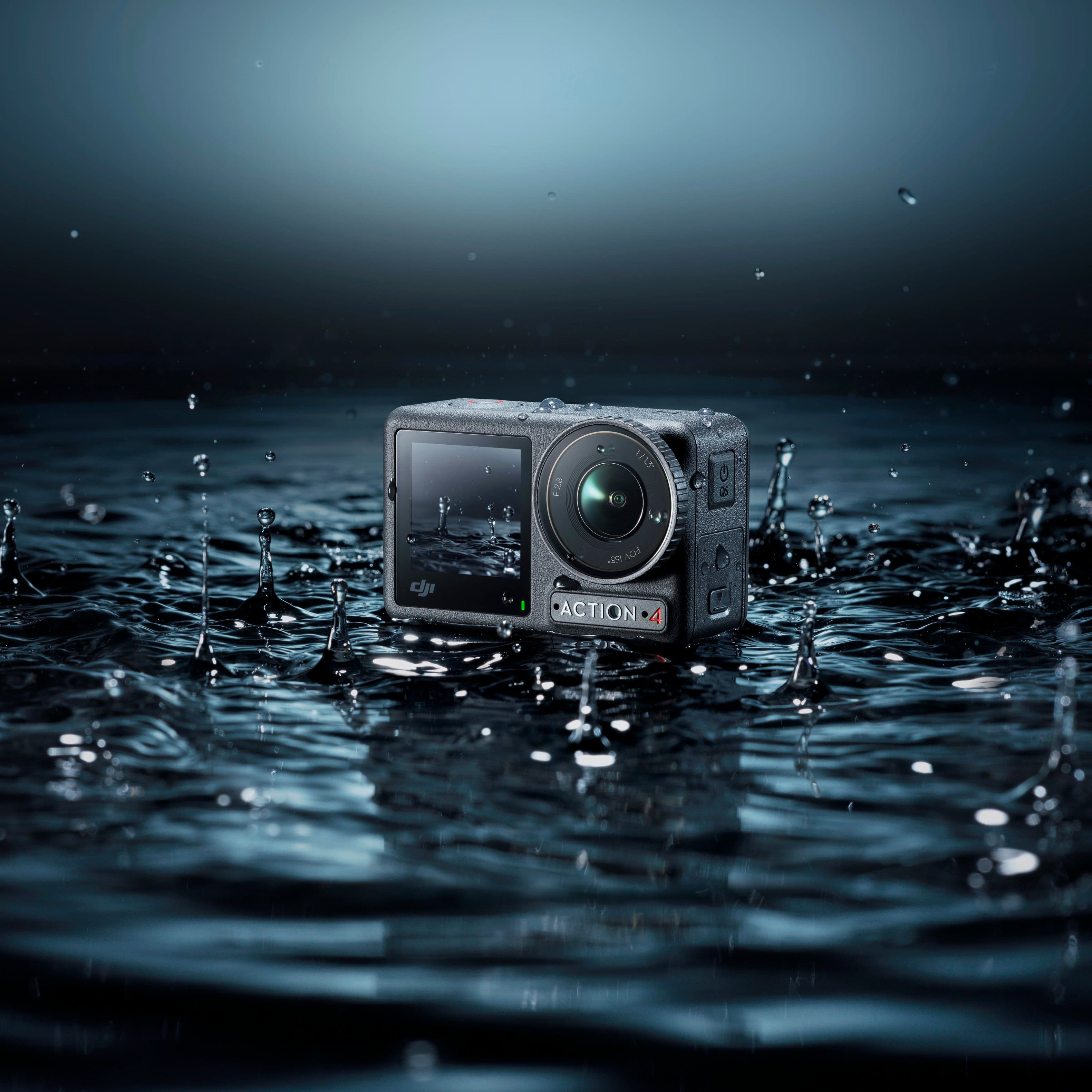
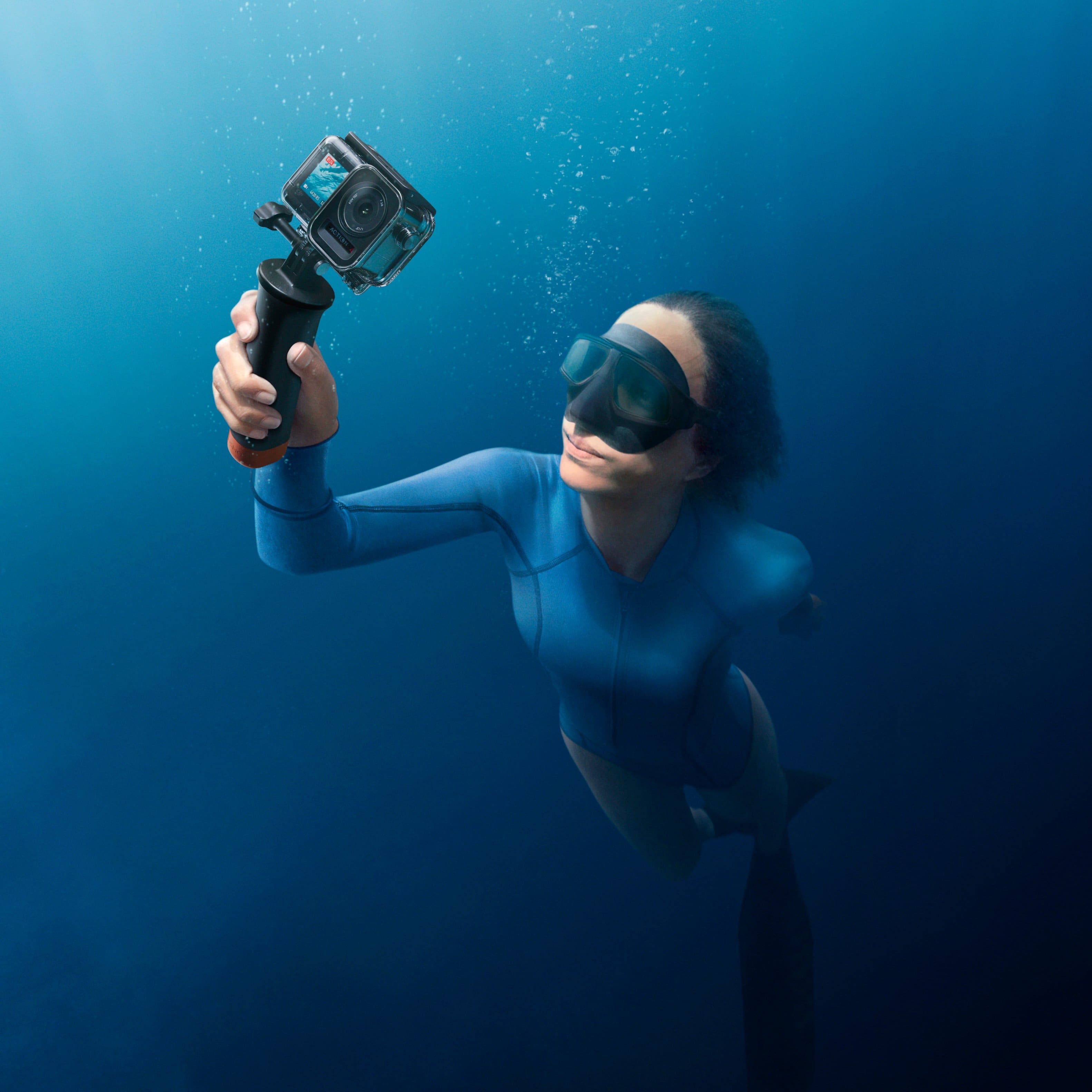
    • Answer This action camera has a maximum depth of water resistance of 59 feet.
    This question and answer was generated by AI based on customer and product data.
  • QuestionCan this camera record in 4K?

    • Answer Yes, this action camera can record in 4K at 120fps.
    This question and answer was generated by AI based on customer and product data.
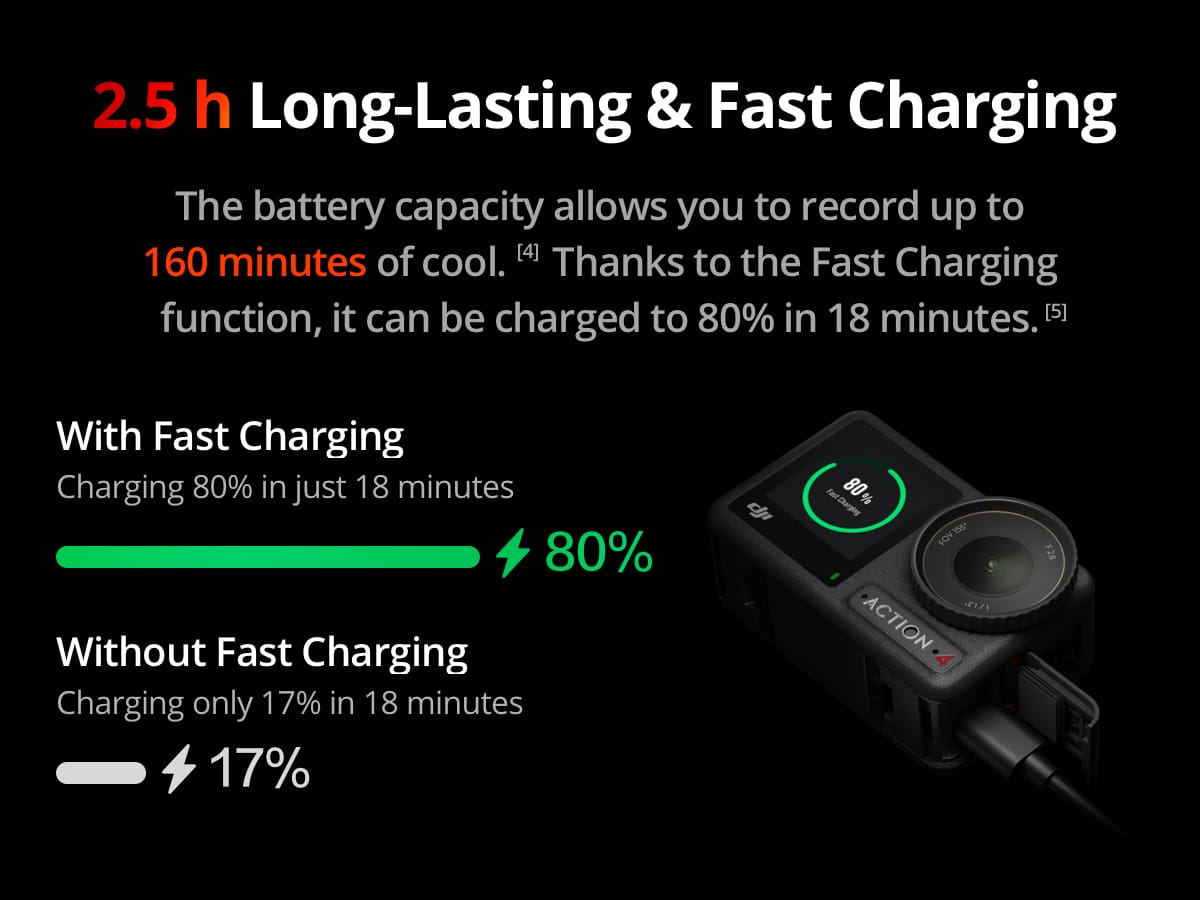
  • QuestionHow long does the battery last on this camera?

    • Answer The battery life of this camera is up to 2.67 hours.
    This question and answer was generated by AI based on customer and product data.
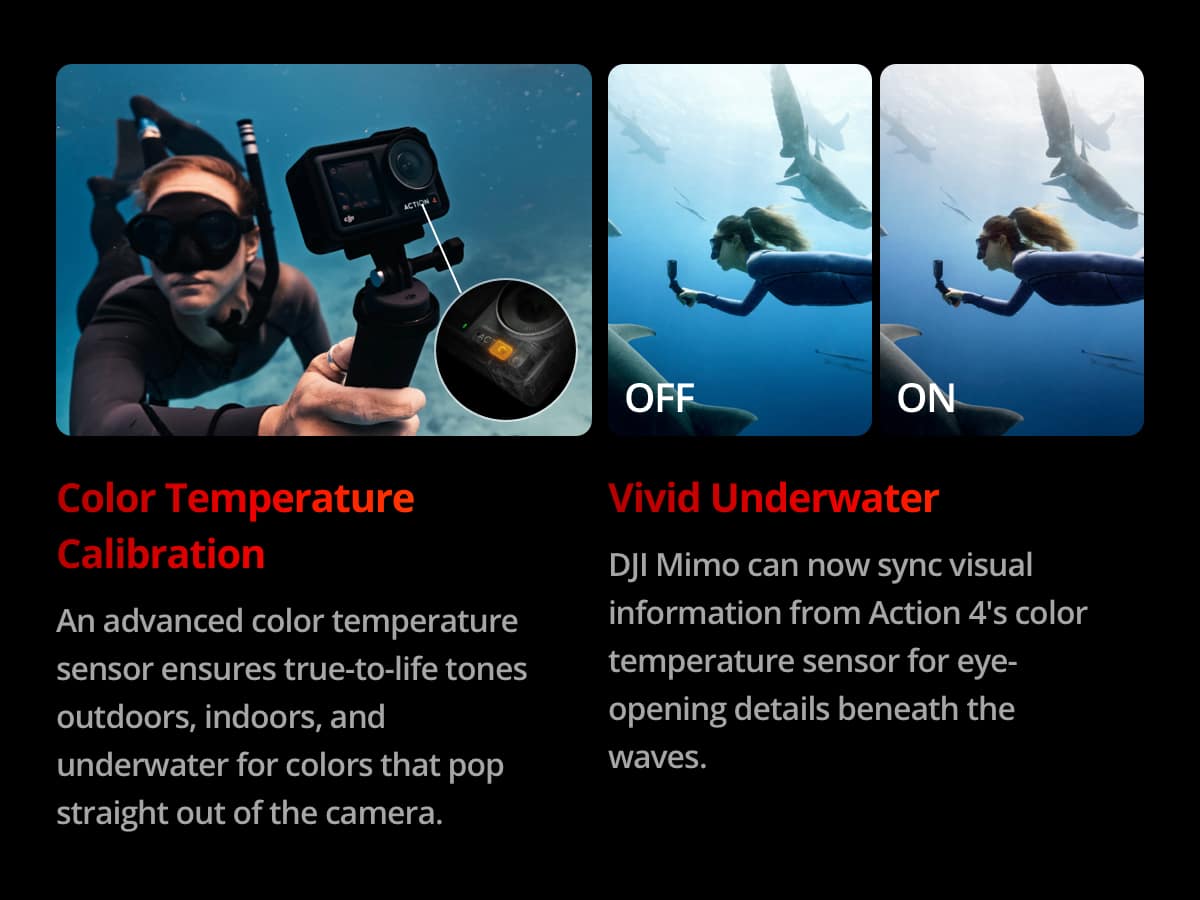
  • QuestionDo you need a red lens for this camera for underwater filming? And can you use it as a still-photo camera?

    Asked by Kray.

    • Answer The camera comes waterproof up to a certain depth without any accessories. There is a special case you can buy from DJI to make it more waterproof, which allows you to take it deeper into the water. And yes, you can take still pictures with it. You can also do timelapses, slo-motion, and a couple other settings.

      Answered by GeorgeFrudakis

  • QuestionHow long will it record

    Asked by RGREEN.

    • Answer Depending on settings I can get 3 hrs easily in 4k out of my Osmo action 4 camera

      Answered by JawanzaB

  • Questionhey how much storage does the camera have?

    Asked by dana.

  • QuestionCan it be used as a dashcam recorer too?

    Asked by kudzu.

    • Answer Yes, I used the sticker mount it came with to have it mounted onto my dashboard, so that i can film while I'm driving. Be aware that you might want to delete footage every so often, to prevent your storage from being wasted, and also the battery wont last a full day of driving, so if you have a trip planned you should get multiple batteries to swap out when they die

      Answered by GeorgeFrudakis

  • QuestionCan videos be saved to a thumb drive

    Asked by Anonymous.

    • Answer Dear customer, thank you for your inquiry. Yes, there are multiple ways to export and save asset files. For detailed instructions, please refer to this website: https://support.dji.com/help/content?customId=en-us01700006849&spaceId=17&re=US&lang=en&documentType=%27%27&paperDocType=ARTICLE

      Answered by DJI Official

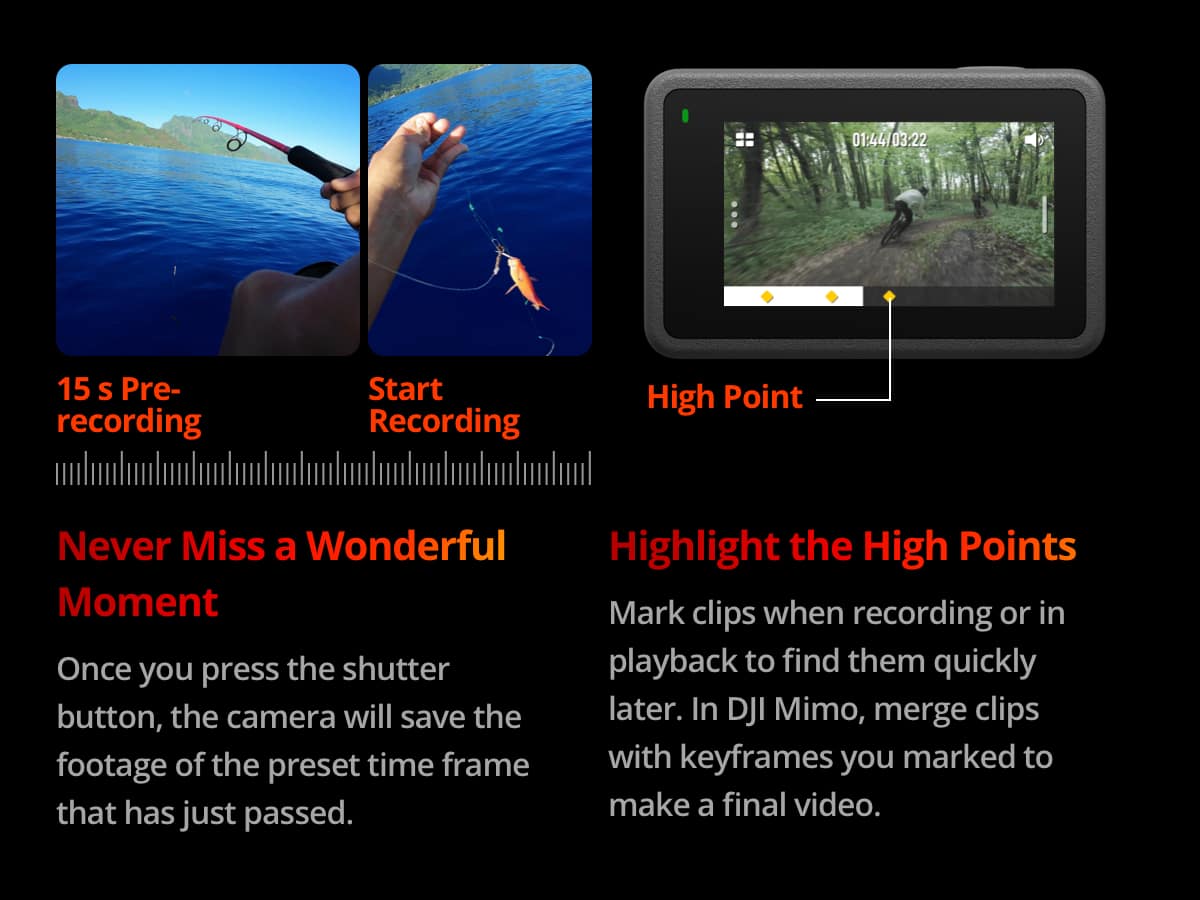
  • QuestionDose this camera have the feature like hindsight with the gopro heros

    Asked by Landon.

    • Answer Dear Customer, thank you for your inquiry. We sincerely apologize, but the DJI Osmo Action 4 does not have the hindsight feature. Hope this information will help. Should you need any further assistance, please feel free to contact our DJI support at http://www.dji.com/support, we are always here to help.

      Answered by DJI Official

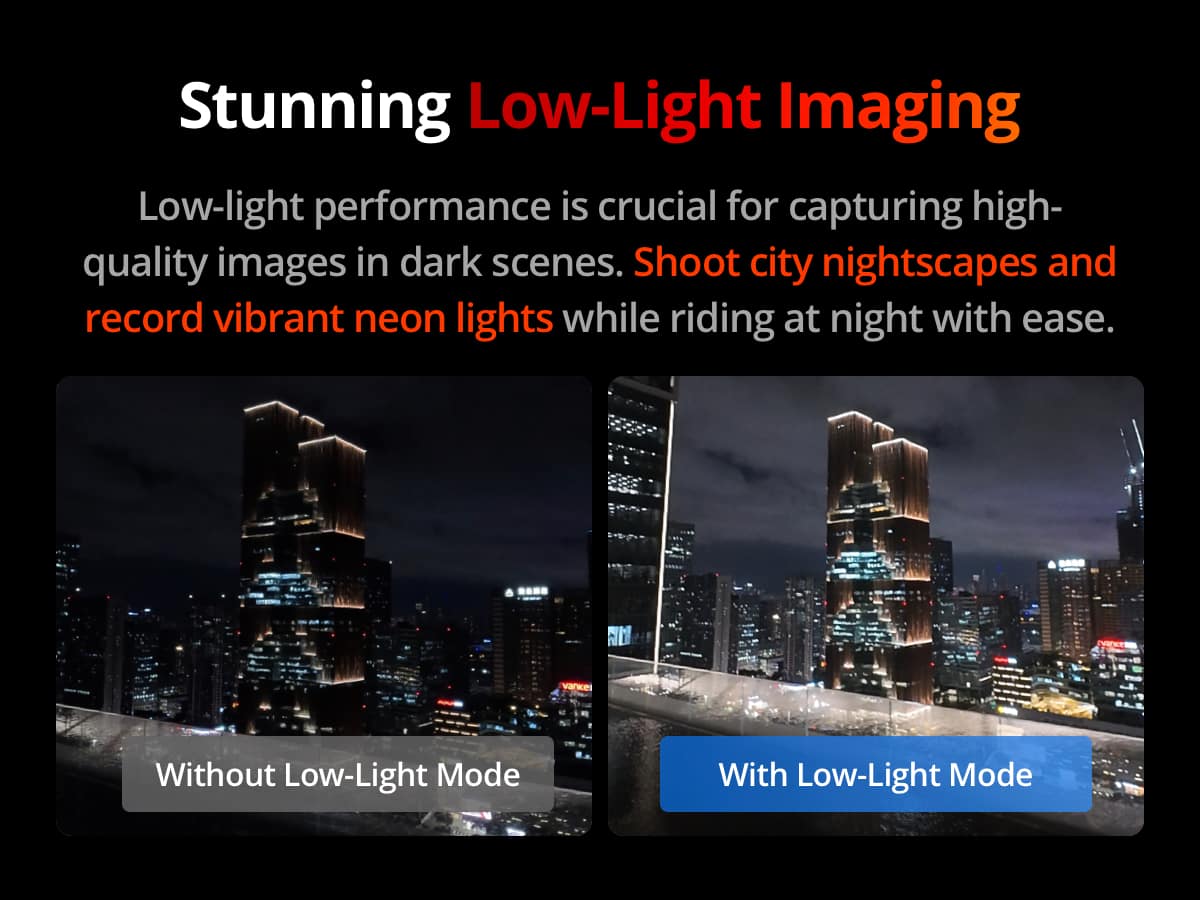
  • QuestionCan this camera be used effectively indoors?

    Asked by kb.

    • Answer Dear customer, thank you for your inquiry. Action 4 can be used indoors, and you may freely adjust the camera settings to suit indoor lighting conditions for shooting. Thank you for your understanding and support!

      Answered by DJI Official

  • QuestionCan this camera be used as to work with Zoom as webcam?

    Asked by CFELIX.

    • Answer The Osmo Action 4 can be used in webcam mode, but it requires an SD card to record video. To start recording, press the Shutter/Record Button. Please note that the recorded video will always be 1080p at 30fps, regardless of the resolution and bracketed frames settings. If your computer software does not have a “select camera” or “video source” option, it means that the software does not support the Osmo series camera as a webcam. Please verify whether the software you are using allows you to select the camera source.

      Answered by DJI Official

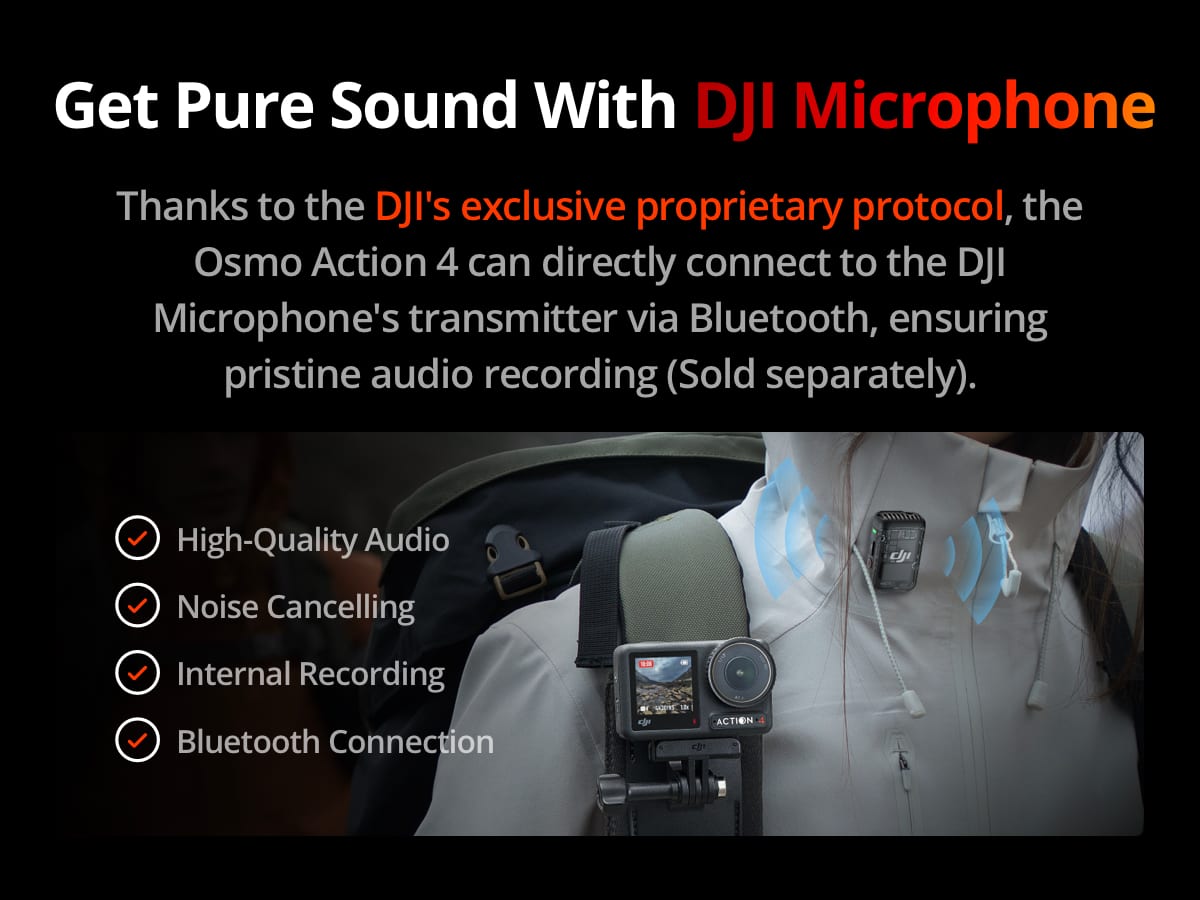
  • QuestionCan you attach a wireless microphone to this item?

    Asked by axlaws.

    • Answer Yes, they sell wireless microphones separately, made by DJI as well. The camera has bluetooth capabilities

      Answered by GeorgeFrudakis

  • QuestionWill this camera shoot in any sort of raw photo format for editing?

    Asked by Brad.

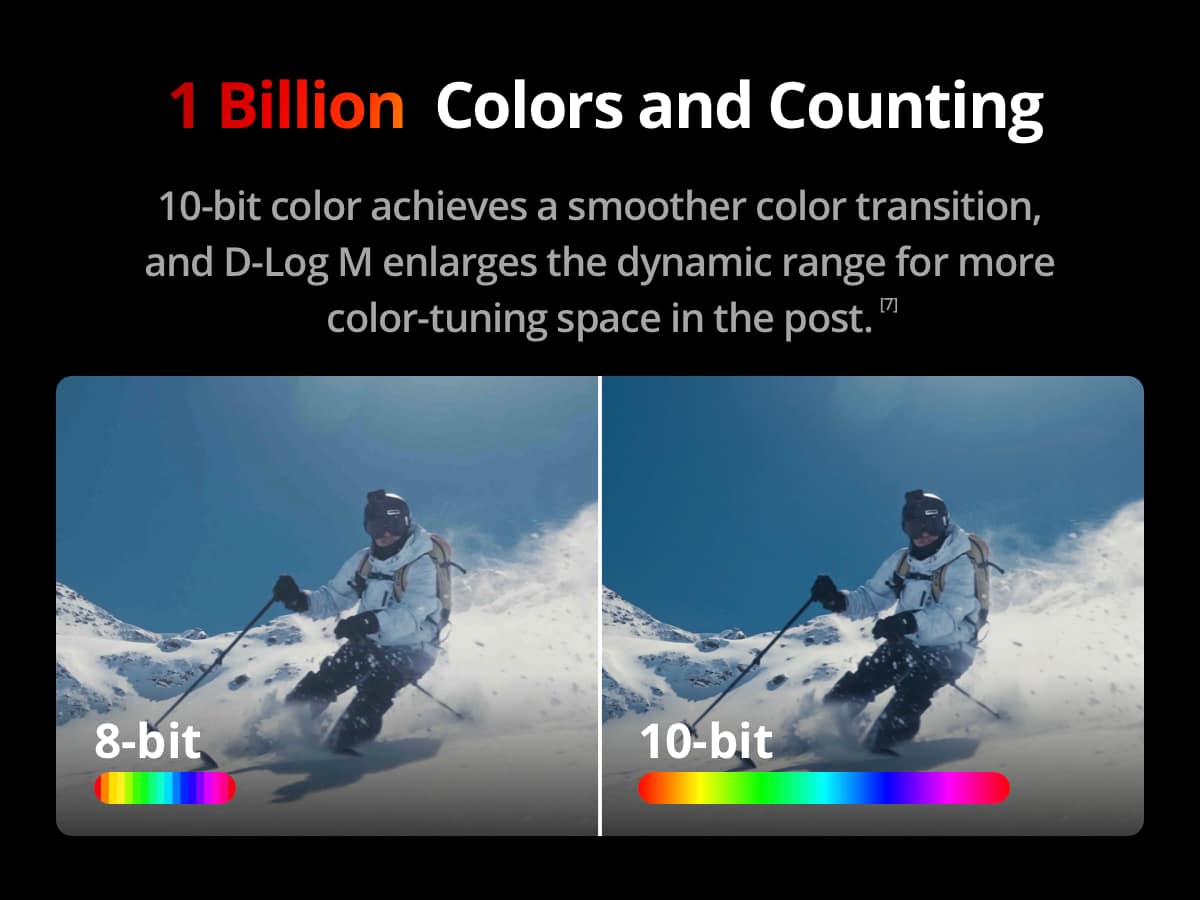
    • Answer Dear Customer, Thank you for your interest in DJI products. Kindly note that the DJI Action 4 supports JPEG/RAW formats for photos and MP4 format for videos. We hope this information helps. Wish you a pleasant day!

      Answered by DJI Official

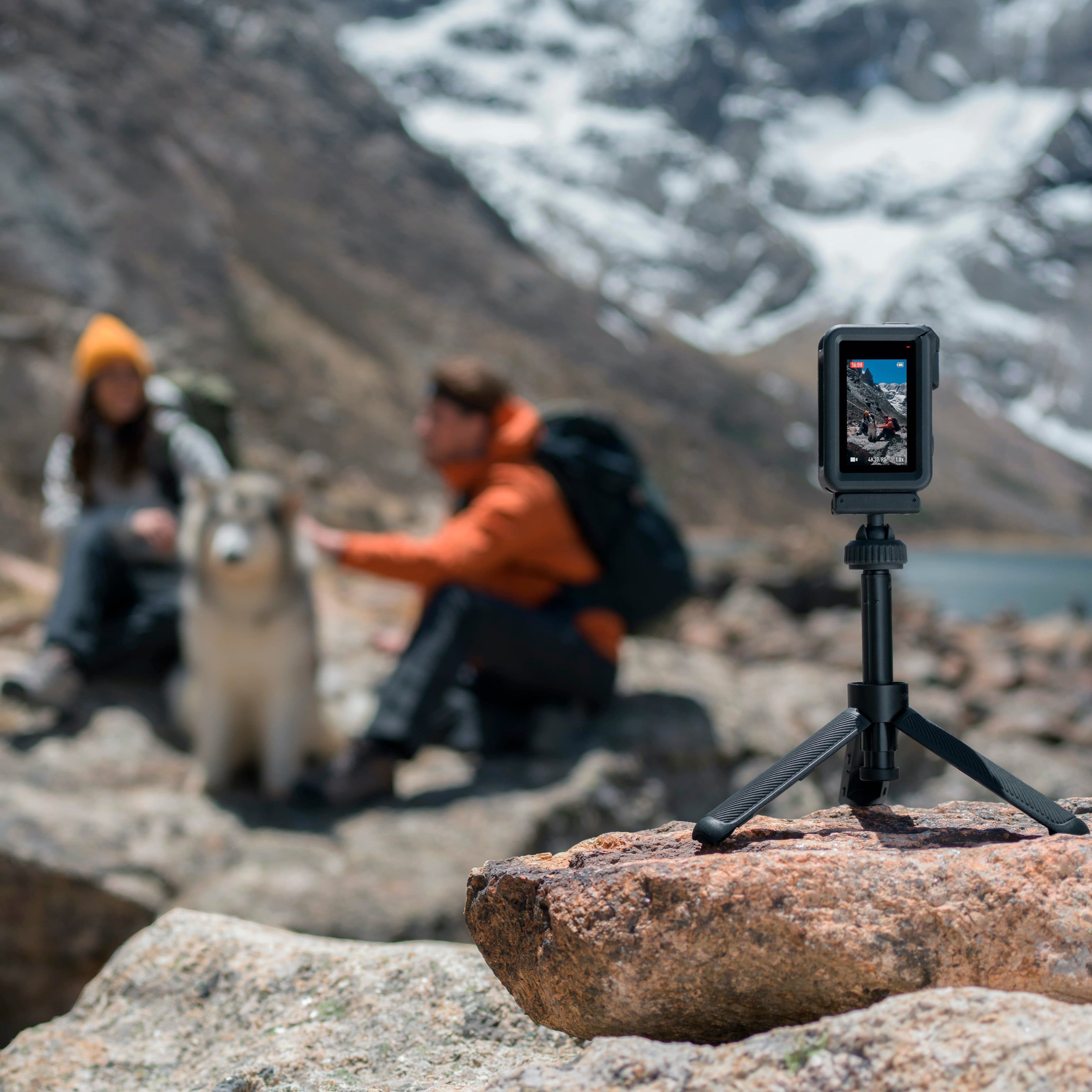
  • QuestionCan this be mounted on a tripod?

    Asked by Edso.

    • Answer Yes

      Answered by MANUELAM

  • QuestionDoes this livestream FB and youtube ?

    Asked by LogH.

    • Answer Yes, it has livestreaming capabilities. Theres a special setting for it in options. It can do pretty much all streaming platforms

      Answered by GeorgeFrudakis

  • QuestionDoes the Osmos Action 4 4k have follow me capability? What is typical battery life?

    Asked by Walter.

    • Answer The battery life is okay I turn mine off when I’m not using it.

      Answered by Ness

  • QuestionHow long does the battery last in cold temps

    Asked by Soggycoffee.

    • Answer Dear customer, thank you for your inquiry. The operating temperature for Osmo Action 4 is from -20° to 45° C (-4° to 113° F), and the operating time is 160 minutes(tested at room temperature (25°C/77°F) and 1080p/24fps (16:9), with RockSteady on, Wi-Fi off, and screen off). Please note that this data is for reference only, the actual operating time will be depending on the actual usage(environment, settings, etc). Hope this information will help, should you need any further assistance, please feel free to contact our DJI support at http://www.dji.com/support, we are always here to help.

      Answered by DJI Official