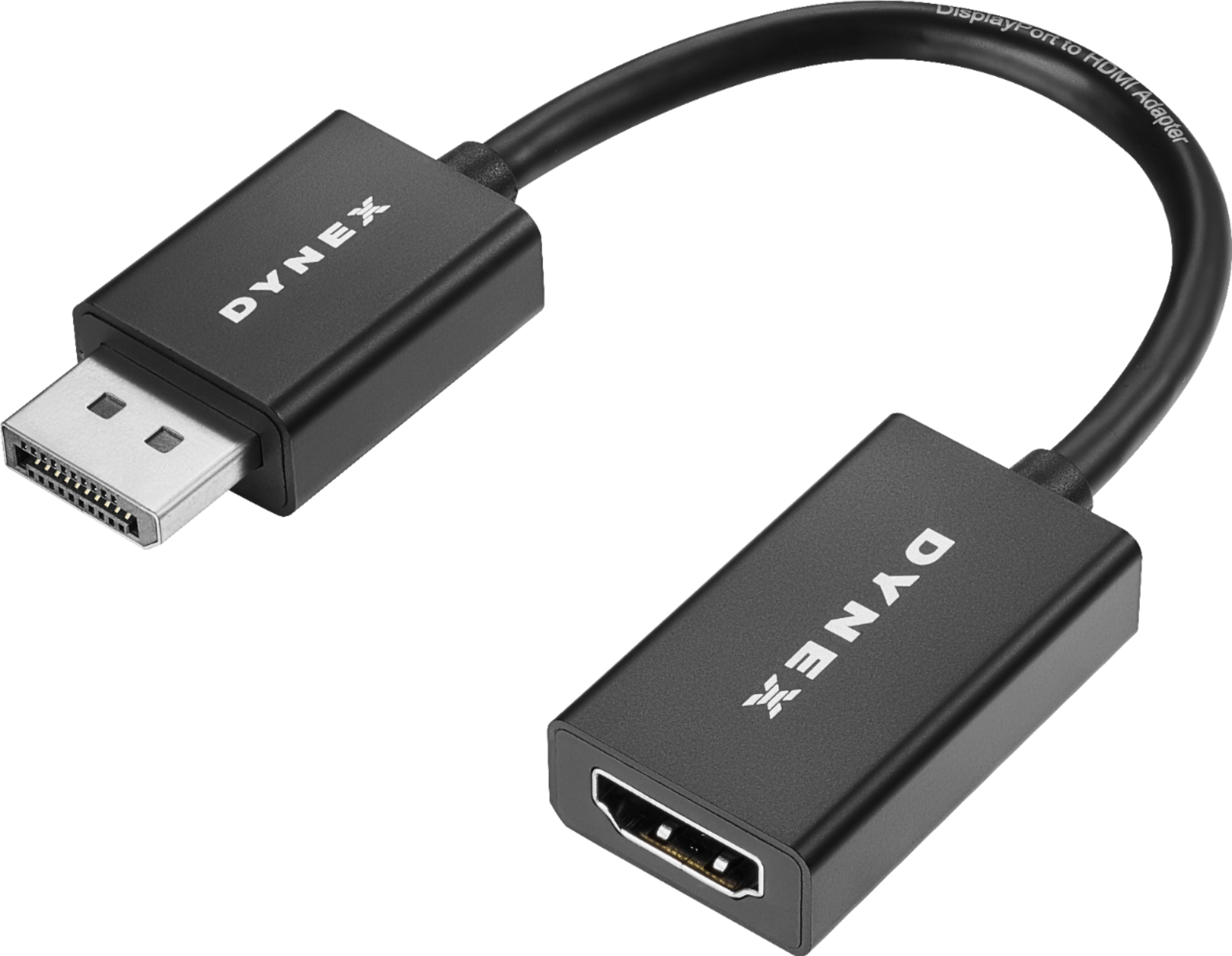
A:AnswerIt won't work with this adapter. You need a HDMI to thunderbolt/miniDisplayPort adapter:
https://www.bestbuy.com/site/insignia-mini-displayport-to-hdmi-adapter-white/5813015.p?skuId=5813015
A:AnswerSounds to me that you want a wireless speaker. Best buy has a wireless speaker that can connect to the HDMI. Got it for my dad who has a hard time hearing what's on tv and it worked great
A:AnswerTry checking your Sound/Speaker Settings of your PC and check if you can set the audio to your TV monitor. Right click the speaker icon at the lower right corner of your PC and select the desired AUDIO output, in your case, the TV.
A:AnswerShould still work, possibly at a lower resolution.
Might want to consider a port replicator. DELL has one for about $130, HP and others have them at about the same price. This may allow you to work with up to three monitors.
A:AnswerDo you have DisplayPort plug on your laptop? I use this to connect an HDMI monitor to the adapter, and then into the DisplayPort plug on my laptop. If you have an old laptop without an HDMI port, you probably don't have DisplayPort. You may have only VGA out on your laptop.