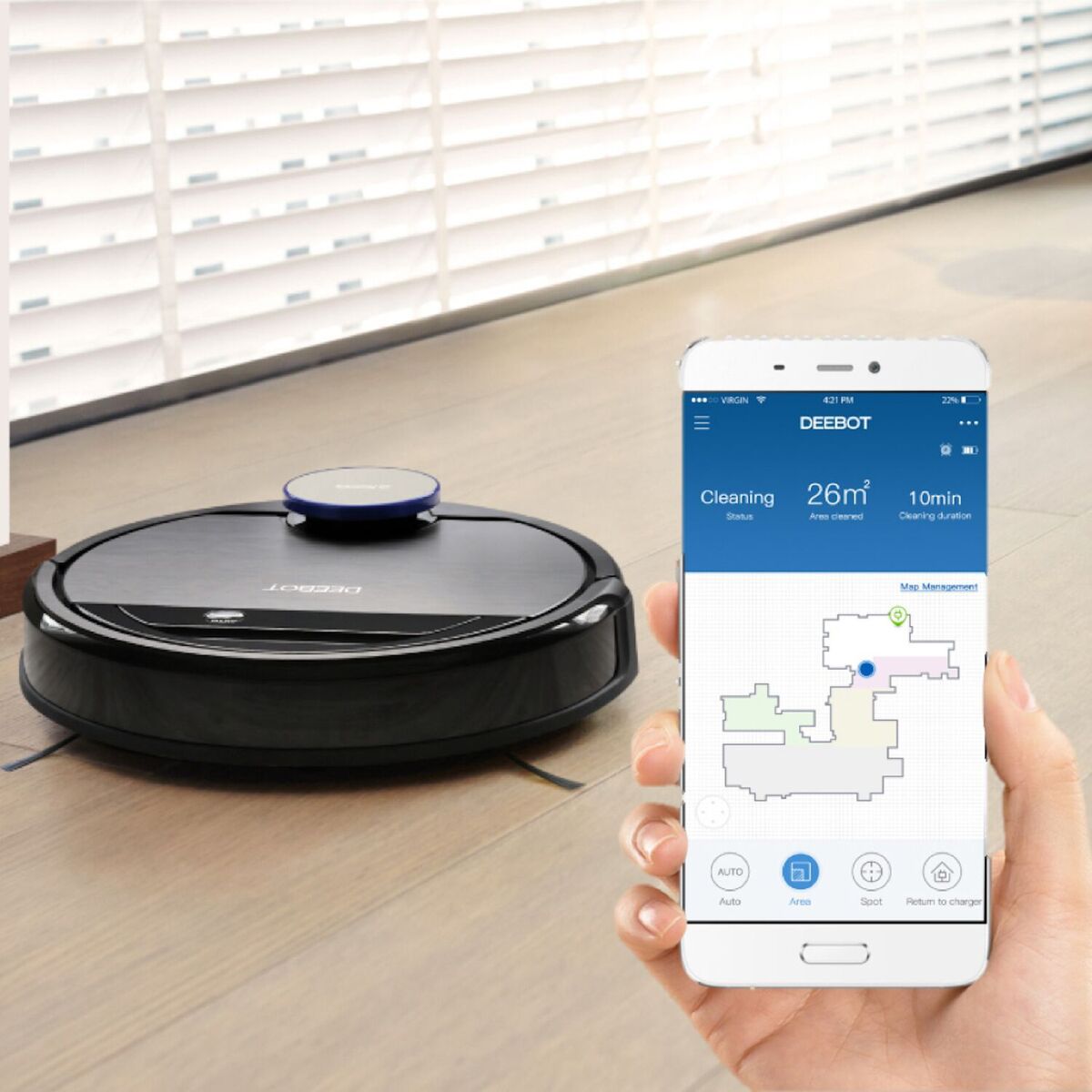
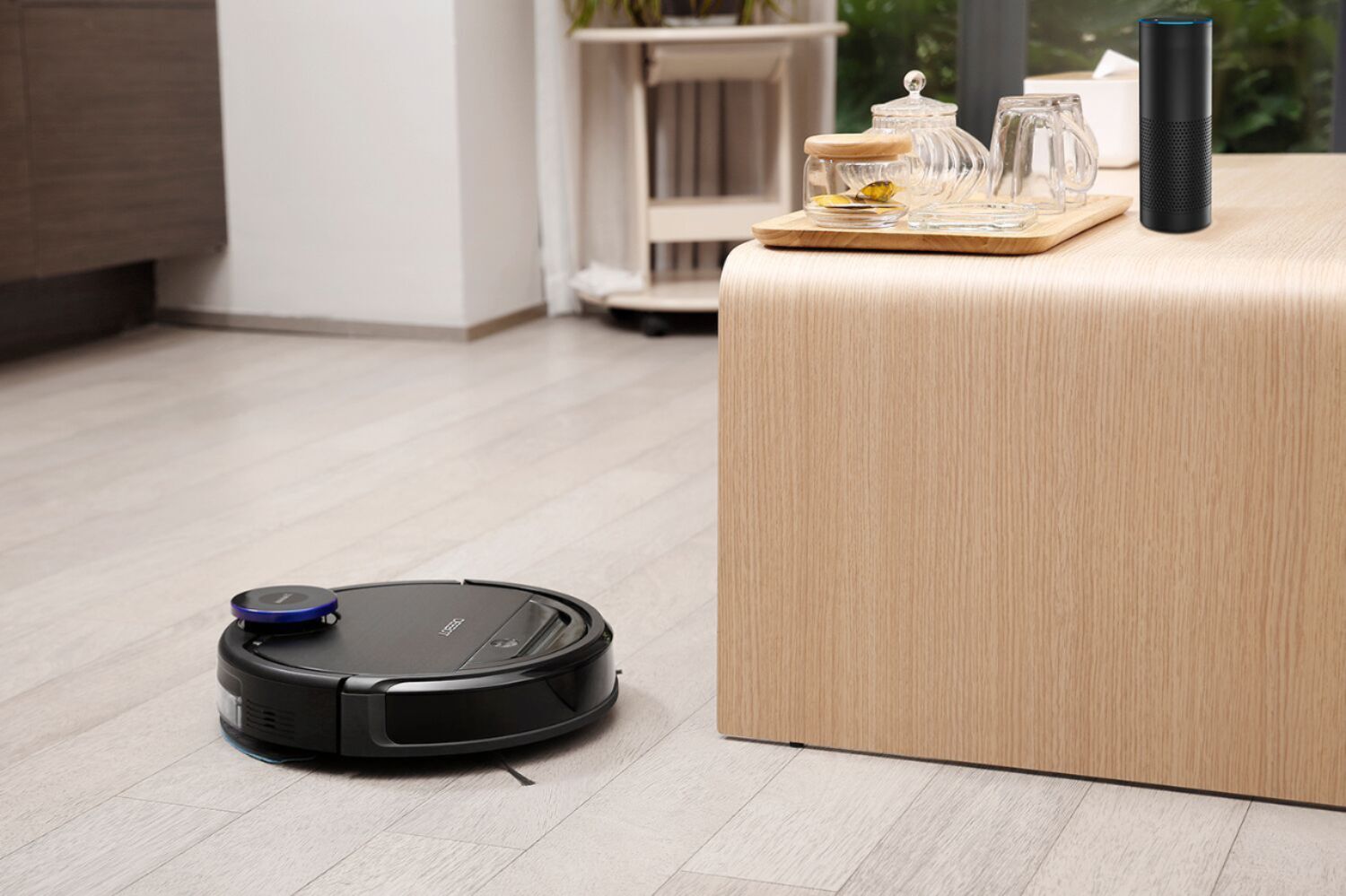
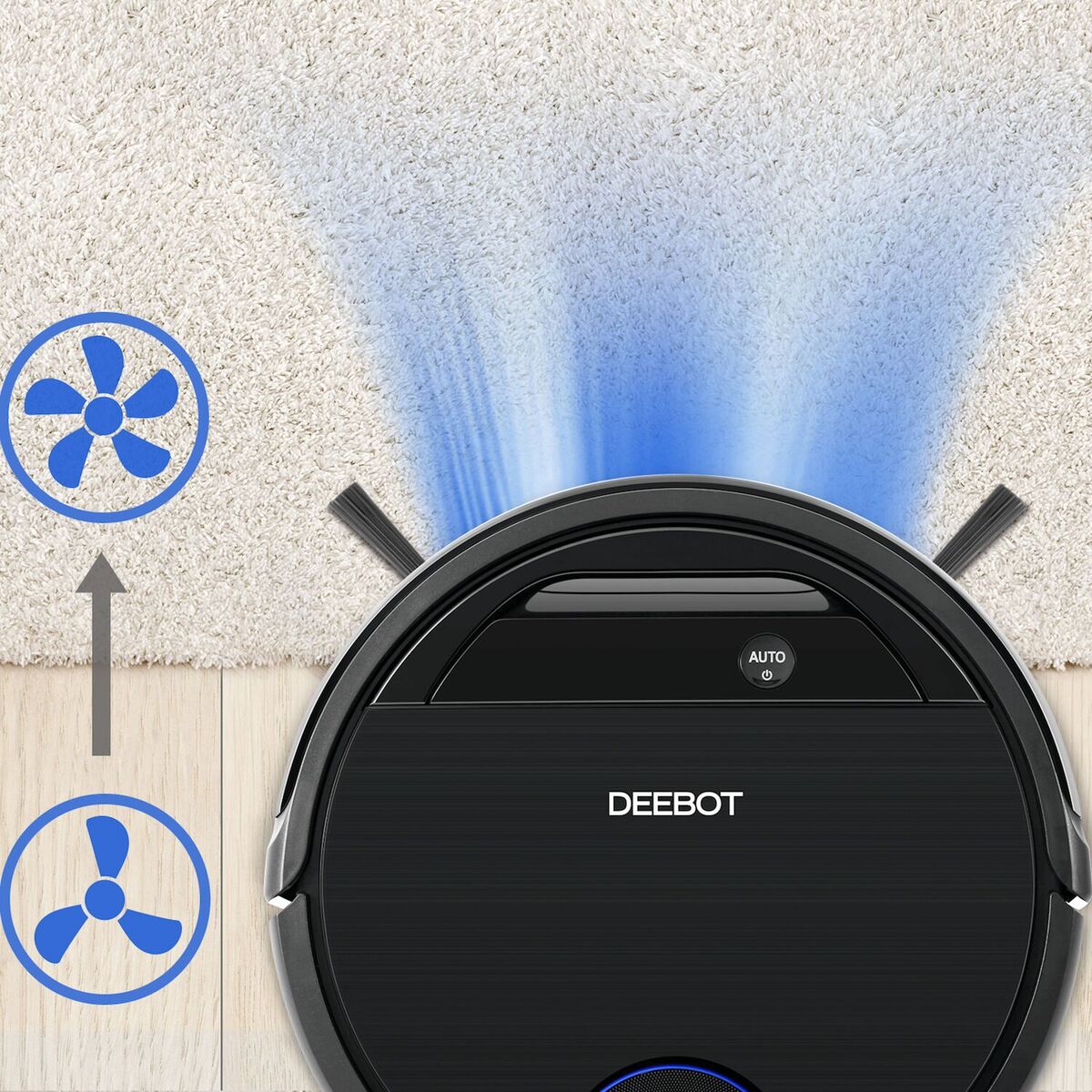
A:AnswerLet it finish the first floor completely then, turn it off using the switch. Bring it upstairs with the charger and plug it in. Put the Deebot on the charger then turn it on. Let it clean the 2nd floor completely. If you wish to bring it down repeat the step 4. It will save both maps
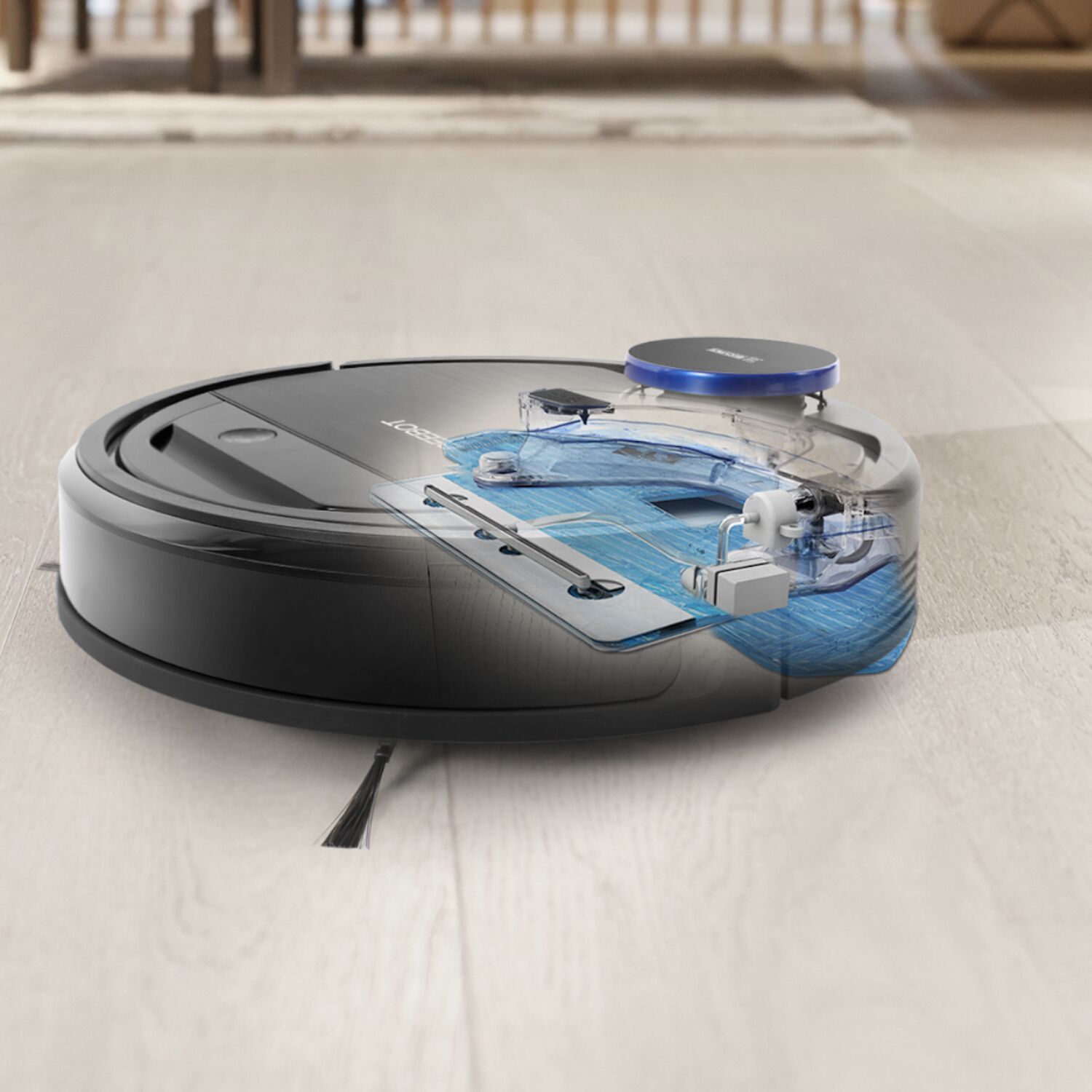
A:Answerfor the ecovac to mop you only need to fill the reservoir with water and attach the moping pad. ecovac will tell you its ready to mop. so for vacuuming just remove the mop pad and ecovac will tell you its ready to vacuum. that simple. nothing else to do in the app or elsewhere. the simple attachment of the mop pad will alert ecovac as to what you want it do next mop or vacuum.
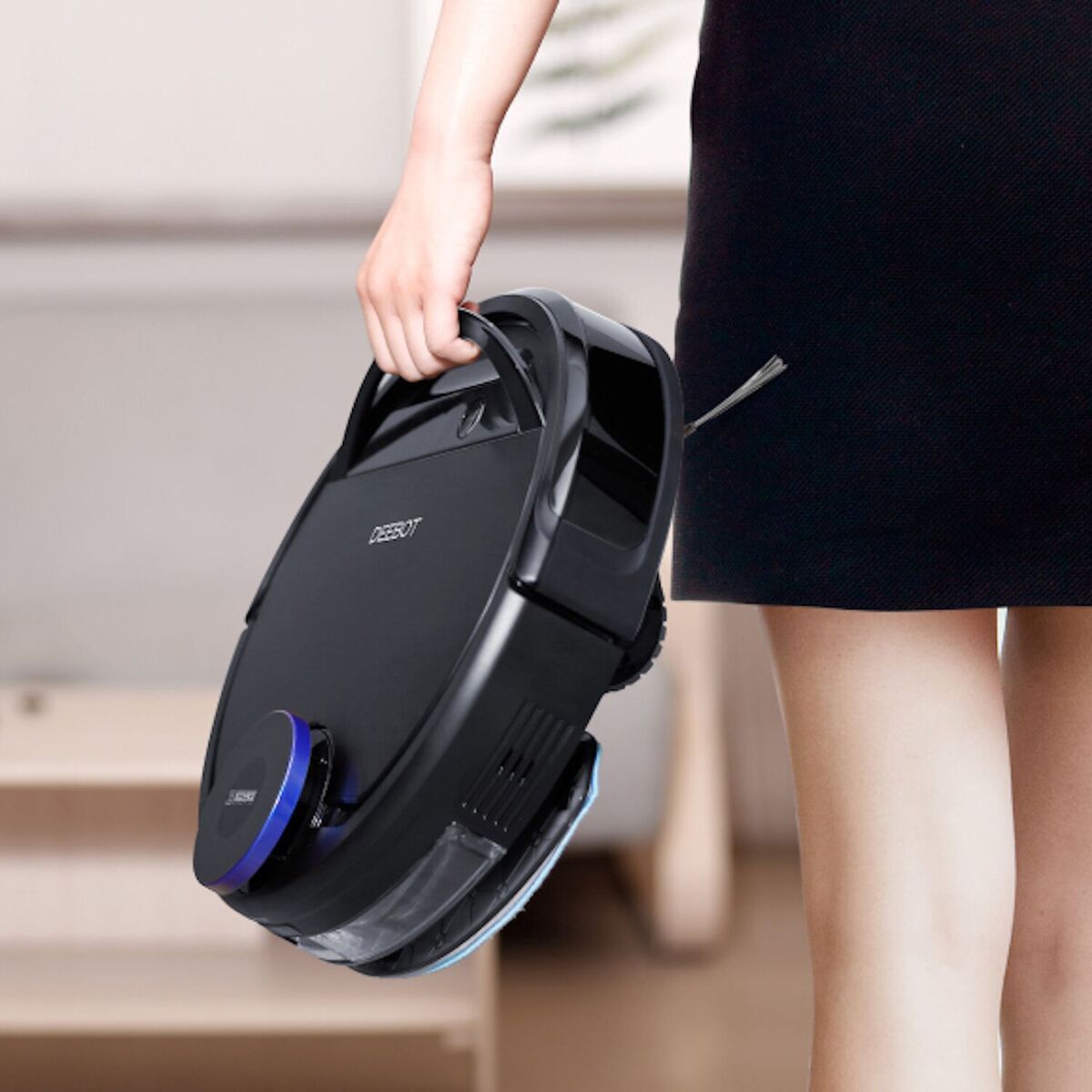
A:AnswerThe robot will lose its map if picked up while turned on. If the robot needs to be picked up, please first turn the robot off, and when finished, put the robot back on the charging dock and turn the robot back on. This way, the robot will retain its map.
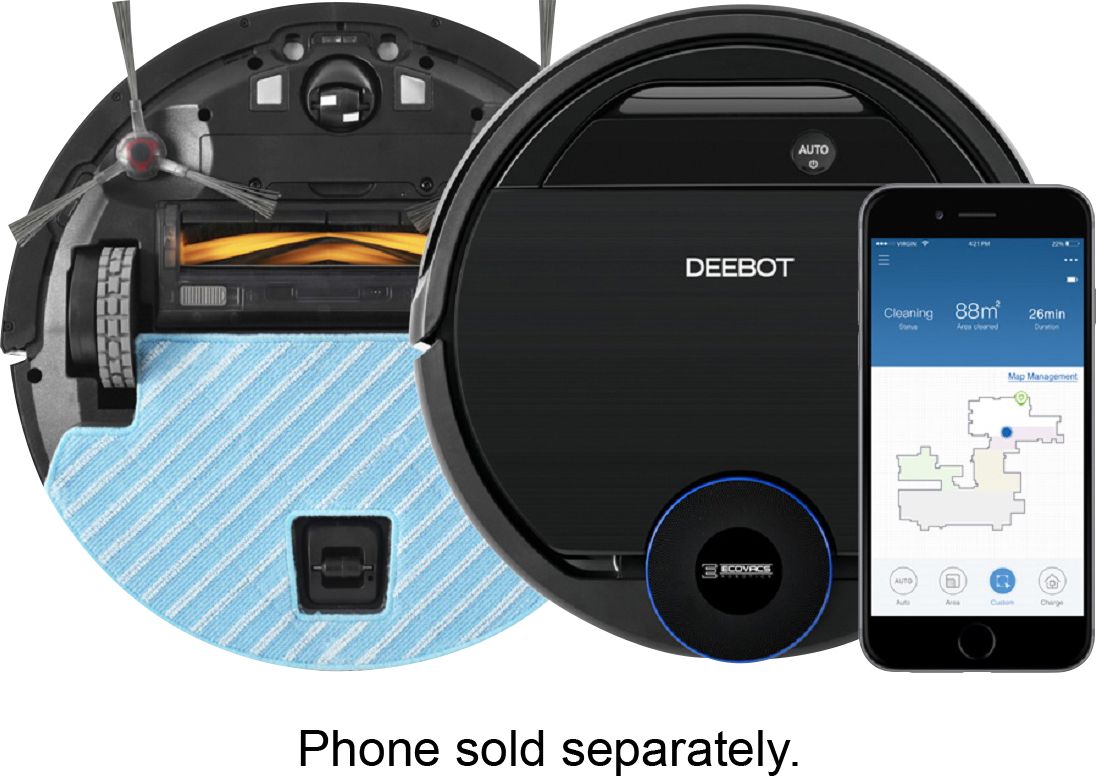
A:AnswerGet the Roomba. Mine either does a great job or we track a lot in, but it won’t complete a clean cycle without a dump. Our old Roomba would. I believe the dust bin is much smaller on this deebot.
A:AnswerHello,
Thank you for the review. All of our models are compatible with 110V-240V. If you could please contact us at [email protected] we’ll be happy to help out with any questions you may have.
Best,
Ecovacs Customer Care
A:AnswerHello,
Please feel free to contact us at [email protected] we’ll be happy to help out to label your area in the map.
Best,
Ecovacs Customer Care
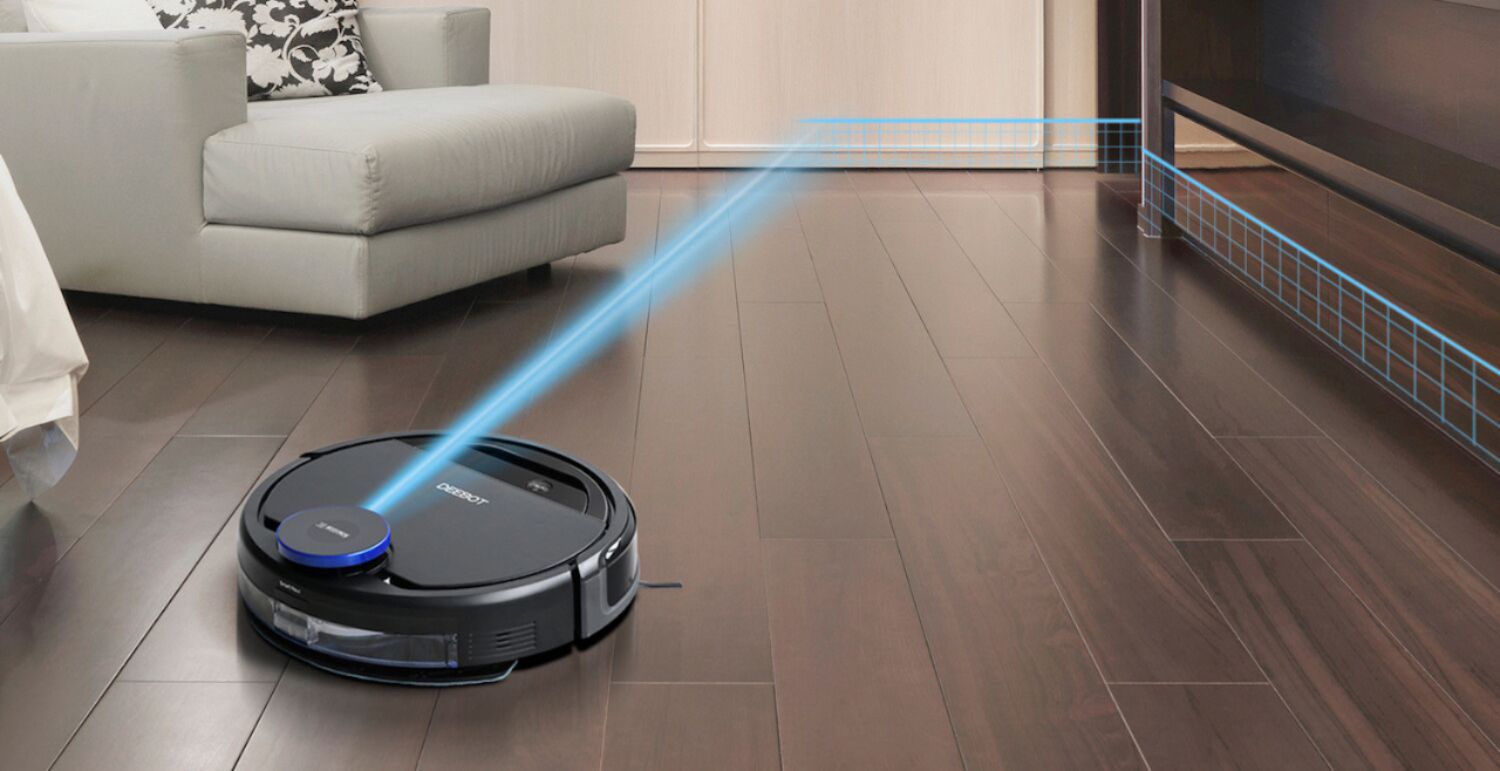
A:AnswerIt has to map your entire area first and then you can set limits in the app (currently not available in the Google Play Store). It does use smart navigation.
A:AnswerI don’t believe so. Otherwise they would advertise them as HEPA filter. They just call the High Efficiency filters. If they rated as HEPA, I’m sure they would advertise that.