Skip to contentGo to Product Search
Gift Ideas
45575 Dulles Eastern Plz
Ste 188
Sterling, VA 20166
Opens tomorrow at 11 am
Find Another Store
Main Content

Questions & Answers

$59.99
Save $30
The comparable value is $89.99
Page Showing 61-80 of 129 questions
  • QuestionDoes this work with spectrum internet?

    Asked by Djm.

    • Answer yes it works. My service provider is Spectrum.

      Answered by Elite

  • QuestionCan I set this up using a web-based browser instead of a phone app?

    Asked by gg.

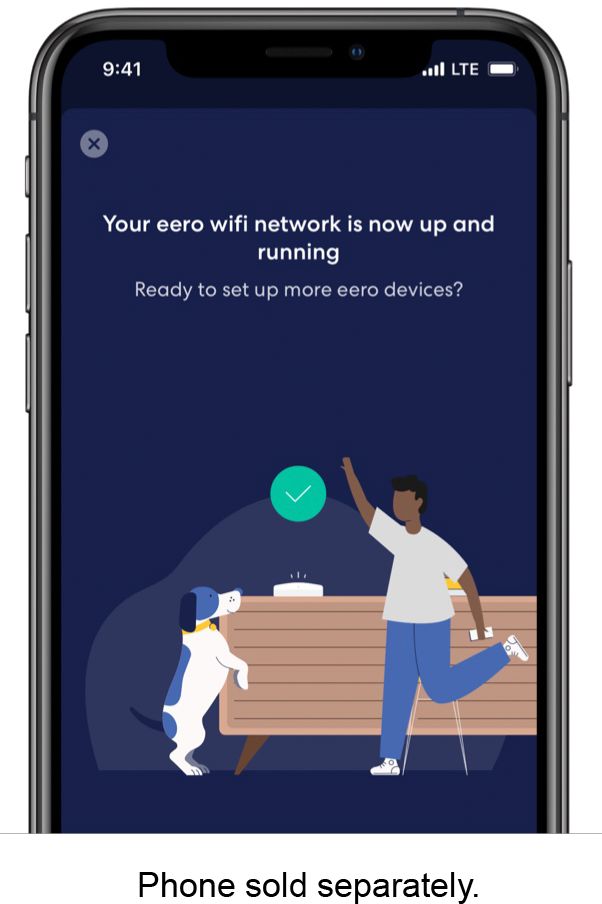
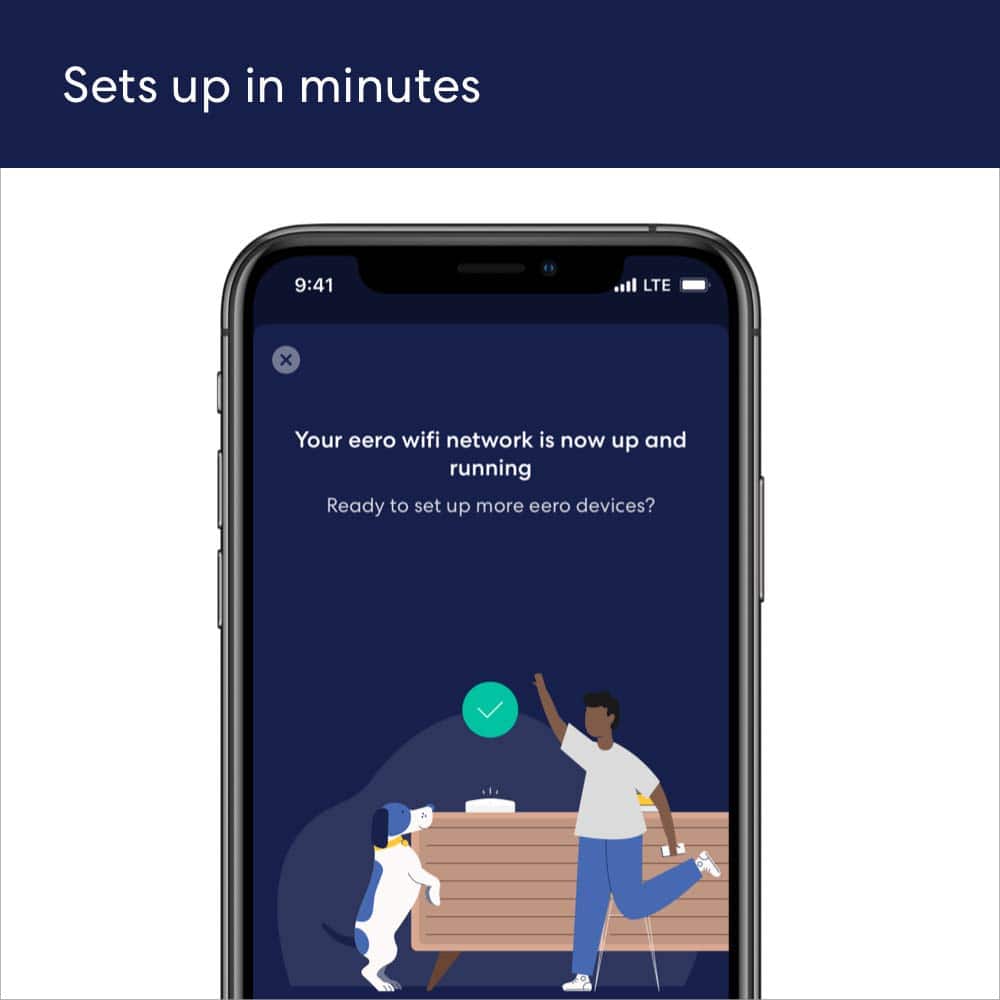
    • Answer Hi gg! No, you can't setup a eero 6 router without the eero app. Here are the requirements for setup; - Active internet connection from an Internet Service Provider (with cable or DSL modem, if required) - Supported iOS or Android device with data connection - The eero app for iOS or Android - An email address and phone number (to activate and sign in to your account Hope this helps, have a great day!

      Answered by Amazon Devices Customer Support

  • QuestionDoes this mesh system support a vpn

    Asked by GB.

    • Answer Hi GB! Yes, eero supports VPN pass-through. Eero Plus is a premium subscription service that provides advanced security features, network optimization, and enhanced parental controls for your eero mesh WiFi system. Eero Plus members also get access to Guardian VPN, a VPN service included with their subscription. Hope this helps! Have a great day!

      Answered by Amazon Devices Customer Support

  • Questionwould you suggest this (one) for my assisted living home

    Asked by patricia.

    • Answer Hi patricia! The eero 6 provides coverage for up to 1,500 square feet with speeds up to 900 Mbps. If these features meet your specific needs, this device would be an excellent choice. However, if these specifications don't meet your requirements, consider upgrading to one of eero's more advanced router options. I hope this helps. Have a great day!

      Answered by Amazon Devices Customer Support

  • Questiondoes this router broadcast 2.4Ghz and 5 ghz simultaneously

    Asked by RHOPSON.

    • Answer Yes they do. All eero use the same SSID for all the network bands it can broadcast on.

      Answered by eeroinc Team

  • QuestionI have an xfinity router that just plugs into my electric outlet and delivers wifi... i dont think is a modem set up in my house. therefore will i still be able to use the eero system?

    Asked by modem.

    • Answer Hi Modem. Thanks for reaching out! It is very likely that your Xfinity router is actually a Modem/Router Combo gateway. As long as the Xfinity gateway has Ethernet ports, you can use an eero system. You’ll need to download the eero app and connect an eero to the Xfinity gateway with an Ethernet cable (There will be one in the eero box). The eero app will guide you through setting up your new eero system. eero will create a new wifi network for your devices to connect to (we recommend disabling the Xfinity's wifi if possible. If not, make sure Xfinity and eero are broadcasting different wireless network names). Additional eeros can connect to that primary/gateway eero (either wired or wirelessly) and, once setup, will broadcast the same wifi network.

      Answered by Amazon Devices Customer Support

  • QuestionI HAVE VERIZON INTERNET .CAN THIS PRODUCT HELP GET BETTER INTERNET.

    Asked by Beto.

    • Answer Hello Beto and thank you for your question! The eero 6 is a mesh networking system which helps to optimize your wifi network within your location. The eero mesh system can not boost network speeds from the incoming Verizon ISP. If you find you are lacking in speed/connection from the Verizon ISP, you may need a faster or more powerful internet. Hope this helps! Have a great day!

      Answered by Amazon Devices Customer Support

  • QuestionCan this boost WiFi when we are camping at a site with electricity? Thanks!

    Asked by Lenny.

    • Answer Hello Lenny! Yes, but the eero would still need access to the internet via an ethernet cable. I hope this information helps, have a great day!

      Answered by Amazon Devices Customer Support

  • QuestionIs this router compatible with I3 Broadband?

    Asked by Nisie.

    • Answer Hello Nisle! As long as your 13 broadband router has an Ethernet port, one of the eero can be connected to the router and gain access to the internet, I hope this information helps, have a great day!

      Answered by Amazon Devices Customer Support

  • QuestionDoes this router work with Hawaiian Telcom fiber optics?

    Asked by Sis.

    • Answer Yes it will. eero will work with any ISP as long as the eero gets access to the internet via an ethernet port. According to the Hawaiian Telecom website they are offering eero Pro 6E with their service. You may want to talk to them to see about that offer.

      Answered by eeroinc Team

  • QuestionWill this router help with the low bandwidth I'm getting in my dorm room? There is a line to hook up ethernet

    Asked by Dormroom.

    • Answer An eero system is intended to get you good speed at range. You would hook up one eero to your ethernet internet feed and use another to get greater wifi range. However, the eero cannot provide more speed than what it is fed. So, for example, if you hook up your laptop to that ethernet line and get 50 Mbps, adding an eero to the mix will get you about the same 50 Mbps.

      Answered by eeroinc Team

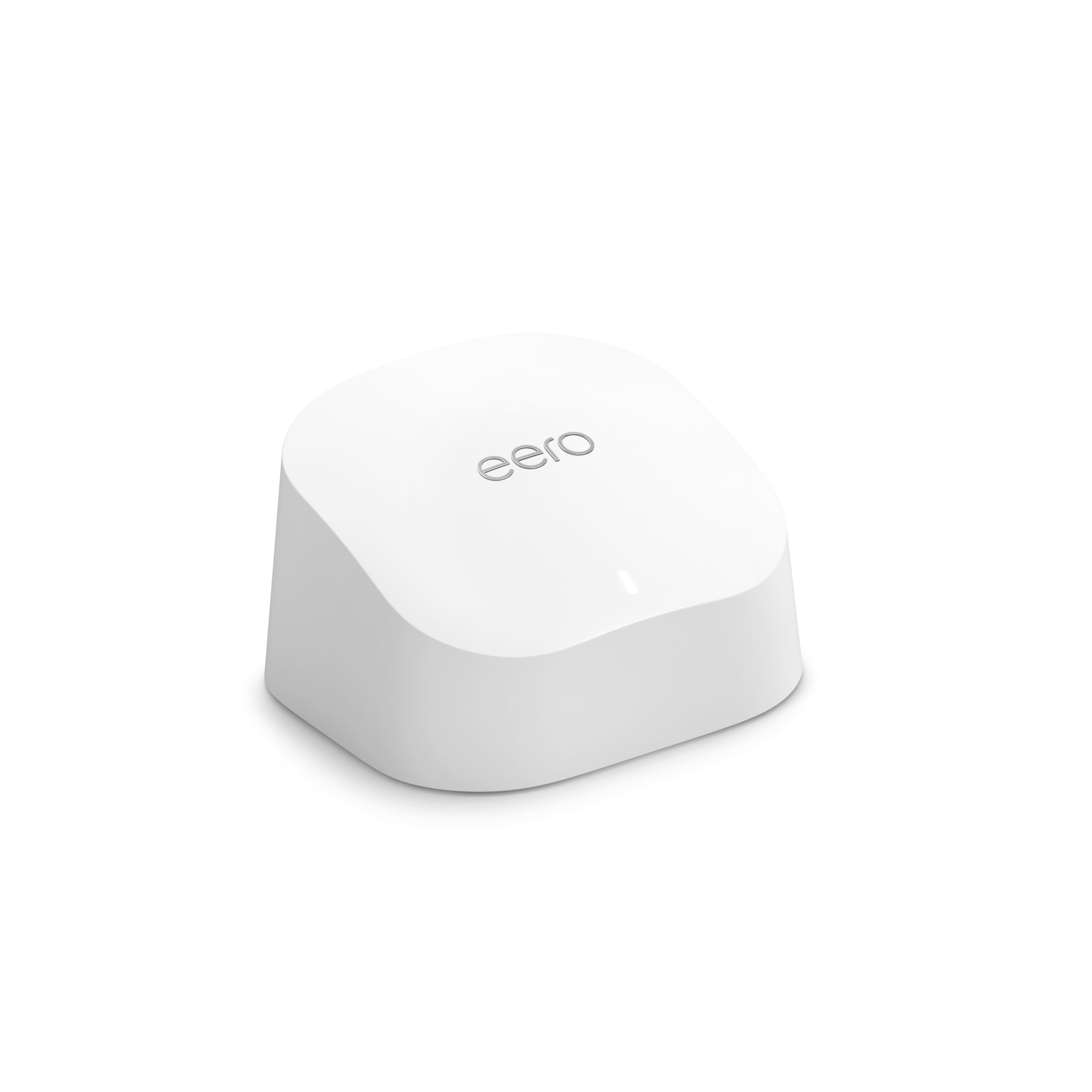
  • QuestionDoes ths eero line extender have a ethernet port??

    Asked by MrRon.

    • Answer Yes, mine is not just an extender, it is a router that can stand alone to give wifi/wireless and wired/Lan ethernet. If this will be your only eero, you only get 1 wired connection (it comes with 2 wired/ethernet ports, but 1 is occupied by the ethernet line from your modem)....you would need to get a switch/ethernet adapter or 2nd eero to have more wired/lan connections. A second eero could get you 2 more wired ports if you connect your eeros together wirelessly. A switch can get you more wired ports than that, and is cheaper if you get a basic one (Best Buy has them, but I have never used one, so can't compare).
      Answered by atones

  • QuestionHello, I have a Frontier Router hardwired to an Apple Airport Extreme Base Station providing two networks. One for the Frontier and the other for the Apple networks. Will I be able to add this device to extend the existing apple wi-fi network?

    Asked by rep3studio.

    • Answer Yes and No. The eero cannot wirelessly extend a non-eero wifi network. So, if you hardwire this eero to your Airport Extreme, setup the eero and put the eero into bridge mode, the eero will create a wifi network for your device to connect to. Since the eero is bridged it have the Airport Extreme handle all the networking tasks, the eero will just do wifi. Devices on the eero wifi will be able to talk to stuff connected directly to the Airport Extreme. If you are wanting more range you can then use additional eero (they will connect to the head/gateway eero wirelessly or wired) and those eero will broadcast the same wifi.

      Answered by eeroinc Team

  • QuestionWill this work with connecting tv to satellite receiver so I can move tv across the room. No connection on that wall for satellite.

    Asked by Katnip.

    • Answer By itself, no. You would need to have eero A hardwired to your modem, this will be the gateway/head eero and will broadcast a wifi network for your devices. You can have eero B connect to eero A (either wired or wirelessly) and it will broadcast the same wifi network. So, you would need at least 2 eero to do that.

      Answered by eeroinc Team

  • Questionwill this work with Greenlight?

    Asked by Nannie.

    • Answer If you are referring to the ISP yes, eero should work with any ISP as long as the ISP provides eero with access to the internet via an ethernet port.

      Answered by eeroinc Team

  • QuestionI have T-Mobile at home internet will this work with that or no.

    Asked by Connection.

    • Answer Hi Connection, thank you for reaching out. eero is compatible with T-Mobile Home internet service. The eero device will replace your router from T-Mobile, and you can add additional eeros to boost the strength if needed. Hopefully this is helpful. Have a wonderful day!

      Answered by Amazon Devices Customer Support

  • QuestionDo these Eero devices provide firewall capability?

    Asked by Scott.

    • Answer As long as the eero is not in bridge mode (and by default it is not) yes, it does have a firewall. If the eero is bridged then you would need to make sure your router has a firewall.

      Answered by eeroinc Team

  • QuestionIs this compatible with Google webpass internet?

    Asked by Dan.

    • Answer As long as the ISP provides your head/gateway eero with access to the internet via an ethernet jack, yes, eero should work fine.

      Answered by eeroinc Team

  • QuestionSo what modem would u suggest to buy?

    Asked by Anonymous.

    • Answer eero 6 ax 1800 dual band

      Answered by AlexanderM

  • QuestionCan I use this to create a home Wi-Fi to connect home devices together? I don’t want to use it to get out to the internet.

    Asked by CS.

    • Answer Yes. All my devices are connected to it, easy access and monitoring with the Eero app

      Answered by NicoB