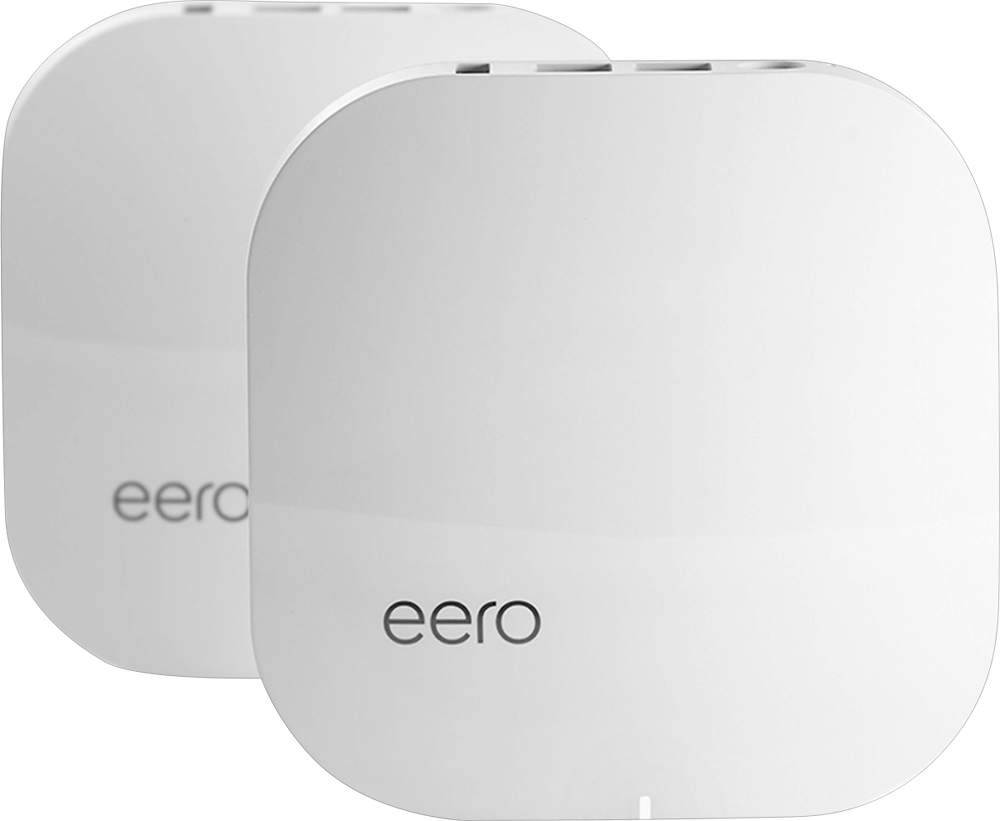
A:Answer The short answer is, you need to put 1 eero 'puck' at your internet connection, and add any others where your wifi is spotty. You'll need a power receptacle at each location for each 'puck.'
Eero can be configured to work as a 'bridge' if you want to keep your current router setup, or it can be configured to replace your current setup completely because the eero IS a router. If you choose to keep your current wifi router and install eero, I recommend shutting off the broadcasting wifi from that router, and set the eero to bridge. Doing this will prevent the 2 wifi systems from competing, and will allow your current router to be the firewall. I have had successful installs with this configuration on both Centurylink DSL modems as well as Xfinity cable modems.
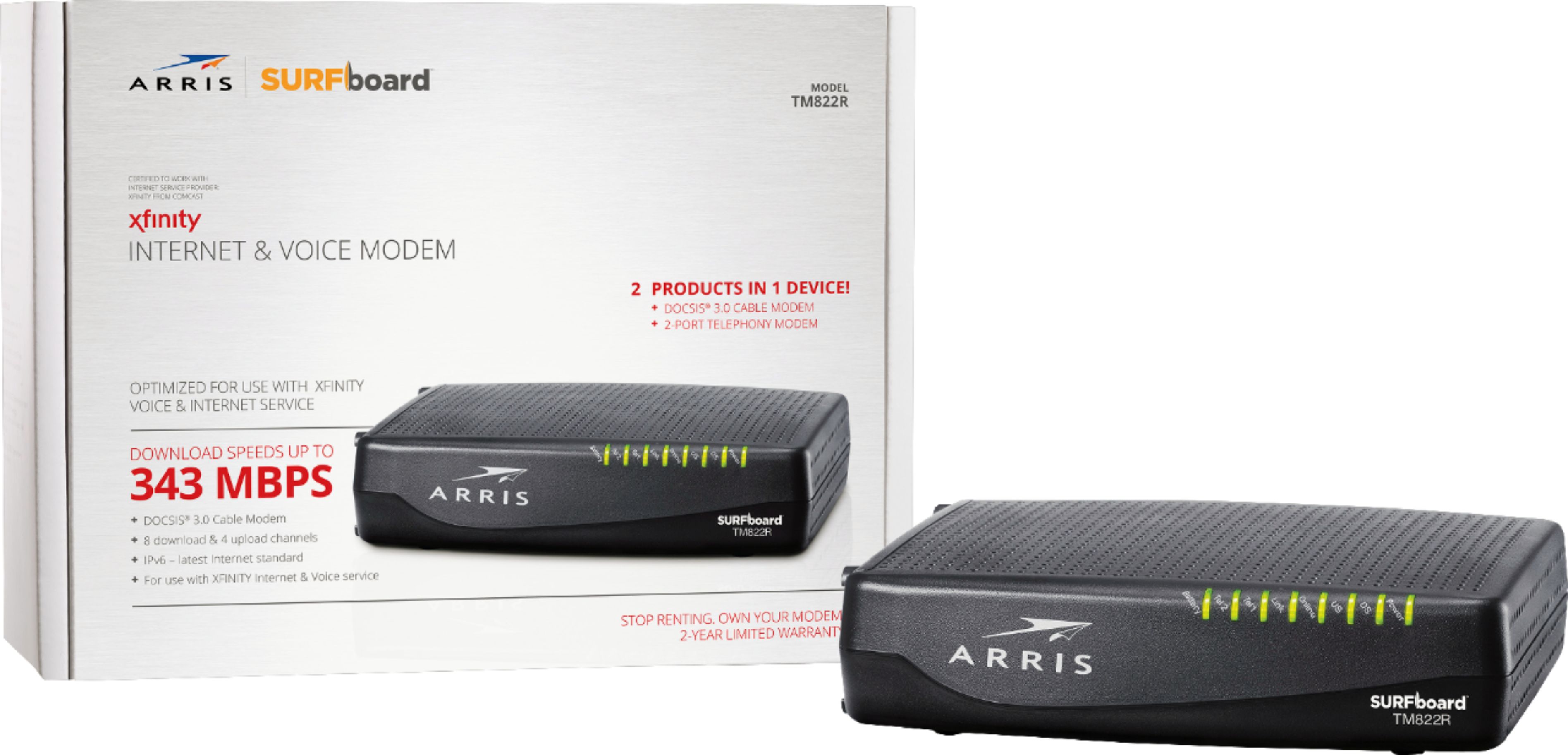
This is how mine is configured, however I did not have to disable any wifi because I'm not using the cable company's modem/wifi router. I have my own equipment; arris telephony modem (TM822G) connected to a luxul router (XBR-4400) and eero provides entire house coverage wifi in bridge mode.