
A:AnswerSo I’m just gonna say it, “No.”
EERO doesn’t work well over about 4 devices and spacing needs to be near perfect or it will mess up handoffs. Speaking from personal experience. We tried using backhaul too and that helped very little.
Assuming your house is relatively square, I’d place one on each floor on opposite sides of the house if you have to use EERO. You could probably use 2 Asus or Netgear or TP-Link routers Which would cost around the price of one EERO router.
You won’t notice it on TV’s (probably) but you will see what I call “rolling black outs” where the EERO devices disconnect intermittently and reset/reconfigure themselves if you have too many. Even when using Backhaul.
Per EERO’s tech support instructions we had about 10 devices scattered across a very large house, cabana, and pool deck and it was a nightmare. Then EERO tech support instructed us to drop down to 3-4 devices and it was still a nightmare…. It at least a different one.
Your other question:
To get “true” 1Gbps internet speeds you will need a router that can accommodate more than a 1 gigabit connection. This is because there is always network overhead and EERO is brutal in this regard. It applies a lot of tracking info, analytics, and QOS stuff to traffic (most routers do at least some of this but not like EERO. My Asus router allows me to turn all that off for instance).
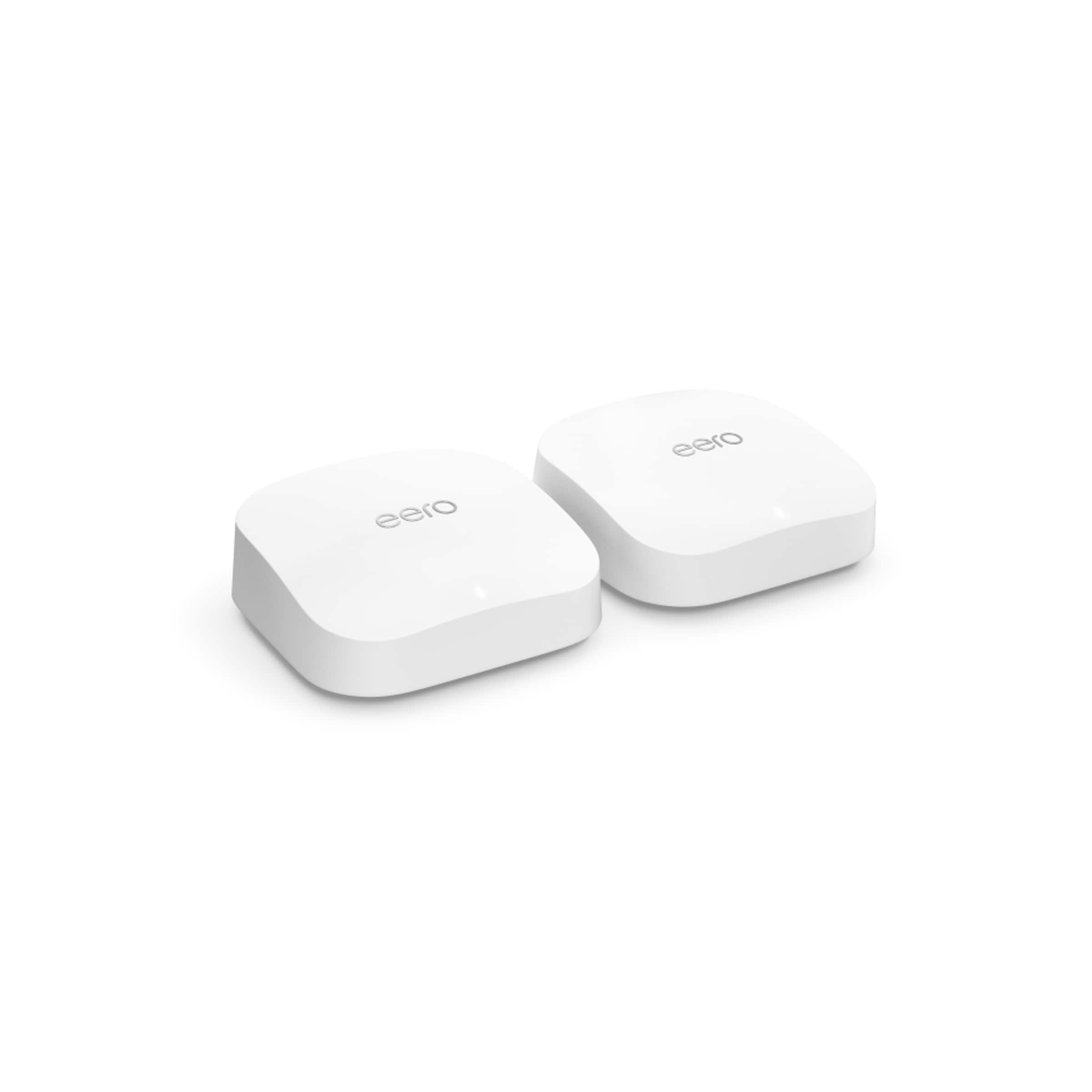
This EERO router has a 2.5GB input from your cable modem but your cable modem must have a 2.5Gb output. In my case, my last ATT router, despite paying for 1Gb speeds, maxed out at 1Gbps so my speeds were around 800Mbps direct from the router. I recently upgraded to an Asus router, Cable Internet, and a Cable Modem (from Best Buy) with a 2.5gb output and now get speeds around 1.2Gbps.
If you choose to go with a router and want your full speed, you’ll need to make sure your modem has a 2.5gb output.
All that being said, 800Mbps (and significantly less to be honest) is PLENTY to stream to 4-5 HD TV’s while 4-5 people are browsing the internet so your issue may be coverage or jumps through your mesh network.
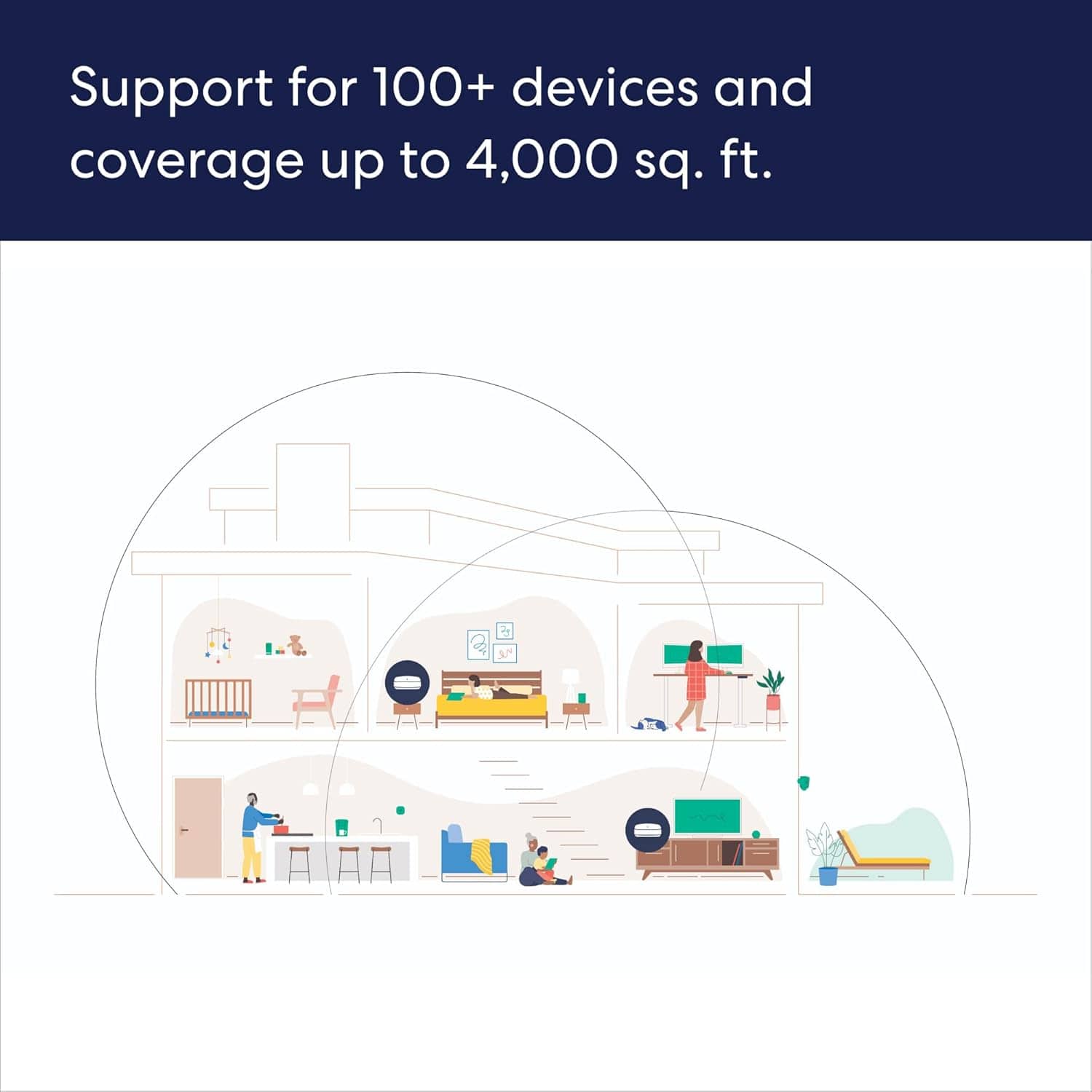
A:AnswerThere are limits, but you will run into practical limits (price and range) well before you run into device limitations. The largest network I've personally seen is 54 eero on a network and that one did work well. The more pressing issue is having eero too close to each other, you want eero to be around 30 to 50 feet away from each other.
A:AnswerYes you can. That will provide your computer a hardwired connection to the network (even if the eero it is plugging into is wirelessly connecting to the head/gateway eero, from the computer's perspective it is a hardwired connection). That computer will get as much speed as the eero is getting from the gateway eero. If you need to hardwire more than 2 devices get an unmanaged switch and go eero->switch->multiple devices
A:AnswerI'm not sure what the maximum is, but I get a good strong signal in the back of my backyard which I think is about 100 ft from the closest hub.
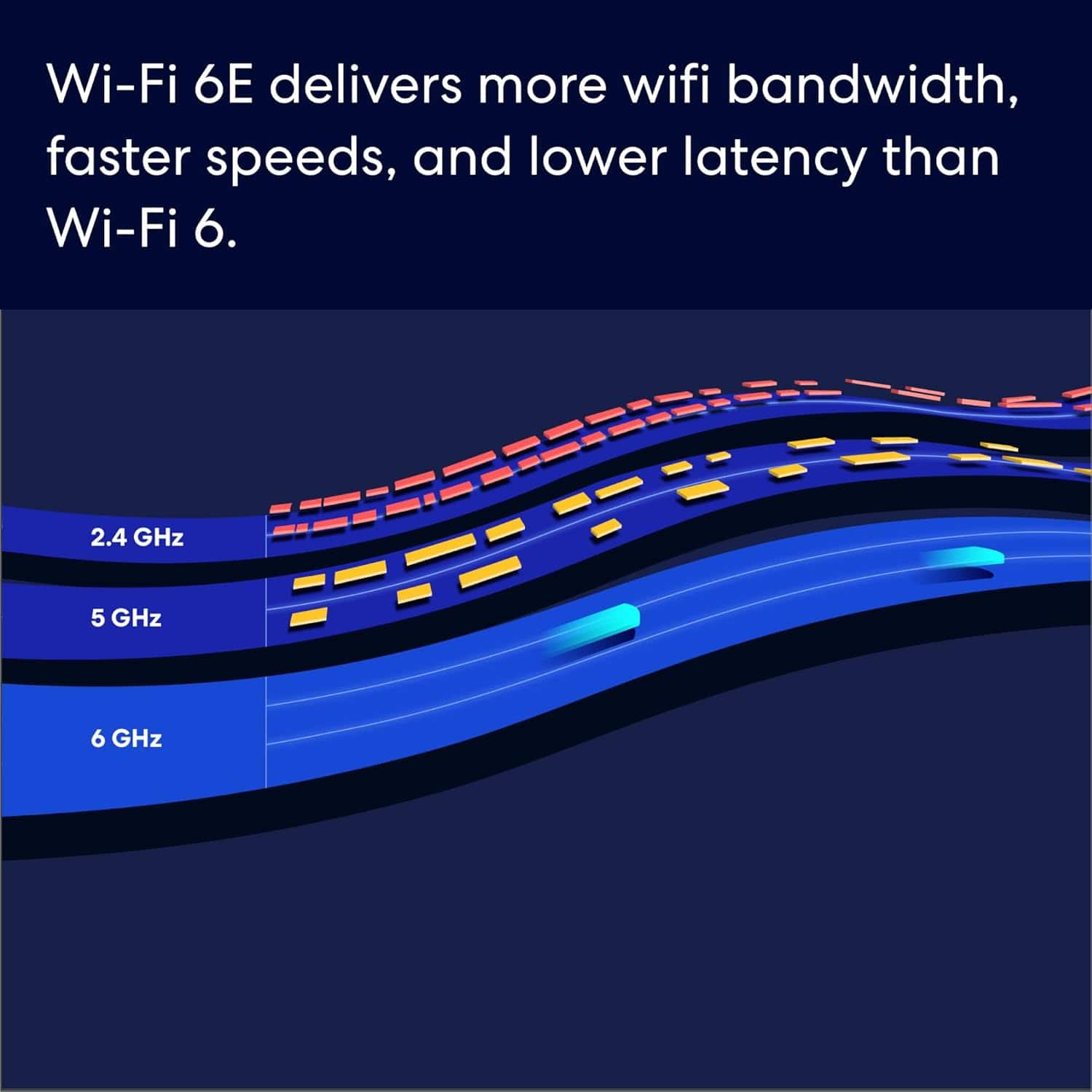
A:AnswerThe AX5400 is a marketing term intended to demonstrate the maximum possible speed for all the wireless radios combined. Since these speeds are almost never achieved in real world applications its usefulness is questionable, however the whole wifi market's marketing seems quite attached to it (since it does give an impressive looking number). for 2.4 bands we typically see, in real life situations) speeds from 10 to 200s, 5ghz gives us up to 500 to 600s and we have seen some wireless speeds a bit over 1 Gpbs on the 6ghz band, but 800s is more typical.
A:AnswerWe are unclear on what is meant by "Classic Mode", that is not a setting on eero. To get gigabit speeds wirelessly these Pro 6E should be able to give those speeds wirelessly, depending on if your device can go that fast of course.
If "Classic" mode means putting the eero into bridge mode, that could, and likely will, reduce the wireless speeds capable on the 5 ghz bands. It should still be pretty good/fast though, just not likely to 1gbps speeds.
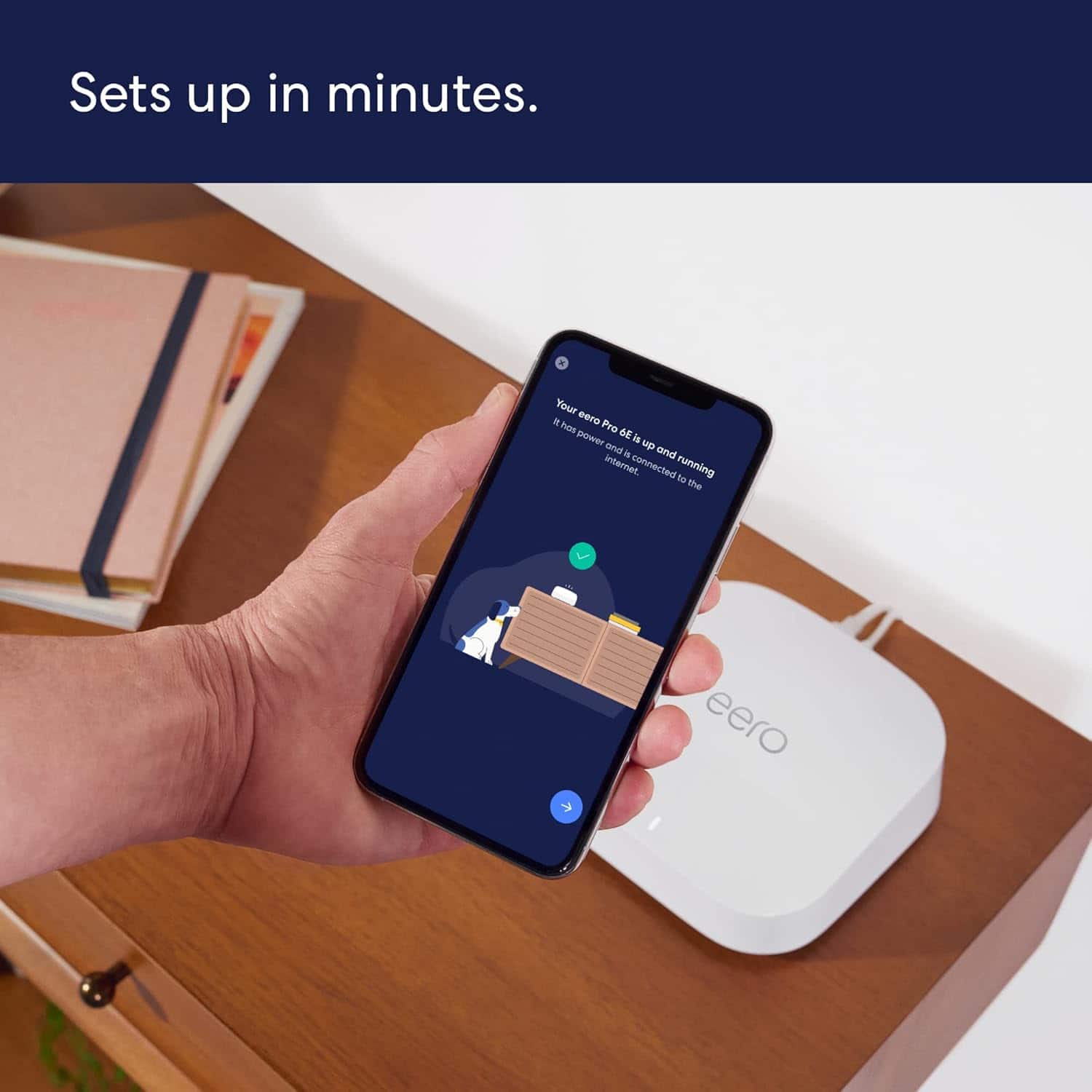
A:AnswerI'm not an expert by any means. However I recently replaced all of the smaller eero rental routers from Hotwire (we had 5 of them) with the Pro 6E Tri-Band Mesh wifi routers that we purchased from Best Buy. They were very easy to install and we now have a stronger system in our home. Note we needed a stronger system due to outdoor landscaping lights that are wifi driven as well as cameras, etc. Some of the lights are 50'+ from the house so we needed a good reach. And...yes you can just plug a new eero router into a power outlet and it should synch up.
A:Answereero works fine with the vast majority of Nest equipment. Most of Nest equipment needs a wifi signal which the eero will provide. However the Nest Wifi and eero do not work togther very well. When you setup the eero the head/gateway eero will be plugged into your internet source via an ethernet cable. This eero will make a wifi network. Other eero will connect to the gateway eero (wired or wirelessly) and broadcast the same eero wifi network. eero cannot wirelessly extend someone else's wifi.
A:AnswerYes, the head/gateway eero will still need to be able to get an IP address from the ethernet port it is getting internet access from, so you will need to go modem->piHole->headeero ->other hardwired eero (if any). The eero will do DHCP automatically once it is setup but you can put it into bridge by going to eero app->Settings->Network Settings->DHCP & NAT and putting that to bridge mode. While in bridge mode all the eero will ask for IP addresses via normal DHCP.
A:AnswerI would give eero support a call for assistance with this. You can find the number in the eero app->Settings->Troubleshooting (near the bottom of that screen for the number)