A:AnswerPlease make sure to contact us, the number is in the eero app under Settings->Troubleshooting and scroll down for Call Support, so we can check out the eero side to see if there is anything we can assist with.
A:AnswerAs long as the AT&T (or any ISP) provides you with access to the internet via an ethernet port the eero should work fine with it. We have quite a few customers who use AT&T
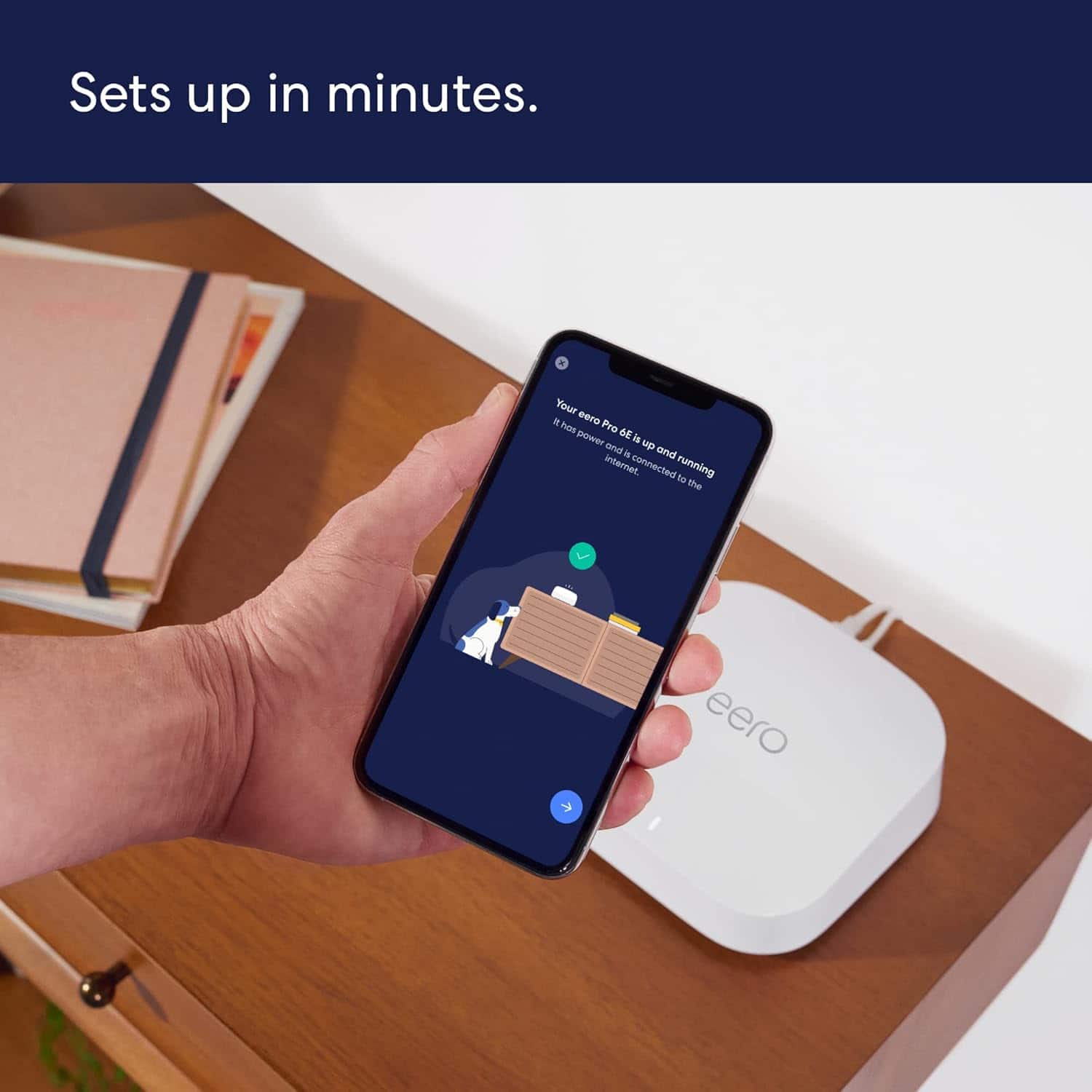
A:AnswerI connected the "base station" (the first of the eero 6s) directly into my modem with the ethernet cable and then set-up the wifi network from there-- no router needed. The eero app was straightforward and easy to use.
A:AnswerIt largely depends on the ISP. With most ISPs you can, even if the ISP requires PPPoE or VLAN settings. If you are getting phone or TV via Fios you do need to use their router.
A:AnswerYes but make sure the gateway is a Pro 6E. Any devices connected through your old nodes will be WiFi 5 and the new ones will be WiFi 6. Your mesh network will also have bottlenecks to lower speeds, so it would be recommended to use only new nodes for max output.
A:AnswerHi DM. Thanks for reaching out! eero has been tested for compatibility with most major Internet Service Providers in the United States. As long as you can connect your gateway eero Pro 6E to a modem or upstream device with an Ethernet cable, you should be able to set up and use eero. I hope this helps. Have a great day!
A:AnswerHi Jack. Thanks for reaching out about the eero Pro 6E. eero devices receive guaranteed software security updates until at least five years after the device is last available for purchase on our websites. I hope this helps. Have a great day!
A:AnswerHi Dwilliamson. Thanks for reaching out! The eero Pro 6E system is compatible with cell boosters. Once you've setup your eero network, you'll connect the AT&T Cell Booster to your eero via Ethernet. I hope this helps. Have a great day!
A:AnswerHi Roberto11,
Yes, the Eero Pro 6E works with Starlink, you will just need the Starlink Ethernet Adapter to connect the systems.
I hope this answers your question!
A:Answeryes you can set it as static instead of dhcp. you can also put it in bridge mode so that your router assigns the wireless addresses which will make your wired and wireless one big network. this is desireable if you want to print from a wireless device to a wired printer.
A:Answeryes it works with xfinity, if you put it in a window it will reach 150ft outdoors for sure but a better solution is to add the eero outdoor module which will blanket your yard and even allow a point to point ethernet connection if needed.
A:AnswerYes — but — the only reason to keep ALL nodes is for warranty reasons. (Must return/exchange ALL if anything happens)
The only problem might be resetting devices/nodes (if already set-up = you must disconnect and reset within the APP/website @ names can't be changed independently along with chained nodes) IP ADDRESS might be easier than using the APP